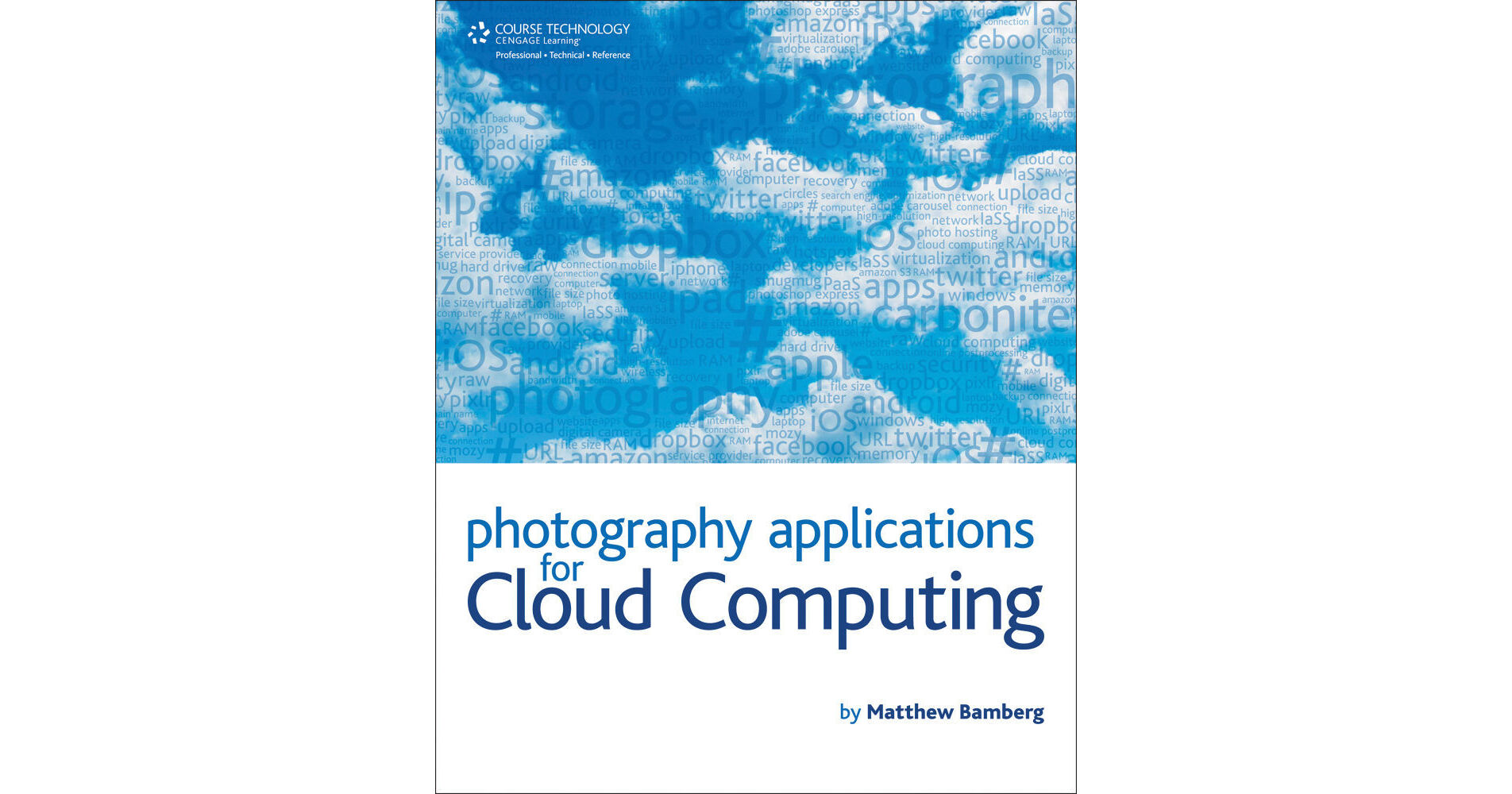
Photography Applications for Cloud Computing from Cengage will help you explore the cloud's capabilities of editing and storing your photos from any computer or mobile device. The book starts with the pros and cons of storing, organizing, editing, and sharing images with the cloud so that you can make an informed decision about cloud platforms, costs, access, and security. The book then takes you step-by-step through the cloud's hardware and software infrastructure, including its components and cloud terminology, showing you how to manage a large photography collection online from any computer or mobile device. The various available cloud platforms are explored and evaluated, including Dropbox, Adobe Revel, Photo Stream in iCloud, Mozy, Amazon Cloud Drive, and more. Special attention is paid to identifying how the platforms handle Raw, TIF, and JPEG photos for optimal access and security, including the maintenance of resolution throughout the uploading, editing, and saving process.
1. Understanding the Cloud
2. Cloud Infrastructure
3. Understanding Servers
PART II: CLOUD USE TODAY
4. Services for Photographers
5. Cloud Desk-Top Hybrid
6. Cloud Platforms
PART III: CLOUD CHALLENGES
7. Speed
8. Access
9. Security
10. Hackers
PART IV: CLOUD ACCESS
11. WiFi Access
12. Cellular Network Access
13. Accessing Other Computers
14. Network Access
15. Creating Hotspots
PART V: CLOUD CAPACITY
16. Photography File Types and Sizes
17. Comparing Storage Costs
PART VI: BACKING UP IN THE CLOUD
18. Moving Files from Computer to Cloud
19. Backup Locations
20. Automatic Back-up
PART VII: STORING AND ORGANIZING FILES IN THE CLOUD
21. Services for JPEG files
22. Services for Raw files
PART VIII: POST PROCESSING IN THE CLOUD
23. Adobe Photoshop Express
24. Pixlr Step-by-Step
25. Picnik Step-by-Step
PART IX: PRINTING IN THE CLOUD
26. Google "Cloud Print" Mobile Gmail
27. iCloud
28. Compatible Printers