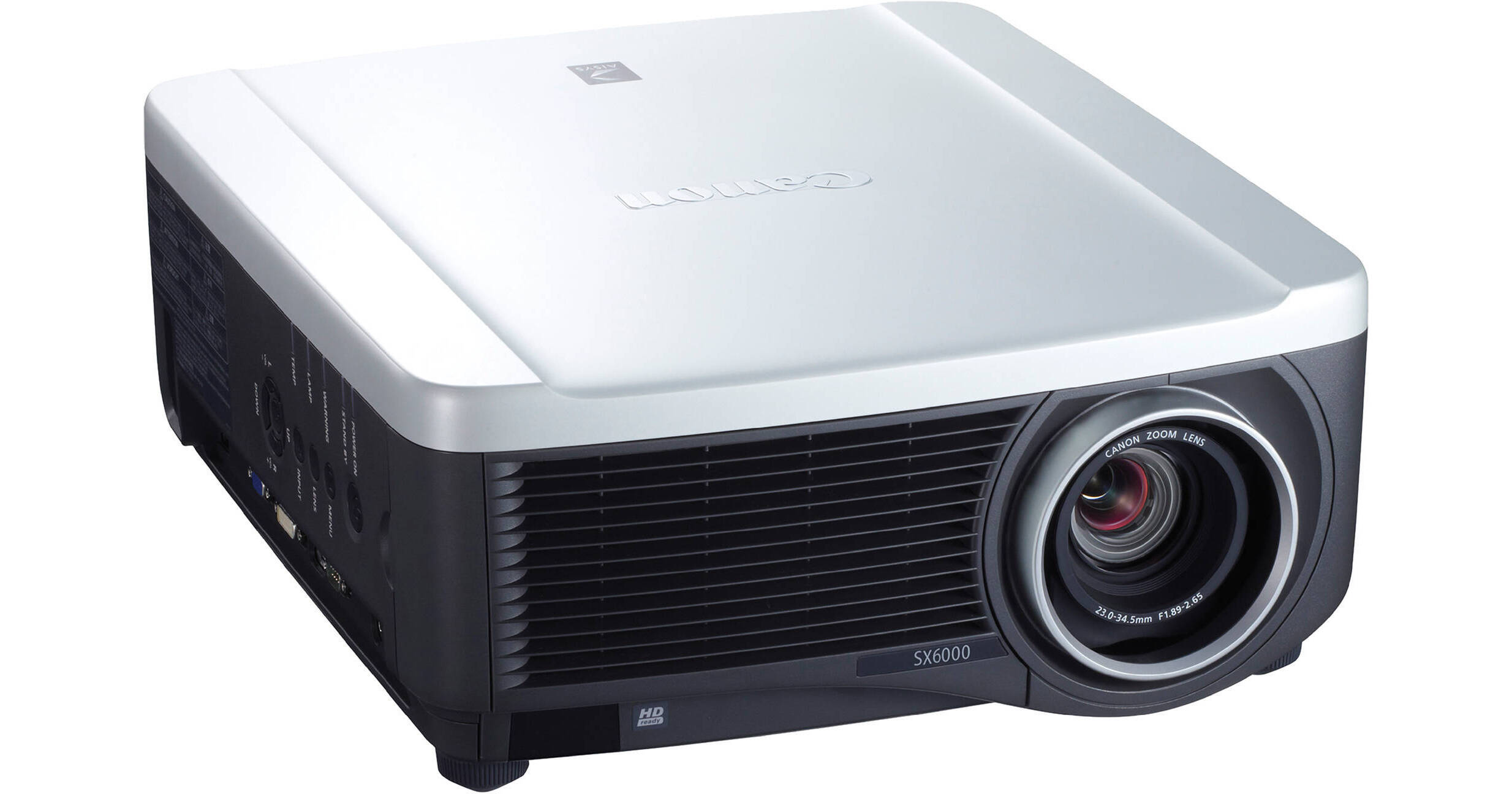
The Canon REALiS SX6000 Pro AV supports a 4:3 aspect ratio display of imagery from laptop and desktop computers - and from Blu-ray players and other HD sources connected via HDMI or DVI-I. The projector is equipped with three innovative LCoS (Liquid Crystal on Silicon) display panels, which support a 96% pixel-spacing aperture ratio for seamless imagery. Plus, the projector is enhanced by Canon's AISYS (Aspectual Illumination System) optical technology (v4.1).
The REALiS SX6000 Pro AVdisplays 6000 Lumensof brightness for video and still images at SXGA+ (1400 x 1050) resolution. Other features include advanced imaging technologies with better white balance, improved reliability, improved durability and impressive energy efficiency. It also supports advanced color tools including 6-axis Color Adjustment, Color Correction IC and 3D Color LUT. These color tools also help provide high color reproducibility and friendlier user control.
Ultra Wide Angle Lens (RS-IL03WF) Down 5% - Up 5%, Left 10% - Right 10%
Standard Zoom Lens (RS-IL01ST): Down 15% - Up 55%, Left 10% - Right 10%
Long Focus Zoom Lens (RS-IL02LZ): Down 15% - Up 55%, Left 10% - Right 10%
You can be virtually assured that the REALiS SX6000 Pro AV can be optimally placed, and since lens shift doesn't degrade the image the way digital keystone correction can, the extraordinary quality of your projected images is not compromised
Standard: Emphasizes white tones and is best suited for text-based computer screens or moving images projected in a bright room (PC / Component Video)
Presentation: Works well for PowerPoint and similar slide presentations in a bright room (PC)
Dynamic: Can be chosen for moving images in a bright room (Component Video)
Vivid Photo: Best for situations in which color and sharpness are the priority, in a somewhat darker room (PC)
Photo/sRGB: Conforms to sRBG standards and will accurately project images shot by an sRGB-compatible digital camera (PC / Component Video)
Video: Selected when viewing video in a somewhat darker room (Component Video)
Cinema: Allows the optimum presentation of moving images in a dim room, movie theater-type atmosphere (Component Video)
User settings are up to five user-selected combinations which can be stored in memory and which can be chosen as image modes (PC / Component Video). In addition, users can utilize advanced adjustment features to optimize the projector to their viewing environment.