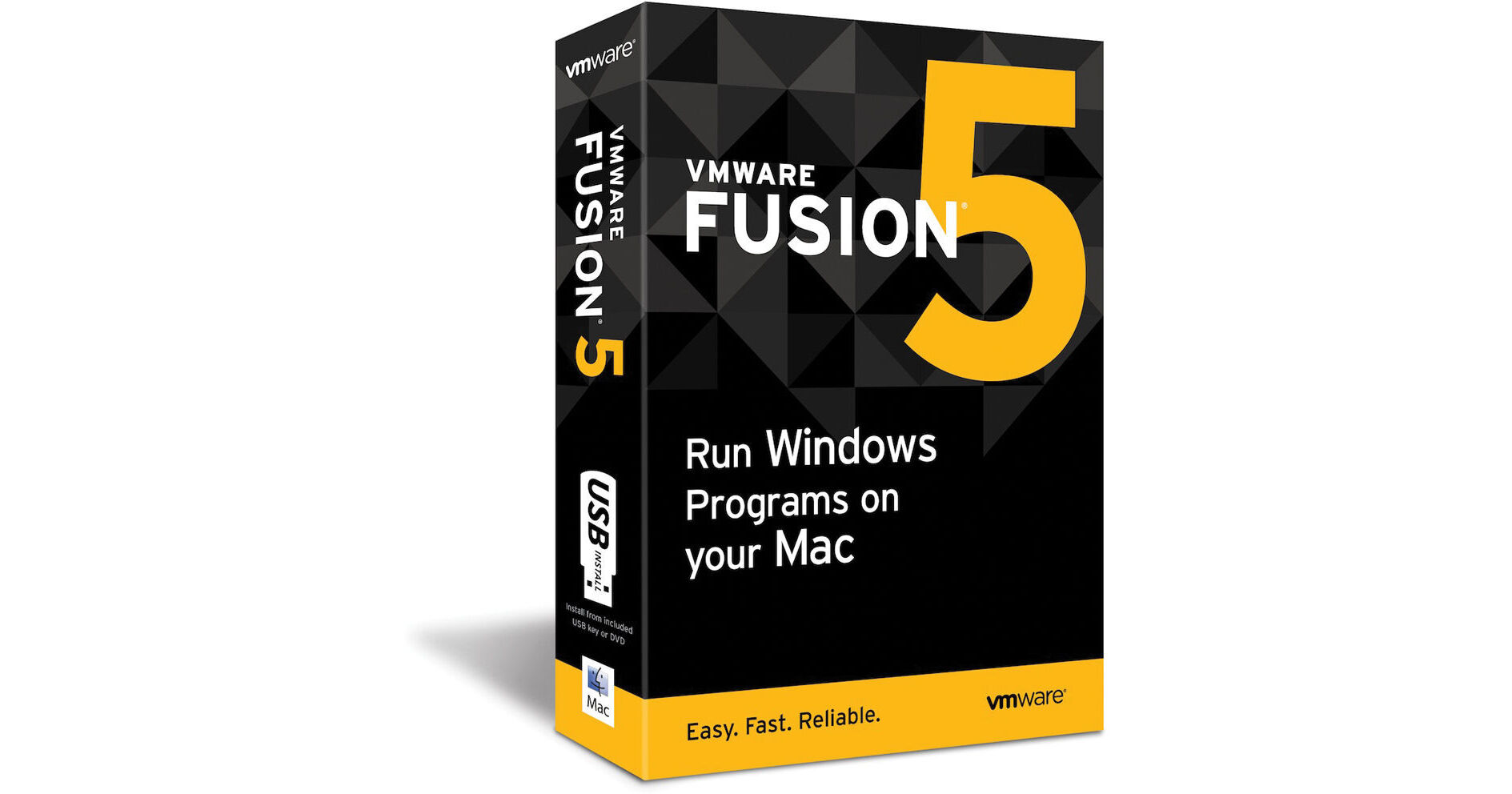
The VMware Fusion 5 Software for MAC OS X (English) is a software package for Intel Macs that allows you to configure and run virtual machines from within Mac OS X. It is optimized to work with Mountain Lion, Windows 8 and the latest Macs to deliver the ultimate Windows on Mac experience. It comes loaded with more than 70 new features including better performance, faster graphics and an enhanced UI geared for productivity.
VMware Fusion enables you to transfer your entire PC to your Mac with VMware Fusion's PC migration assistant for Windows. Have access to your Windows programs and all your files from your old PC directly on your Mac. This software's easy install feature enables you to run Windows XP, Windows Vista, Windows 7 or Windows 8 alongside Mac applications without rebooting. Windows programs like seamless copy-and-paste, drag-and-drop and networking-and-printing do not require any additional setup. It is also compatible with Windows-only programs like Microsoft Project, Access and Internet Explorer.
VMware Fusion 5 is reliable to develop and test new applications for Mac and iOS. It supports OS X Mountain Lion in a virtual machine, enabling you to run OS X Mountain Lion, OS X Mountain Lion Server, OS X Lion and OS X Lion Server in virtual machines. Now experience your Windows programs like Mac applications in Unity mode and use OS X gestures to toggle between full screen Windows and Mac applications.
You can add Launch Windows programs directly from the Dock, Spotlight or Launchpad and view them in Exposé, Spaces and Mission Control as if they were Mac applications. The software enables you to easily interact with Windows programs using Mac shortcuts and intuitive gestures. VMware Fusion 5 enhances the way you experience Windows applications on a Mac. From the new Virtual Machine Library with Retina Display optimized thumbnails and a new "Finder style" list view, to 1-click snapshots, everything has been enhanced to provide users with a more powerful way to experience Windows on a Mac.
View Windows like you've never seen it before with Retina Display optimization for a crisp and detailed experience of your Windows programs.