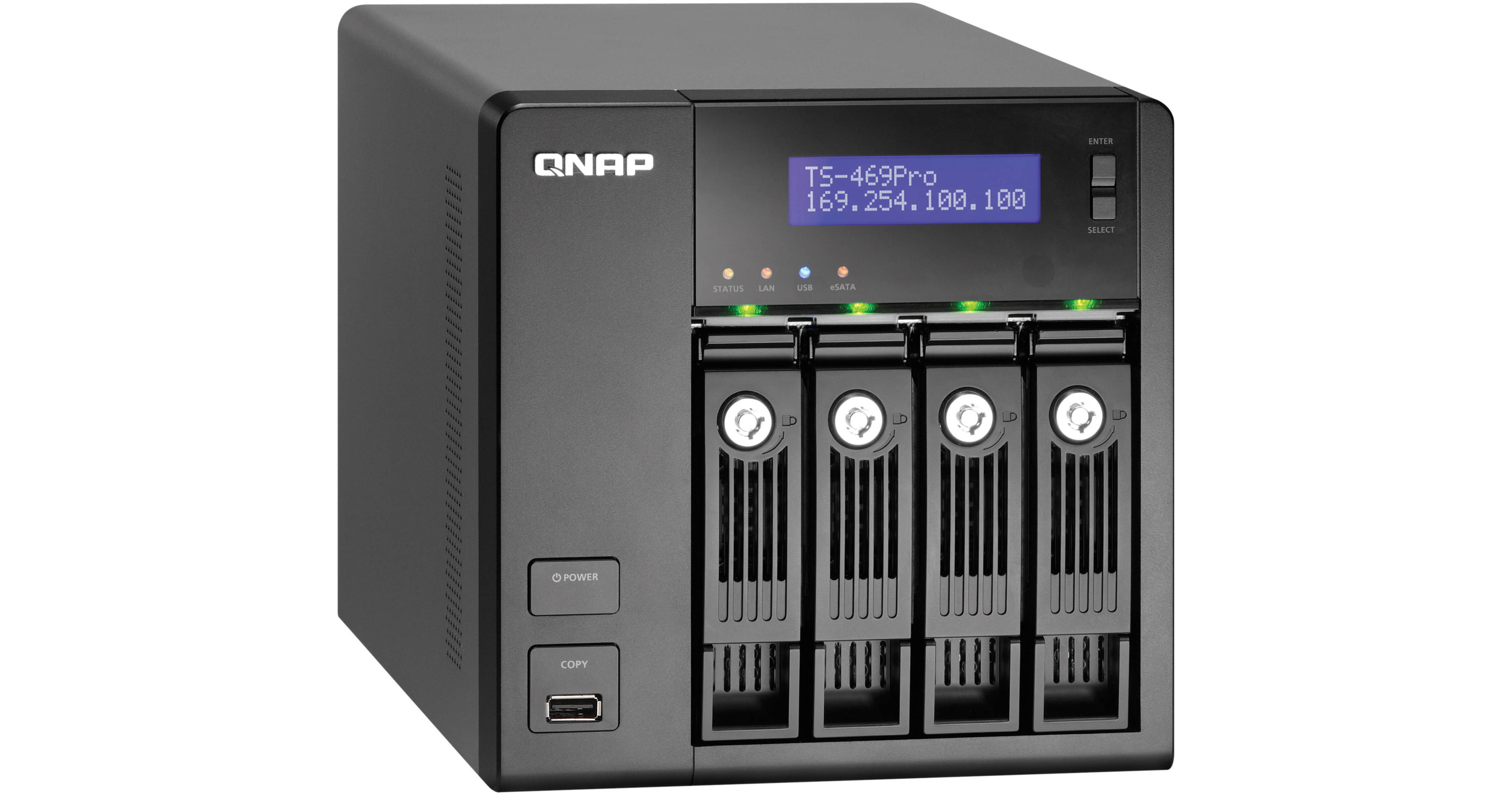
The TS-469 Pro 4 Bay Turbo NAS Server for SMBs from QNAP is an all-in-one NAS server with exceptional performance that can meet the storage requirements of modern SMB IT environments. It features a secure cross-platform file sharing for Windows, Mac and Linux/UNIX users. The NAS server also has an iSCSI or IP-SAN storage combo solution and a number of versatile, value-added business applications. It has a well-rounded set of backup solutions, which helps critical business information to be safely protected against unexpected data loss. The NAS server is an ideal shared storage solution for virtualized and clustered environments. It is VMware-ready and Citrix-ready certified. This also has proven compatibility with Microsoft Hyper-V environments.
The intuitive MyCloudNAS service simplifies the process of publishing content present on the Turbo NAS over the Internet and helps you create a private cloud in a few simple steps. The mobile app QMobile provides iOS or Android mobile device users with a convenient way to access the Turbo NAS live, on the go.
Deploying an appropriate IT environment with a reliable, affordable and expandable storage solution is very critical for any business. The ability to securely store, share and back-up digital assets has become one of the most important tasks for an SMB IT administrator. Choosing the right option will significantly enhance business productivity and offer a reliable disaster recovery solution in today's times, when downtime of any type affects profitability. The Turbo NAS is an all-in-one server that meets the storage requirements of modern businesses and workgroups that face the challenge of finding a robust storage solution that can scale with the exponential increase in digital content.
You can allow, deny or auto block specified IP address or network domain which attempt to connect to the Turbo NAS via SSH, Telnet, HTTP(S), FTP, Samba or AFP.
•Remote Login:
The Turbo NAS supports remote login via SSH (secure shell) or Telnet connection.
•SSL Security (HTTPS):
It supports HTTPS connection. You can upload a secure certificate and RSA private key in X.509PEM format issued by a trusted provider to allow access to the NAS server via secure SSL login.
•Secure FTP:
The NAS server offers secure data transfer with SSL/TLS (explicit) encryption. Passive FTP port range setup is also supported.
•Encrypted Remote Replication by Rsync:
The data on the NAS server can be backed up to or from another Turbo NAS or Rsync server over the network securely.
•Shared Folder Management:
You can choose to hide or show selected shared folders of the Turbo NAS on Windows network.
•User Authority Management:
By uploading the batch files in TXT or Excel CSV format to the NAS server, you can create multiple users and specify their password, quota and user groups.
•VPN Server:
You can build up a private network with QNAP VPN Server support and allow inbound access by Windows, Mac, Linux and even iOS and Android devices. The connections are secured up to 256-bit encryption.
The Turbo NAS features USB 3.0 ports for high speed backup to external hard drives. EXT3, EXT4, NTFS and HFS+ file systems are supported to ensure compatibility with Windows, Mac OS X and Linux operating systems.
The Turbo NAS provides seamless file sharing across Windows, Mac, Linux and UNIX platforms. It also supports WebDAV for easy access to shared folders via HTTP/HTTPS protocol remotely.
•FTP Server:
You can establish an FTP server with the Turbo NAS and share files conveniently with colleagues or customers.
•Backup Center:
The Turbo NAS offers a centralized backup center for Mac users using Time Machine and Windows users using QNAP QBack utility.
•Web Server:
You can host multiple websites on the Turbo NAS with the built-in web server and virtual host feature.
•RADIUS Server:
The RADIUS server centralizes and consolidates user authentication by maintaining a list of user accounts that are authorized for remote network access through dial-up equipment, Wi-Fi access point or VPN connections.
•Syslog Server:
The Syslog server feature allows you to collect and store the logs of other network devices on the Turbo NAS. This helps to monitor the status of these devices and troubleshoot problems when necessary.
•Printer Server:
The Turbo NAS offers printer sharing over the network and remote printing over the Internet via Internet Printing Protocol (IPP). Print job management and Bonjour printing for Mac OS X are also supported.
•Surveillance Station:
You can use the Turbo NAS to manage the connected IP cameras and set up a video surveillance system with comprehensive monitoring, recording and playback features.
•IPv6:
The Turbo NAS supports IPv6 (Internet Protocol Version 6) which makes the NAS a dual-stack IP host running IPv4 and IPv6 at the same time.
•VPN Server:
The VPN (Virtual Private Network) service allows you to access the NAS and other resources on the same local network from the Internet. Qnap VPN Server supports both OpenVPN and PPTP with a very intuitive UI. MyCloudNAS service and Auto Router Configuration are integrated with QNAP VPN Server. You can access all services provided by the Turbo NAS remotely and securely with just a few clicks.
•LDAP Server:
For businesses which need directory service, Qnap LDAP Service provides a cost effective alternate from Windows ADS. You can turn the Turbo NAS into a LDAP server and centralize the user privilege management.
•Software Expansion via QPKG Center:
You can maximize the usage of the Turbo NAS by installing an additional QPKG software add-ons developed by users in QNAP's worldwide community.
Configure the SMTP server, SMS server and Windows Live Messenger account settings on the Turbo NAS in order to receive instant system warning or error messages via email, SMS and instant messages.
•SNMP (Simple Network Management Protocol):
Collect the information, warning or errors of the Turbo NAS and send warnings up to 3 SNMP servers for centralized management and real-time monitoring.
•S.M.A.R.T. & Advanced Hard Drive Health Scan (HHS):
Self-Monitoring Analysis and Reporting Technology (S.M.A.R.T.) helps to monitor the hard disk status. Additionally, the Turbo NAS supports Hard Drive Health Scan (HHS) for disk checking and bad blocks scanning.
•Failover:
The LAN ports of the Turbo NAS can be configured in failover mode that allows it to sustain the failure of one network port and provide continuous services.
•Load Balancing:
The LAN ports of the Turbo NAS can be configured in load balancing mode for bandwidth aggregation to boost file transfer speeds. It works with managed Ethernet switch with 802.3ad configured.
•Multi-IP Settings:
The Turbo NAS can be deployed with multiple different IP settings for sharing among different workgroups in two different subnets.
•FTP/SAMBA Testing Environment: Intel Core i7-2600, 3.40 GHz, DDR3 1600 Hz 16 GB, Microsoft Windows 7 Professional 64-bit ZyXEL GS-2024
•FTP/SAMBA Testing Method: Connect the Turbo NAS and PC to switch, upload/download 5 GB file without Jumbo Frame, FTP Tool: FileZilla
Enable this option to power on the Turbo NAS remotely by Wake on LAN
•Hard Drive Standby:
Configure the hard drives to enter standby mode if there is no drive access within the specified period.
•Scheduled Power on/off:
The flexible scheduled power on/off feature is present for you to manage the up time of the Turbo NAS according to the working hours. You can set the time for automatic system power on, power off or restart on any days of the week.
•UPS Support:
The Turbo NAS supports USB UPS devices (USB/HID UPS supported) to allow users to store the data in time and avoid critical data loss when power outage occurs during data transfer. Network UPS allows multiple Turbo NAS servers on the same physical network to be protected by a single UPS via receiving UPS notification on abnormal power supply.