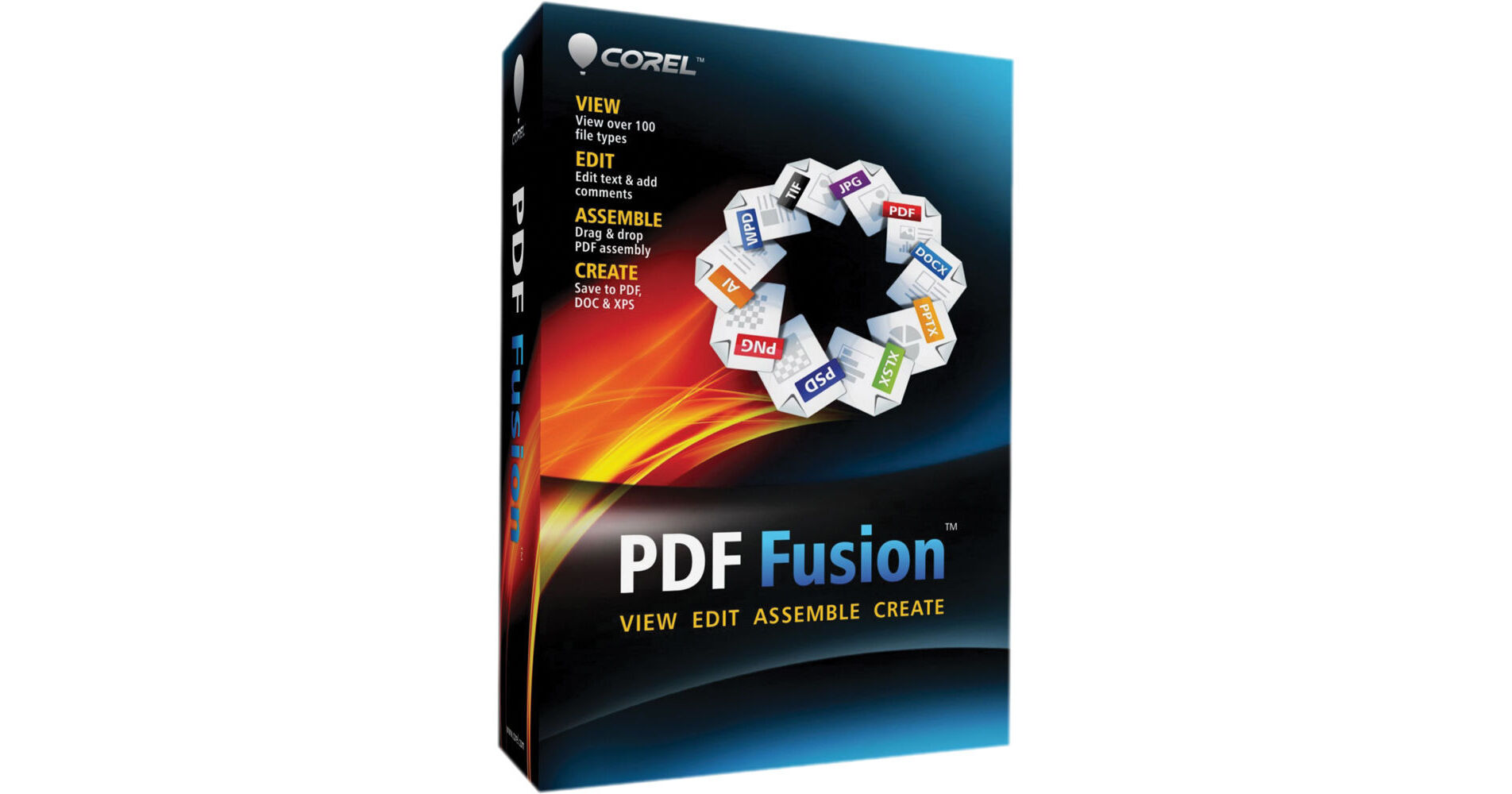
The PDF Fusion for Windows from Corel is an all-in-one PDF creator that lets you view, assemble, edit and create PDF files. It allows you to view more than 100 different file types just by dragging and dropping them into the Welcome Screen. You can also extract pages from multiple files, including documents, spreadsheets and presentations and combine them into a single PDF to share with anyone. Furthermore, you can save time by easily re-purposing content, instead of retyping, or cutting and pasting. The PDF Fusion also allows you to add new text, bookmarks and comments as well as convert files to PDF, XPS and DOC formats with just a click.
View Over 100 File Types
Open over 100 file types including Microsoft Word, Microsoft Excel, Microsoft PowerPoint, Adobe Illustrator, Adobe Photoshop, Microsoft Visio and many more, even if you don't have the required software to create the file
Choose from page, assembly or flick views to work with your document
Choose from page, assembly or flick views to work with your document
Assemble New Documents with Ease
Drag and drop to easily add content from multiple sources including documents, spreadsheets, presentations and images into a single PDF package to share with anyone
Quickly assemble new documents using pages from existing material
Export and email PDF documents
Convert to PDF or XPS
Quickly assemble new documents using pages from existing material
Export and email PDF documents
Convert to PDF or XPS
Edit and Rearrange Content
Just select a phrase or sentence and start typing to make changes
Edit or add text anywhere in a document
Easily add bookmarks and comments
Mark up documents using highlighting and sticky notes
Redact sensitive information and save securely
Add watermarks
Insert hyperlinks to other pages in your document, other files or websites
Rearrange, rotate or crop pages
Edit or add text anywhere in a document
Easily add bookmarks and comments
Mark up documents using highlighting and sticky notes
Redact sensitive information and save securely
Add watermarks
Insert hyperlinks to other pages in your document, other files or websites
Rearrange, rotate or crop pages
Create Files in PDF, DOC and XPS Formats
Create new PDF documents from within any application that can print
Organize and send related files in a single PDF package
Convert multiple files at once with the Corel PDF Batch Converter
Organize and send related files in a single PDF package
Convert multiple files at once with the Corel PDF Batch Converter