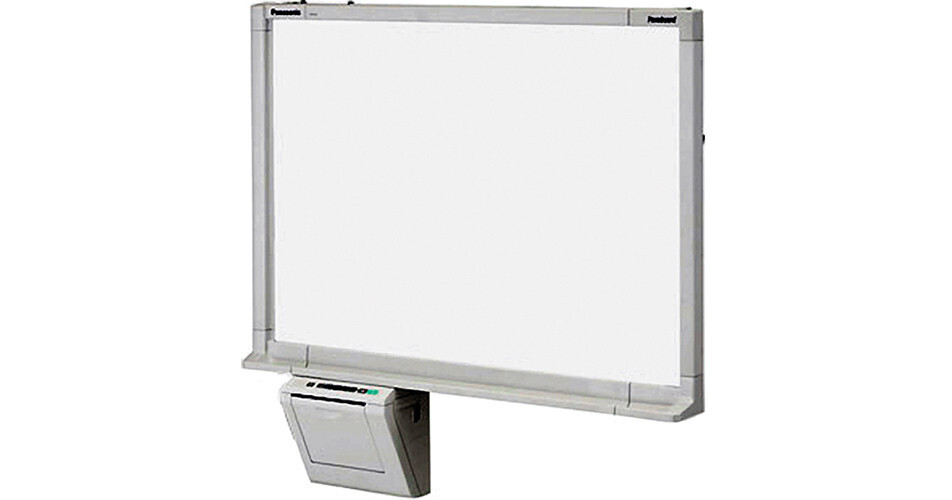
The 50" Electronic Whiteboard with Built-In Monochrome Printer & USB Port from Panasonic allows you to simply print your notes or directly save them as a PDF/TIFF file on a PC or USB flash memory device. This makes meetings more efficient by eliminating the time spent on hand writing notes. The low-profile whiteboard body saves space and the control panel is easy to use. Plus, the Electronic Whiteboard is designed to consume as little energy as possible, even when the unit is in standby mode.
Share and Save Meeting Notes with a PC and Projector: Panaboard Overlay Software allows you to utilize a projector to display information from your PC onto the whiteboard while allowing you to write notes on the board. When the meeting's finished, you can save these handwritten notes from the electronic whiteboard to your PC, which can then be merged with the projected image displayed from your PC as a PDF/TIFF file. Documents created with the Panaboard Overlay Software can then be easily distributed to all meeting participants, eliminating the need for handwritten notes.
Note:
Panaboard Overlay Software can be downloaded from the Panasonic website.
Scan and Save onto a PC: Save handwritten notes from the whiteboard directly onto a PC by simply using a USB cable to connect the whiteboard to a PC. No software or device drivers required.
Note:
USB to PC cable sold separately.
Scan and Save onto a USB Flash Memory: You can digitally save information written onto the whiteboard directly to a USB flash memory device.
All Controls Are Accessible via the Control Panel: The large control panel of the UB-5335 is designed for maximum ease of use. The power key is also located on the control panel, making all operations possible right from the panel.
Auto Power Off Function: The power automatically turns off if the unit is not used for approximately 1 hour after being in standby mode. This helps reduce energy costs if the last person forgets to turn off the power switch.
Note:
Approximately 0.5W of electricity is consumed even if the power is turned off. The Auto Power Off function can be disabled by the key operator. Also, certain device conditions may prevent the Auto Power Off feature to be activated.
Only 2.8" Thick for Easy Wall Mounting: The Electronic Whiteboard is designed to blend nicely with any office interior, and the slim board, which is approximately 2.8" (7.11 cm) thick, allows for easy wall mounting.
Easy-to-Clean Pen Tray: A gently curved edge makes it easy to clean marker debris.