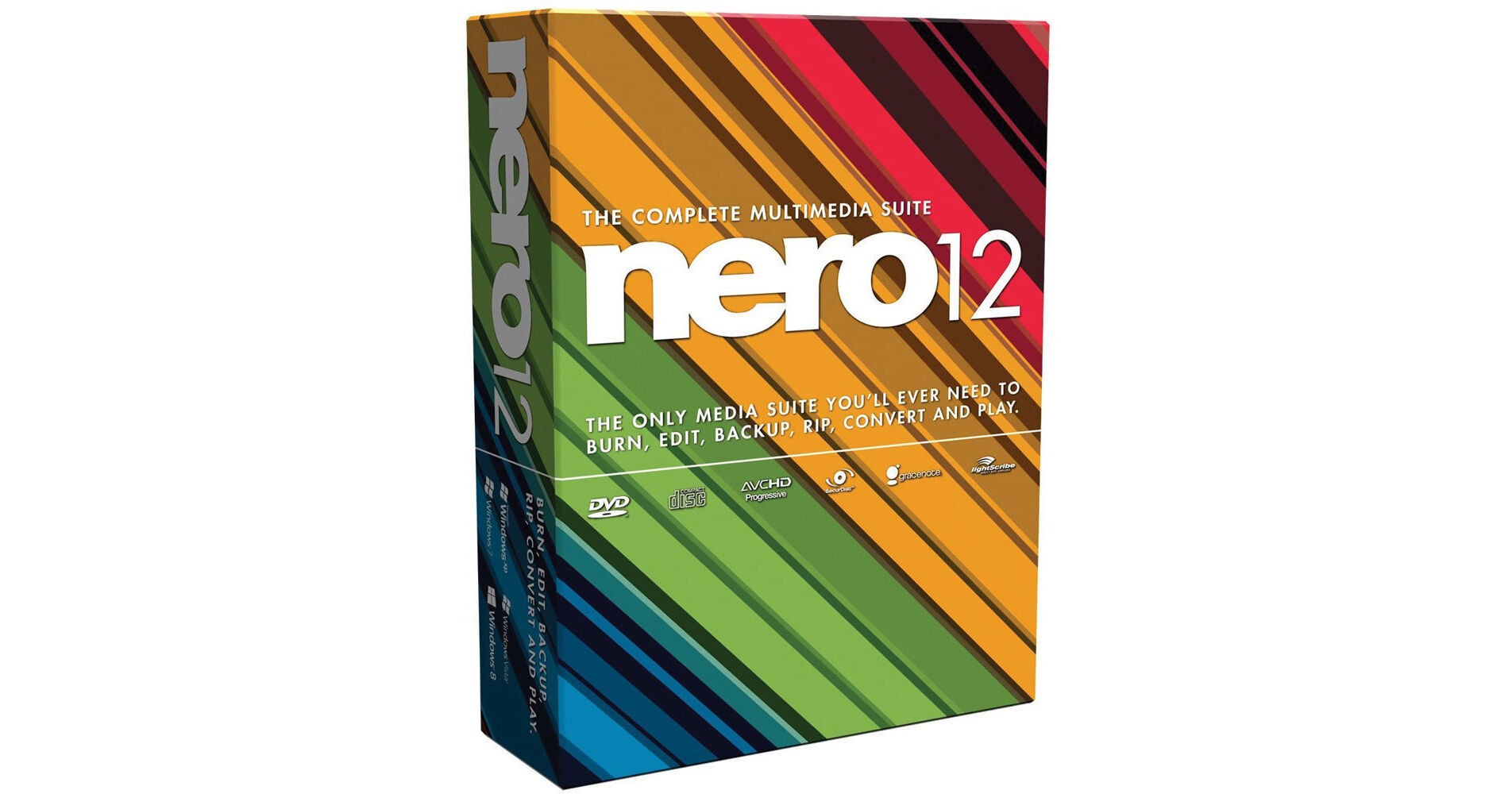
Nero's Nero 12 uses the latest high-quality video formats to convert, edit and burn your movies. Stream and enjoy your HD movies, music and photos on an expanding list of devices in your home.
In addition to increased speed and improved usability, Nero 12 provides support for an ever-expanding list of cross platform devices. With the added profile support for latest smartphones and tablets, you can now do high quality transcoding for Kindle Fire HD, Windows 8 Tablet, Windows 8 Pro Tablet, iPad with Retina Display, iPad Mini, Windows 8 Phone, iPhone 5, iPod Touch 5G, and iPod Nano 7G.
Match slideshow to music and match music to project allow easy creation of photo and video sequences with intelligent music track duration management, including fade-ins, fade outs, and looped sections. Slideshows in Express and Advanced Mode can automatically be matched to music duration and music can be matched to project (photos and videos) duration.
Nero 12 makes it simple to stream photo albums, slideshows, music playlists and more to different devices in your home. Create your projects or compilations only once, then stream them to your XBOX 360, PS3, iPad, Android tablet, PC, digital media adaptor, streaming-enabled TV, or other DLNA- or UPnP-supported devices.
With Nero 12, you get one media player that can handle all of your video and audio discs and files.
Nero 12 supports the latest AVCHD Progressive video (50p/60p) format so you can do just about everything with your HD videos. Import, edit, export or rip them easily.
Nero 12 supports virtually all the latest video formats, including AVC/264, MKV, MP4, 3GP, AVI and many more.
Impress your friends and family with your amazing-looking home movies. Hundreds of easy-to-use video effects, templates themes and disc menus in Nero 12 give you everything you need to show off your skills.
Choose from dozens of menu templates, navigation options, graphics and text to create Hollywood-caliber Blu-ray Discs or DVD-Video discs that you can watch with any standard DVD or Blu-ray Disc player.
Digitally preserve all the VHS tapes, vinyl albums and cassette tapes you have collected over the years. Store them as files on your PC, or burn them to CDs, DVDs or Blu-ray Disc. (Requires A/D capture card, not included. Requires sound card, not included.)
Rest assured that your most important data - from financial records to irreplaceable photos - is routinely backed up and secure. It takes only seconds to schedule an automatic backup with the Nero LIVEBackup feature in Nero BackItUp. Now, back up to hard drives larger than 2 TB and the latest-generation USB 3.0 storage devices. Plus, Nero BackItUp can discover and automatically configure your NAS device.
Automatically span large files efficiently across multiple CDs, DVDs or Blu-ray Discs™ with the all-new Nero DiscSpan SmartFit feature. You can even use discs sparingly by combining disc types automatically.
When you upgrade to Nero 12, you can download Nero CoverDesigner, Nero SoundTrax, Nero WaveEditor, and many other useful tools - all for free.
It's never been faster or easier to get the results you want than with Nero 12. Hundreds of performance improvements include hardware accelerated video encoding and a split installer that lets you get up and running in 5 minutes. Plus, quickly find and use precisely the photo, song or video clip you want in any project.
Don't make the leap to Windows 8 without Nero 12 or you may lose out on DVD and Blu-ray Disc playback on your PC, DVD recording and TV capturing. Thinking of waiting awhile before you upgrade your OS? Not to worry, Nero 12 works perfectly on Windows 7, Windows Vista and Windows XP, too.
You no longer have to worry about which media player for Windows you need to play your favorite movies and music in the highest possible quality. You simply need one - the media player in Nero 12.
Choose the perfect look for holidays, family events, sports and even all-new Retro Film Themes. Once you create a photo video slideshow, you can even burn the photo slideshow to DVD or Blu-ray Disc, or upload them to Facebook or YouTube, so your family and friends can enjoy them too.