Learn from B&H Experts
From Manufacturer
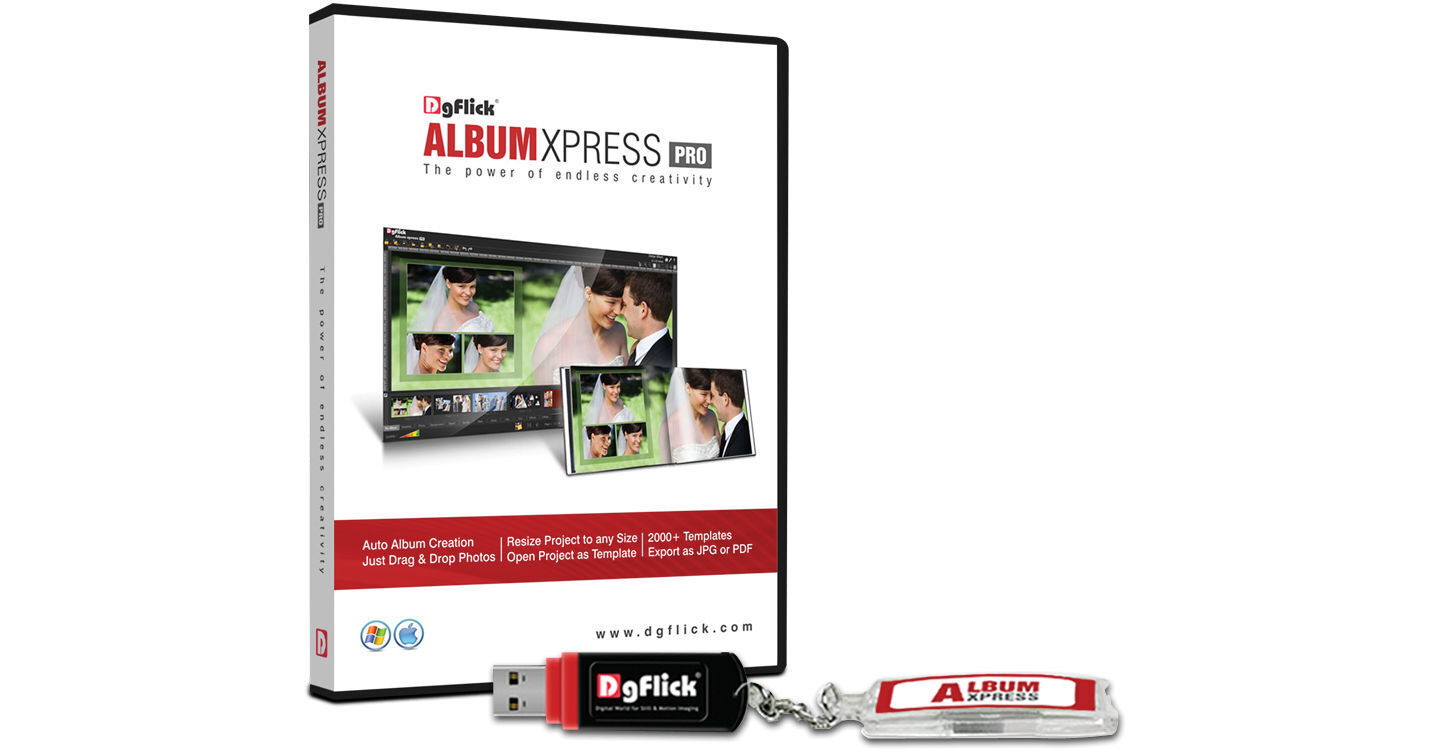
Album Xpress PRO Software from DgFlick is a stand-alone photo-editing and album creation program delivered on a USB dongle. It provides an intuitive user interface and access to 1700 built-in and over 300 free downloadable templates, with an advanced template search. You can also create and share your own template. Enjoy a wide selection of décor, including backgrounds, frames, masks, shapes, clip art, titles and presets. You can easily perform Auto Resize on albums to make them any size. Also take advantage of the Auto Collage feature and online photo cropping. Additionally, the Auto Insert Images feature allows images to be automatically selected from a folder that's selected, and then inserted in the desired location.
As far as editing is concerned, Xpress PRO's tools let you perform basic color correction, in addition to more advanced fixes and enhancements via the following effects: Lasso, Chroma, Touch-up, Highlighter, Eraser and Filters. Enjoy 200 filter effects. Benefit from third-party plug-in support, as well. The software also has an auto album save and recovery feature, in case of system malfunctioning. Your project can be exported to JPEG, PDF, Layered PDF or Low Resolution PDF. Enjoy a lifetime of free upgrades. The Album Xpress Pro software is multi-lingual and compatible with Windows and Mac operating systems.
- Installation
- Registration
- Introduction To Album Xpress
- Preference & Help
- Know Ready Categories & Sizes
- Create, Edit & Delete Category & Size
- Manage Your Photos
- Create Perfect Album With Custom Size
- Creating an Eco Album
- Auto Album Creation
- Manual Album Creation
- Edit Photos
- Create Collage
- Save Album With Backup
- Save, Build, Share & Delete Template
- Get More & Import
- Open Project & Resize Project
- Open Project as Template
- Export To Print