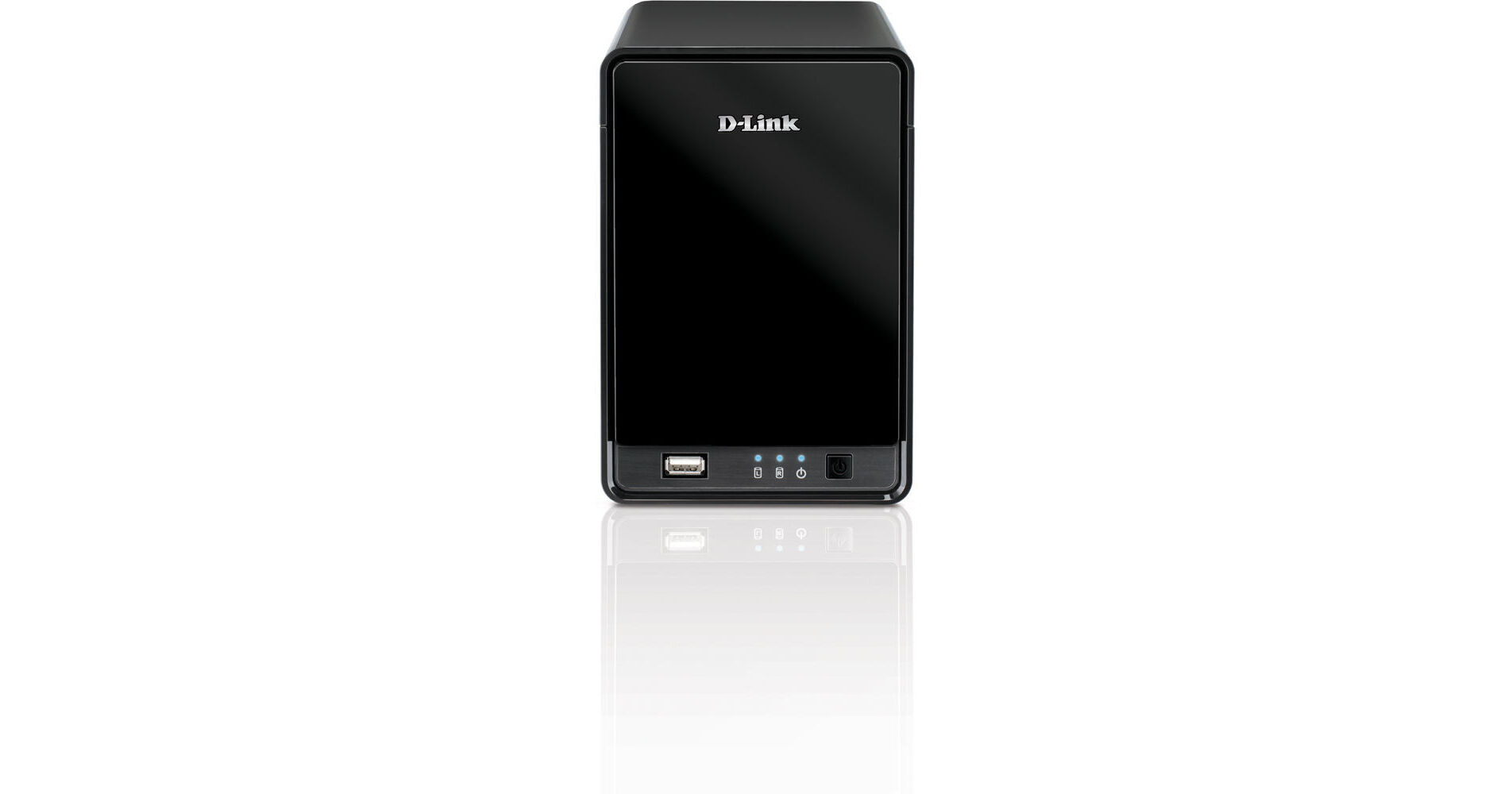
The DNR-322L mydlink Network Video Recorder from D-Link is designed to create a complete monitoring system for your home or small business. It is a standalone storage device that can record videos simultaneously from up to 9 network cameras (sold separately) without requiring users to turn on their PC. This device not only supports mydlink cameras but can be used to record footage from a range of D Link business cameras (sold separately). It is simple to manage and enables you to change the network settings to access the NVR (Network Video Recorder) from the Internet. You can set up this NVR by running the included installation CD, assigning your NVR to your mydlink account, or if you are a first time user, set one up. It will even automatically discover your D-Link cameras in your network for you.
The mydlink NVR is a suitable solution for small businesses or people that travel and need to leave their properties unattended for long periods of time.
The DNR-322L NVR supports the latest hard drive technology with room to add up to 6 terabytes of storage, enough for months of video recording. Using industry standard video compression options, the DNR-322LNVR packs in even more video for later retrieval or exporting. Advanced motion detection, email alerts, video backup and two-way audio provide good functionality. With 2 bays for standard, hard drives (sold separately), this NVR lets you choose the recording capacity that best suits your needs. For example, 2 4TB hard drives can store high-quality audio and video from 4 DCS-942L cameras for up to 6 weeks. This NVR can be set up to record only during certain periods of time such as night times or during the weekends, or based on motion detection, so the recording capacity can be extended much longer.
With the mydlink NVR, you have a variety of options for viewing and organizing on-screen camera footage. If multiple cameras have been set up in a property, it allows you to simply drag and drop videos from selected cameras to the viewing area. It clearly displays camera names and recording statuses for easy reference. It enables you to control PTZ (Pan/Tilt/Zoom) functions from within the interface or by directly clicking on the video. With the mydlink NVR, user accounts can be set up to limit access, or assign different access privileges for users by specifying the cameras they are allowed to access. For added security so as to protect business premises, this NVR enables recorded footage to be backed up to external storage on a different location. This NVR also includes the option to protect data using a RAID 1 configuration, which duplicates recorded video onto 2 separate hard drives to keep your videos safe, even if one of the hard drives fails.
The mydlink NVR interface allows for straightforward configuration including compression, resolution, and frame rate for all connected cameras. Once the cameras have been set up, it allows recordings to be made continuously, or according to a user-defined schedule. It also provides event recording based on specific triggers such as when motion is detected.
The mydlink NVR is part of D-Link GreenTM, D-Link's programme for providing eco-friendly alternatives without compromising performance. If the hard drives are not used in a configurable period of time, or data is not being transmitted, this NVR will enter stand-by mode to save power. Also, its silent fan will adapt its speed depending on the hard drives' temperature.