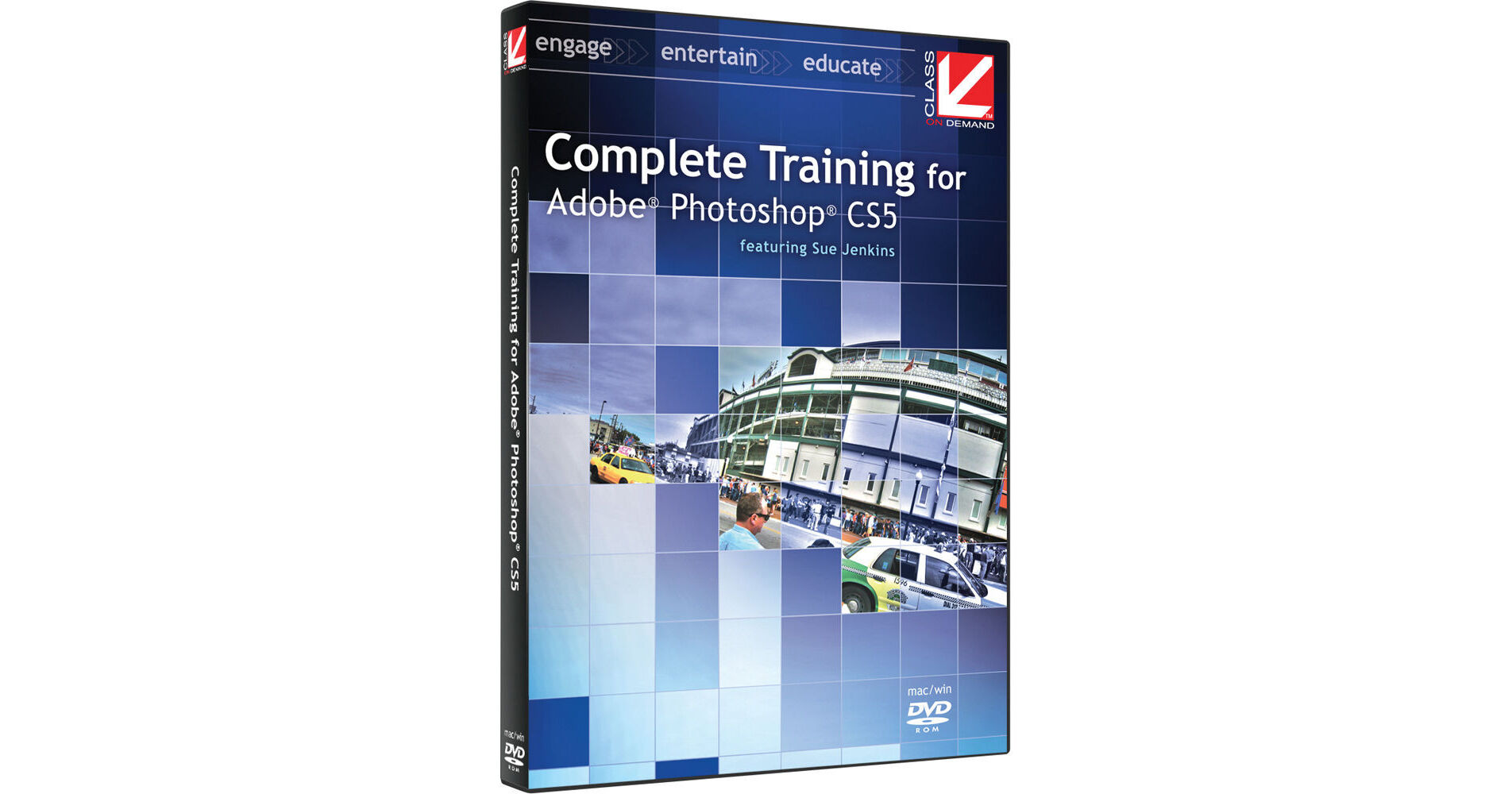
Complete Training for Adobe Photoshop CS5 from Class on Demand has seven sections, each with a focus on different aspects of using Photoshop. You'll start with an overview and learn how to use many of the tools; then you'll work with styles, adjustment layers, and layer masks; create web graphics and simple frames- and timeline-based animations; learn some retouching, editorial, and restoration techniques; discover how easy it is to create 3D effects from 2D text and artwork; and end with a section on special techniques, many of which are new in Photoshop CS5.
Lessons:
1.0: Photoshop Overview
1.1: Introduction
1.2: Workspace Overview
1.3: Working with Documents
1.4: Using the Layers Panel Effectively
1.5: The History and Actions Panels
2.0: Photoshop Tools
2.1: Introduction
2.2: Selection Tools
2.3: Transformation Tools
2.4: Paint Tools
2.5: Retouching Tools
2.6: Text Tools
2.7: Pen Tools
3.0: Styles, Adjustment Layers & Layer Masks
3.1: Introduction
3.2: Special Effects with Styles
3.3: Color, Gradient, and Pattern Adjustment Layers
3.4: Tonal Correction Adjustment Layers
3.5: Layer Masks
4.0: Web Graphics
4.1: Introduction
4.2: Creating Web Layouts
4.3: Optimizing Graphics for the Web
4.4: Using the Animation Palette
4.5: Favicons, Seamless Tiles, Batching, and Zoomify
5.0: Retouching Techniques
5.1: Introduction
5.2: Photo Retouching
5.3: Beauty Retouching with Liquify
5.4: Photo Restoration
6.0: Editorial Techniques
6.1: Introduction
6.2: Editorial Layout
6.3: Photo Compositing
6.4: Tilt-Shift Effect
6.5: 3D Effects
6.6: Image Distressing
7.0: Special Techniques
7.1: Introduction
7.2: Paste Into
7.3: Content-aware Scaling
7.4: Content-aware Fill
7.5: Puppet Warp
7.6: Warp Tool
7.7: Filter Gallery
7.8: Faux HDR
7.9: Lens Correction
7.10: Vanishing Point
7.11: Creating Panoramas
About the Instructor:
Sue Jenkins is a web and graphic designer, illustrator, photographer, teacher, and writer, as well as owner and creative director of Luckychair, a full-service web and graphic design studio serving businesses across the U.S. Sue has been a professional designer since 1997, is an Adobe Certified Expert and Adobe Certified Instructor teaching courses in Photoshop, Dreamweaver and Illustrator, and is the author of several books on Illustrator, Dreamweaver, and Web Design.