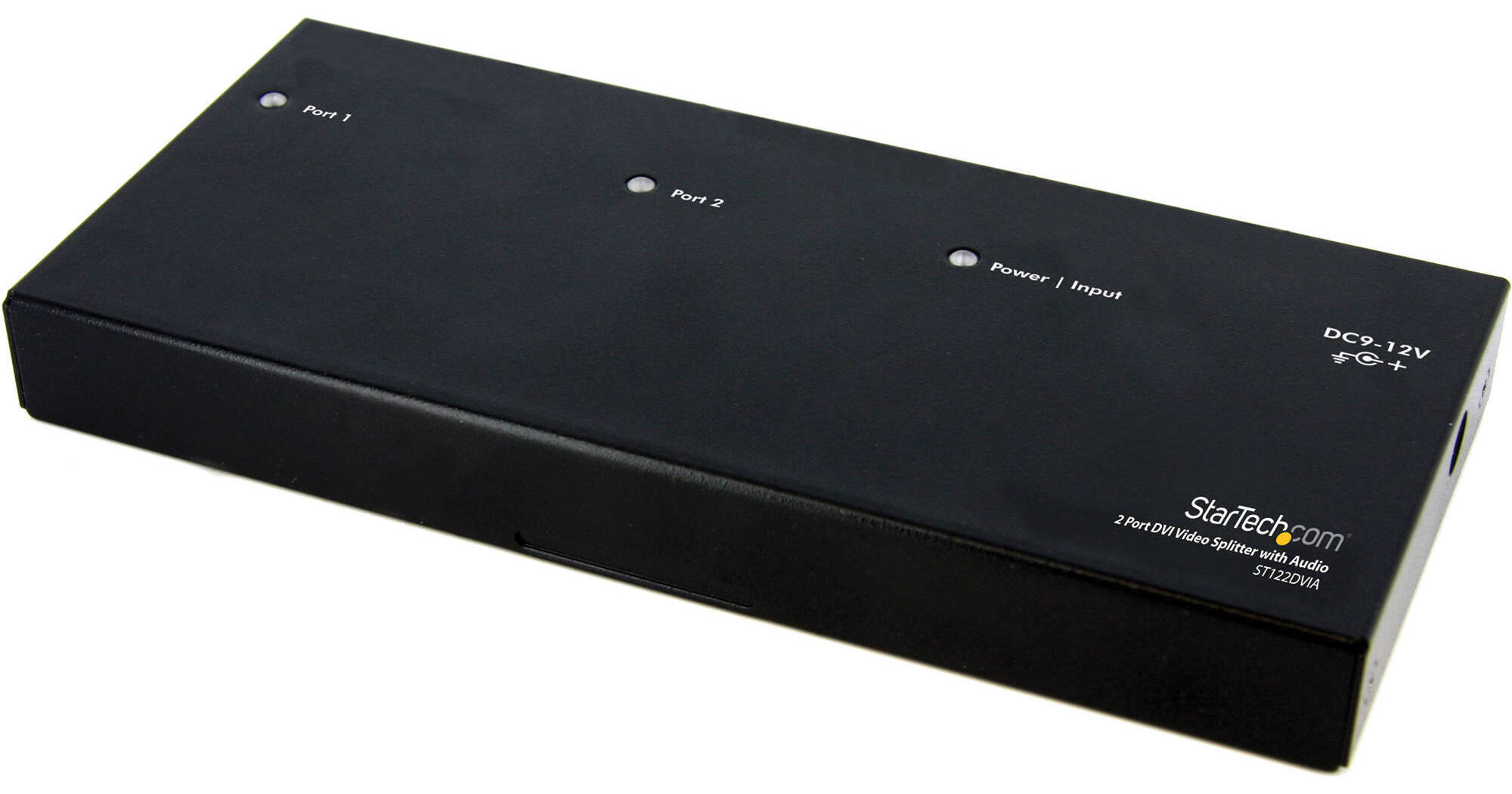
The ST122DVIA DVI Video Splitter from Startech lets you share 1 DVI video and audio source on 2 displays and acts as a signal amplifier that allows you to locate your DVI monitors up to 33' away from your computer or DVI signal source. With support for high definition resolutions up to 1080p (HDTV), or 1920 x 1200 (PC), the DVI splitter delivers a simple and convenient DVI video solution that suits virtually any application or operating environment like classrooms, healthcare applications, professional A/V, control centers, retail POS environments and more. The video splitter/distribution amplifier is easy to install, providing you with digital video that will help you get the most from your DVI-enabled monitors, projectors, or plasma screens.
Ask Our Experts800-606-6969
Hello, Log InAccount & Orders
Video Chat with a Pro Video Expert - Live
StarTech ST122 Overview
Doubles as an extender with a range up to 33' from your DVI source
Splits a DVI signal to display sharp digital images on 2 monitors with support for HD resolutions and stereo audio
Supports resolutions of up to 1920 x 1200 pixels @ 60 Hz
Split both video and 3.5mm analog stereo audio
DVI, and HDCP compliant for easier HD video distribution
Accurate and reliable reproduction of digital video signal, with no signal attenuation or distortion
Easy setup for a quick connection in minutes
Connect DVI projectors, monitors, large displays, and wall display systems for digital signage applications, ensuring content is delivered to your target audience
For use in tradeshows, POS retail, healthcare applications, transportation terminals, educational environment, houses of worship and more
UPC: 065030839563
StarTech ST122 Specs
Hardware
| Inputs | |
| Outputs | |
| Output Signal | |
| Standards |
Performance
| Distance | |
| Resolution |
Indicator
| LED Indicator |
Power
| Output Voltage | |
| Output Current | |
| Center Tip Polarity |
Environmental
| Operating Temperature | |
| Storage Temperature | |
| Humidity |
Physical Characteristics
| Enclosure Type | |
| Dimensions | |
| Weight |
Packaging Info
| Package Weight | |
| Box Dimensions (LxWxH) |
StarTech ST122 Reviews
Worked as needed.
By Kenneth
Rated 4 out of 5
Date: 2025-12-26
Worked immediately. It would be good if they had a model with in input socket and not an input cable. Our input is supplied on an HDMI cable, so a HDMI to HDMI coupler was needed.
HDMI splitter
By Arthur
Rated 5 out of 5
Date: 2024-02-20
This thing worked great. This is just what I needed to get my screen up and another screen to my projector up at the same time in my sanctuary. This was great.
See any errors on this page?
question
Will this embed the 3.5mm audio input into the hdmi output?
There is no audio embedding capability listed with this product.
Date published: 2018-08-28
question
If there is no audio input via 3.5mm jack, do the 3.5mm output jacks send HDMI audio? Will each output need amplification?
You have the option of sending the audio via the HDMI or the 3.5mm output. That audio will have to go through an audio system.
Date published: 2022-12-08
will this splitter allow me to extend the ...
will this splitter allow me to extend the monitors? If I use this for my laptop connecting 2 monitors will I be able to view 3 difference screens?
Connect this to your computer and two external monitors you will have three screens. Use your computer display settings to get the screens configured.
Date published: 2025-09-12
Has anyone experienced any latency issues with ...
Has anyone experienced any latency issues with this splitter?
Unfortunately, StarTech does not offer latency specs for the StarTech ST122HD4KU 1x2 UHD 4K HDMI Splitter.
Date published: 2024-05-28
question
Does this support 120Hz?
Sadly this splitter is not designed for passing a 120Hz signal from the video source through to the connected displays. However in some cases that feature may not even be needed. A large percentage of TVs that display at 120Hz are actually achieving 120Hz by internal processing or altering of a 60Hz signal.
Date published: 2018-08-28
Will this splitter create a new source on my TV ...
Will this splitter create a new source on my TV e.g; HDMI 3 & HDMI 4?
It will not. For that you need a switcher, not a splitter.
https://bhpho.to/2OBb22g
Date published: 2021-03-17
Can I set up 2 monitors from 1 computer with this ...
Can I set up 2 monitors from 1 computer with this splitter?
Yes, this product will allow you to use 2 monitors from one computer.
Date published: 2021-07-02
I want to use a portkeys bm5 and an atem mini pro ...
I want to use a portkeys bm5 and an atem mini pro with my bmpcc 6k. both need HDMI capabilities, will this splitter allow me to accomplish what I need?
In theory yes this should work. This takes a single HDMI input and splits it out to two. However you are not going to be able to control the Pocket 6K from the ATEM Switcher like you would with a direct connection.
Date published: 2022-08-10