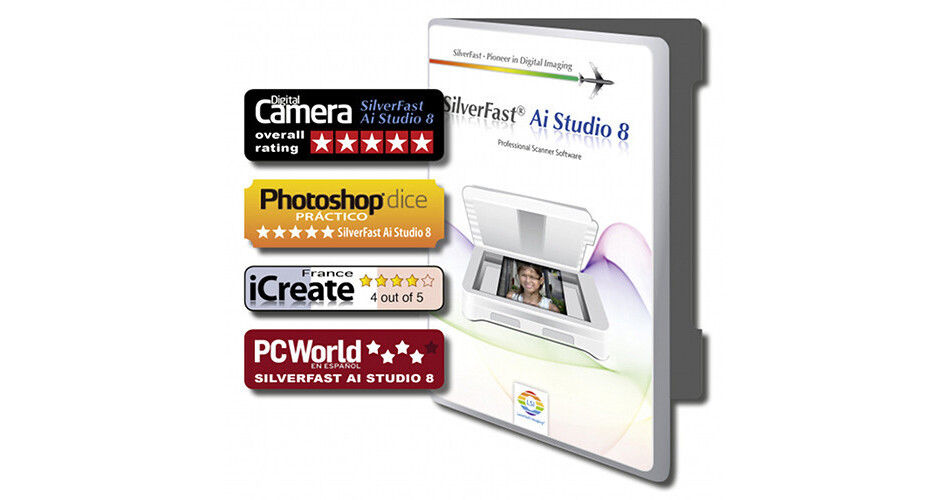
LaserSoft Imaging SilverFast Ai Studio 8 Scanner Software for Epson Perfection 2400

BH #LASF2400E • MFR #EP31-8
Print
LaserSoft Imaging SilverFast Ai Studio 8 Scanner Software for Epson Perfection 2400
Key Features
  • For Epson Perfection 2400
  • Auto IT8 Calibration
  • Can Improve Dynamic Range & Image Noise
  • Use for Improving Contrast
Improve the quality of your scans while making the scanning process easier and more enjoyable with the SilverFast Ai Studio 8 Scanner Software for Epson Perfection 2400 from LaserSoft Imaging. The software is optimized for your specific scanner and features auto IT8 calibration, histogram, brightness, color correction, grayscale conversion, dust and scratch removal, contrast, auto-adjust options, and more. Photographers will appreciate the ability to improve dynamic range, sharpness, and dust and scratch removal. In many circumstances, using SilverFast can provide the software capabilities you need for instances where the original manufacturer's software is not up-to-date, or doesn't have specific features required to get the most from your scanner.
More Details
No Longer Available
No Store Display
Ask an Expert
800-606-6969

LaserSoft Imaging Ai Studio 8 Overview

From Manufacturer

Improve the quality of your scans while making the scanning process easier and more enjoyable with the SilverFast Ai Studio 8 Scanner Software for Epson Perfection 2400 from LaserSoft Imaging. The software is optimized for your specific scanner and features auto IT8 calibration, histogram, brightness, color correction, grayscale conversion, dust and scratch removal, contrast, auto-adjust options, and more. Photographers will appreciate the ability to improve dynamic range, sharpness, and dust and scratch removal. In many circumstances, using SilverFast can provide the software capabilities you need for instances where the original manufacturer's software is not up-to-date, or doesn't have specific features required to get the most from your scanner.

Scanner enhancement software
For flatbed scanners
WorkflowPilot: Provides step-by-step assistance for every workflow
Preview Concept: Allows immediate control of any image adjustment
Multi-Exposure: Increases dynamic range for maximum details
NegaFix: Color-accurate negative to positive conversion
Multi-Tasking: Increases dynamic range for maximum details
Auto Frame: Automatic frame detection and alignment
Automated and custom tools
Supports Photoshop CS3 to CS6 and CC
Supports Photoshop Elements 8 to 12
Windows Vista, 7, 8, and 10 (64-bit) compatible
Mac OS X 10.5 and later compatible

LaserSoft Imaging Ai Studio 8 Specs

Memory Requirement
2 GB (4 GB Recommended)

LaserSoft Imaging Ai Studio 8 Reviews

See any errors on this page?
Whatever You Need, We've Got It