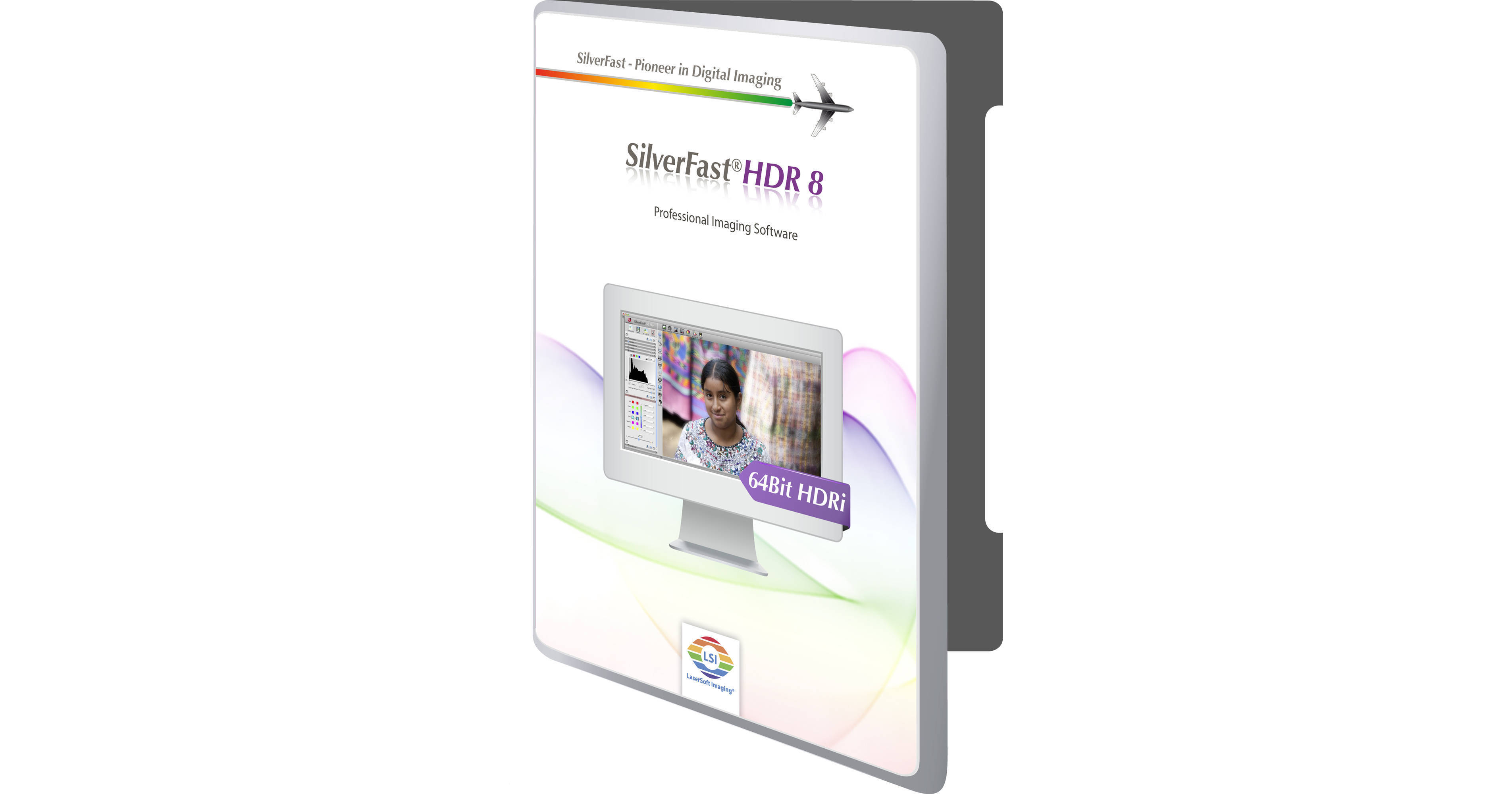
LaserSoft Imaging SilverFast HDR 8 Imaging Software

BH #LALSHDR8 • MFR #LA02-8
Print
LaserSoft Imaging SilverFast HDR 8 Imaging Software
Key Features
  • High Dynamic Range Imaging
The SilverFast HDR 8 Imaging Software is used for processing 64-bit/ 48-bit scanner RAW data. Its professional tools for image optimization eliminate the need to use other software like Photoshop. Designed to optimize image processing, it enables multi-user scans and color management; thus increasing productivity and ensuring high quality. Beginners and professionals will appreciate the real-time controls and intelligent automatic functions, as well as the ability to manually adjust the image at any point.
More Details
No Longer Available
No Store Display
Ask an Expert
800-606-6969

LaserSoft Imaging LA02-8 Overview

From Manufacturer

The SilverFast HDR 8 Imaging Software is used for processing 64-bit/ 48-bit scanner RAW data. Its professional tools for image optimization eliminate the need to use other software like Photoshop. Designed to optimize image processing, it enables multi-user scans and color management; thus increasing productivity and ensuring high quality. Beginners and professionals will appreciate the real-time controls and intelligent automatic functions, as well as the ability to manually adjust the image at any point.

Using RAW data formats is a fast, safe, and lossless solution for archiving your image material. With SilverFast HDR  8, you can optimize this data later for different uses in an easy way. JobManager and batch processing provide the ability to automatically process larger image quantities. PrinTao print dialog and many other professional SilverFast functions are also available for you.

Many of today's scanners allow you to write the full Dynamic Range into TIFF-data. This makes the reduction to 24-bit RGB obsolete. The ability to save these RAW files opens up new workflow opportunities, allowing images to be scanned and archived into digital format, and then be opened later without any quality loss. Since SilverFast HDR 8 never drives the scanner directly, it can be used with RAW data files produced from scanners that SilverFast scanner software doesn't support. Simply scan the images with no corrections using the original scanner software, and then pass the resulting TIFF file to SilverFast HDR 8.

WorkflowPilot: Provides a step-by-step assistant for every workflow
Preview Concept: Immediate control of any image adjustment
JobManager: For convenient batch processing
Non-destructive editing workflow with SilverFast AI and SEplus
Gamma synchronization
NegaFix: Color-accurate negative to positive conversion
iSRD: Efficient infrared based dust and scratch removal
64-bit/48-bit: Processes SilverFast HDR(i) RAW data
Supports Photoshop CS3, CS4, and CS5
Supports Photoshop Elements 8, 9, and 10
Windows Vista, 7, 8, 10 64-bit compatible
Mac OS X 10.7-10.11 compatible

LaserSoft Imaging LA02-8 Specs

Memory Requirement
2 GB (4 GB Recommended)
Packaging Info
Package Weight
0.25 lb
Box Dimensions (LxWxH)
7.6 x 5.3 x 0.6"

LaserSoft Imaging LA02-8 Reviews

See any errors on this page?
Whatever You Need, We've Got It