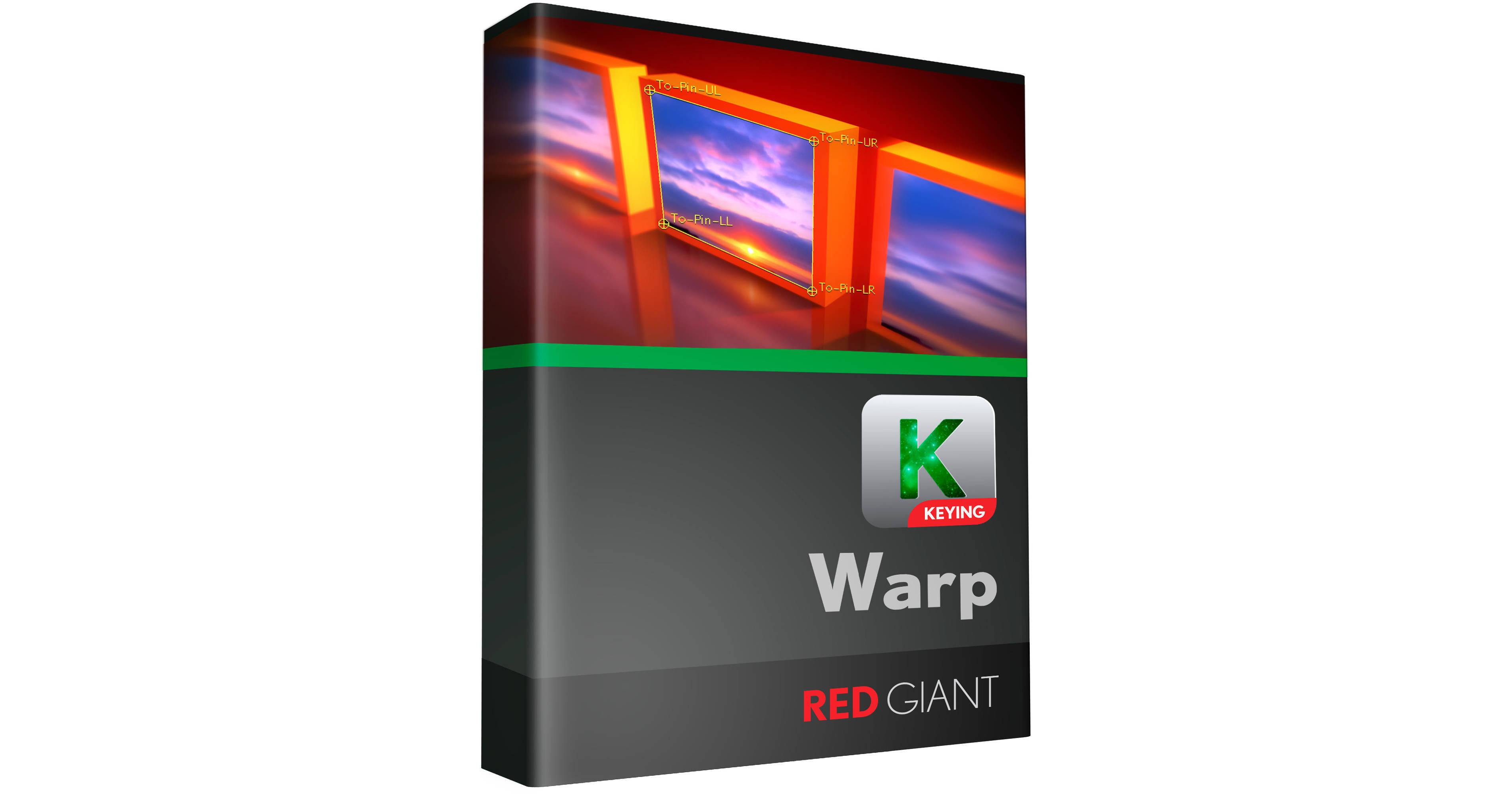
The Warp Plug-In is an electronic download of a set of image control tools for shadows, reflections, glows and corner point warps. The plug-in works with select NLE and effects applications. This version is a volume license, requiring a minimum purchase of 12 units. You can mix and match activations between Mac and Windows, and the plug-in can reside on a network. The plug-in supports both Windows and Mac platforms, working with select versions of Apple Final Cut Pro, Final Cut Express, Apple Motion, Adobe After Effects and Adobe Premiere.
The Warp plug-in provides advanced image manipulation tools centered around warped visual effects. The Shadow tool adds depth to text, and allows you to control perspective and fall off, while the reflection tool allows you to add reflections of text or video to your footage. The included glow tools provide you with unique glow effects. The included Corner Pin toolset allows you precise control when working with perspective warped video, and when working with the plug-in in After Effects you can also import motion-tracking data from Mocha. Motion blur can be applied to distortions and shadows and works in every host application.
Warp features tools with keyframeable settings and adjustments so you can animate your effects over the duration of the clip. The plug-in is also optimized to take advantage of multiple processor cores, and supports 8/16 & 32-bit processing.
- This version of the plug-in requires a minimum purchase of 12 units.
- The plug-in is cross platform, and you can mix and match the licenses across the Mac and Windows platform.
- For those using host applications across a network, the volume license also works across a network allowing you simultaneous uses up to the number of licenses you have purchased.
- Warp is a plug-in toolset that works in select versions of Adobe After Effects, Adobe Premiere, Apple's Final Cut Pro, Apple's Final Cut Express and Apple Motion. Please check the specifications tab for a list of the supported software versions.
- Mocha for After Effects corner pin data is only supported in Adobe After Effects.
- Use the glow tools within Warp to create, tweak and animate glows and glimmers with tools specifically designed for Warp.
- Built-in overbright protection prevents overly bright glows from clipping and instead creates natural looking results.
- Multiple fade modes allow you to control your shadow to create realistic diffuse shadows and increase the shadow blur as it extends.
- The Reflection tool provides an easy-to-use setup control for defining a mirror reflection for any source video or image. Extensive controls let you add fade-out or blur to make your reflection look diffuse.
- Go beyond a simple drop shadow effect. With the included tools you can add a secondary distortion to the shadow or reflection to give the illusion that the shadow or reflection is bent or appears on a second surface.