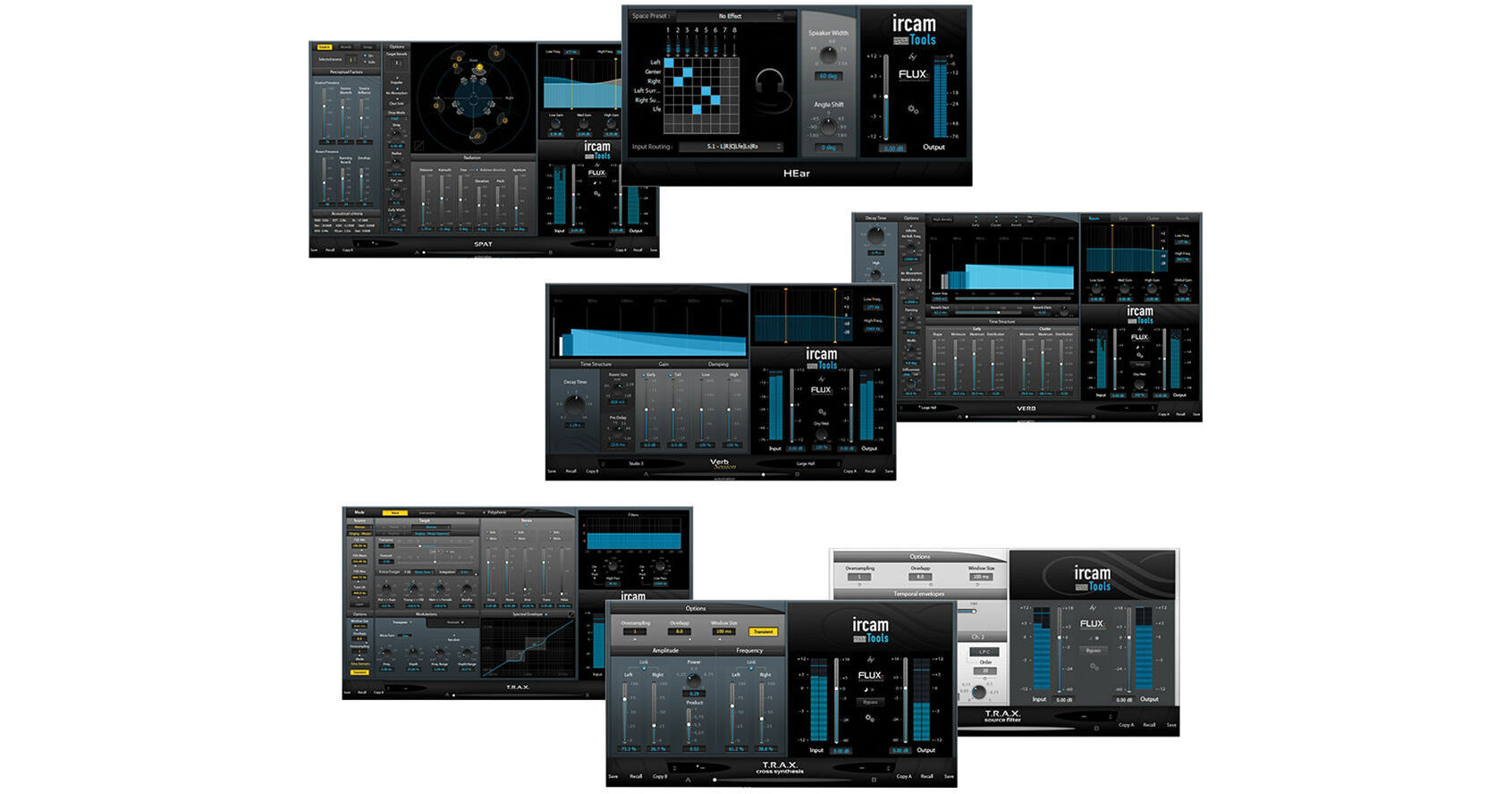


The IRCAM Tools 1.1 Plug-In Bundle (Electronic Download) is a collection of software plug-ins for post production and mastering. The bundle consists of the IRCAM Verb room acoustics and reverberation plug-in, the IRCAM Verb Session reverb software plug-in, the IRCAM SPAT room acoustics simulation and localization solution, the IRCAM HEar binaural encoding tool, and the IRCAM TRAX voice sonic processor, comprising the TRAX Transformer, TRAX Cross Synthesis, and TRAX Source Filter plug-ins.
The IRCAM Verb Room Acoustics and Reverberation Plug-In (Electronic Download) is a reverberation processor and room acoustics modeling algorithm. It utilizes a modular design with a recursive filtering reverb engine and advanced perceptive models to synthetically reproduce the acoustic characteristics of different sound environments.
The software offers eight input and eight output channels so that you can perform reverb processing in multi-channel and surround sound formats. A built-in input/output routing matrix allows you to set up the software channel routing with the physical speakers in your control room for monitoring.
The software has input and output gain controls for adjusting levels before and after the signal processing and VU meters for monitoring. You can use the dry mix control to blend the original signal with the processed signal. To improve workflow, the plug-in features two preset slots, A and B, that can be loaded simultaneously with a set of parameters and morphed between using a slider. The slider can be set to follow automation curves in the host application. A global preset of both slots and the position of the morphing slider can also be saved.
For controls, the software allows you to individually adjust the high, mid, and low frequency decay times for the reverberation tail and the crossover frequencies for each setting. You can select either the standard or the high density reverb engine and control a set of 3-band EQ filters over the early, cluster, and reverb time domain components of the process. The plug-in includes the options of applying infinite reverb, turning on an air absorption filter, changing the modal density or frequency smoothness of the engine, panning the effect in stereo space, changing the width of the stereo space, and directing the diffusion of the reverb within space.
For the early time domain component of the effect, you can adjust the shape of the first reflections, the time it takes for reflections to occur, the time it takes for reflections to cease, and the distribution of the reflections as they are scattered in time. For the cluster time domain component, you can control the time at which clustering begins, the time at which clustering ends, and the distribution of the cluster as it is scattered in time. The complexity of the reverb algorithm and the extensive user control interface allows you to simulate a wide variety of different acoustic spaces.
The IRCAM Verb Session Reverb Software Plug-In (Electronic Download) is an advanced reverb effect that uses complex perceptive algorithms to simulate room acoustics. The software is optimized for fast paced workflow in broadcast and post-production.
The software has input and output gain controls for adjusting levels before and after the signal processing and VU meters for monitoring. You can use the dry mix control to blend the original signal with the processed signal. To improve workflow, the plug-in features two preset slots, A and B, that can be loaded simultaneously with a set of parameters and morphed between using a slider. The slider can be set to follow automation curves in the host application. A global preset of both slots and the position of the "Morphing Slider" can also be saved.
The IRCAM TRAX Voice/Sonic Processor (Electronic Download) is a software plug-in designed to transform the sound of the human voice. It utilizes proprietary algorithms to change characteristics such as pitch, duration, and timbre for a variety of post-production and special effect applications. For example, you can change an actor's voice to make him or her sound younger or older for flashbacks and scenes that occur in different time periods in the character's life. The plug-in consists of three voice modulation processors.
The first processor "Transformer" utilizes an augmented phase vocoder to modulate the age, gender, breath, expression, formant, and pitch of the sound. The second processor, "Cross Synthesis," utilizes a phase vocoder to continuously and nonlinearly morph the amplitude and frequency/phase spectra of two sounds. The third processor, "Source Filter," decomposes the signal into a time envelope describing the energy/loudness of the sound and a spectral envelope describing the spectral color of the sound timbre. The energy and spectral contours of the source sound can be continuously blended with the energy and spectral contours of a filtrating sound.
The software has input and output gain controls for adjusting levels before and after the signal processing and VU meters for monitoring. You can use the dry mix control to blend the original signal with the processed signal. To improve workflow, the plug-in features two preset slots, A and B, that can be loaded simultaneously with a set of parameters and morphed between using a slider. The slider can be set to follow automation curves in the host application. A global preset of both slots and the position of the morphing slider can also be saved.
The IRCAM SPAT Complete Room Acoustics Simulator Plug-In (Electronic Download) uses advanced perceptive models to simulate the reverberation characteristics and the spatial source localization of a sound within different acoustic environments. The plug-in is intended for multi-channel applications with up to eight input and output channels in 7.1 or 8.0 surround sound configurations. You can use the software to model up to three different acoustic spaces with different reverbs, and then move the listening position around within those spaces. This is useful for applications such as Additional Dialogue Recording (ADR), wherein a character moves from inside a room, into a hallway, and continues speaking while stepping outside. The room, the hallway, and the outside environment can all be modeled in parallel and then automation data can be assigned to the listening position within those spaces in sync with the dialogue.
The software has input and output gain controls for adjusting levels before and after the signal processing and VU meters for monitoring. You can use the dry mix control to blend the original signal with the processed signal. To improve workflow, the plug-in features two preset slots, A and B, that can be loaded simultaneously with a set of parameters and morphed between using a slider. The slider can be set to follow automation curves in the host application. A global preset of both slots and the position of the morphing slider can also be saved.
The IRCAM Tools HEar - Binaural Encoding Tool Plug-In (Electronic Download) is designed to model the acoustic phenomena that occur when playing audio through a loudspeaker system, allowing you to monitor a stereo or surround sound mix using conventional headphones. This is useful for applications where you can't play the material through a full surround system, where isolation is required, or for precise surgical checking of a mix.
The software uses a combination of recording, processing, synthesizing, and reproducing audio to preserve the tridimensional localization of the sound. Head-related transfer functions are applied to a mono signal to create the impression that the audio is emanating from a specific point within the space. The plug-in includes a variety of space presets to choose from, with subtle differences in room coloration. A routing matrix allows you to map the plug-in's inputs to the virtual speaker internal outputs such as the left, right, and center channels.
A speaker mode drop down menu allows you to select from a number of different loudspeaker setups to be emulated. You can also control the speaker width or the space between virtual speakers measured in degrees with 60 degrees being the default recommended setting. The width control allows you to broaden and narrow the stereo image to your liking. An angle shift dial controls the angle between the listener and the center line of the virtual speaker setup, with 0 degrees being the default centered position. An input gain control and an output meter enable you to manage the level of your signal. The software allows for a variety of different binaural simulations and is a useful tool for research, acoustic design, and studio production.