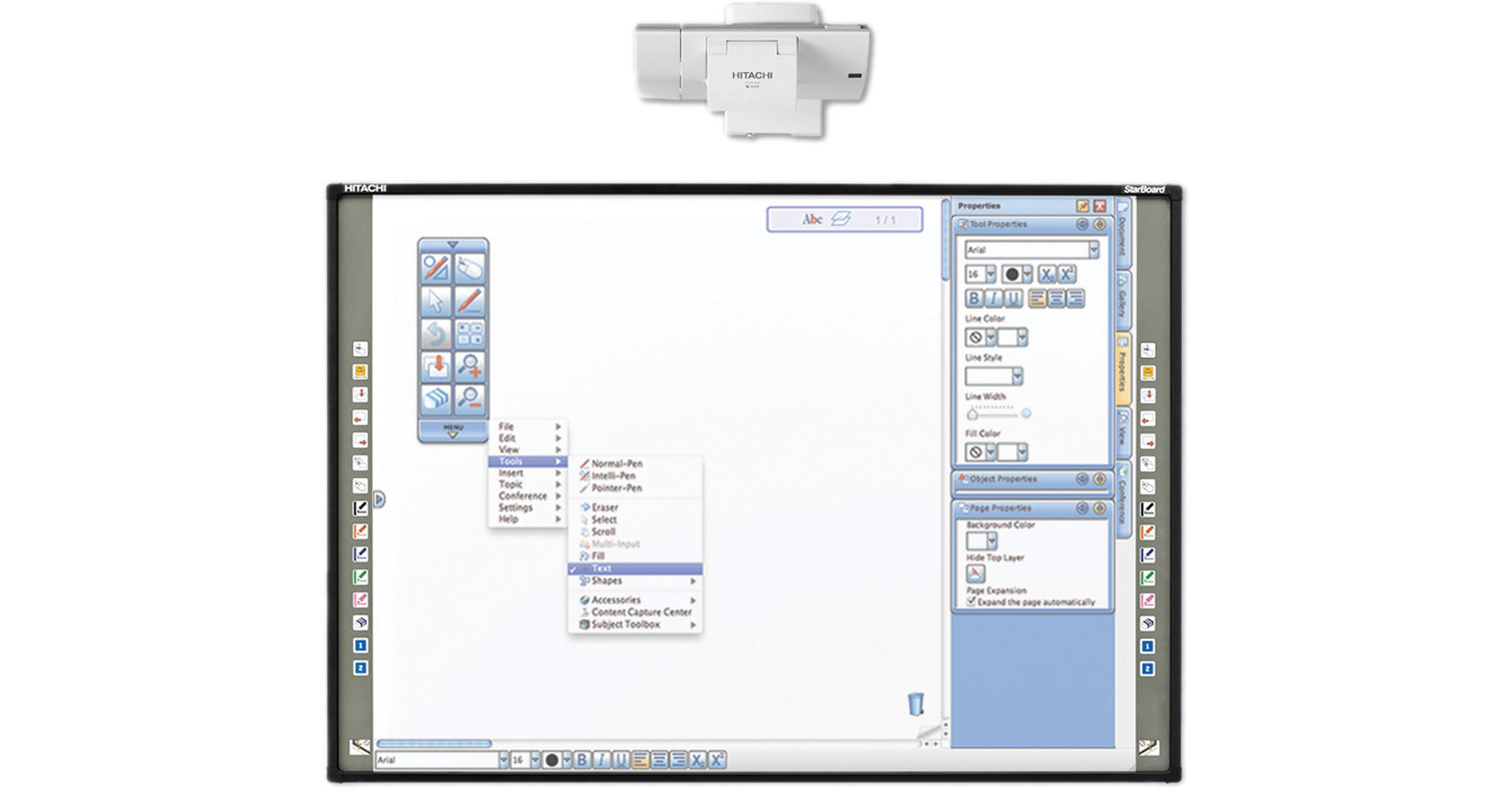
Quick and easy to set up, the Hitachi StarBoard FX-79E1 79" Interactive Whiteboard mounts to any flat surface in minutes. The size of the whiteboard is a perfect fit in both small and large rooms. The whiteboard is flexible in other ways as well. You can use your finger, a stylus or any other pen-shaped object to navigate through your activities. It even supports multi-touch gestures, which enable you to use your finger to annotate, your fist to scroll through pages and two fingers to erase or zoom in and out. The system also includes StarBoard software that supports multiple operating systems, a variety of digital links, hand writing recognition and direct access to the Internet. The software features a customizable floating toolbar as well. It even lets you import Microsoft Office files from Word, PowerPoint, etc.
Ask Our Experts800-606-6969
Hello, Log InAccount & Orders
Hitachi StarBoard FX-79E1 79" Interactive Whiteboard
Key Features
- Multi-Touch Gestures
- Simultaneous Users Can Collaborate
- Durable, Electronic-Free Surface
- 15 Shortcut Buttons
Quick and easy to set up, the Hitachi StarBoard FX-79E1 79" Interactive Whiteboard mounts to any flat surface in minutes. The size of the whiteboard is a perfect fit in both small and large rooms. The whiteboard is flexible in other ways as well. You can use your finger, a stylus or any other pen-shaped object to navigate through your activities. It even supports multi-touch gestures, which enable you to use your finger to annotate, your fist to scroll through pages and two fingers to erase or zoom in and out. The system also includes StarBoard software that supports multiple operating systems, a variety of digital links, hand writing recognition and direct access to the Internet. The software features a customizable floating toolbar as well. It even lets you import Microsoft Office files from Word, PowerPoint, etc.
More DetailsNo Longer Available
Hitachi FX79E1PAK Overview
Multi-Touch Gestures
Use your fist to scroll, two fingers to erase or zoom in and out
Simultaneous Users
Up to two users can collaborate on the board at the same time
Durable, Electronic-Free Surface
Retains functionality with dings, scratches, and dents
15 Shortcut Buttons
Easily access frequently used tools from either side of the whiteboard
Import
Import a variety of documents into the software, including Microsoft Office, PDF, and multi-media files. You can also embed and annotate over motion video, adding dimension to your digital lectures and presentations
Customize
Add external files and applications to the software toolbar, with the option to save it for future use. You can expand or collapse the toolbar and adjust its height and orientation based on your preference. Work in full-screen mode or add in multiple menu options for
more accessibility
Annotate
With the StarBoard Software's virtual printer, you can transfer any file to your whiteboard page to review and markup with digital ink. The print to StarBoard feature gives you the option of editing and saving your work in a variety of file formats, such as JPEG, PDF, or PPT for ultimate compatibility
Low Reflection
Projector reflection is minimized making it gentle to the eyes
Robust Surface
The surface is robust and the StarBoard works even if there are scratches/dents on the
surface
Hitachi FX79E1PAK Specs
| Diagonal Size | |
| Technology | |
| Interface | |
| Aspect Ratio | |
| Speed | |
| Buttons | |
| Surface | |
| Power | |
| Temperature | |
| Humidity | |
| Certifications | |
| System Requirements | |
| Dimensions | |
| Weight |
Hitachi FX79E1PAK Reviews
See any errors on this page?