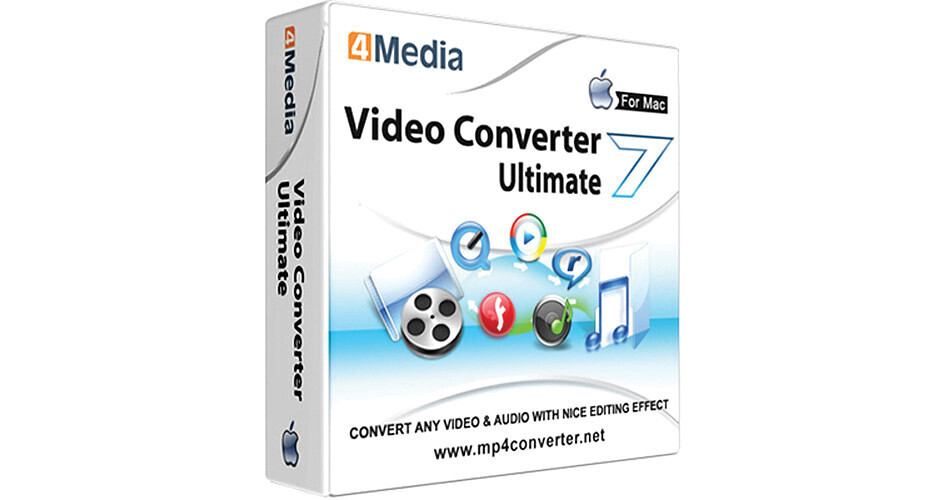
The Video Converter Ultimate Software for Mac from 4Media Software Studio converts video files between different formats to make them compatible across various devices, including smartphones, game consoles, and Apple TV. It can also extract only the audio from video clips and format it in desired audio formats, such as MP3, for compatibility with different audio players. And it can grab freeze frame snapshots from video clips during playback and save them in JPG or other photo formats. Multiple files can be batch-converted and afterward transferred directly to a device. You can convert SD, HD, and 3D formats and can also convert most video clips from 2D to 3D. (A 3D TV and 3D glasses are required to view 3D videos.)
A set of creative tools will let you create photo slideshows, apply effects and transitions to your videos, clip, merge, crop, and split videos, add background music, adjust brightness, saturation, and contrast, add picture or text watermarks, and more. Clipping videos means you can select your favorite parts from video clips and merge them together into one movie. You can place transitions between the clips if you want. You can also conversely split one clip into several and save each as an individual movie.
One file can be converted to multiple formats simultaneously. A built-in bit rate calculator will let you output your files in exactly the file sizes you want. You can also adjust other parameters, such as video and audio quality, zoom mode, audio channel, and frame rate. You can preview your videos before converting them, and you can compare original clips with edited versions before performing a final output.
Video Converter Ultimate supports NVIDIA CUDA, AMD APP, and multi-threading for increased conversion speeds. It runs in the background so you can work in other programs at the same time. The interface can be operated in English, Chinese, French, German, or Japanese.
- Converts SD, HD, and 3D video files between different formats / converts 2D to 3D
- Enables compatibility across various devices, including smartphones and Apple TV
- Extract the audio from video clips
- Grab freeze frame snapshots from video clips during playback
- Supports batch-convert processing
- Features editing and image settings tools
- Creates slideshows, applies effects and transitions, adds background music, etc.
- Supports NVIDIA CUDA, AMD APP, and multi-threading for increased conversion speeds
- The interface can be operated in English, Chinese, French, German, or Japanese