
Working on your laptop for long periods of time can be uncomfortable. If you’re not craning your neck to view the smaller screen, you might be scrunched up on your couch with your knees propped to support your laptop, both of which will cause undue strain on your body in the long run. This is where supportive accessories like stands and risers come in handy. Whether you are using a laptop, a notebook, or a tablet, there are great options to make working more comfortable, and we are going to highlight a few.

Single-Height Laptop Stands
Single-height laptop stands are the most basic form of support. This single-height metal frame elevates your machine several inches from your work surface, angling it slightly toward the user. In addition to better ergonomics, these stands also enhance air circulation around your machine to prevent overheating.
You might consider Rain Design's basic mStand. This simple accessory is designed to accommodate many different types of laptops, elevating the screen six inches for a more relaxed viewing experience. The stand features a natural tilt, which provides a more comfortable typing experience as well. In addition to improved ergonomics and comfort, this basic stand will free up space on your desk, helping you keep your workstation clear and clutter free.

Rain Design’s additional offerings include the skeletal mBar, the foldable mBar Pro+, the mStand or the mStand 360, which, as the name implies, swivels 360°. The two latter options cradle the bottom of your machine, while the solid aluminum surface acts as a heat sink.
Vertical Laptop Storage
Vertical laptop storage is important, especially if you are working with limited desktop space. We have our own tips and tricks for working with a small desk, but there are all kinds of basic storage options to keep your laptop out of the way when you aren’t using it.
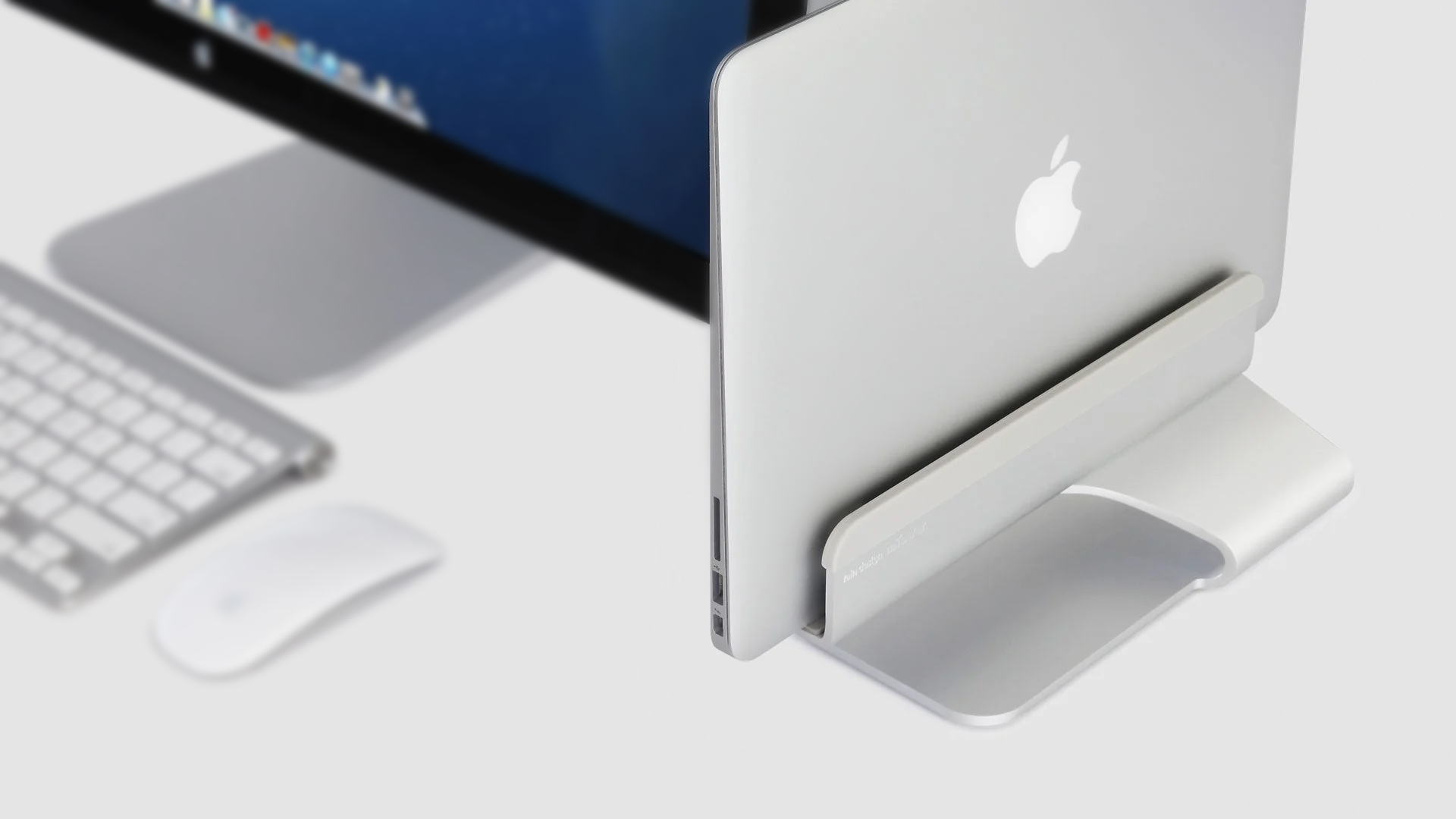
The anodized aluminum Rain Design mTower, for example, is an ideal space-saver for anyone who uses their laptop with an external display. This slim, one-piece stand holds your closed laptop in a vertical position, allowing you to easily connect it to your monitor without eating up too much desk real estate. The vertical mounting position also helps improve air circulation around your device, so there’s less chance of your laptop overheating.
Adjustable Heights and Articulating Arms
Of course, a simple laptop stand might not be the best option for your personal preferences. If you move around frequently while you work, or tend to alternate between sitting and standing, an adjustable stand can be a great addition to your configuration.
WorkEZ’s laptop stand and Kensington’s Universal Tabletop Laptop Riser are two great examples of stands with wide-ranging adjustments for your needs. Both options are great if you are looking to remain active during the workday, improve your posture, or look professional during a video call.
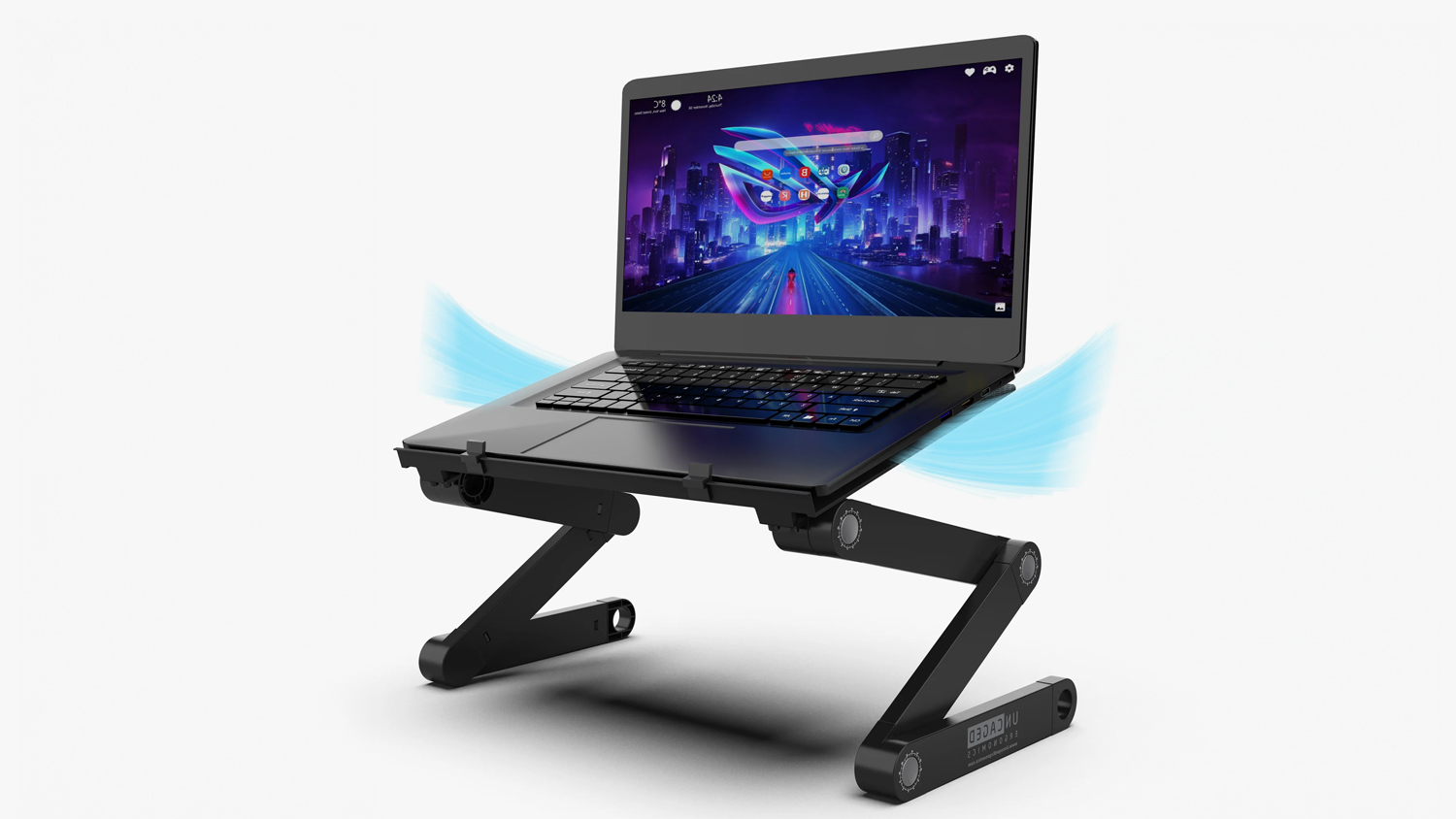
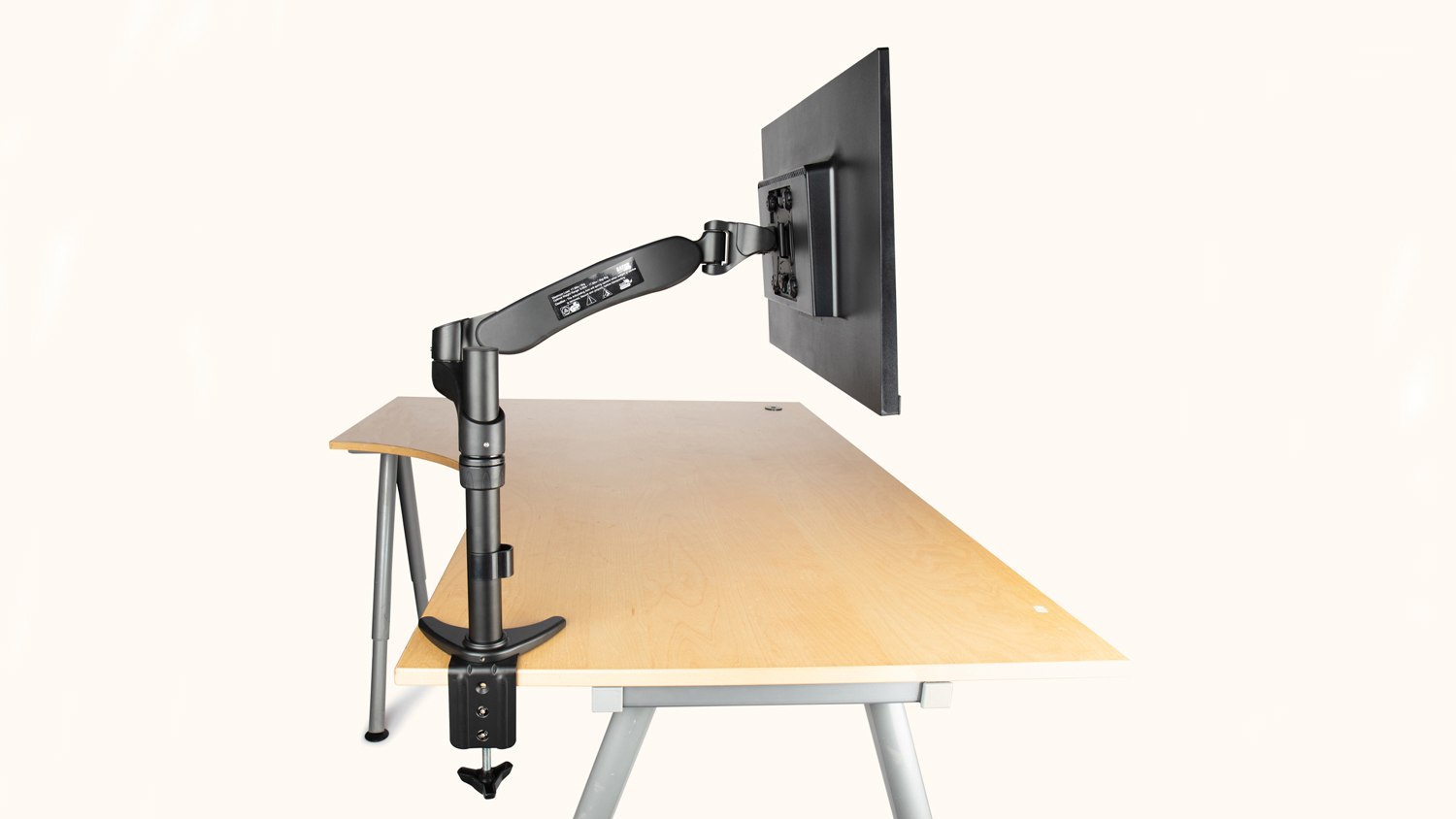
An articulating arm is another great option if you need a flexible setup. Gator Cases’ 360° Articulating G-ARM desk mount is a great option for laptops and tablets. It attaches to any tabletop surface and includes a tray for a laptop, offering 360° of horizontal movement while freeing up workspace beneath your laptop.
When it comes to obtaining the optimal viewing of your displays, you can’t go wrong with any of the suggestions above. Make sure you hit the links and take a look at all the different tools you need for a more comfortable computing experience.
