
Successfully recording a video podcast episode is just the first step in the process. Now it’s time to edit it down for time, add in B-roll, music, maybe some effects, and make sure the sound levels are good. Although much, if not all, of the work can be done on a laptop, there is much to be said about working from a large screen when editing video. Having a large screen experience can not only optimize your workflow by allowing you to better track your clips, but it can also enhance the recording experience itself. So, if you’re wondering where to start or how to upgrade your gear, don’t worry. We’ve got you covered.
Starting Out – BenQ GW2790T
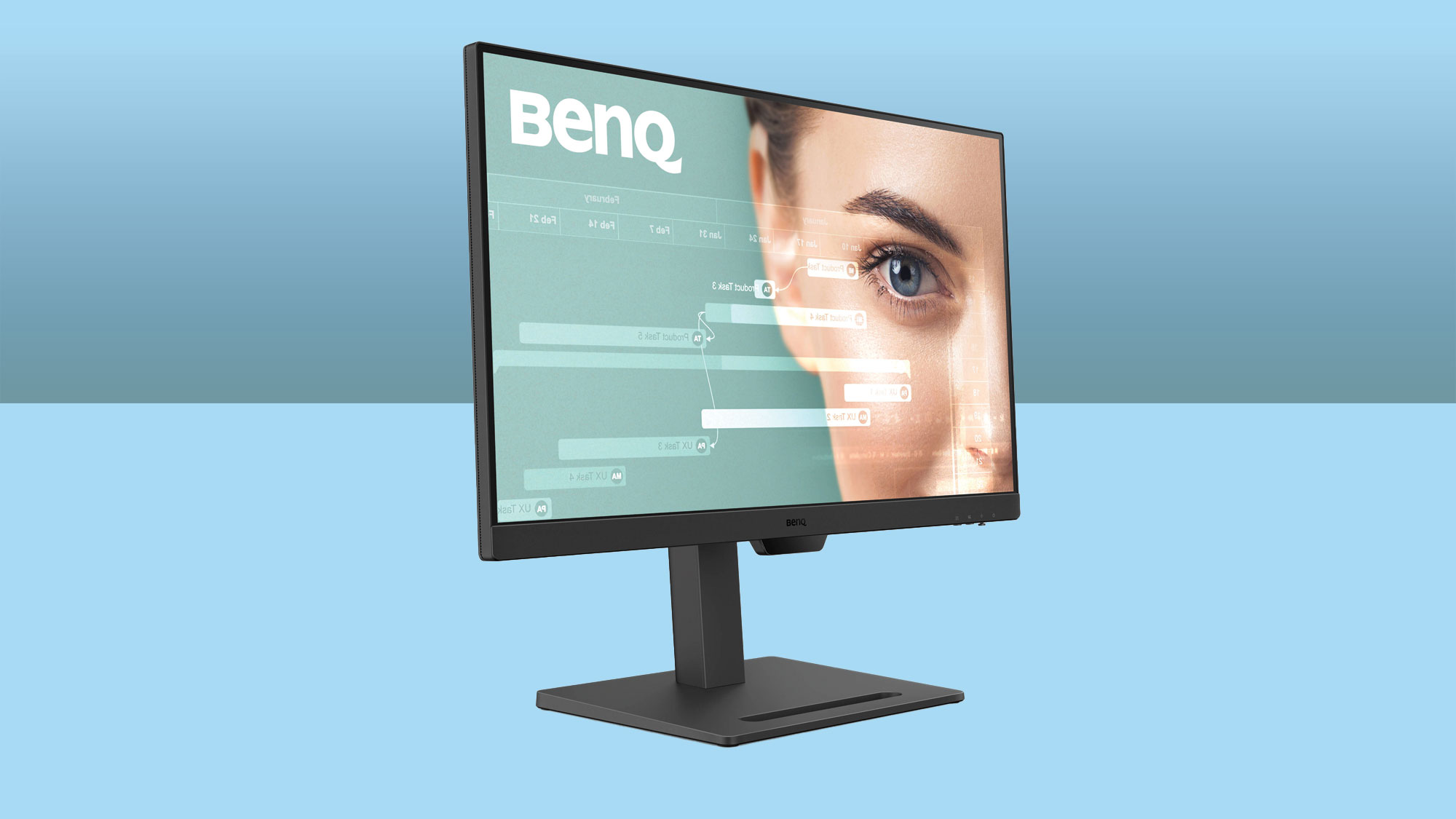
Kicking off a new podcast can be a daunting task, but having the right tools can go a long way toward creating a quality show. To this end, the 27” BenQ GW2790T Full HD Monitor is an excellent choice if you’re on a tight budget. Supporting a Full HD resolution, this display features slim bezels that help to keep you focused. Paired with the fully adjustable stand that lets you rotate the screen for portrait view, this design is ideal for a multi-monitor configuration when you’re ready to grow your setup. The base also includes a handy phone stand, allowing you to stay on top of alerts and messages while you work.
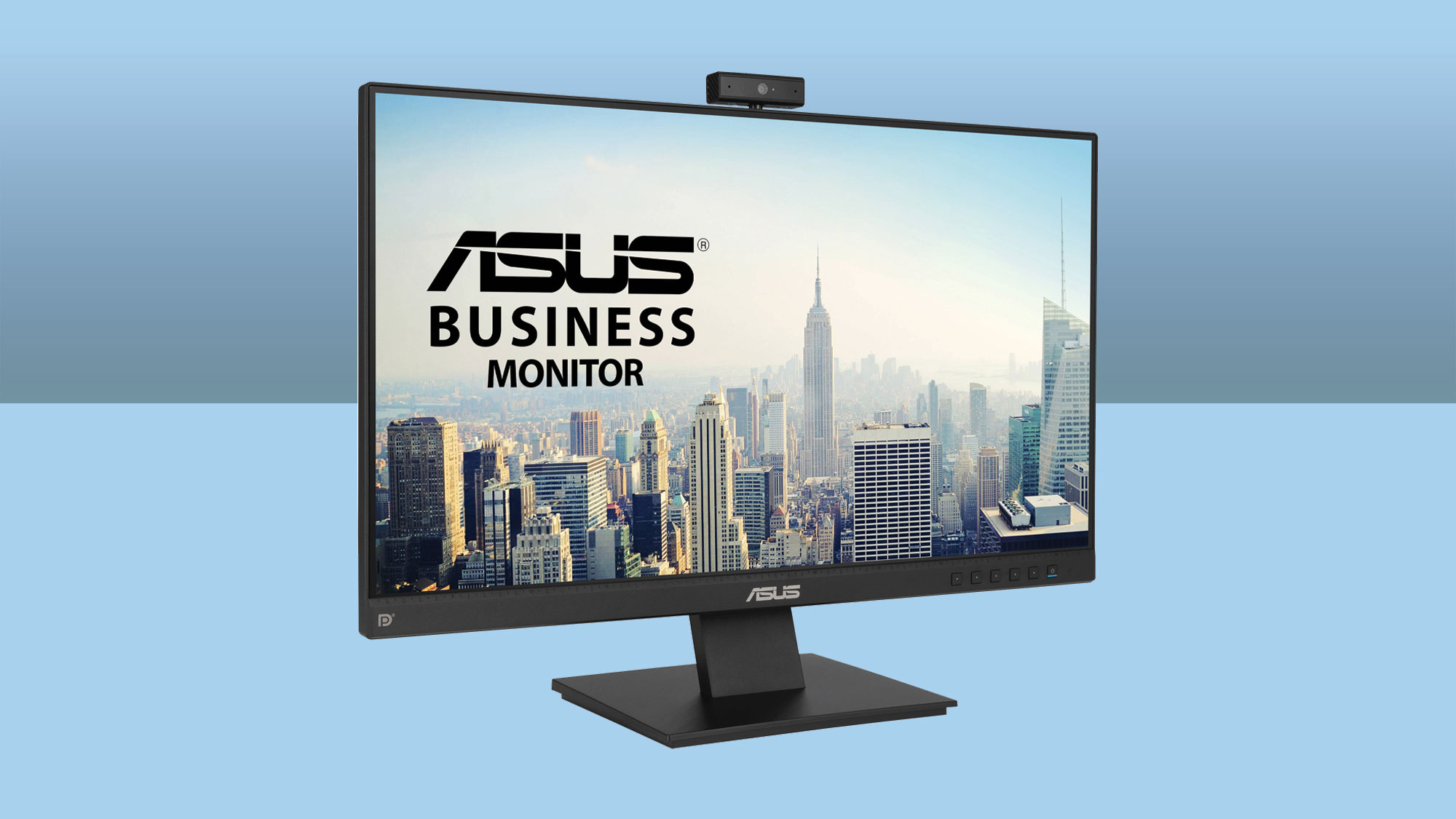
You may also want to consider the ASUS BE24EQK, which is a 23.8” business class Full HD display with a built-in webcam. Alternatively, the 27” LG 27BN85UN-B can help get your show started with a UHD 4K resolution, USB-C connectivity with compatible laptops, and a 2-port USB-A hub.
Ultrawide Viewing – LG 29BQ650-W
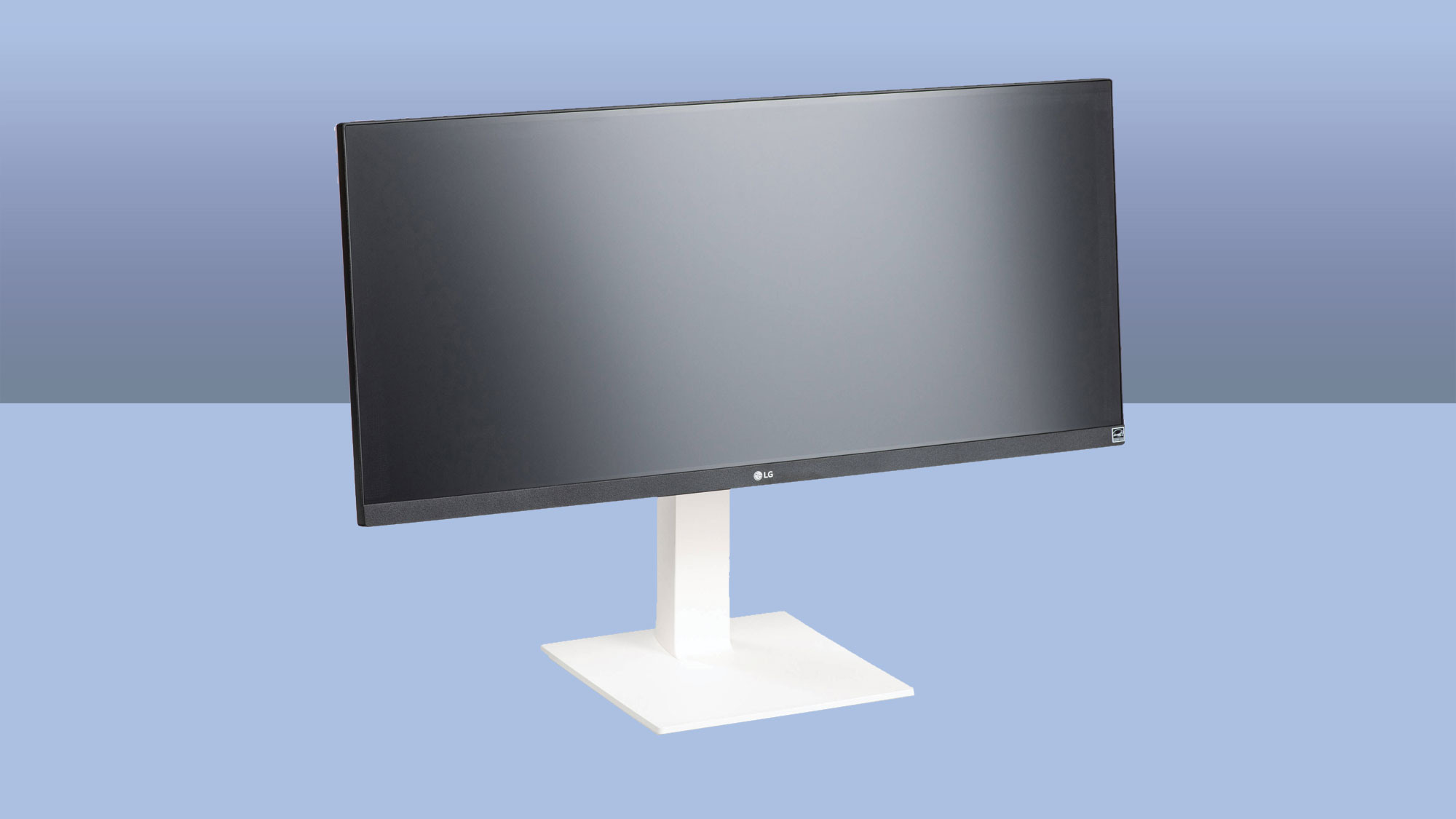
Some extra space never hurts, especially if you have a remote co-host or guest. A widescreen display like the 29” LG 29BQ650-W gives you room keep your video chat window, show notes, interview questions, and more all within easy view and organized. This 2560 x 1080 resolution display offers HDMI, DisplayPort, and USB-C connectivity with HDR support and built-in speakers. It even has some gaming features if you want to kick back and relax. Additionally, the height adjustable stand allows you to bring a top-mounted webcam closer to eye level for more natural interactions.
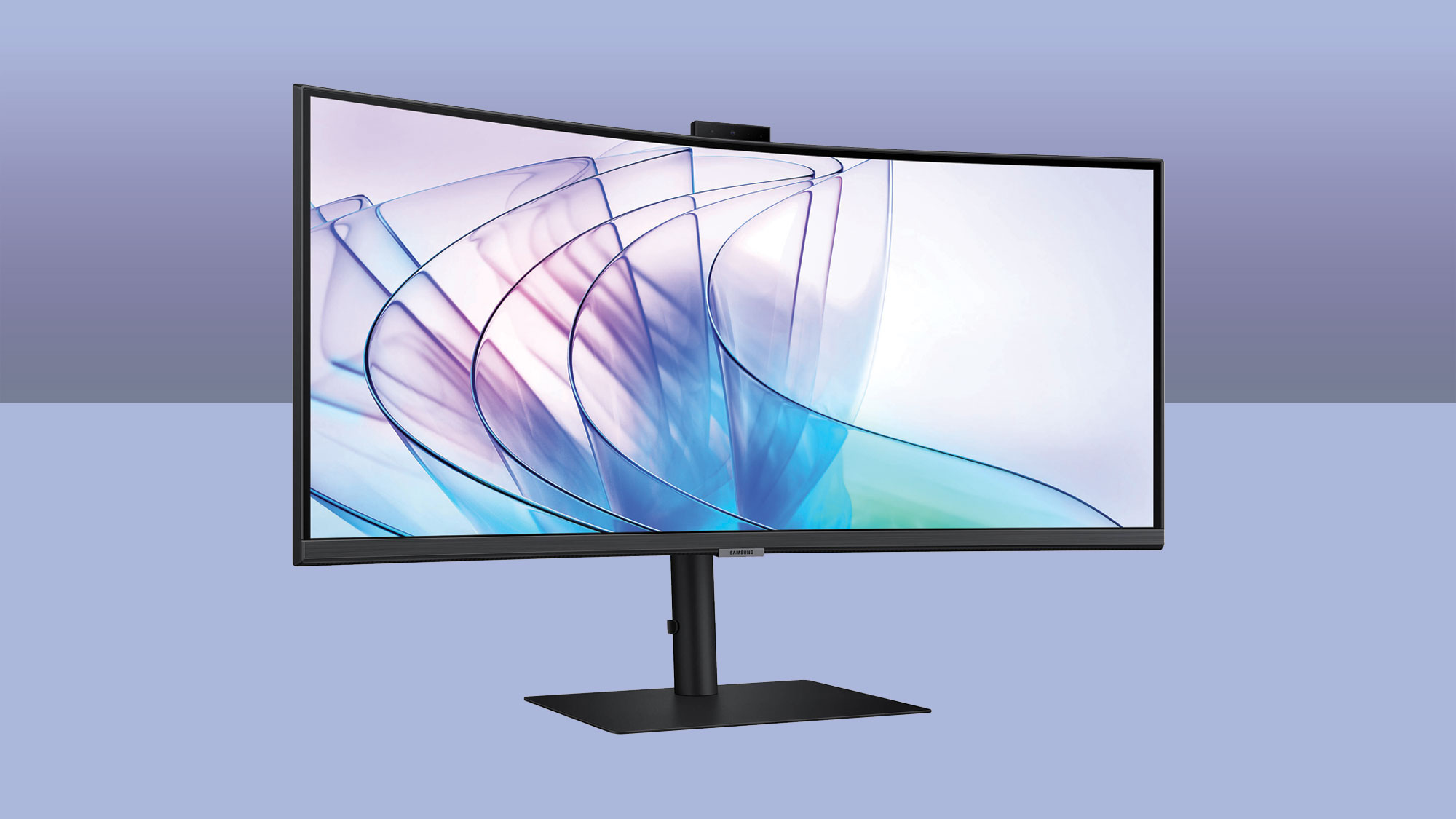
Want to kick things up? Then you might consider the 34” Samsung ViewFinity S65VC. With a built-in webcam, an RJ45 port, up to 90W USB-C connectivity, and a KVM switch, this 3440 x 1440 resolution curved display provides almost everything you need to stay organized and focused when recording and editing.
For more information about these monitors, including additional features, specs, and highlights, be sure to check out their detailed product pages.
