
Breaking into the world of video podcasting can be a fun yet daunting experience. Aside from needing the motivation to try something new, you need the proper equipment. Some will say buying the best equipment available is the way to go, but for many, that approach is unrealistic. If you’re just dipping your toes in, you don’t need any extra bells and whistles. So, we are going to break down the essential equipment you need to get started while also sharing some nice-to-have accessories that will enhance your video podcasting.
The Essentials
Computer
The first thing you will need is a computer, specifically one that has substantial power. This is because you’ll be connecting multiple devices to said computer and there comes a point when connecting too many things will cause issues. Connecting a bunch of devices can cause lag between your audio and video channels. Having the right system to handle your input is key to getting started. While finding a computer can be difficult, we have an article focusing on the most important features you should consider for your next creative desktop or workstation.
Microphone
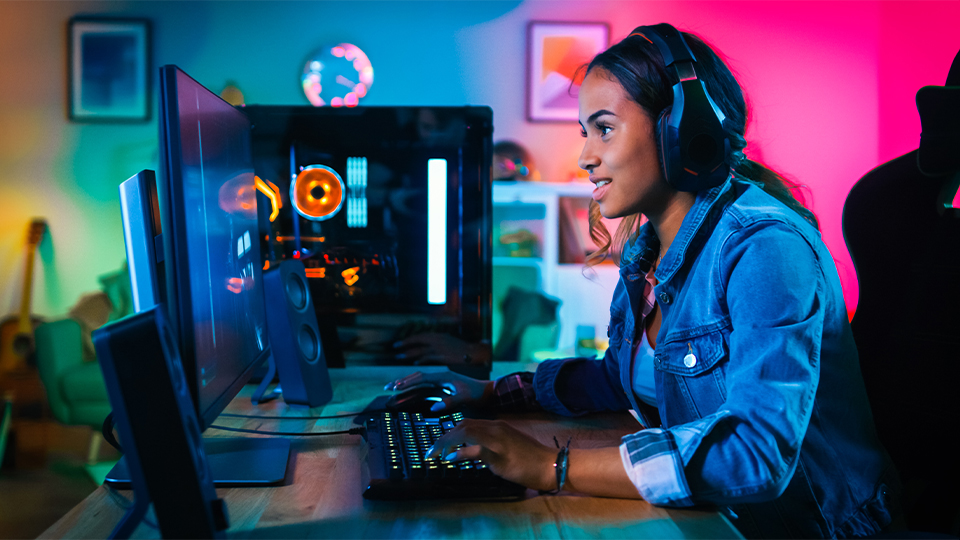
Another essential is a microphone—a simple audio input designed to capture your voice as clearly and efficiently as possible. There are multiple types of microphones out there, but you don’t need to strain yourself on which one to get. As long as you stay within a decent budget you will be fine.
There are all sorts of microphones out there, but I would suggest sticking to some of the more popular mics you’ll see in podcasts—you’ll find that dynamic mics tend to be a popular choice as condenser mics need power from an audio interface and are more sensitive, needing a sound treated room to truly shine. Also consider whether USB or XLR is better for you—USB mics are often less expensive but sacrifice sound quality with their built-in DACS; for the latter, you’ll get a more versatile mic with a cleaner and richer vocal tone, but it’ll be more expensive and you’ll need an audio interface.

If you want to learn more about the different types of microphones out there, take a look at this brief overview, which breaks down all the different types and styles, as well as what they are intended for. We also have an additional article featuring some of the best mics out there for your setup.
Audio Interface
As mentioned, if you are going for an XLR microphone, you are going to need an interface. This acts as the middle point between your microphone and your computer. It can also do a lot of processing to ensure your mic sounds nice and clear.
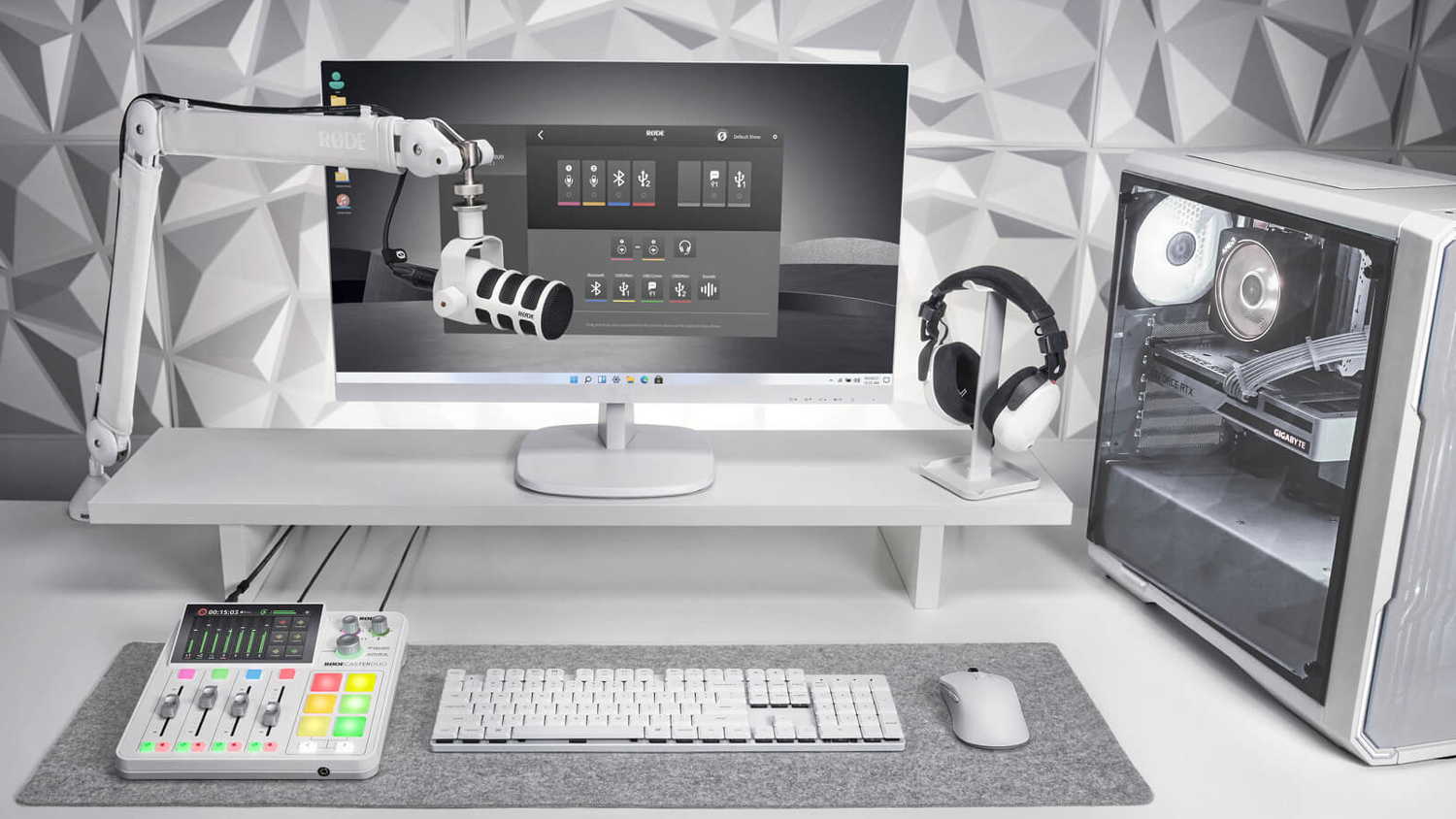
There are multiple audio interface options out there. Some are designed for a single user, two users, and others that can handle eight or more at a time. The important thing to note is how many people you are looking to accommodate. If it is just you, a simple interface with a single (or dual) connector will be just fine. If you have others, you’ll need at least one input per mic. But if you want some inspiration on what to look for, check out our article about some of the more popular audio interfaces.
Camera
Cameras come in many different flavors. You have your standard webcam, which is absolutely fine for internet-based podcasts, but you want to make sure it captures high-resolution video and refresh rate.
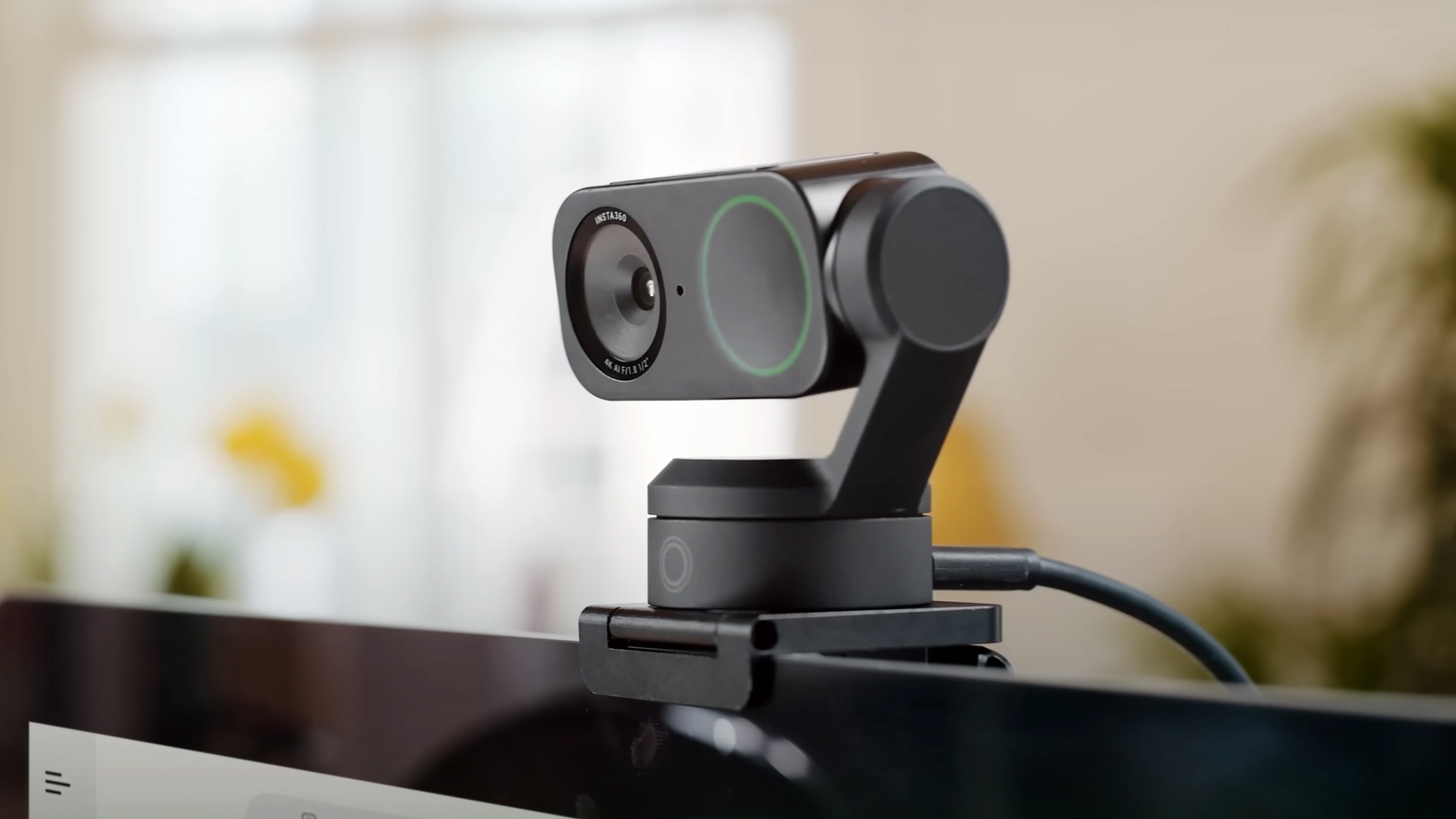
For full productions that might be a bit more involved, I must suggest a standard camera. Now, not every camera is treated the same. You’re going to need to know everything about your production before you get the right one. Luckily for you, we have a neat breakdown on how to choose the right camera for your video podcast.
Accessories
Lighting
For large, in-person setups, lighting is key. You want something that is focused on your environment rather than just your face. For that, there are many different solutions available. Most lighting panels are equipped with LEDs, which can provide intense brightness levels that can cover a wide area. You want to look at lighting panels that offer bright output known as Lux with a wide color temperature range.
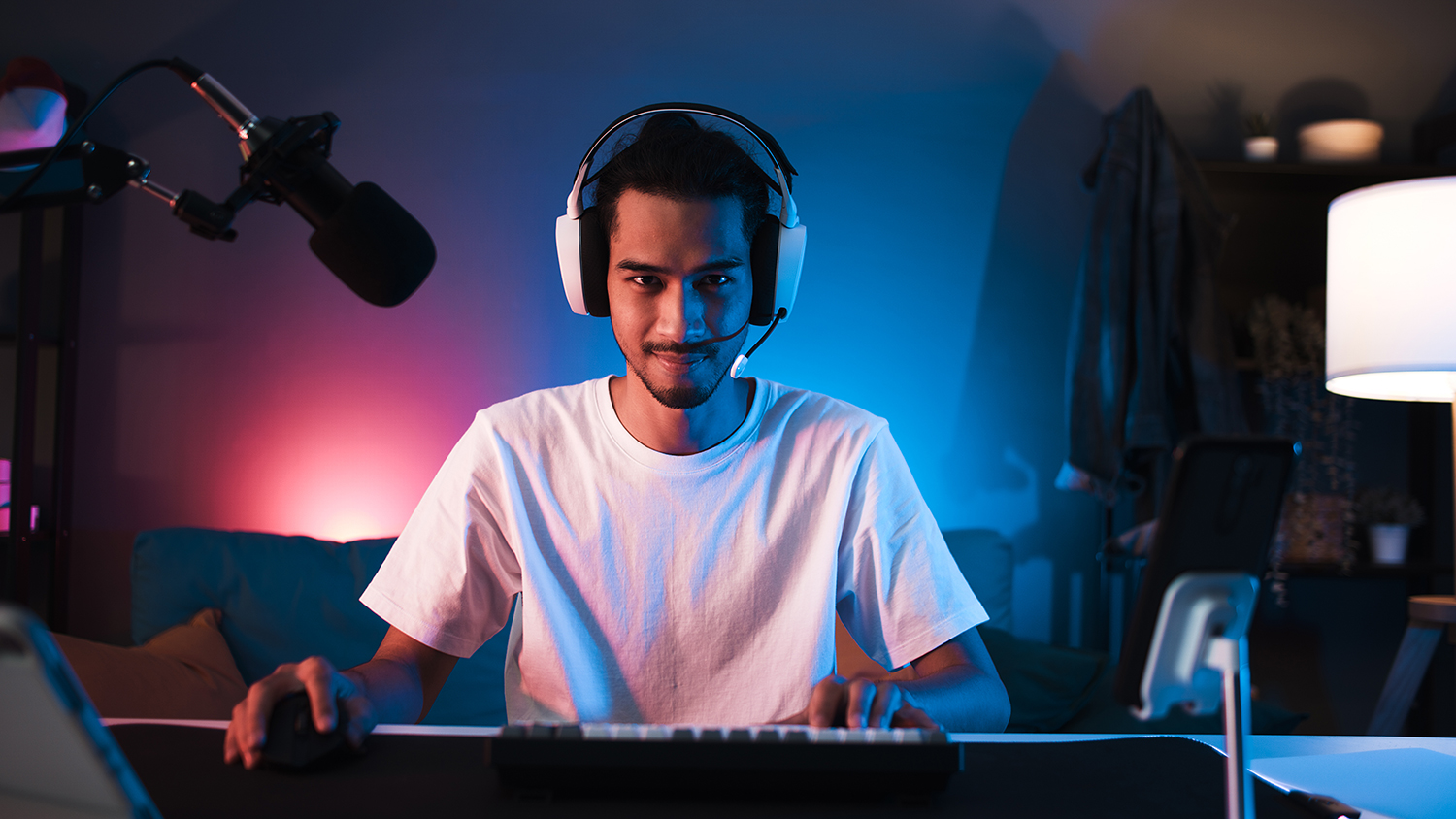
For smaller, more intimate lighting for internet-based recording, you’ll want something much smaller. Ring lights are a great option because they provide even coverage of your face and even allow your main recording device to sit right in the center. Sometimes, a smaller separate lighting block with a lower color temperature could also suffice.
Creative Console
If you are looking to take your production to the next level, I would suggest a solid creative console or interface. We broke down a few of our favorite creative consoles, but generally speaking, creative consoles are great tools to help streamline your setup with ease. They tend to work with all sorts of streaming and broadcasting software applications, giving you total control over your content.

Capture Cards
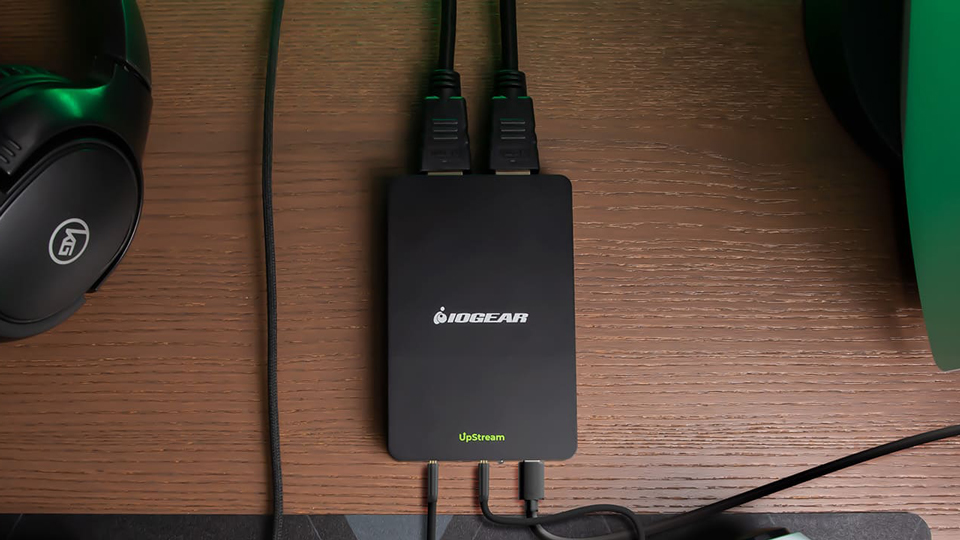
Capture cards can dramatically change your presentation. There are multiple versions of these cards, some of which can capture video footage to be inserted into your stream. These are great if you have a guest who wants to show a clip from one of their projects or display artwork directly from another device. There are also broadcasting capture cards, which provide you with a number of video inputs, streamlining your camera setup and enabling quick swapping between scenes and positions. Some of these need to be installed into your computer to use, but if you prefer an external device there are various switches that could do the job.
Switches
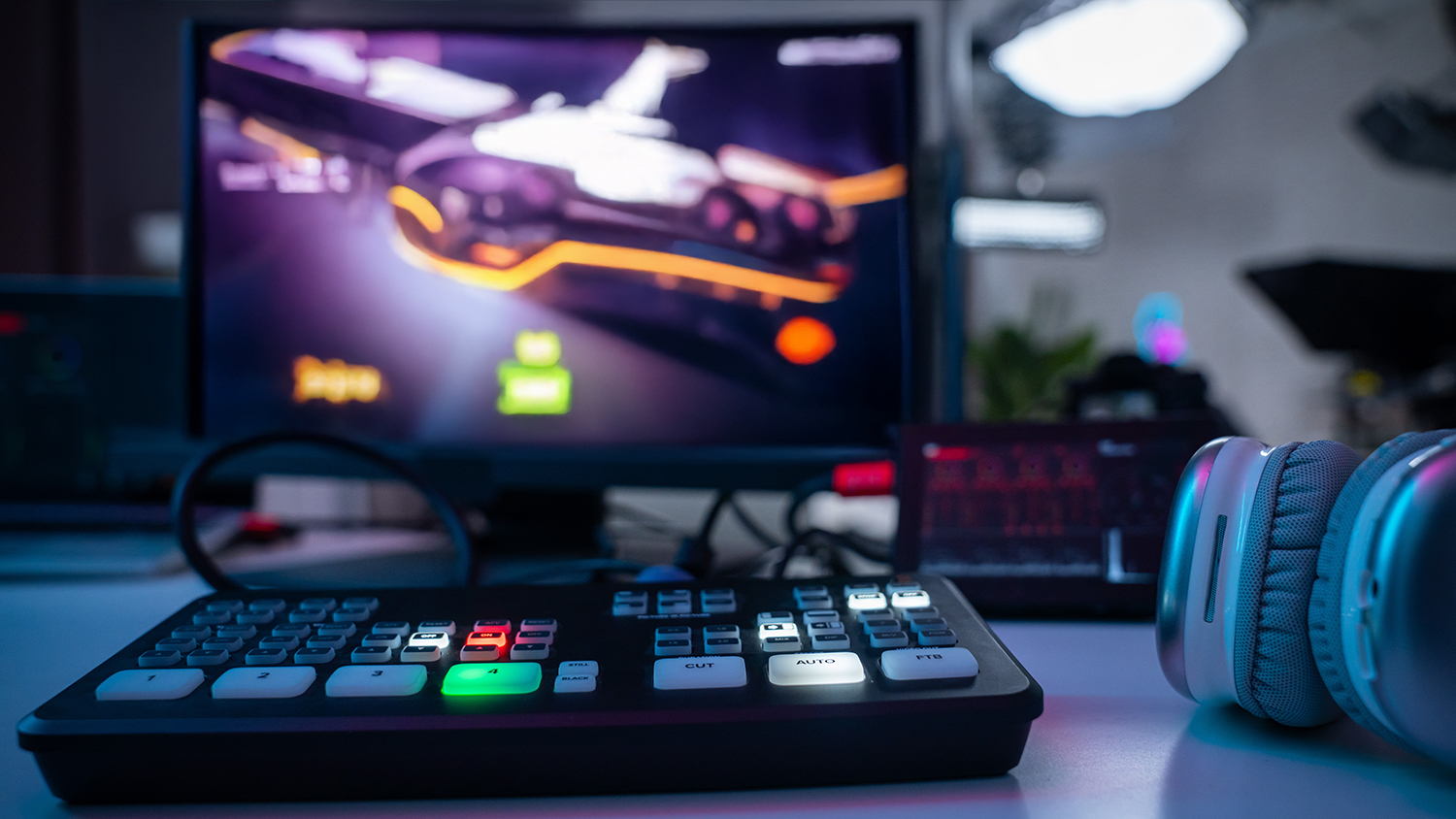
If you are looking for something more advanced than a creative console and capture card, there are dedicated live stream switchers. Despite the nomenclature, you can easily use live stream switchers with recording applications. Essentially, they allow you to quickly switch cameras and inputs with the press of a button. They also offer a ton of other features and functions like zoom, picture-in-picture, cut duration, effects, and a whole lot more. Of course, features are entirely dependent on what you need. So, measure the type of production you have, how many cameras you are using, list the features you need, and then find the switch that can easily work with your environment.
Tripods
Speaking of cameras, one or more tripods are essential. You have a camera and you want something to hold it, and this is where a good tripod comes into play. There are multiple tiers of tripods, but for a show that has static camera placements, any tripod that features solid footing will do the trick. A couple placed strategically along the set can make all the difference. If you are looking for the best position, consider grabbing a tripod with a built-in level, which tells you when the tripod is perfectly level.

Mic Arms and Mounts
You have your mic, amp, and cameras all in order, but you also need something to hold up your mic. Some mics will include stands, but most mics don’t. So, you’ll need a stand that will best accommodate your setup. In some cases, you could get a standard high-profile scissor arm that clamps to the edge of a desk, but because the arms are high, it could block sight lines to your guests. Low-profile arms have become more popular because it keeps the mics close without getting in the way.
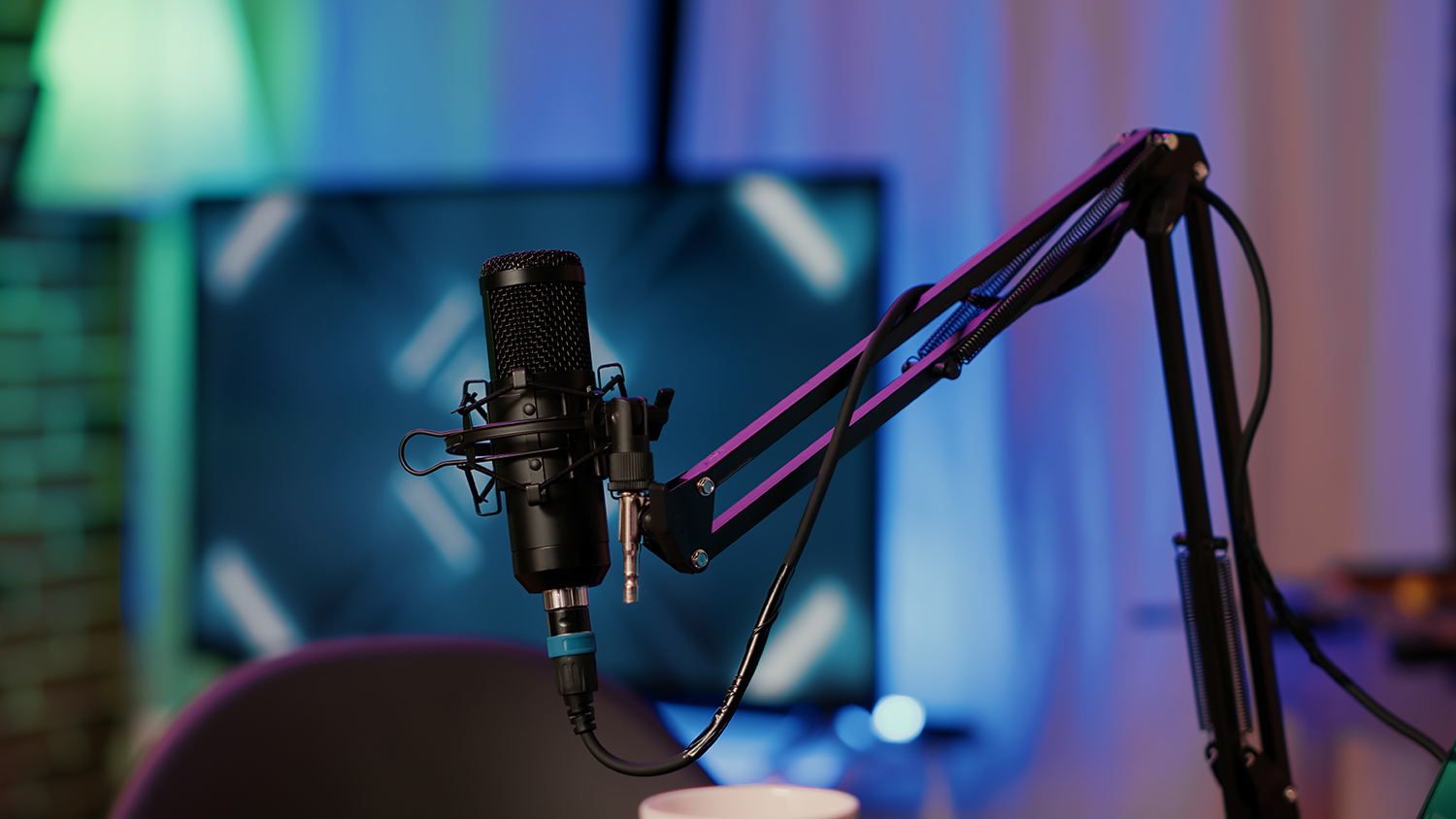
You’ll also want a solid mount. Shock mounts that use a mix of metal grips and bands prevent sound from traveling into the microphone’s diaphragm and disrupting your audio. All you need to do is check compatibility and make sure your mic will fit into the mount.
Backdrop
There are many different options out there when it comes to backdrops. You can either go with a canvas one which has a static image or a green screen, which can throw you right into a digital landscape.
Cables
Last but not least, you may need some cables! Most USB equipment includes a cable, but they’re often not long enough to deal with podcasting setups, so keep a few 10- and 20-footers in your locker just in case. In some cases, that might not be possible as technologies like Thunderbolt have a max usability range. But, if you are looking for something like XLR cables, then you can go with whatever works for your budget, just make sure you have ample slack.
Conclusion
That’s it! It seems like a lot on paper but when you start putting everything together, it will all begin to make sense. It is a learning experience, one that you can discuss when your video podcast is up and ready to go. Now all you will need is to choose a streaming program to get you online like OBS, which is an open source broadcast application that is versatile and easy to use. But, if you are looking for some help getting that started, then stick around!
