
Microsoft recently revealed the Surface Laptop Ultra designed with NVIDIA RTX Spark at the center of the device. NVIDIA is the top dog when it comes to graphics cards and Microsoft has one of the largest footprints when it comes to operating systems. On paper, this partnership makes sense, but does it pay off? Microsoft was kind enough to send over their Surface Laptop Ultra to us and I have some impressions that I would like to share.
I want to rip the bandage off right now and say that we are still in the middle of testing the device through various benchmarks. The Surface Laptop Ultra is more than just a new piece of hardware. It has a whole new internal compute architecture that takes time for both users and developers to adjust to. That being said, not all drivers are available at the time of this writing, but I am told that by the time this device gets to your front door, all the necessary Windows updates and NVIDIA drivers will be out and ready to go. So, if you want some solid benchmarking results, please stick around and keep your eyes on B&H. Otherwise, let’s dive into some first impressions!
Display and Keyboard
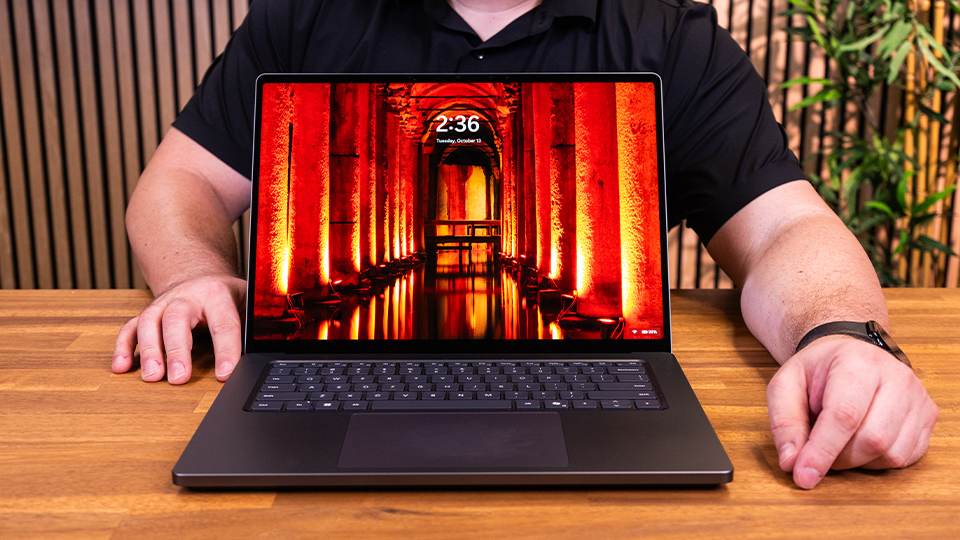
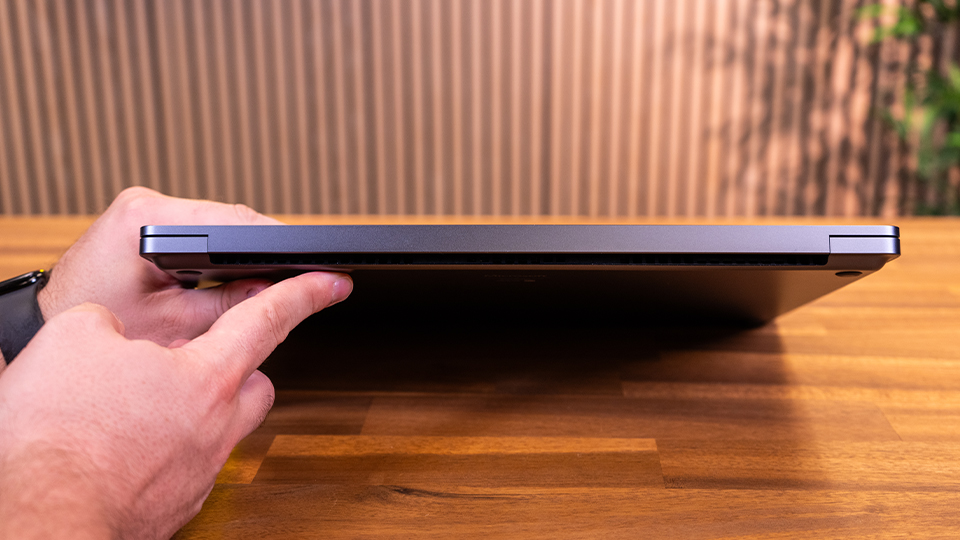
From the get-go, the Surface Laptop Ultra looks quite striking in the “Nightfall” color style. The metal chassis makes it feel like a premium device. It’s strong and durable with a nice curvature around the corners that marries sophistication with a professional aesthetic. There is no front cutout for you to open the device but there is just enough of a lip for your finger to catch on the lid. A single finger can open it, revealing the beautiful 15-inch PixelSense Ultra display and a clean looking keyboard.
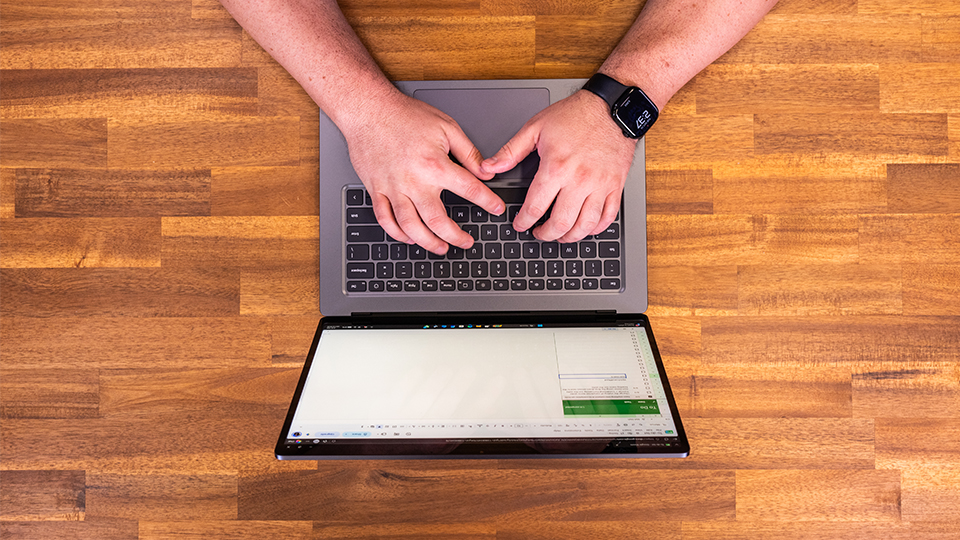
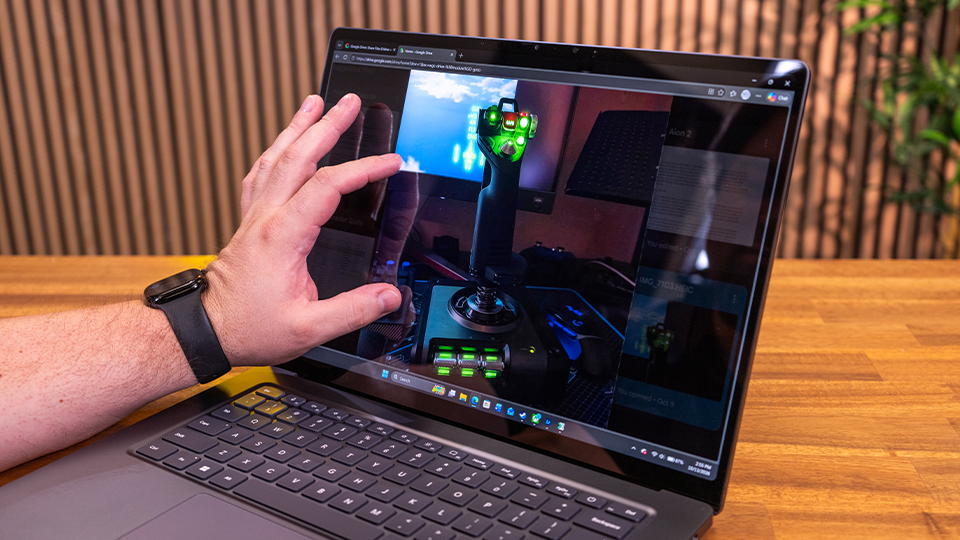
The 15-inch PixelSense Ultra display looks beautiful! It has a 3:2 aspect ratio with a maximum resolution of 3270 x 2180. It also has a dynamic refresh rate of 120 Hz, which makes it great for both work and play. I was surprised by how vivid the images looked on the display, not considering at the time how it can reach a maximum 2000 nits peak brightness when HDR is enabled. When dealing with SDR content, the maximum brightness is still 1000 nits, which is rather impressive considering a lot of other laptops stick around 500 to 750 nits—if you’re lucky. I’ll also mention that the display is a touchscreen, which is great for those who like to use touch controls. I’m not personally blown away by it as the tech has become more normalized over time, but it’s nice to have.
When it comes to colorization, Microsoft says that each display is individually color calibrated and features adaptive color and auto color management to assist with color accuracy. To top it all off, it utilizes 100% of the DCI-P3 color space with a D65 white point. Considering these aspects, I can say that the PixelSense Ultra display is one of the cleanest looking panels I have ever seen. When looking at images from a recent trip to California, it really made a lot of the details pop! This goes even further when it comes to some of my early testing where I ran a few 3DMark benchmarks and saw the visuals and details practically explode off the screen!
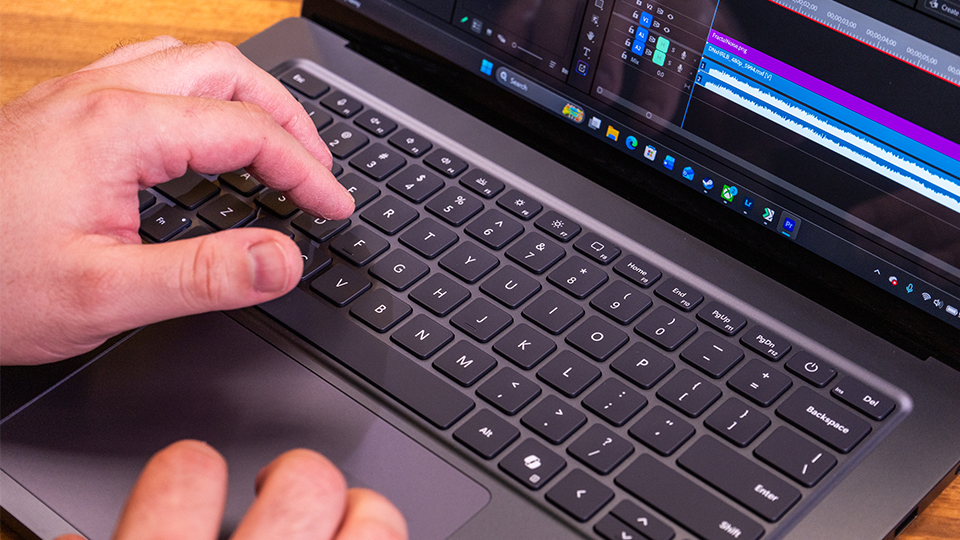
When it comes to the keyboard, I really like what I am feeling here. There is a full set of mechanical keys set in the standard QWERTY format with a full row of function keys which is something needed by programmers and developers. But the touchpad is really what is worth mentioning because it has precision haptics bult in. This means that when interacting with certain software suites, the touchpad will have these little vibrations to help give you a more contextual feel when working in various applications. Companies like Logitech has been experimenting with this technology for a bit now and I am glad to see it make its way into a laptop.
I/O
A device is sometimes only as good as the port selection and here, Microsoft blew it out of the water. On the right side we have two USB-C ports both running at the USB4 standard, giving you up to 40 Gb/s data transfer speeds, as well as support for devices like external displays. There is also an HDMI port that can handle up to 8K resolution at 60 frames per second. A 3.5mm combo audio jack is also present for headphones and such.
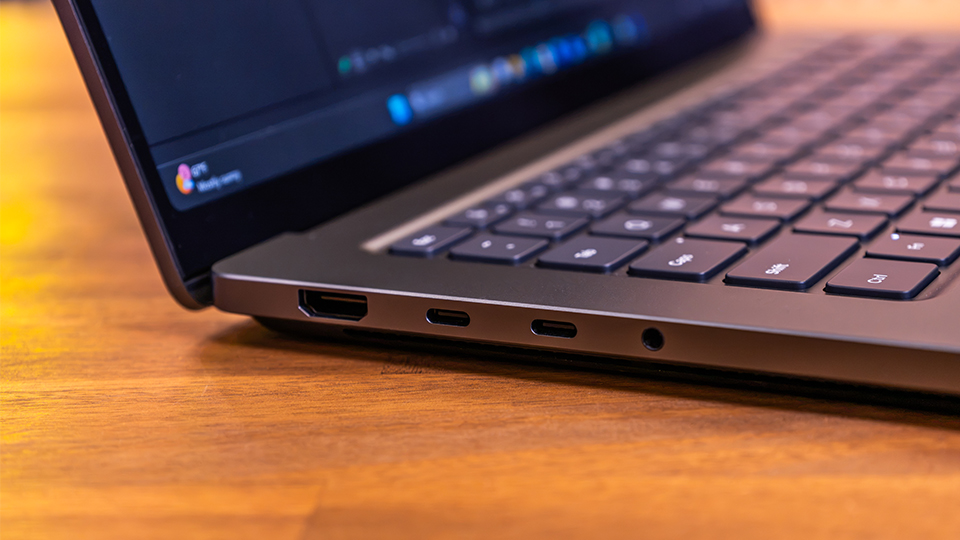
On the right side, we get an SD card reader, great for those who want to bring their photos and videos straight from their camera to the device. There is also a single USB-A port operating on the USB 3.2 Gen 2 standard, giving up to 10 Gb/s data transfer speeds and support for wired mice or controllers that use the USB-A connector. Finally, we have another USB-C port, but this one looks a little different from the others. While it does also put out the same USB4 level of performance, it is made with the new power connector in mind.
Perhaps one of the more underrated features is the new USB-C power adapter. The port itself is just a tiny bit larger than the others so that the power connector can easily slide into it. If there is even a slight snag, the entire cable detaches from the Surface Laptop Ultra. The days of having your entire system fly off your lap because someone tripped on the cable are long gone.
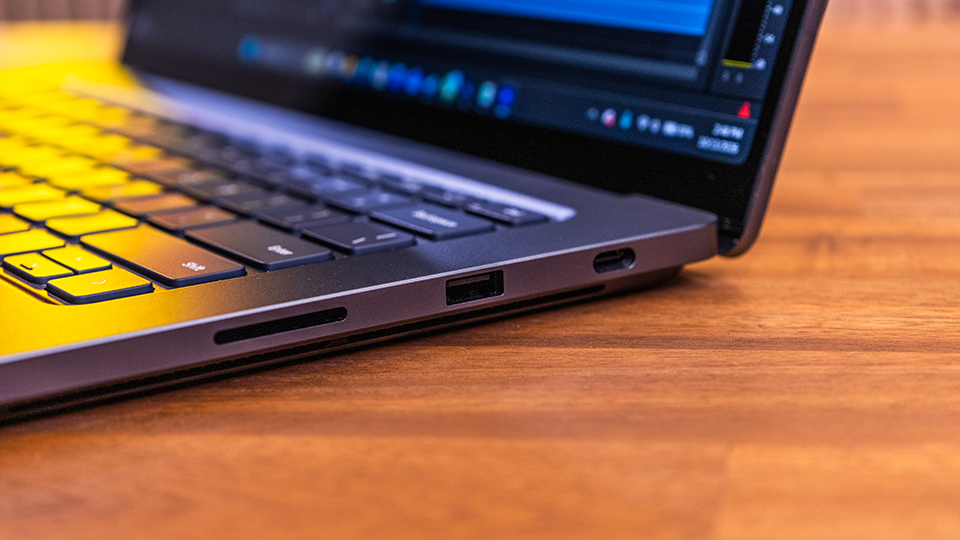
All the USB-C ports support DisplayPort 2.1 technology, which allows you to run up to three 4K displays with a 60 Hz refresh rate. This allows you to transform the Surface Laptop Ultra into the master-class workstation of your dreams!
The Surface Laptop Ultra also utilizes Bluetooth technology to support wireless devices like mice, keyboards, and controllers. Wi-Fi 7 networking is also built in, allowing you to quickly download important assets or enjoy your favorite streaming media.
Under the Hood
I know that you have all been waiting to hear how it performs. Once again, I would like to reiterate that final test results will be coming soon. But from my early impressions I can say that the Surface Laptop Ultra has a ton of promise and I am very optimistic about where this can go.
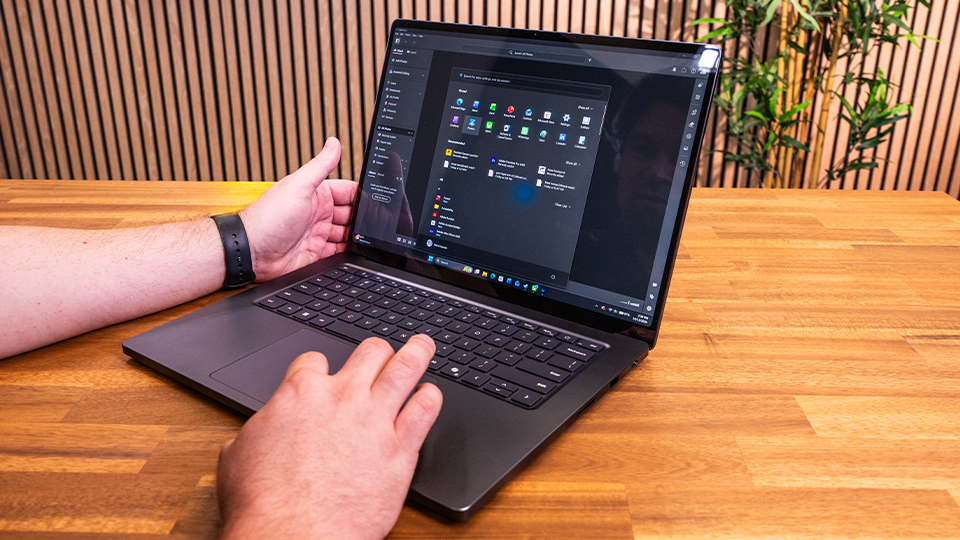
The model we received features NVIDIA’s RTX Spark N1X processor, which has an NVIDIA Grace 18-core CPU and a Blackwell RTX 5120-core GPU. Memory- and storage-wise, we have 32GB of LPDDR5x unified memory and a 1TB M.2 SSD. You can replace the SSD manually if you want to expand your storage, which is a great option, especially if you are someone that knows your way around a computer.
In my early testing I found the performance to be rather impressive for brand-new architecture without all the proper drivers. It is important to understand that the NVIDIA RTX Spark technology is based off a similar design philosophy as ARM processors. Devices like your smartphone and tablet both operate on ARM processors, which enable you to get into your device quickly and help with maintaining other performance factors like pure processing power and battery life. It is no different here with the Surface Laptop Ultra.
While the Surface Laptop Ultra has a very strong foundation, it is up to a lot of developers to ensure their applications can utilize the ARM architecture that runs the device. There are going to be some growing pains when it comes to the longevity of the device. But, because this is Microsoft and NVIDIA effort, I would like to imagine that the performance nitpicks that I currently have will be smoothed over sooner rather than later.
I will say that if you are someone who does a lot of multitasking and wants to optimize your workflow, I think you should look at higher memory capacity tiers. If you are someone like me who does a lot of typing, some podcast editing, and some light to medium workload management, the 32GB of memory will be fine. But if you are someone who works with resource-demanding applications like CAD or AI development platforms, you’re going to want more memory, and in many cases, more storage. If you are going for bigger pools of memory and storage, you might also consider going to the next tier of performance, opting for the NVIDIA Grace 20-core CPU and NVIDIA Blackwell RTX 6144-core GPU.
By leveling up the core elements of the Surface Laptop Ultra, you’re going to get greater performance across the board. With how promising the numbers look right now, I could only imagine how much more powerful this device could get with those upgrades.
Other Notes
There are a few things that I want to point out that I think are important and left some sort of impression on me. There is a full 1080p webcam at the top of the screen alongside a mic array to help with taking video calls. Visual quality and audio quality are quite solid, but there is no privacy shutter for the camera. While there is a strong emphasis on security, I personally prefer to have the option for a slider to give me that extra peace of mind when it comes to privacy. The webcam does work with Windows Hello, so if you are big into using your face to log into your system, this is supported.
Audio-wise, I think the onboard speakers are quite loud and clear! I’m not wild about playing music from my laptop as it could be a bit distracting for many people around me. But, when I am home and I want to play something while moving around, the speakers produce some excellent quality audio provided by Quad Omnisonic speakers with Dolby Atmos.
Finally, I want to talk about the gaming aspect just a tiny bit. There needs to be some expectations set here before you go diving into this device. While RTX Spark technology is able to do a lot, there is only a small selection of games that are fully supported out the gate. This doesn’t surprise me in the slightest as with new technologies like RTX Spark, there are some growing pains. When DLSS first entered the scene, not every game was able to use that technology. While it did take a few years for developers to leverage the technology, I am hoping that with this pipeline of going from desktop RTX based graphics cards to the RTX Spark will be smooth and effortless. That being said, it isn’t all bad news!
I played CyberPunk 2077 as that is one of my personal favorite games to use as a benchmark and I found it running quite smoothly at medium settings with some low ray tracing. Gears of War: E-Day also ran surprisingly well! There are other titles also mentioned like Borderlands 4, Control Resonant, and a few others that promise compatibility right out the gate. For me, it is the native compatibility with World of Warcraft that really stands out.
Conclusion
Overall, I will say that my first impressions of the Surface Laptop Ultra are quite positive! This is new technology that will have its own growing pains, but knowing both Microsoft and NVIDIA, I do not expect the pain to last very long. What we see here is the promise of potential. I like what I see so far in both build quality and performance. It will be very interesting to see where the Surface Laptop Ultra stands a year from now.
If you want to learn more about the Surface Laptop Ultra and get a full view of the specs and options out there, make sure you hit the product link. If you are interested in the performance profile and want some hard-hitting numbers, make sure you stick around B&H for more!
