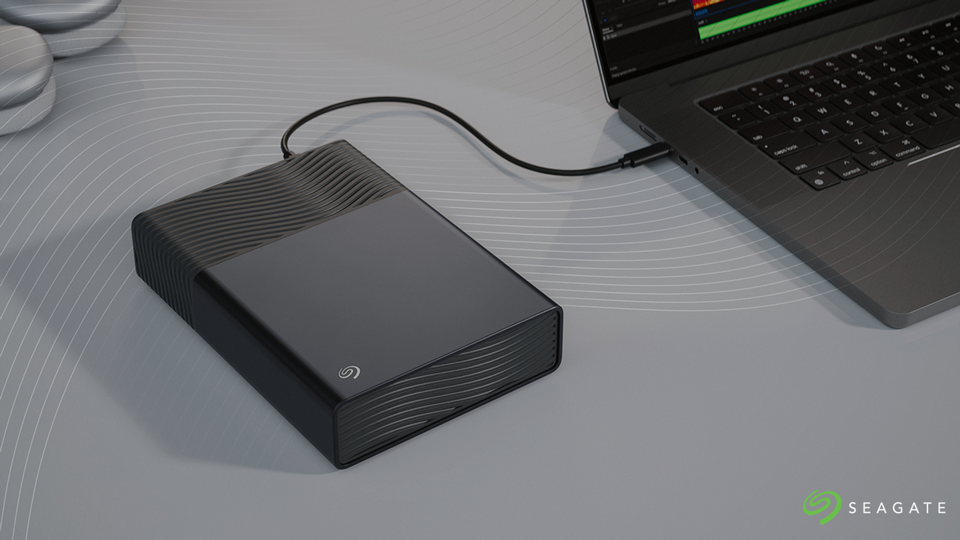
I'm a big advocate for proper data backup. There are multiple solutions out there, with cloud-based storage being one of the most reliable platforms out there. But what if you are saving more than just photos? Videos, games, and designs all take up way more space and aren't as well-suited for cloud storage as one thinks. So, for the archivist out there, Seagate made the One Touch Desktop external storage drive. Are you interested in finding the best storage drive that meets your needs? Let's take a look and see!
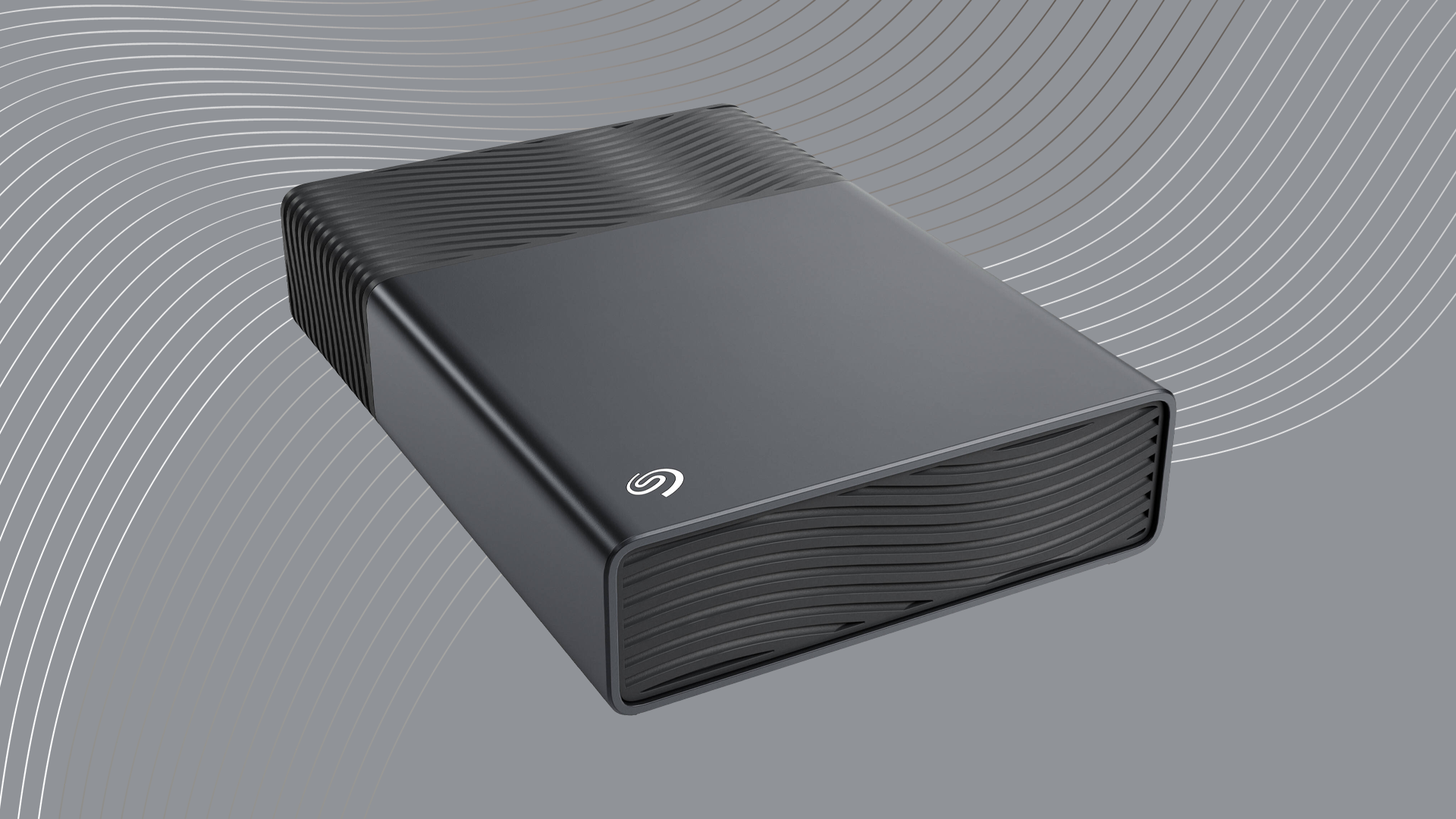
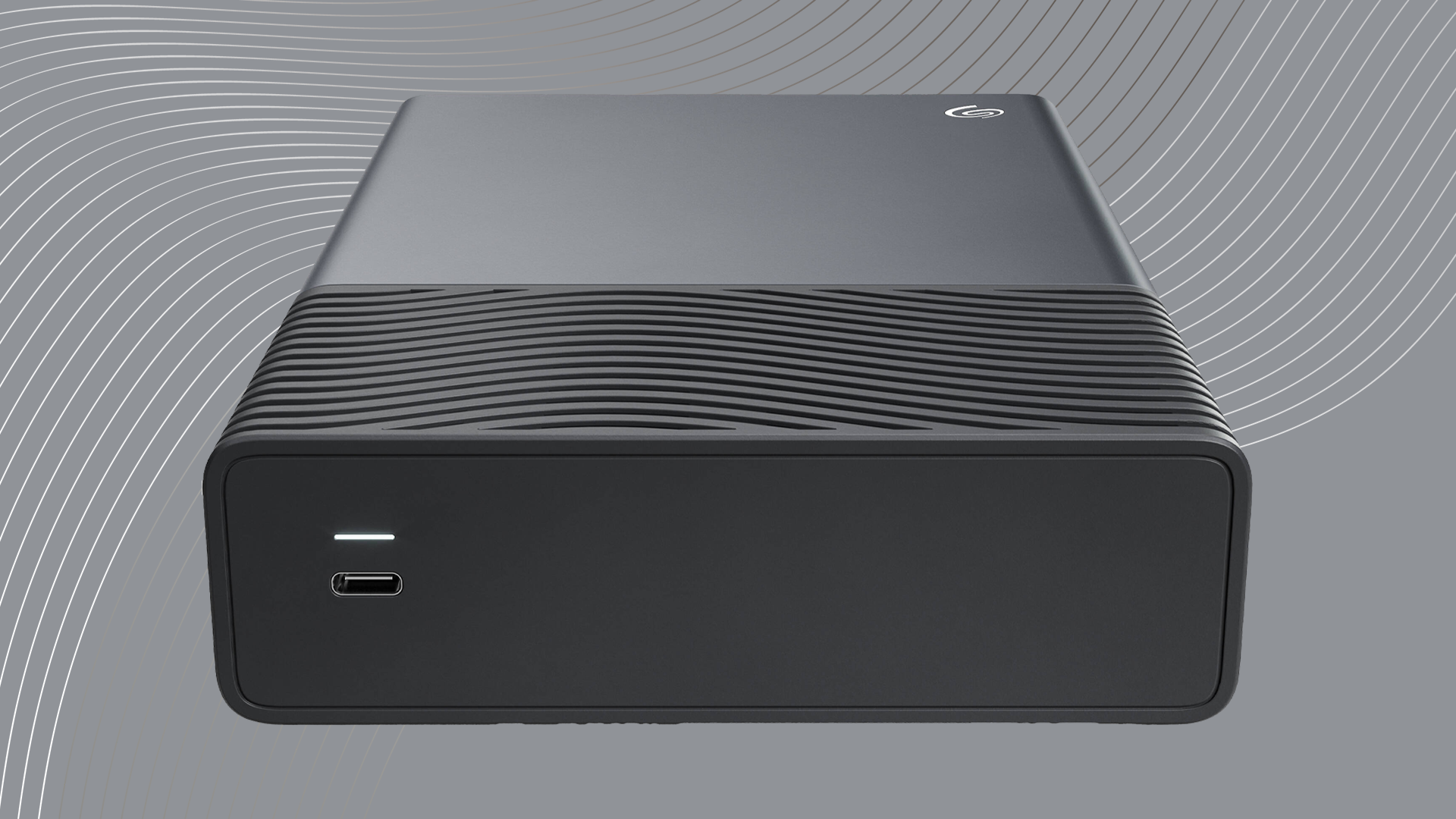
You can use the One Touch for just about anything. From pictures to videos, the One Touch is there for all your storage needs. It is a sizable storage drive with a stoic sense of design. It isn't flashy (except for the LED in the back); it is just a simply designed external storage drive that gets the job done and, in this day and age, sometimes that is worth more than its weight in gold.
With a capacity of 8TB, I found that there is more than enough space for photos, videos, and other documents, making it ideal for long-term archivists. If you need more space, there are 20TB and 24TB variants as well. While the larger storage options are great for those who are working on high-resolution photos, videos, and more, I find that 8TB is just perfect for a vast majority of average users.
What I do love about this drive is how it only requires a single cable to operate. It may sound silly to be excited over that since plenty of drives have operated on a single cable for a while, but those drives didn't operate at the same level that the One Touch does. Typically, while smaller portable drives only need one cable, bigger and more robust drives do need one cable for data transfer and another for power. Simplifying the connections down to one makes using the One Touch easier.
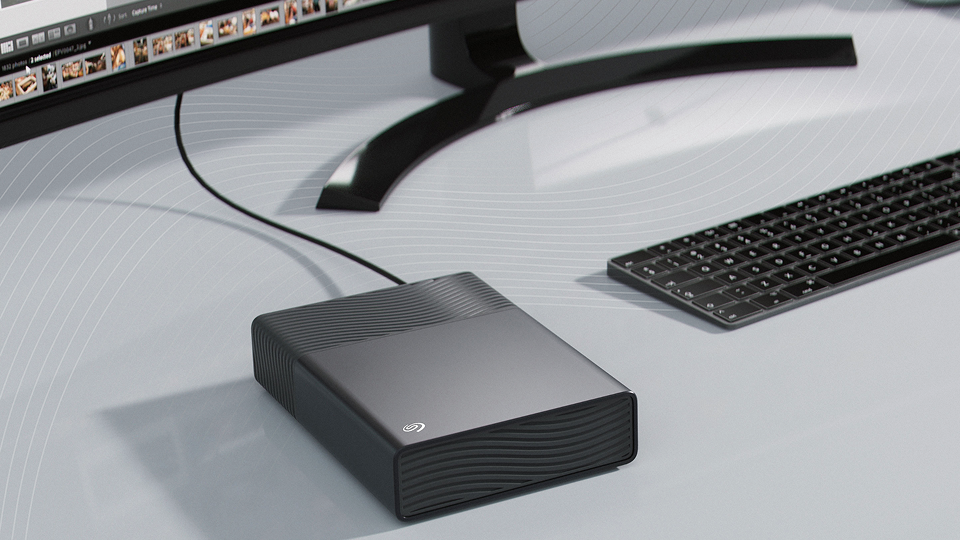
There is one caveat to this though: your host computer requires a USB-C port that provides at least 15W of power. The good news is though, most USB-C ports will be able to provide the necessary 15W. Ideally though, you want to use a port that happens to offer Power Delivery, which provides up to 240W of power depending on the type of port it is. Thunderbolt and USB4 technologies utilize Power Delivery technology, while USB 3.2 Gen 2 ports will suffice. If you happened to purchase a computer within the last several years, chances are you have these ports and don't have to worry that much.
When it comes to speed, I'm not going to get too caught up in the weeds here. The truth is that most SATA hard drives have a very limited speed. You're not going to get anything like 20 or 40 Gb/s transfer speeds. It will rest on the size of the files you are moving over.
Overall, I think this is the best choice for many different users out there, especially those who are not as tech savvy as myself. It has a solid build, the one-cable solution is amazing for connectivity, and it can be formatted for both Windows and Mac. While I can't wax poetic on this device, I can say that I really like what I have seen from the One Touch and I can absolutely recommend it.
Backup Plan
One thing I cannot skip over is Seagate's support. I have only used the drive for a few days, but what happens after a few years? What happens in the event of potential data loss? This is where I give Seagate a ton of credit with their dedication to their customers. The One Touch falls under Seagate's Rescue Data Recovery Services with varying windows of support. In the event of drive failure, you can contact Seagate and see if they can recover any lost data from the drive and that is always something that provides great peace of mind.
Conclusion
There isn't a whole lot to say about external storage drives and how they operate. There is a ton of nuance. I find the One Touch great for its purpose. It is sleek, hefty, and performs well above my personal expectations. While I would love to get into the gritty, numbers-based coverage where I dissect how fast this drive works for power users, I don't think these are the best solutions for that area. There are so many other devices out there for users who are taking their content creation to incredible heights. But if you are looking for reliability over speed, you will find the One Touch absolutely invaluable in your efforts.
For more information on the One Touch, be sure to hit the links.
