
Let’s cut to the chase: You’re a seasoned developer, a creator who was once an apprentice and is now the master. It’s time for your creative work to finally shine and there is no better way than with a powerful laptop. But finding the right device is more than just saying, “give me the best.” Let’s dive into what you should be aware of so you know you’re getting the best device.
A pro-grade laptop, as I call it, tends to be a no-compromise device. It is important to note that creative laptops of this level have a lot in common with high-end gaming laptops. Granted, you don’t want to pull up to a professional meeting with a glowing RGB keyboard and flashing images on the top lid and have it act as a reflection of your competence. You want something powerful yet sophisticated. So, let’s stop wasting time and dive right into what makes a solid pro-grade laptop!
What Is a Pro-Grade Laptop?
When we refer to a pro-grade laptop, we are talking about something with zero compromises that will handle the tasks that you need to complete in a swift manner. We want minimal downtime, hang-ups, and quick performance suitable for rendering various projects in as little time as possible. To achieve this, you’re going to need a laptop that boasts some serious components. When every moment matters, you can’t afford to waste time.
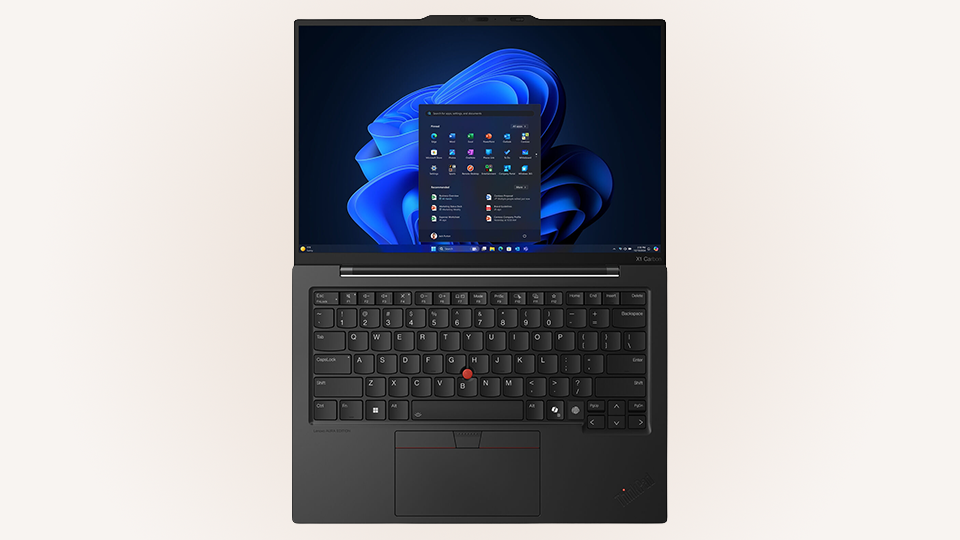
We are talking about the most powerful consumer-based CPU, a ton of memory, ample storage options, and a robust graphics card. A sleek display is also a necessity—especially if you are working with color-accurate motion graphics. Additionally, you want plenty of ports—something that you can plug-and-play when you get to the office and take with you for travel.
Processor, Memory, and Storage
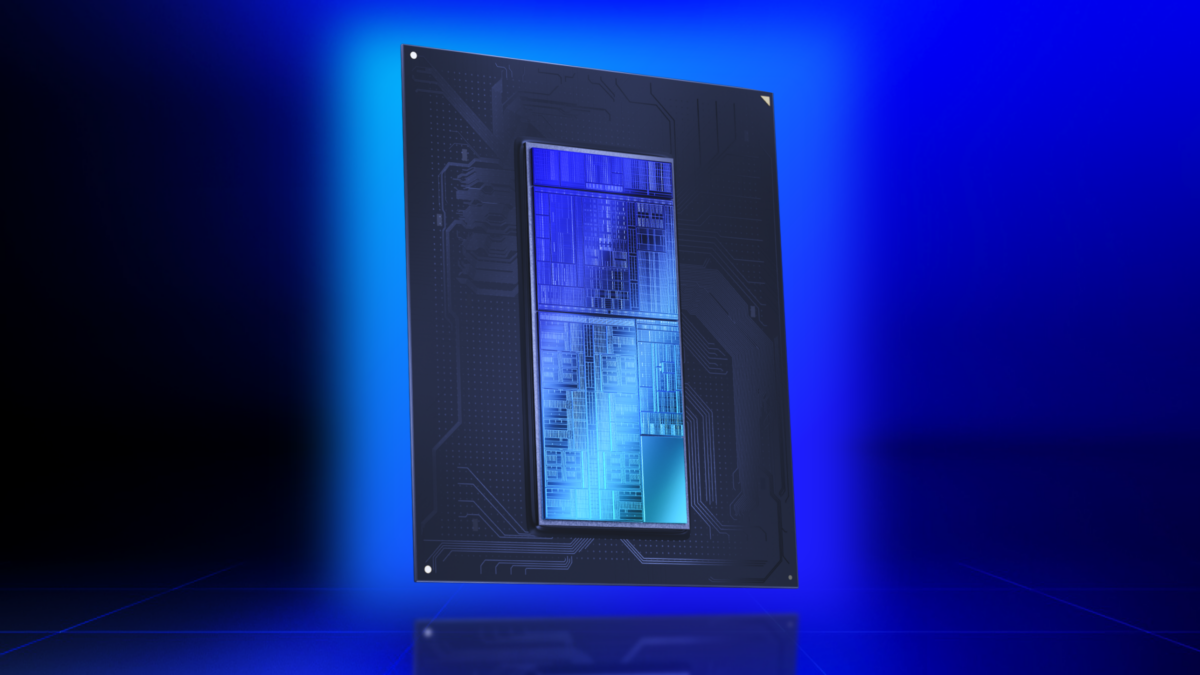
We are now at the full cusp of power when it comes to the pro-grade system. Intel and AMD both offer high-level processors. If you have been following us since our first and second articles, then it will be no surprise here of what comes next. But to cover all bases, Intel and AMD offer the Core Ultra and Ryzen branded processors, respectively. They use a number system to denote the power profile, giving you a clue as to how they rank.
We started on the Intel Core Ultra 5 and AMD Ryzen 5 for beginners and Intel Core Ultra 7 and AMD Ryzen 7 for intermediate users. It is safe to assume that for pro-grade users, the next logical step is Intel’s Core Ultra 9 and AMD’s Ryzen 9 processors. These both offer the most power you can have at your disposal.
Memory-wise, we have quite the consideration to make. Memory comes in handy when multitasking and rendering. The more you have, the faster you can render a big project. At minimum, 32GB would be fine, but you want to be in the upper echelon of memory capacity—64GB up to even 128GB.
Storage is going to be an interesting case. You’ll find a lot of systems that have varying capacities from under 1TB to upward of 8TB. You don’t need that much storage, but it really does depend on what you’re working on. For bigger projects, 2TB is a solid option.
For even bigger projects, especially if you are treating your laptop like a workstation, I would suggest some sort of external storage system. Whether you want to bring a portable SSD with you or leverage the capabilities of a Network Attached Storage (NAS) system, there are options, but more on that a bit later.
Graphics
This is where things get a bit tricky. It is true that desktop and laptop GPUs are both cut from different cloths. This is in a sense that a laptop GPU will often have less memory compared to its desktop pairing. A top-of-the-line NVIDIA GeForce RTX 5090 for desktop will leverage 32GB of dedicated memory toward completing graphically heavy tasks. The laptop equivalent of the RTX 5090 maxes out at 24GB of dedicated memory. So, if you are doing even heavier tasks like highly technical 3D modeling and animation for a movie where computer generated graphics are going to do most of the heavy lifting, I would tell you to strongly consider a fully optimized desktop instead—a laptop, even in workstation mode, will not cut it.
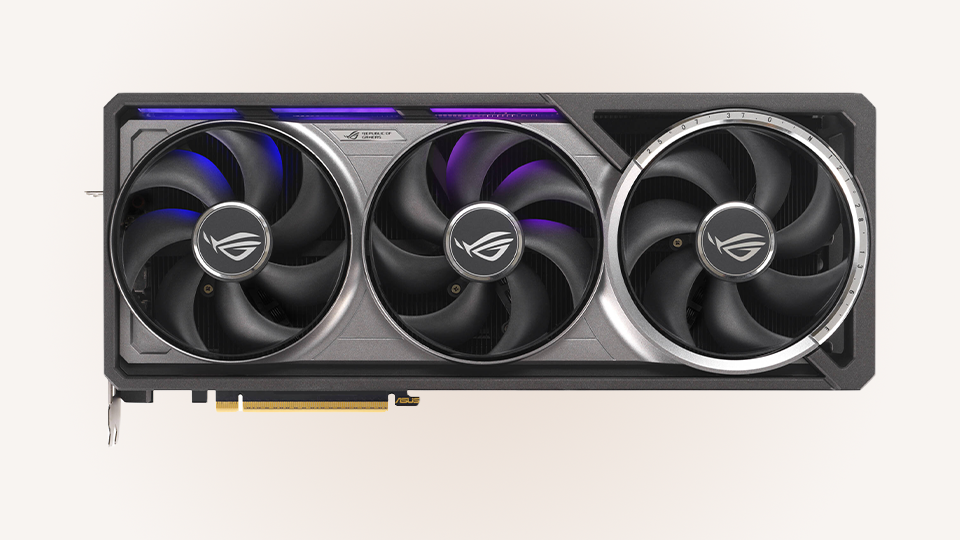
There is another option besides the NVIDIA GeForce RTX graphics cards and that is the NVIDIA RTX 5000 Ada series cards. The GeForce RTX cards are designed to handle gaming capabilities but can still be used to model and design. The RTX 5000 Ada series cards are focused for workload operations. This means 3D modeling, video content streaming, data visualization, generative AI, and more. The caveat here is that finding a laptop with an RTX 5000 Ada GPU could be quite difficult, so most users who gravitate to these workflows tend to stick with either a powerful desktop tower or settle with an RTX GeForce graphics card.
Display
Let’s go a bit more in depth with displays. Previously I bundled graphics and display together, but because we are dealing with higher-tiered technology, both deserve their respective section. Displays often found at this pro-grade level tend to leverage multiple technologies designed to give users the clearest and smoothest picture possible.
At this level you are going to see a lot of different types of panels. In-Plane Switching (IPS) panels are still great, but they will not give you the color depth, contrast, and color spaces that you want for pinpoint-accurate colorization. You’re also going to get what people call “the IPS glow” where bright elements will have this fuzziness around them which can distort whatever you are working on. This occurs due to the nature of IPS panels which are either backlit or edge lit. Some IPS monitors may have Mini LED backlighting with local dimming features to improve the black levels and contrast, but they tend to be rather costly and not as in use as many would assume.

OLED panels are fantastic for both designing graphics as well as playing games. Unlike IPS panels, OLED displays are not lit using back or edge lighting. Instead, OLED uses individual pixels to create the images you see on the screen. When paired with the proper color space, you can experience vivid colorization, a huge contrast ratio that gives you the deepest black color, and super-wide viewing angles. For video editors and gamers alike, OLED also can be tuned to hit incredibly high refresh rates without effecting visuals as well as fantastic response times for reduced lag between your system and the display.
The only drawback with OLED panels is how they could be susceptible to burn in. This occurs only if you leave a static image up for a prolonged period. In many cases, manufacturers tend to offer some element of burn-in protection by dimming the screen or shifting the pixels over a little bit. As long as you remain responsible and show basic care, OLED displays should last a very long time.
Ports
Similar to intermediate-level laptops, pro-grade systems will have an extensive number of ports. You’re mostly going to see the powerful ones on here such as multiple Thunderbolt ports, which transfer data as well as video signals, and are essential for workstation purposes. You’ll also find ample UBS-A and USB-C ports that may offer 3.2 Gen 2 and 3.2 Gen 2x2 speeds up to 10 and 20 Gb/s, respectively. These are often great for transferring information quickly, supporting powered components like microphones, control units, and more.

When it comes to wireless communications, Wi-Fi and Bluetooth tend to be the most top-notch variations out there, which is typical for both pro-grade and intermediate laptops.
Operating System
Before, I never needed to cover the operating system. That's is because most people will be fine with Windows Home editions. When you get into this level, it is always a great idea to consider Windows Professional versions of the respective operating system. Usually this includes a ton of additional utility options like BitLocker encryption, Remote Desktop hosting, Hyper-V, and more. If you are at this level, Windows Professional is a necessity.
Pro-grade laptops are great for handling just about anything you can throw at it within reason. For the creator on the move looking to edit a video in a hotel room or on the plane ride, these are the most important features you should keep an eye out for.
