
So now that we know a little bit more about mass storage, let’s take a look at a few physical items that will help you create your own little digital library of photos, videos, music, and more. It all starts with a concept: What are you looking to do with your mass storage drive? Are you a creator who needs a lot of space? Maybe something small enough to transport? Maybe something big for your company? There are tons of units out there and we are going to help provide you with a solid jumping off point.
Simple Solutions
OWC Gemini 2-Bay Thunderbolt 3 RAID Enclosure
Starting off with what I think is the best for new creators: The OWC Gemini 2-Bay Thunderbolt 3 RAID Enclosure lays a solid foundation. This enclosure does not include drives of any type, allowing you to scale storage to your needs. The Gemini can fit either two 2.5” or 3.5” drives, great for either HDDs or SSDs. It also has expansive IO, including dual Thunderbolt 3 ports for daisy-chaining devices, as well as two USB-A 3.2 Gen 2 ports and an HDMI video output, an SD card reader, and a 2.5 Gigabit Ethernet LAN port. Having this type of functionality within an enclosure helps those who want to store their files while also having a central hub to work out of.
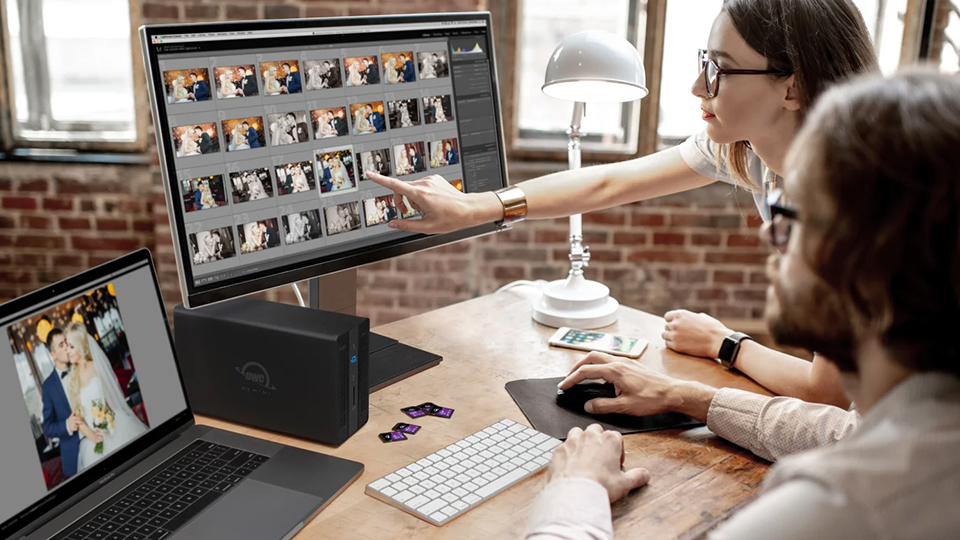
The Gemini also supports various RAID configurations, including SPAN, JBOD, RAID 0, and RAID 1. I will say that while these are quite basic, it is due to the fact that there are only two drive bays available, and for beginners, you can’t go wrong here. If there are spare drives around your home or you are looking to outfit the enclosure with specific drives, this is the way to go.
Synology BeeStation Personal Cloud NAS Server
If you are looking for something at the most basic level, you can’t go wrong with the Synology BeeStation Personal Cloud NAS Server. This isn’t quite mass storage, but it is a great entry into the world of Network Attached Storage (NAS). It is quite simple to use. Just plug it into your modem or router, follow the downloadable software, and you’re good to go.
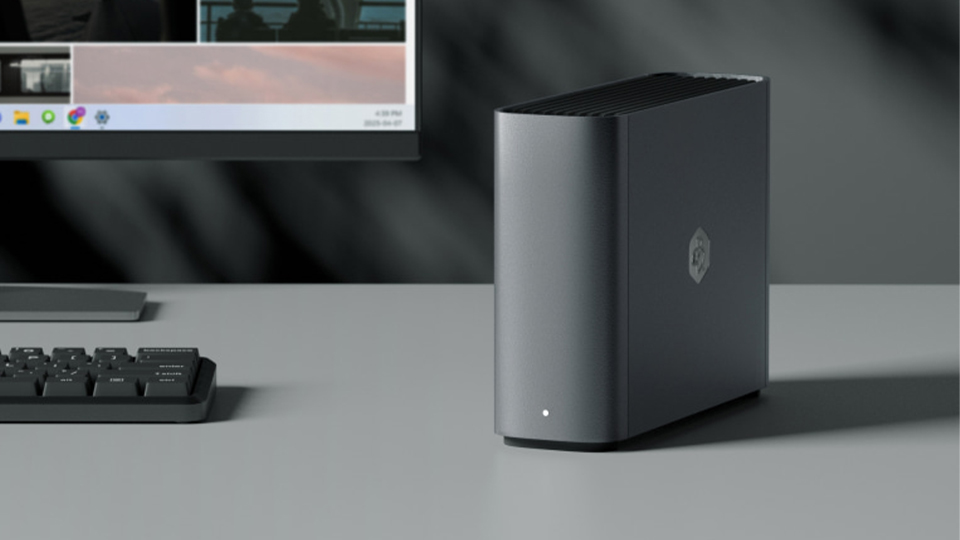
You can access your BeeStation from your phone, tablet, and other devices without the need of any networking experience. It is so simple to set up that anyone can do it. It comes in both 4TB and 8TB models.
Oyen Digital MiniPro RAID V4 Enclosure
If you are looking for something super slim, the Oyen Digital MiniPro RAID V4 Enclosure is the choice to go with! It features two 2.5” bays suitable for slim HDDs or standard SSDs. It also features additional connectivity, including a USB-C and USB-A 3.2 Gen 2 ports.
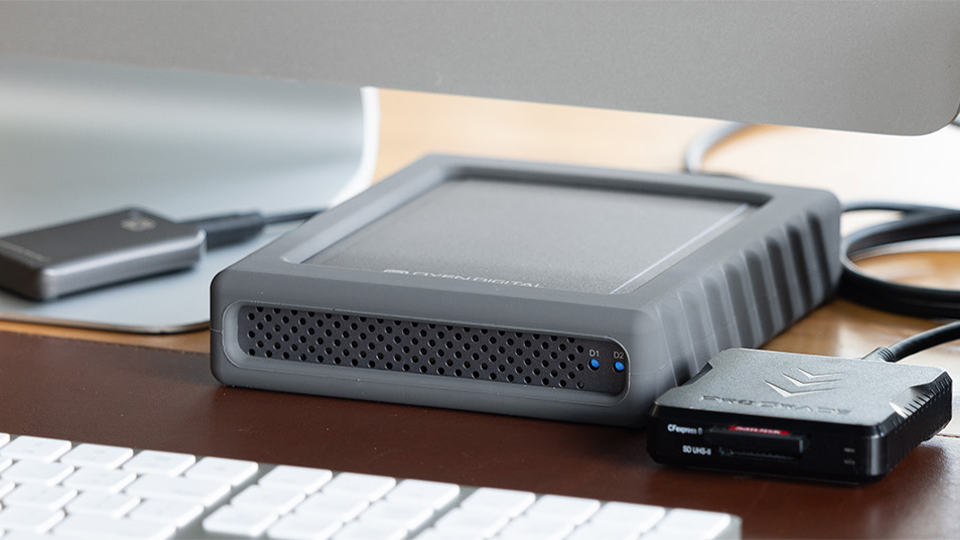
What also stands out is the design of this drive. It features a strong, aluminum construction with a silicone sleeve for added protection. It measures 7 x 5.7 x 1.4” which is great for those who are traveling. This makes it a solid choice for those who are editing or filming off-site.
Synology DS925+ 4-Bay NAS Enclosure
Two drive bays are great for beginners and those who don’t have a lot of files to work with, but 4-bay units start to get into the advanced area. If you are looking to increase the capacity of your storage, then something like the Synology DS925+ 4-Bay Enclosure is fantastic! I’d dare to say it is one of the most robust units on the market, with ample ways to expand upon its design.
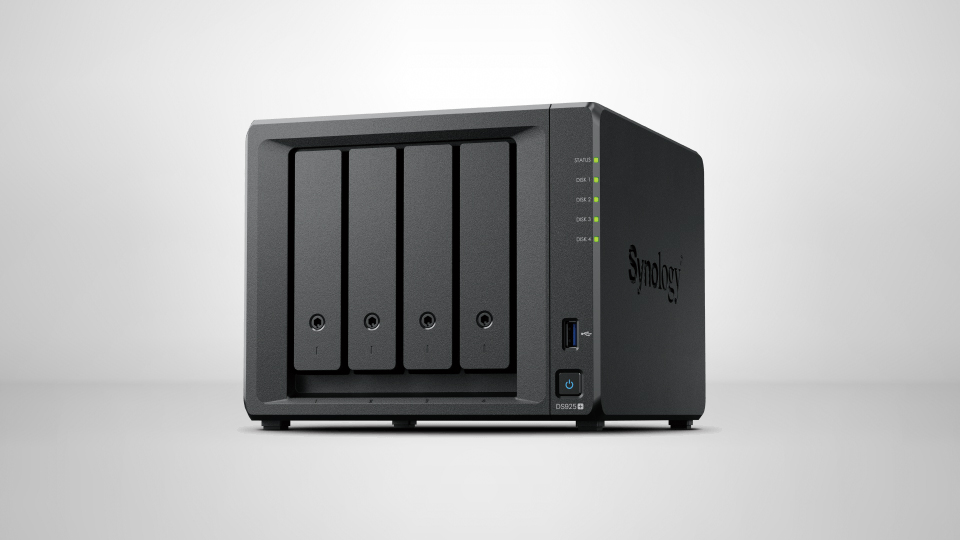
First, you get four bays that are good enough for 2.5” and 3.5” drives. Memory capacity can be expanded using SO-DIMM memory modules (up to a total of 32GB of memory). You can even add two M.2 NVMe SSDs via the access panel under the DS925+. It also features two Ethernet ports for either redundancy or so you can connect multiple systems together in one simple way.
UGREEN NASync DXP8800 Plus 8-Bay Enclosure
We are starting to head into the higher-capacity systems designed to take your RAID storage to insane levels. Advanced creators will find a ton of use in devices like the UGREEN NASync DXP880 Plus 8-Bay NAS Enclosure. There are a total of 8 bays that be compiled with either 2.5” or 3.5” drives. There are also two M.2 slots for additional on-device storage. When fully compiled, the DXP8800 can hold up to 176TB of storage from the bays and up to 8TB of storage from the M.2 bays.
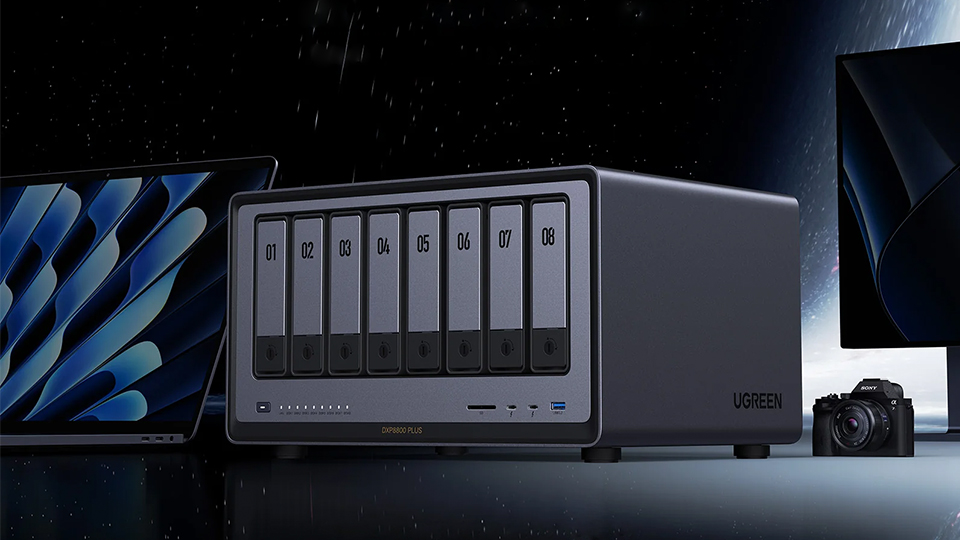
Because we have a lot more storage under the hood of this massive array, you get RAID 0, 1, 5, 6, and 10 modes, as well as JBOD. This allows you to set up the storage in the way you want using the drives you want.
Of course, because this is a massive unit, we have some expanded I/O for creative users that plan to make this the centerpiece of their workflow. We get an SD card reader, a PCIe x4 slot, dual 10 GbE ports, HDMI, dual Thunderbolt 4, dual USB-A 3.2 Gen 2, and two USB-A 2.0 ports for the most comprehensive device this side of the mass storage world.
SanDisk Professional G-RAID Shuttle 8
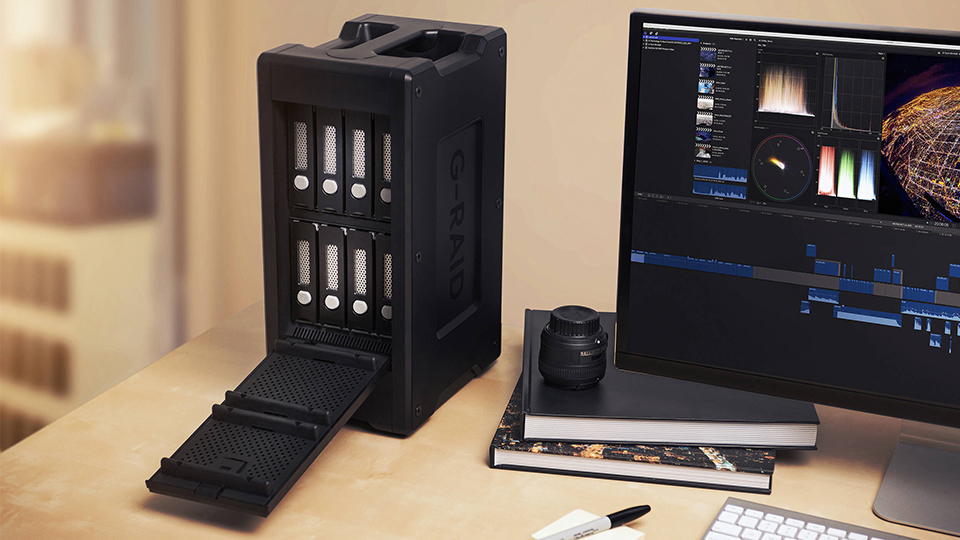
Professionals looking for that scalable storage solution will find a lot of utility in the SanDisk Professional G-RAID Shuttle 8. While connectivity is not as robust as other units, you do get local operation with added security thanks to locking bays and cover. Unlike other models, the G-RAID comes in various capacities with pre-populated drive bays giving you tons of different options when it comes to scalability. You can go from 48TB (8 x 6TB) capacity all the way up to 208TB (8 x 26TB) for massive amounts of storage. Because of this, you get many different RAID configurations, including RAID 0, 1, 5, 6, 10, JBOD, as well as advanced settings, including RAID 50 and 60.
Buffalo TeraStation Essentials 4-Bay NAS Array Rackmount System
While desktop systems are great, some places rely on using rackmount devices to maintain a level of connectivity and organization. This is where units like the Buffalo TeraStation Essentials NAS Array Rackmount comes into play. Sure, it is only 4 bays large, but the idea is to use this in part of a bigger NAS array system.
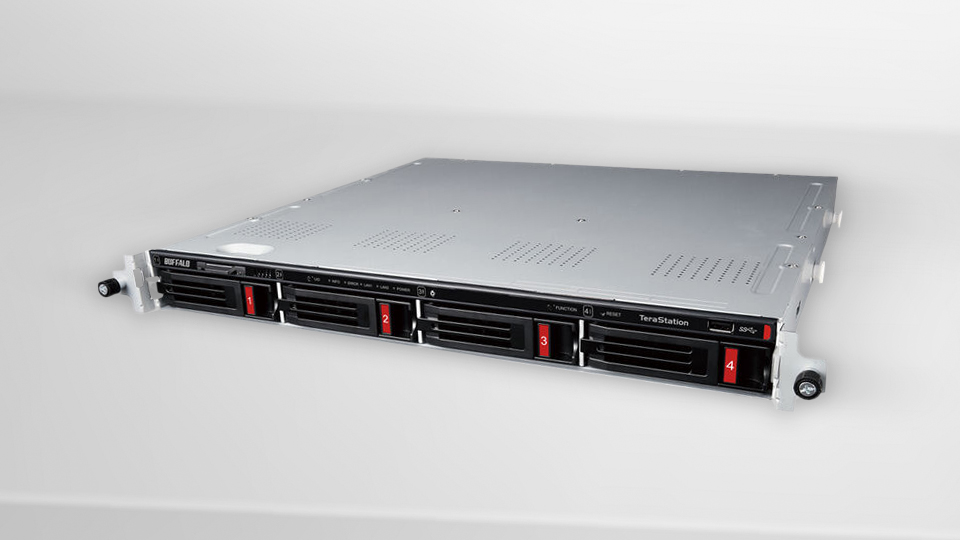
The TeraStation comes in various configurations consisting of four 3.5” standard HDDs and even offers hot-swap capabilities, allowing you to swap drives without shutting down your entire system. It also offers solid connectivity on the rear panel, giving you dual USB-A 3.2 Gen 1 ports, as well as a Gigabit Ethernet port and a 2.5 Gigabit Ethernet port.
Synology RackStation RS1221+ 8-Bay Enclosure
For larger operations, the Synology RackStation RS1221+ Enclosure definitely fits the bill. Not only do you get 8 total drive bays that support both 2.5” and 3.5” drives, but you also get a comprehensive array of ports and utilities to assist with various management operations. Aside from the drive bays, we also have some industry-grade ports like four Gigabit Ethernet ports, two USB-A 3.0 ports, a single PCIe 3.0 x8 expansion slot, and one eSATA port.
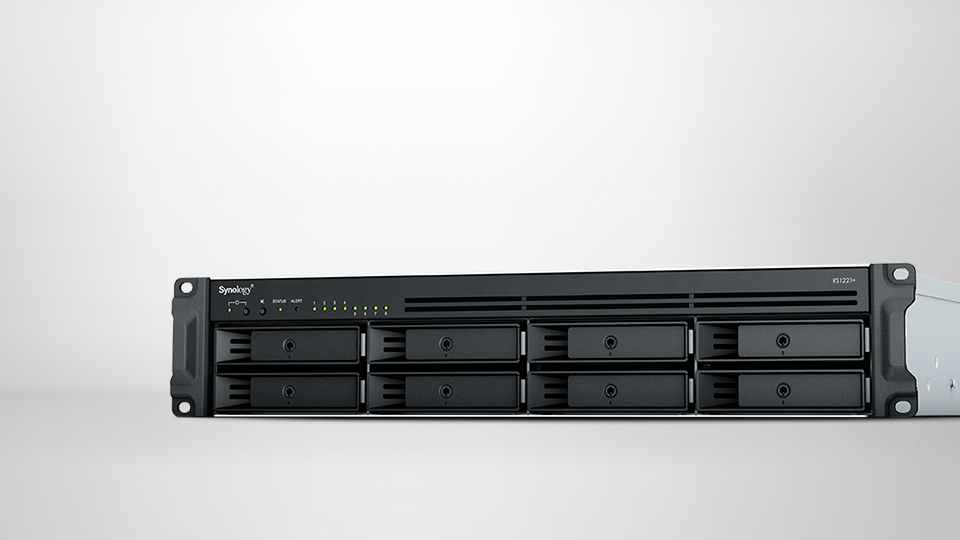
If you are looking for a more complete experience, there are various configurations that include larger formats, going from 8 to 12 bays, up to 16 bays total. You could potentially hold up to 256TB of storage in one massive Synology RackStation array.
As always, if you are looking for more information on any of the devices we talked about, hit the links and you’ll find additional specs, features, and more. For more tech, make sure you are keeping an eye on B&H.
