
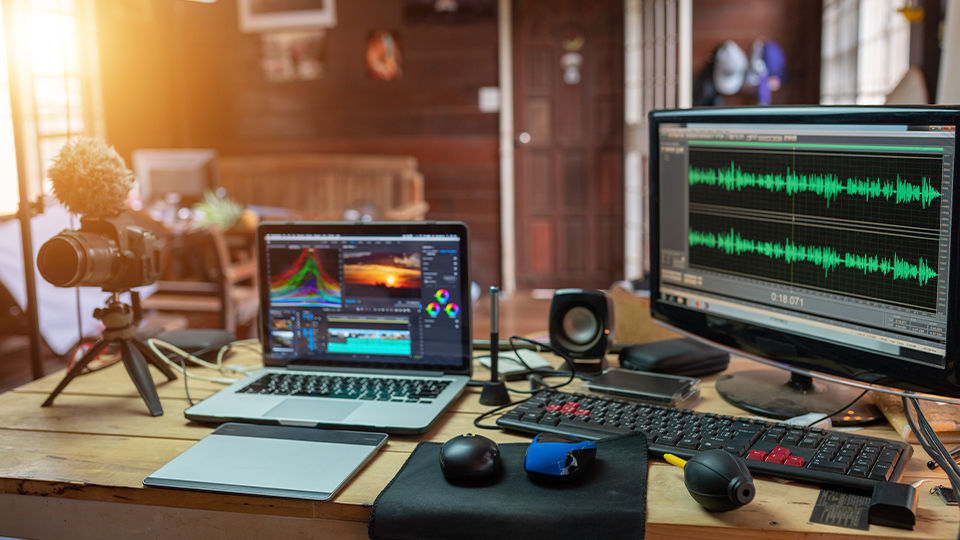
When it comes to building a creator studio, having the right equipment is key. Are you a designer? Maybe a podcaster? How about a video content creator? No matter what your specialty is, B&H has you covered. So, let’s take a look at a few items that can help streamline your setup.
Cables
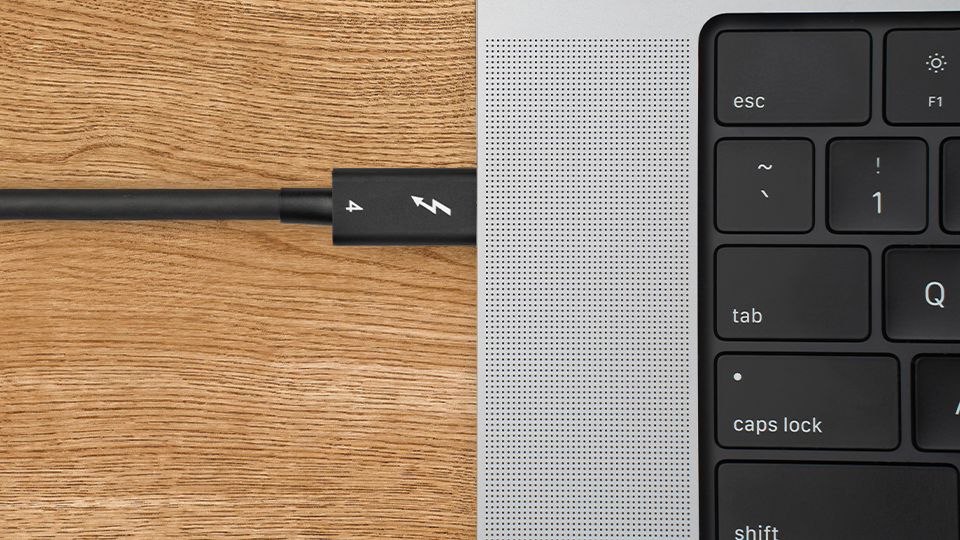
Cables are always a necessity but are also solely dependent on the devices you are using. A lot of computers tend to have ample USB-A ports with one or two USB-C ports available. Xcellon offers a ton of these devices with the 6.6-foot Thunderbolt 4 cable as one of the few standouts from the bunch. Whether you are streamlining your system using Thunderbolt 4’s daisy-chain technology or looking for a fast and reliable cable for multiple setups, this is the one that can do the job! There are also a number of Thunderbolt 5 cables with a maximum length of 3.3 feet, great for connecting your computer to a docking station that supports the technology.
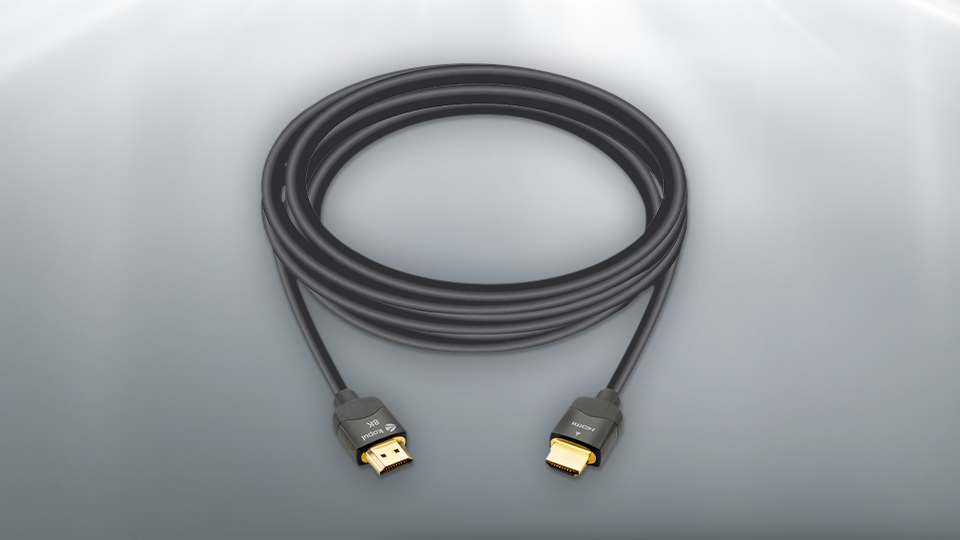
If you are looking for standard video cables, Kopul has a line of HDMI 2.1 cables under their Premium Ultra series. With lengths up to 29.5’ and support for up to 8K resolution, you can get the optimal view of whatever media you are currently entangled in.
Pearstone also features a huge array of cables including HDMI, DisplayPort, and legacy DVI and VGA cables. Their High-Speed HDMI cables are great for multiple environments and even feature a built-in ethernet channel for surveillance needs, if you require it. Their DisplayPort 1.2a cables are also popular, giving you great visual support for your PC and monitor! There are so many more options out there as well, including niche cables that serve unique purposes. Their Serial ATA cables are great for IT folks who are installing storage drives in computers. I can’t cover every single cable, but there are tons of them!
Adapters
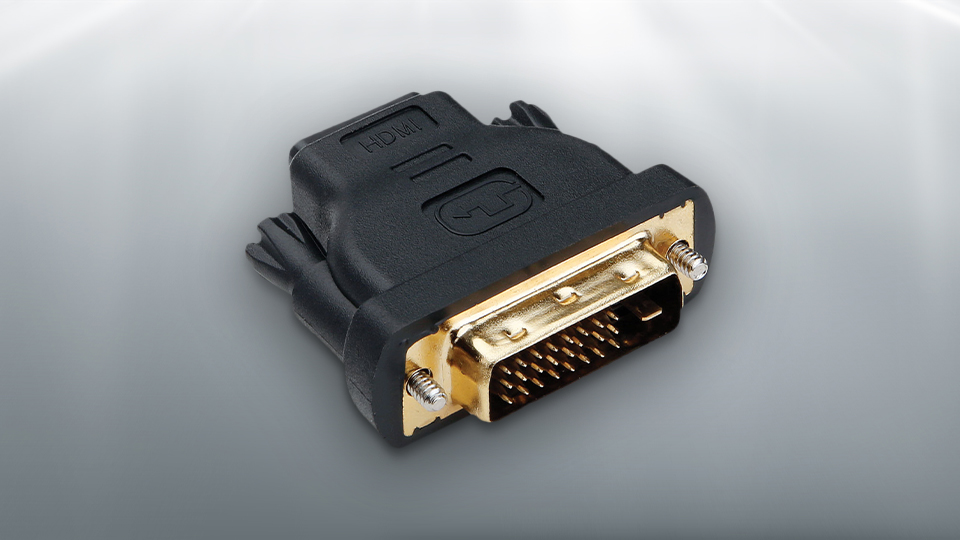
Pearstone has a ton of adapters as they have cables. Do you need to go from an HDMI to DVI-D? Well, Pearstone makes it! They also have other unique adapters like the 90-Degree HDMI Adapter, which reduces stress on cables that need a bit more direction. There is a vertical version of that adapter as well, which helps, especially in tighter spaces.
Xcellon also has a fair share of adapters for modern and legacy devices as well! These adapters are great for transmitting signals out to another device. Xcellon’s USB-C to HDMI 2.1 adapter is a great example of this! It’s a very basic adapter designed to send video from your PC to your display. It supports 8K resolution at 60 Hz as well as 4K resolution at 120 Hz. Sometimes, you need something more than just an adapter though; you need a suite of ports and that is where hubs come in.
Hubs
When you are looking for the ultimate connectivity solution that is practical, compact, and expansive, look no further than a hub! There are many types out there, from models that use in-line USB-A ports to the robust multi-port hubs.
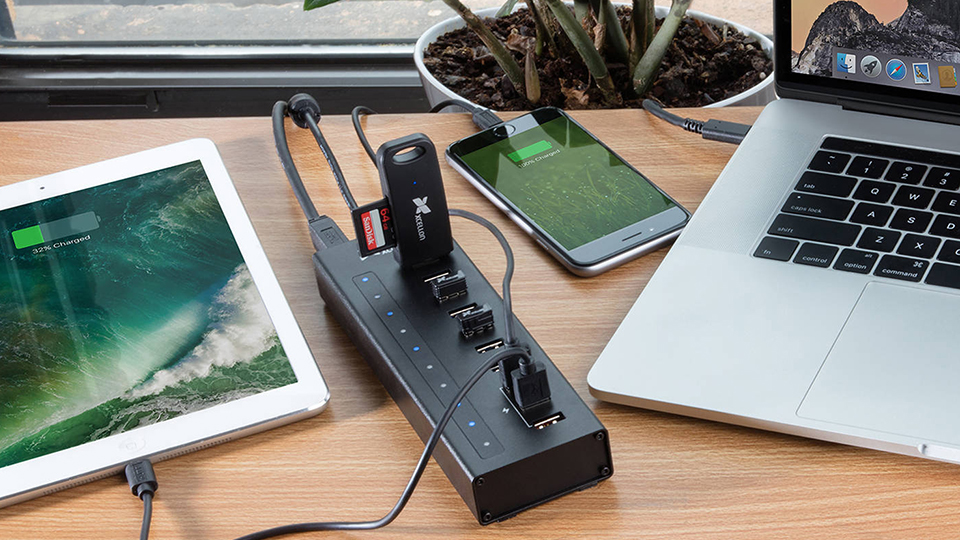
Xcellon’s 10-port USB-A hub is a powered hub that allows you to plug in multiple USB-A devices like mice, keyboards, cameras, and a whole lot more. It has a dedicated power input to prevent electrical malfunctions for powered items like USB mics. There are a few ports here that are dedicated charging ports so you can keep your mobile devices powered up while you work.
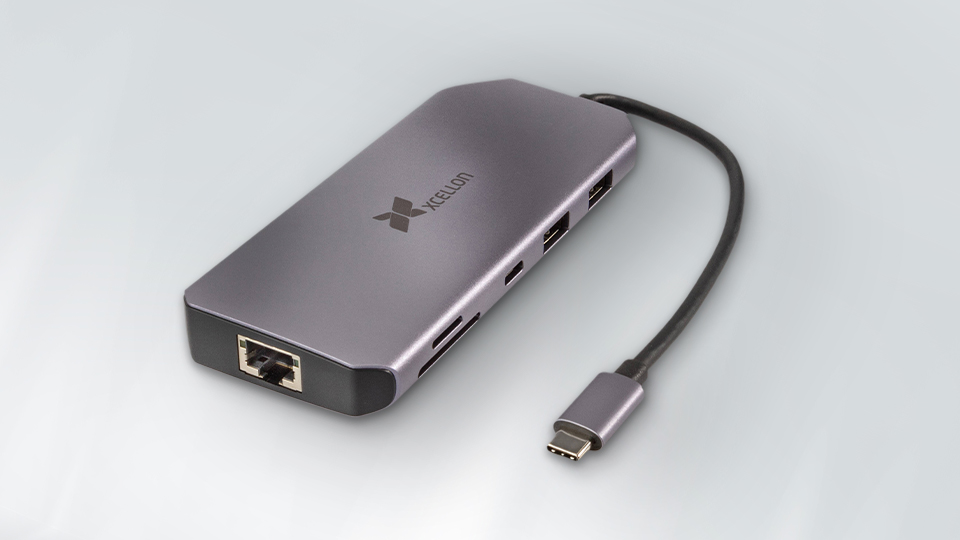
If you are looking for something more robust and to fulfill many needs, consider the Xcellon Pro Hub 10. It’s light, compact, and has a strong construction to withstand travel from one location to another. There are three USB-A ports, one operating on the USB-A 3.2 Gen 1 interface with the remaining two running USB-A 3.2 Gen 2. There is also an additional USB-C 3.2 Gen 2 port for some added utility. You also get SD and microSD card slots, a 3.2mm audio jack, an ethernet port, and an HDMI port. There is also a dedicated USB-C port for power passthrough, which enables you to plug in an external charger, so all devices get power including the host device! This way you’ll never lose power in the middle of use.
Mounts
One of the best ways to clean up your desk area is to lift your display up with the use of a monitor mount. Whether you have a single display or multiple, Gabor has a few options available. For single-display users, you can’t go wrong with the LeviTouch, which gives you a wide range of movement for the ideal view of your display. What also makes this mount unique is the built-in USB-A and audio jacks, which give you quick access to ports found on the back of your PC. There is also a dual-arm version of this mount that also includes a second USB-A port.
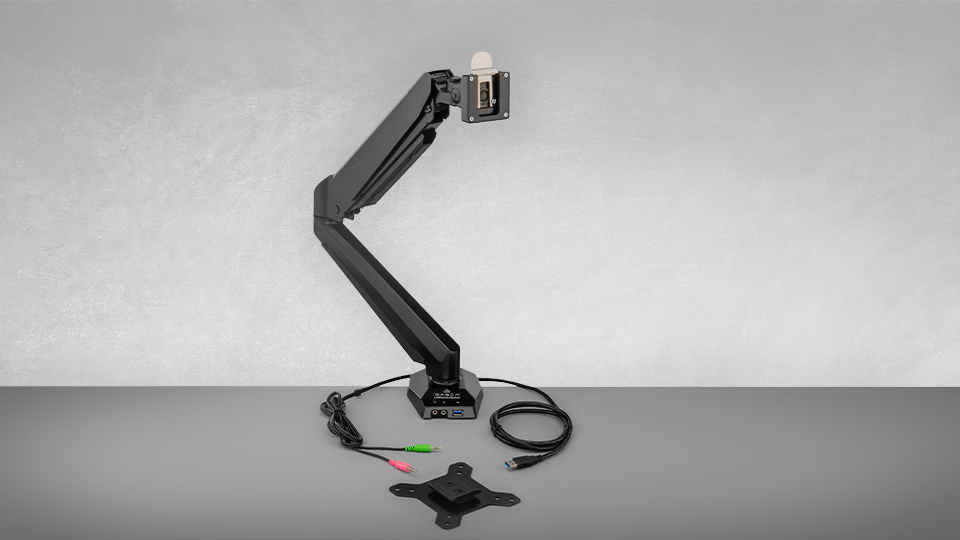
If you are like me and have an ultrawide monitor, their Heavy-Duty Single Monitor Arm is a great option! Not only can it hold displays weighing up to 59 pounds, but it also supports curved displays up to 57” wide, making it the only arm you need for your ultrawide setup.

Okay, what if you need three monitors set up? The Helder Triple-Monitor Tabletop Clamp Mount is a great tool that supports up to three 27” displays comfortably. Each mount arm can hold up to 15.4 pounds and enables swivel and tilt modes. This means you can have your center monitor in landscape mode with one or dual monitors in portrait mode. Or do all three in landscape or portrait modes, it doesn’t matter because you can move them all around as you see fit.
I find these monitor arms to be incredibly useful because they give you more room to store important items. For instance, my own personal home setup revolves around a couple of switches to help me manage my livestreams. The extra room I gain from using these arms cannot be understated. They also make my setup super clean and even make the back end of my monitor incredibly accessible for when I want to plug something new in!
Other Tools
Cable management is critical to keeping a nice-looking space organized. This is why I personally use Pearstone’s Touch Fastener Straps. They are available in many lengths as well as singular colors to help keep each cable section neat and organized! Plus, they beat standard wire ties, which need cutters to remove. They also have the Elastic Cable Wrap Kit, which can be used in many different environments aside from your computer setup.
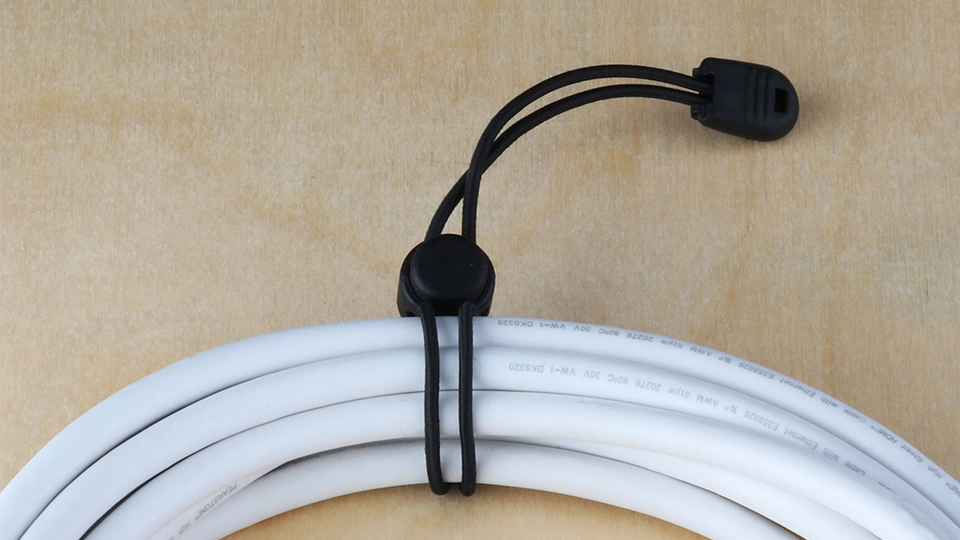
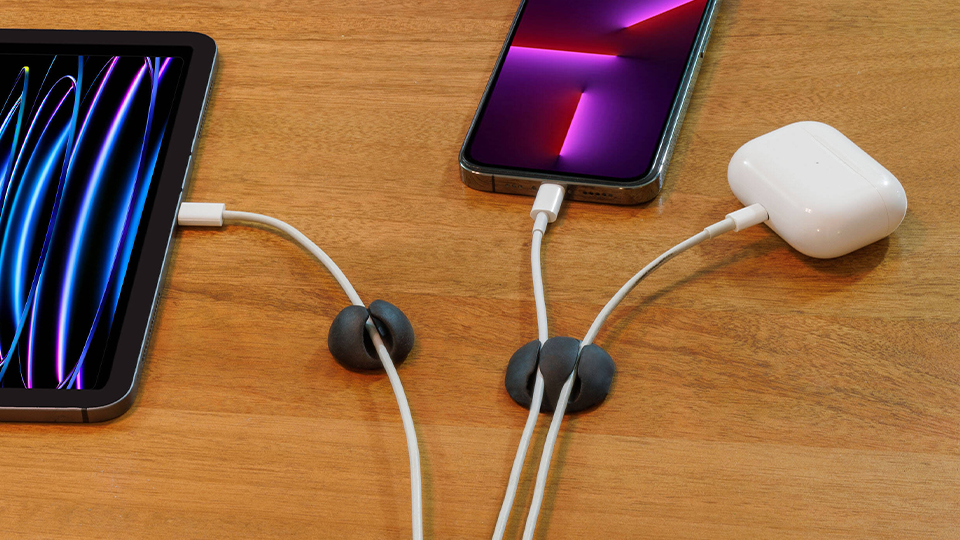
Pearstone also helps with cable organization on your desktop with the convenient Silicone Cable Organizer and Plastic Cable Organizer. Both of these are unique devices that perform the same function but offer a different aesthetic. All you need to do is choose which one you like better!
If your cable management is getting a bit unruly, I would suggest something like the Auray CBH-19 Wall Mount Cable Hanger, which helps you organize all your cables by hanging them up on the wall for easy access. Ever been in a pinch where you’re looking for a specific cable intended for just one device? Hang it up! There is even some room where you can label spots for specific cables.
When it comes to creator studios, these are a few of the computer-focused tools you’ll need to create a more cohesive environment. For more information on each of the items mentioned, make sure you hit the links above.
