
Recently I reviewed the wonderful HP ZBook Ultra G1a Laptop and found it to be one of the most interesting pieces of hardware to come out of HP’s production line. It is a powerful machine that can easily scale to your needs and features a breathtaking touchscreen display. While the internal components are wonderful, there is a little more under the hood than one might expect, especially if you are someone who likes to use AI tools.
AMD Ryzen AI
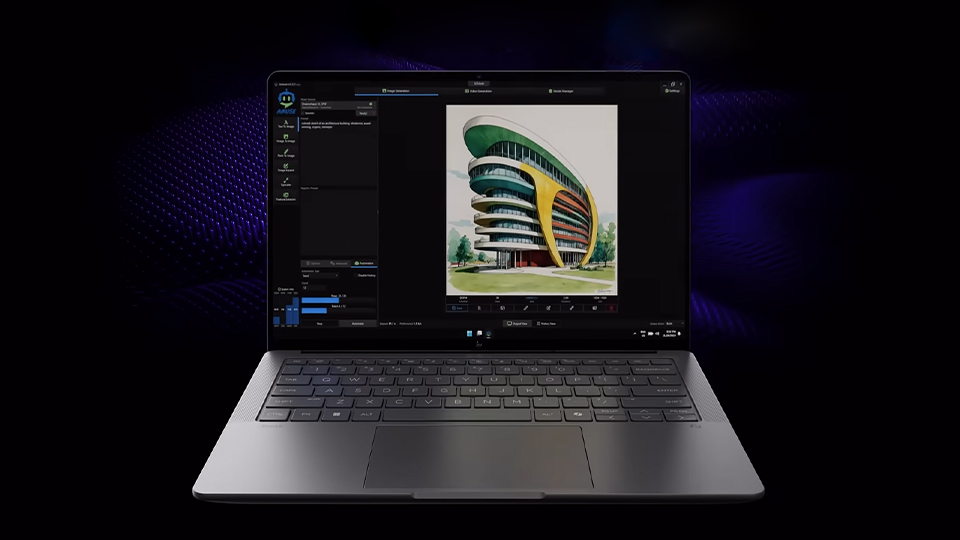
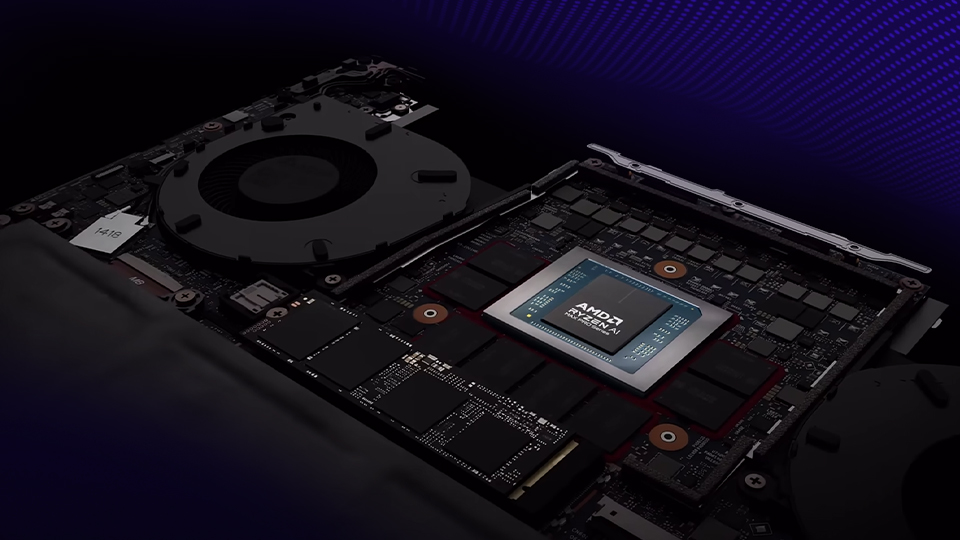
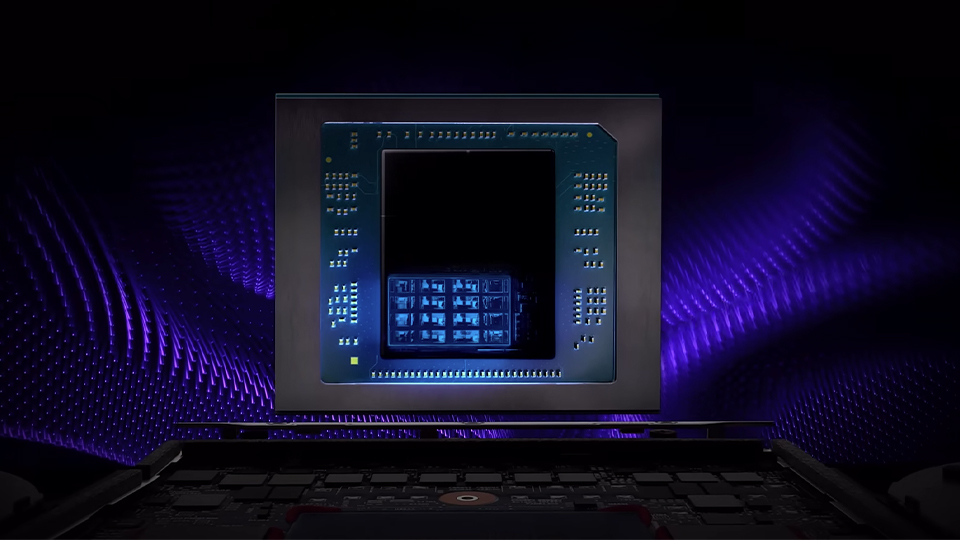
I talked about how fast and powerful the AMD Ryzen AI Max PRO 385 processor is when handling various tasks. Based on AMD’s Zen 5 architecture and utilizing an eight-core design, the processor can max out its performance with a max boost clock speed up to 5 GHz! That allows you to run everything from resource-demanding applications to even some games. But, hidden within the chiplet’s design is an enhanced AI engine.
AMD Ryzen AI works directly with Microsoft’s Copilot+ AI applications, smoothing out the reaction speed and overall performance when conducting various tasks. The Ryzen AI Max PRO reaches up to 106 TOPS in overall performance while NPU performance reaches up to 50 TOPS! In other words, it means that it can operate AI tasks quicker than before. Just like computers, the more technology advances, the faster it becomes. Now that we understand the hardware, let’s take a look at what Copilot+ can do.
Detail Oriented
So, what is Copilot+, you may ask. It is Microsoft’s AI assistant platform that is designed to streamline your workload, answer questions, generate images, and more! It is integrated into various applications as well so you can leverage the technology when you most need it. Whether you are surfing the web or drafting a document in Word, Copilot+ can help.
Using OpenAI’s large language models like GPT-4 and GPT-5, you can chat it up, generating a wide breadth of resources. Need to generate a shopping list or find answers to questions? This is just one of the areas that Copilot+ can help. Simple and even advanced questions can be answered with Copilot+, giving you the answers you need in a pinch.
When you enable personalization, Copilot+ will remember the finer details, even recall older conversations up to a certain point. Of course, you can turn this off at any time.
Creativity
When it comes to creativity, Copilot+ can help. Looking for some inspiration? Copilot+ can easily give you a list of prompts to kickstart your creative mind. For example, if you need help figuring out how to get to that first step, Copilot+ can get you started with opening paragraph or a visualization of your next subject.
Copilot+ does much more than give you prompts to work from. It can help generate images to use in various scenarios. Whether you are looking for that extra level of inspiration or simply looking to see how creative you can get with your words. Copilot+ can work in different styles to help provide you with your vision.
It doesn’t matter where you are either. Copilot+ can generate images using your desktop or mobile device! When prompted, your images will be saved for 30 days.
Privacy
There are a few concerns when it comes to Copilot+ and privacy. For greater peace of mind, Copilot+ safeguards your privacy, data, and security while recalling the details that matter to you most. There are a number of preferences that can be used so you can fine-tune your overall experience.
You can revisit older conversations, which is great for pulling up itineraries or details you might have forgotten about. These conversations are stored for 18 months, and the entire history can be deleted at any time. Nothing you say to Copilot will be made public and your data will never be shared with others.
When it comes to safety and security, Microsoft partners with external research organizations to review and evaluate Copilot+ conversations. Conversation logs understand the variety of prompts used to seek extremist content, compare trends across the industry, and advise better techniques for better finding and mitigating harm.
Coming Soon
There are still a wide range of applications that Copilot+ will be using to help enhance your life. Vision and Recall are just two features that are still in the testing phase and will be made fully available later. As for now though, there is plenty to play around with! Look for your inspiration or get your tasks done quicker with Copilot+ technology!
