
Looking at the computer market these days, you might think it’s a bad time to buy a music production laptop. AI-induced RAM shortages have caused computer costs to skyrocket. But with AI going nowhere fast and no sign of this trend slowing down, now may actually be the best time to get in while the getting is good. After all, prices may only go up from here! And with great advances in software and hardware over the last few years, you have some impressive choices available to bring your music production setup into the 2020s. So, let’s go over the ins and outs of buying a laptop for music production and pro audio.
When it comes to choosing a formidable music production weapon, there are certain specs that you’ll want to look for to ensure top performance. And then, there are those specs that can be sacrificed to cut costs.
The first important thing you need to consider is what DAW (Digital Audio Workstation) you’ll be using, and for which platforms it’s available. Most DAWs, such as Pro Tools, Ableton Live, and Cubase, are available for Mac or Windows. Most DAWs are cross platform, but there some are only available for one operating system most notably Logic, which is Mac-only.
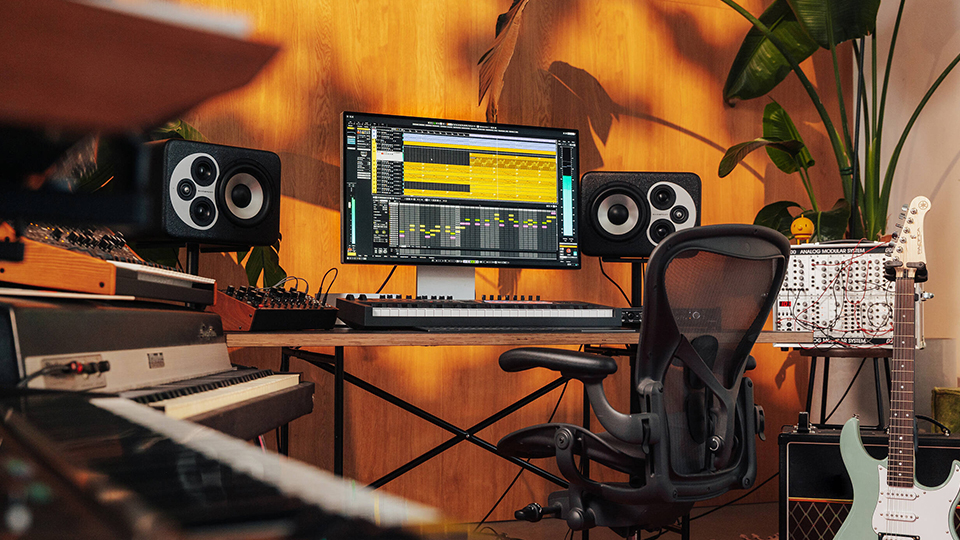
Once you’ve narrowed your search by platform, you can start thinking about processing power, and for music production and recording, you’ll need a healthy dose of it. In the old days, capable machines were much harder to come by, and some DAW software developers used to qualify only specific computers on a case-by-case basis. But, now that powerful laptop processors have become more prevalent and affordable, you don’t have to do as much detailed research to qualify a machine. But still, there are some simple guidelines to follow.
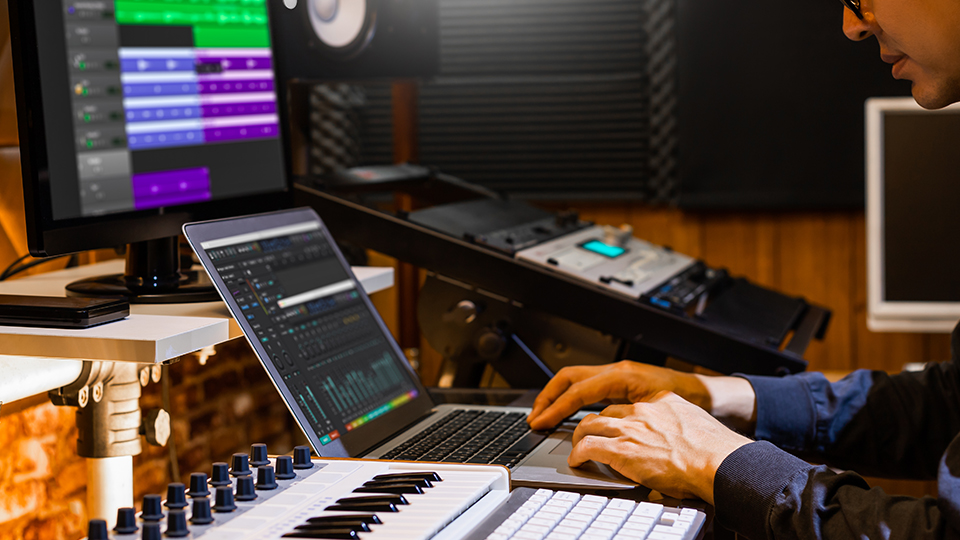
Basically, you’ll want the fastest CPU that you can afford. The faster your processor is, the higher the track count, and the more mixing plug-ins and virtual instruments your computer will be able to play back without clicks and pops occurring from CPU overloads. Also, you’ll be able to use more plug-ins at lower sample hardware buffer sizes, which means lower latency, and a more responsive system. However, I recommend that you search for a laptop with the fastest single-core performance you can afford.
The next thing to look at is RAM, or Random Access Memory, which is where your computer temporarily stores information for use, like project files and samples. With modern 64-bit DAWS now effectively universal, we have virtually unlimited access to the amount of RAM we can utilize, which means producers can create larger and more complex projects, without the need for cumbersome workarounds. I recommend 16 to 32GB of RAM, unless you’re using a lot of multi-sample based VSTs like EastWest, are working with hundreds of tracks (common in orchestral recording), or making heavy use of convolution reverbs, in which case I’d recommend a minimum of 64GB.
The Cost-to-Performance Ratio
Internal hard drives are another important factor. Obviously, you’ll want as much storage as possible for housing all your software and samples, but another big consideration is speed. In 2026, an internal SSD with at least 1TB of storage (preferably 2TB) is the minimum I would recommend for music production.
While having two internal SSDs built into your laptop is certainly a convenience for storing large sample libraries and project files, that extra SSD often incurs a heavier price tag. As a cost-friendlier alternative, consider picking up a portable hard drive if you start running low on disk space.
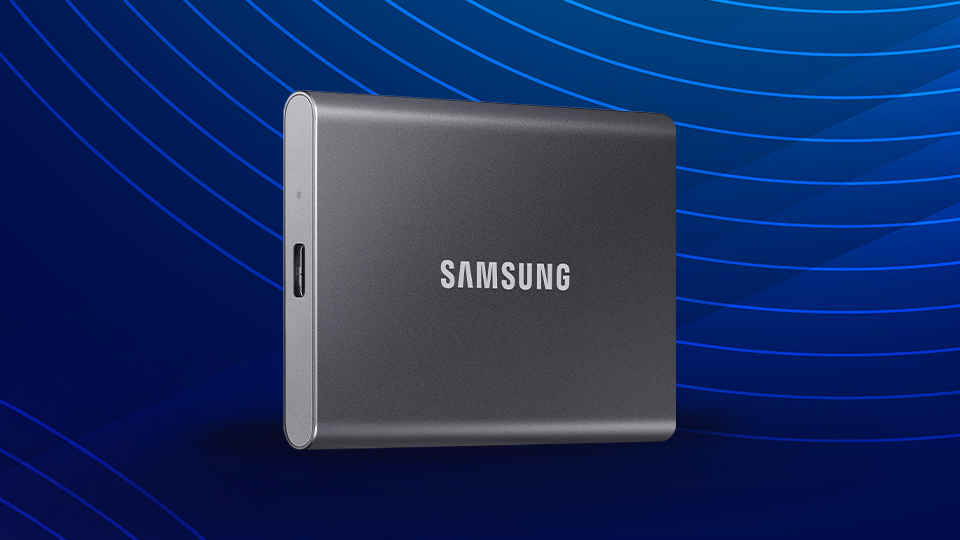
B&H carries a full catalog of portable external drives that should solve your storage needs. One that really impressed us in our hands-on review is the Samsung T7 Portable SSD. Utilizing non-volatile memory express (NVMe) technology, the T7 can achieve the kind of read/write speeds you will likely want for transferring large files. The T7 offers plenty of additional features as well, including up to 2TB of storage and some seriously heavy-duty data encryption. The big one, though—at least for music production—is speed, on which the T7 wholly delivers. Do keep in mind that because the T7 is an NVMe drive, your laptop will need to have an NVMe drive, as well, to reach its max transfer speeds.
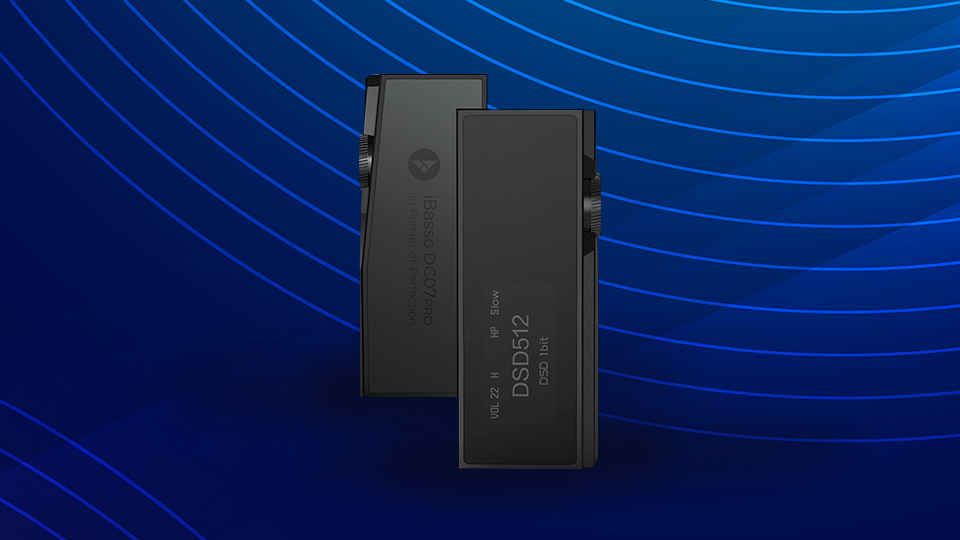
Another point that shouldn’t be looked over is USB connectivity. For portable production, it’s nice to have plenty of USB connectivity without having to use a USB hub. I would recommend a minimum of three, and preferably four, USB ports for connecting devices like dongles, drives, MIDI controllers, and more. Speaking of USB devices for laptops, I highly recommend a portable DAC like the iBasso DC07PRO for laptop production on the go. Most laptops don’t have very good sound cards, and the DragonFly will give you more accurate sound reproduction, in a tiny package. And, while you’re at it, you may also want to pick up a great pair of isolation headphones like the Audio-Technica ATH-M50x.
Now for a spec you can skimp on. While certain plug-ins will utilize a dedicated GPU to render their graphic user interfaces, this kind of operation doesn’t require the kind of intensive processing power that gaming or video editing would. Not that a dedicated graphics card would hurt, but, you don’t need to break the bank going for the top NVIDIA or AMD models. In fact, the integrated Intel® graphics will do just fine for audio applications, and going this route can save you money, or let you put those funds toward a faster processor.
Now that you know the main points to look out for, here are some models that I recommend.
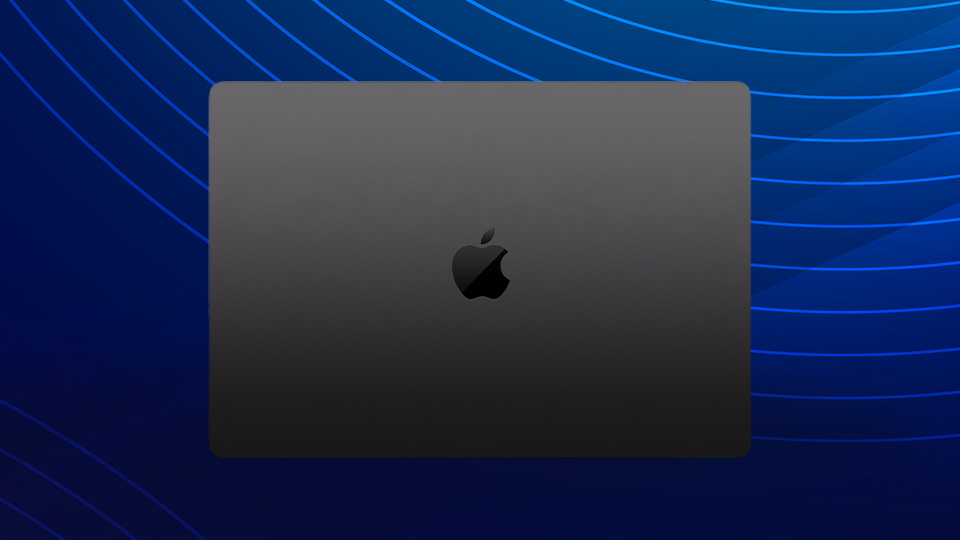
Apple 16" MacBook Pro (M5 Pro)
This beast of a Mac features a blazing fast 18-core Apple M5 Pro processor, 64GB of unified RAM, and a 1TB SSD. Its only cons are its high price and, like all newer Mac laptops, you can’t expand the RAM or upgrade the hard drive. However, it also features three USB-C Thunderbolt™ 5 ports with extremely high transfer speeds of up to 40 GB/s that also allow you to use USB 2.0 and 3.0 devices using an adapter, so you can easily add a portable drive for project files and swap data at blisteringly high speeds.
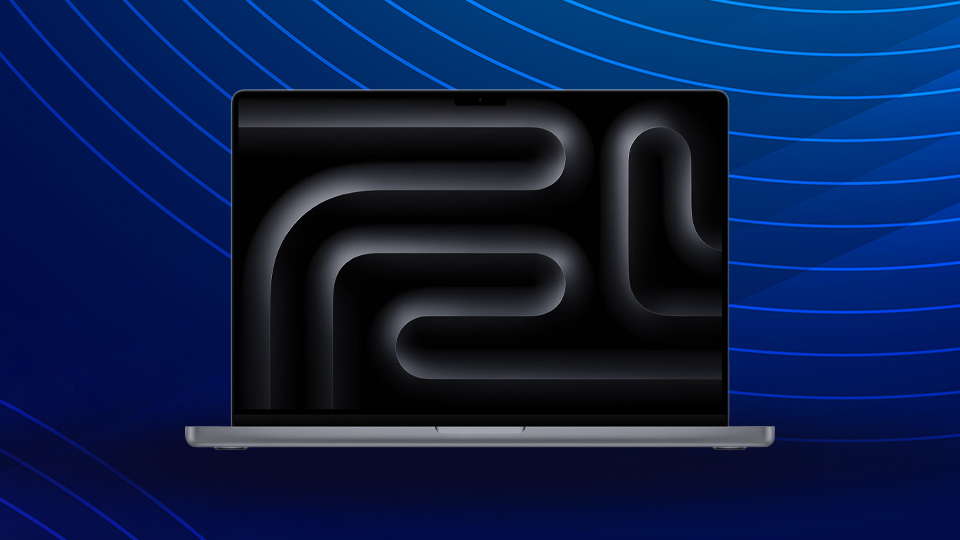
Apple 14" MacBook Pro M5 Chip
If you’re OK with the smaller screen, you can’t go wrong with this 14” MacBook Pro with XDR Liquid Retina display. Noticeably more affordable than its 16" bigger sibling, this MacBook Pro is also plenty capable, featuring Apple’s 10-core M5 chip with a 16-core Neural Engine to drive Apple Intelligence features, 16GB of unified RAM, and a 1TB SSD.
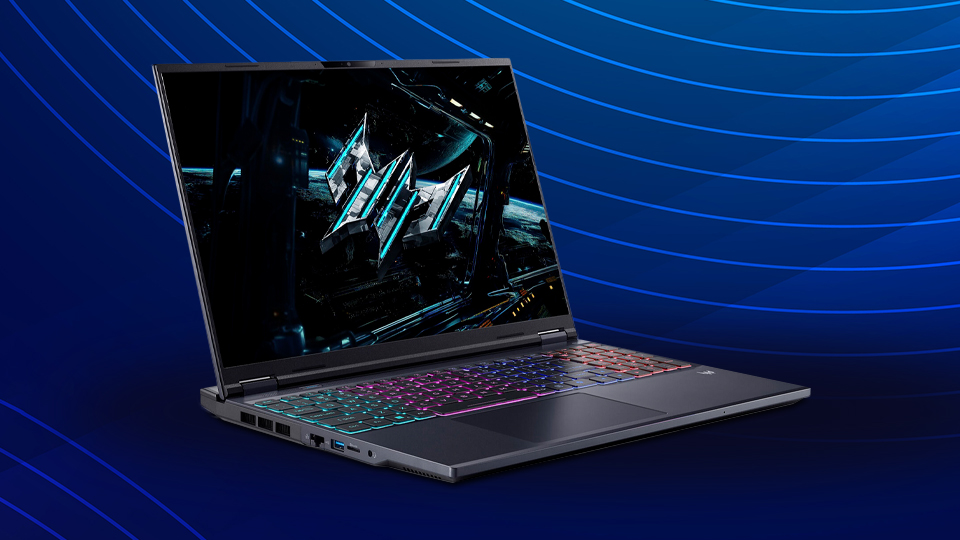
Acer 16" Predator Helios Neo 16 AI LED Gaming Laptop
As it turns out, gaming laptops make great music-production laptops. Who knew? Anyway, this machine packs an incredible amount of power, and flexibility, for a great price.
It checks all the boxes—2.1 GHz Intel® Core™ Ultra 9 24-Core processor, 32GB of DDR5 RAM, 1TB PCIe Gen 4 SSD, four USB ports, an HDMI 2.1 port, and a Thunderbolt™ 4 port. And, as with most Windows-based machines, if you want to upgrade to, say, a larger internal SSD in the future, it is possible—whereas with Mac, it’s not.
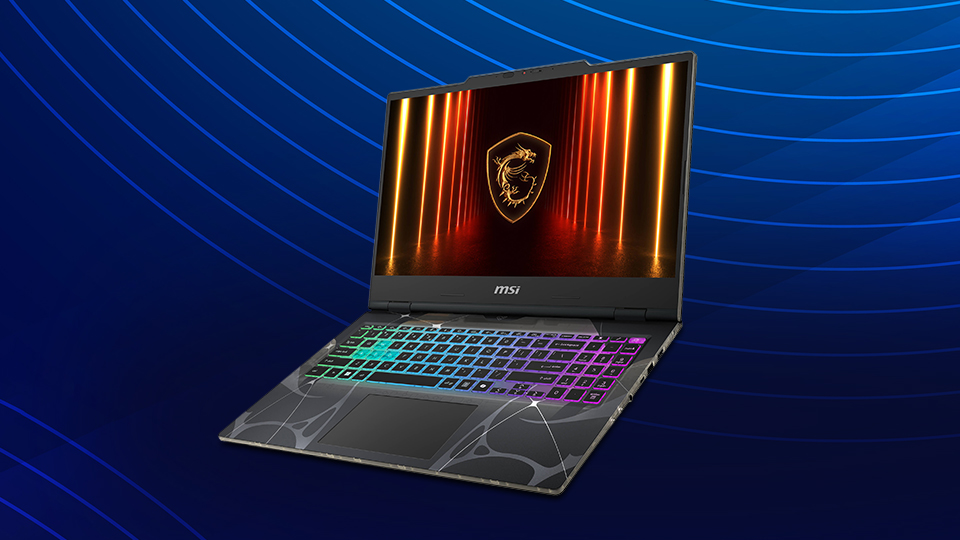
MSI 15.6" Cyborg 15 B2RW Gaming Laptop
This MSI notebook is my “diamond in the rough” pick and is, by far, the most affordable of the bunch. It features a 2.5 GHz Intel Core 7 240H 10-core CPU, 32 GB of DDR5 RAM, and a 1TB NVMe SSD for blazing fast read/write speeds. This laptop offers incredible value for music production efforts, as it’s RAM and CPU provide heaps of multitasking capability so you can open as many plug-ins as you want, while the internal drive is plenty large to start with and enables the incredible speeds only possible with an NVMe drive. The only downside compared to some of the pricier options above is a smaller, 1080p-only display, but since you’re producing music and not playing modern games, this should present little issue for most audio-focused customers.
For more information about these various laptop options, including additional features, specs, and highlights, be sure to check out their detailed product pages.
