
For digital photographers, a well-calibrated and accurate photography monitor is an indispensable tool for a solid practice. Whether you like to print your photos or share exclusively online, a photo monitor you can trust will make a big difference in how someone views your photographs, yourself included. Besides just helping to achieve accurate colors and contrast, a finely tuned monitor is also more enjoyable to work on and contributes to a seamless all-around workflow. When looking for a monitor, you should consider size and resolution as additional variables, with larger screens making editing easier, especially when dealing with multiple images or windows. Here are some of our top monitor picks for photographers.
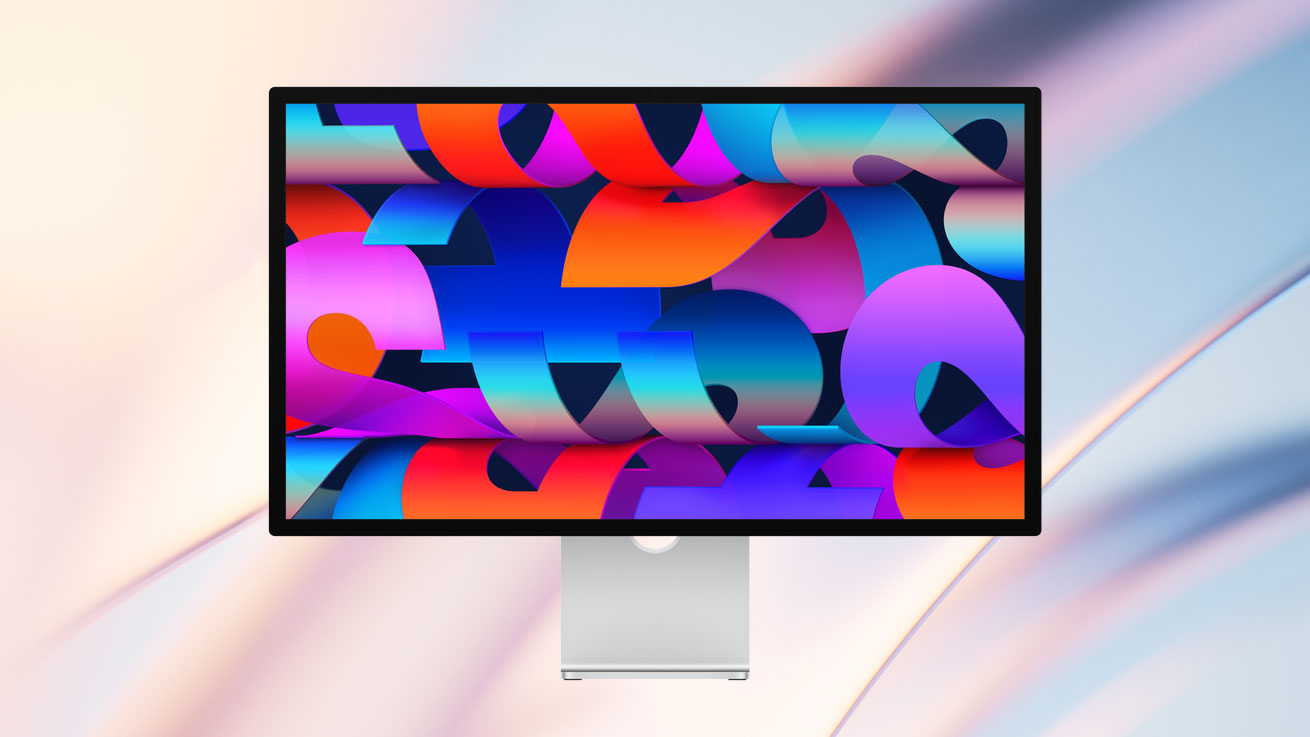
Apple 27" Studio Display
A high-resolution immersive screen that pays attention to details and aesthetics, Apple’s Studio Display is a 5K Retina (5120 x 2880) screen with wide P3 color coverage, an especially thin bezel, and a sophisticated ambient-light sensor that uses Apple's True Tone technology. Configurable depending on your needs, this screen comes with either the standard glass or the nano-texture glass for increased glare reduction and you can choose from a tilt- and height-adjustable stand, tilt-adjustable stand, or a VESA mount adapter for installation. Besides its resolution and quality color reproduction, this monitor also distinguishes itself with its built-in Bionic A13 chip, which drives a series of advanced features, such as spatial audio, the integrated 12MP webcam, and Center Stage.
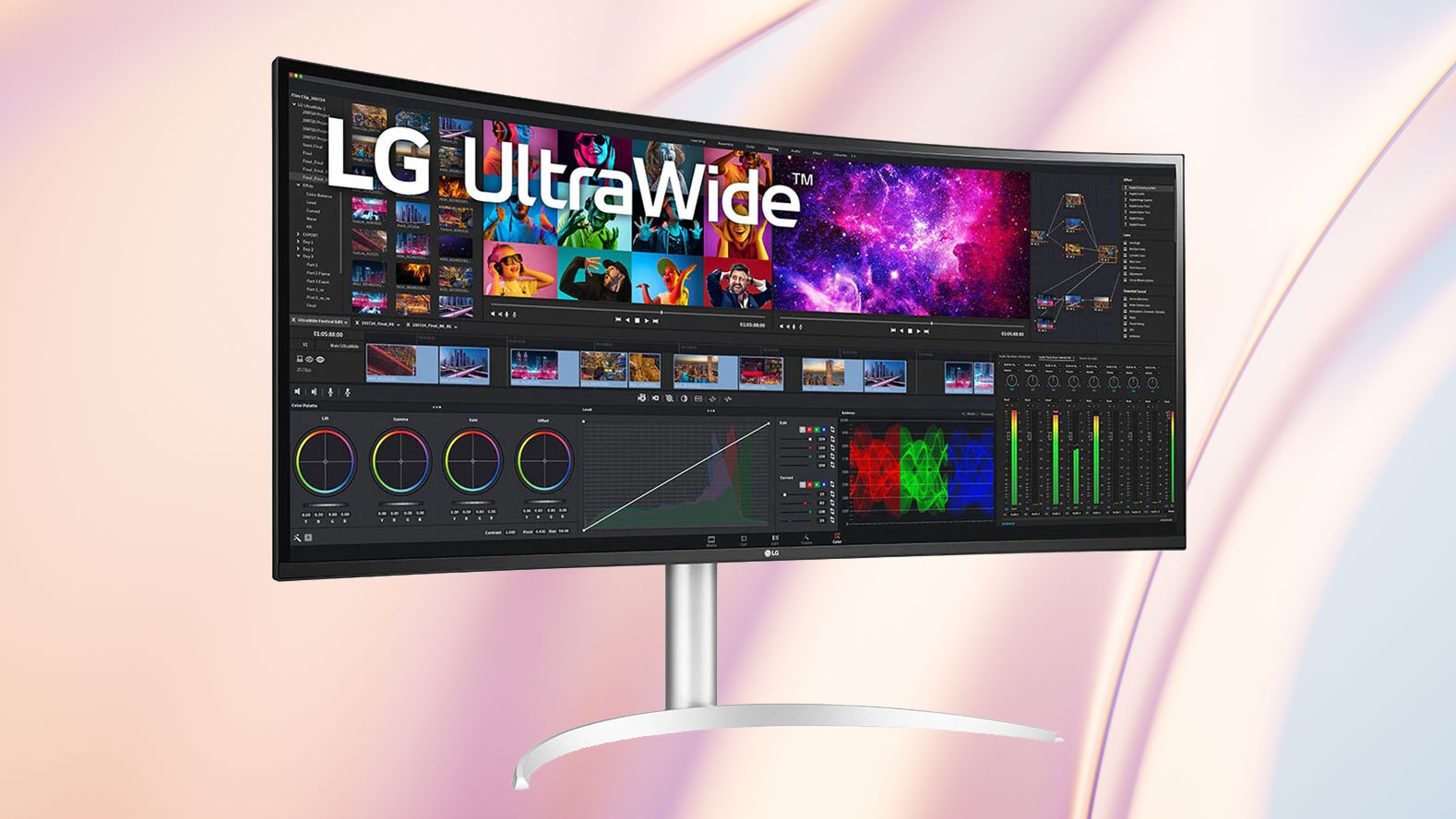
LG UltraWide 40WP95C-W 39.7" 21:9 Curved FreeSync 5K2K HDR IPS Monitor
For something a bit different, the LG 40WP95C-W is a 39.7" ultra-wide monitor touting a panoramic 21:9 aspect ratio and 5120 x 2160 5K2K resolution. Compared to boxier 16:9 and 17:9 monitors, a 21:9 monitor can feel like working with two separate monitors without the gap or break between separate screens. This wide, immersive format is great for breaking up your editing workflow and keeping some work on one end of the screen while keeping file navigation, toolboxes, or other applications uncluttered on the other end. Also, the monitor has an integrated USB hub (usable when connected to your computer via Thunderbolt™ 4) for connecting various peripherals or drives directly and enabling transfer speeds up to 5 Gb/s for connected external drives.
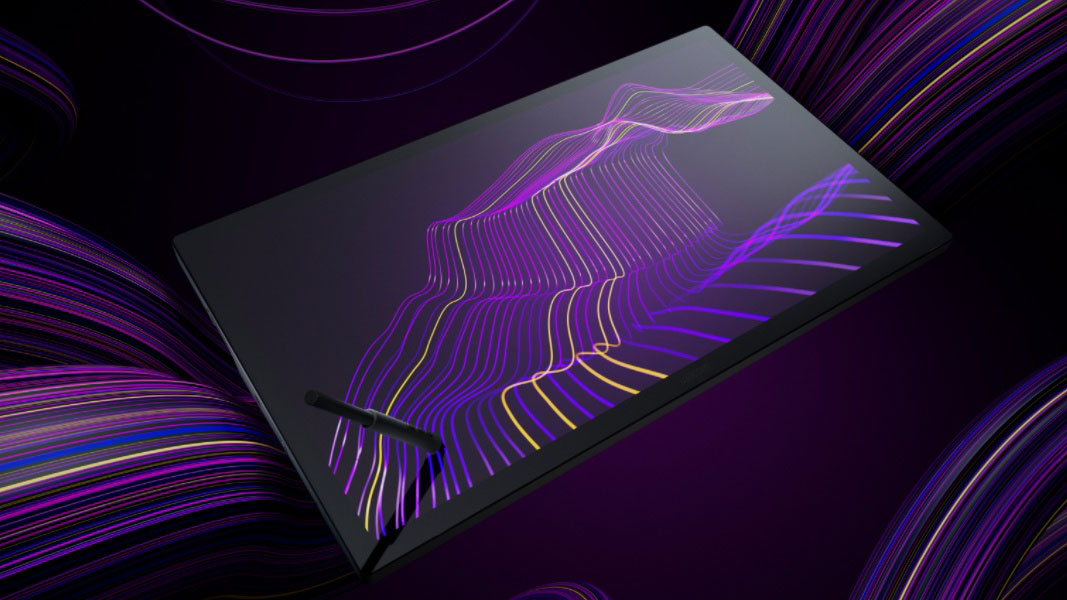
Wacom Cintiq Pro 27 Creative Pen & Touch Display
Another unique option is the Cintiq Pro 27 from Wacom, which effectively combines one of Wacom's tablets with a large, 26.9" UHD 4K display. This monitor is perfect for those who do significant post-production editing or digital artwork because it offers you the experience of drawing directly onto your imagery. It's no slouch as a monitor, either—with 99% coverage of the Adobe RGB color space, it can be used for accurate color editing, too. Physically, since you'll be working on top of the monitor much of the time, there is a dedicated accessory stand for propping it up at a 20° angle, and an optional wireless ExpressKey Remote helps with intuitive application navigation.
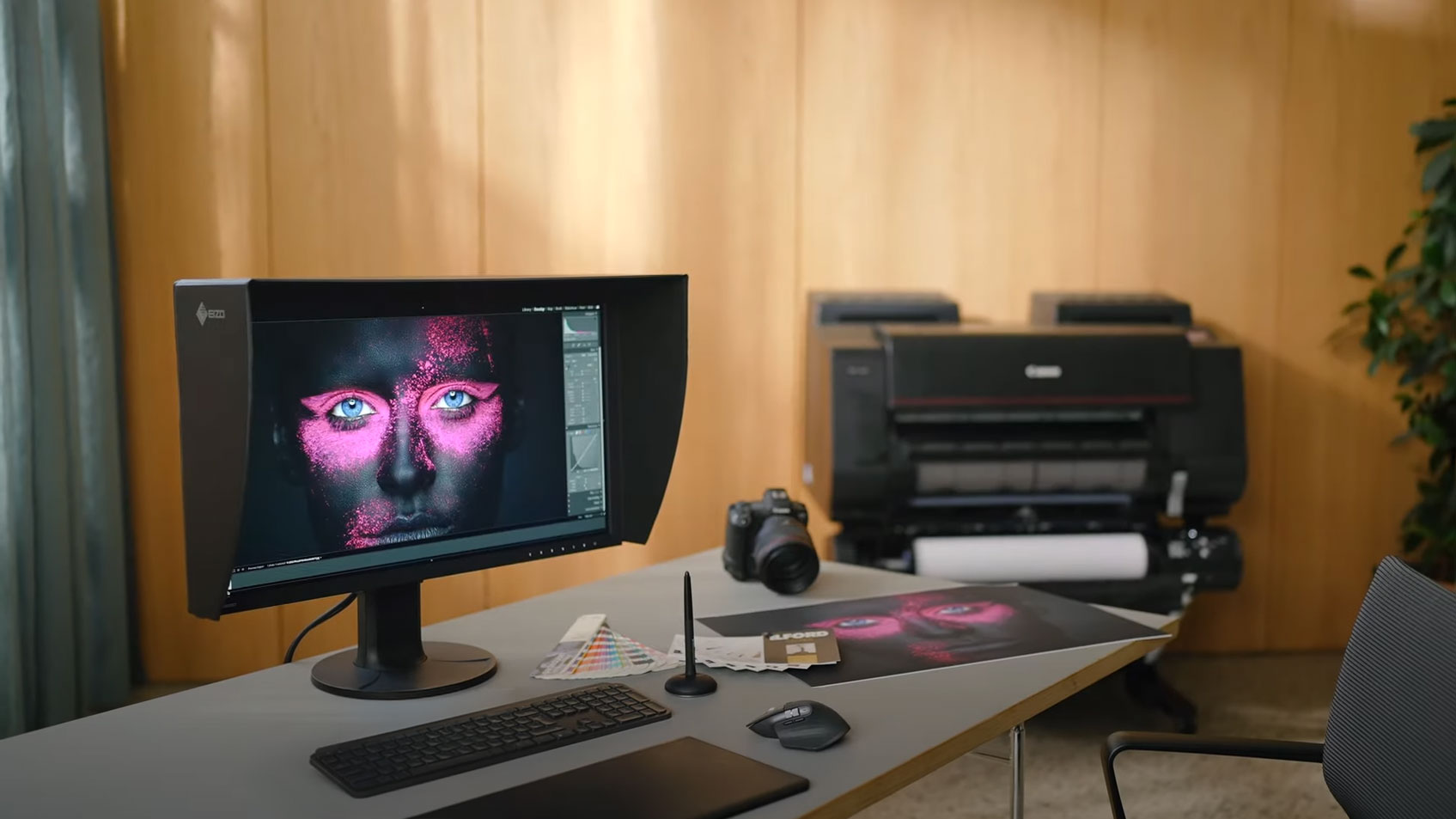
EIZO ColorEdge CG2700X
Featuring a built-in color calibration sensor, rich 1450:1 contrast ratio, 500 nit brightness, and expansive connectivity options, the 27” EIZO ColorEdge CG2700X helps to significantly streamline your workflow. Supporting 10-bit color with 99% coverage of the Adobe RGB gamut, this premium professional-grade monitor delivers detailed visuals that look great in both digital and print formats. Additionally, the sensor may be configured to automatically calibrate the display at designated times, in a process that takes about three minutes instead of the traditional 30, before tucking itself away. A separate sensor reads the lighting conditions of the room and adjusts the monitor’s gradation, color, and brightness settings to match while EIZO's digital uniformity equalizer (DUE) technology ensures color consistency across the screen by removing brightness and chromaticity deviations.
Connecting your DisplayPort in Alt. Mode compatible laptop allows you to transfer video, data, and up to 94W of power using a single USB-C cable. An HDMI port is also available alongside one DisplayPort input. The integrated hub allows you to use peripherals such as mice, keyboards, and pen tablets through the monitor while the RJ45 Ethernet jack provides stable connections to wired networks. As a bonus, a 3D look-up table (LUT), support for multiple HDR broadcast formats, and 98% DCI-P3 coverage makes the EIZO ColorEdge CG2700X an ideal choice if you edit video in addition to still photography. The included monitor hood eliminates glare under harsh lighting.
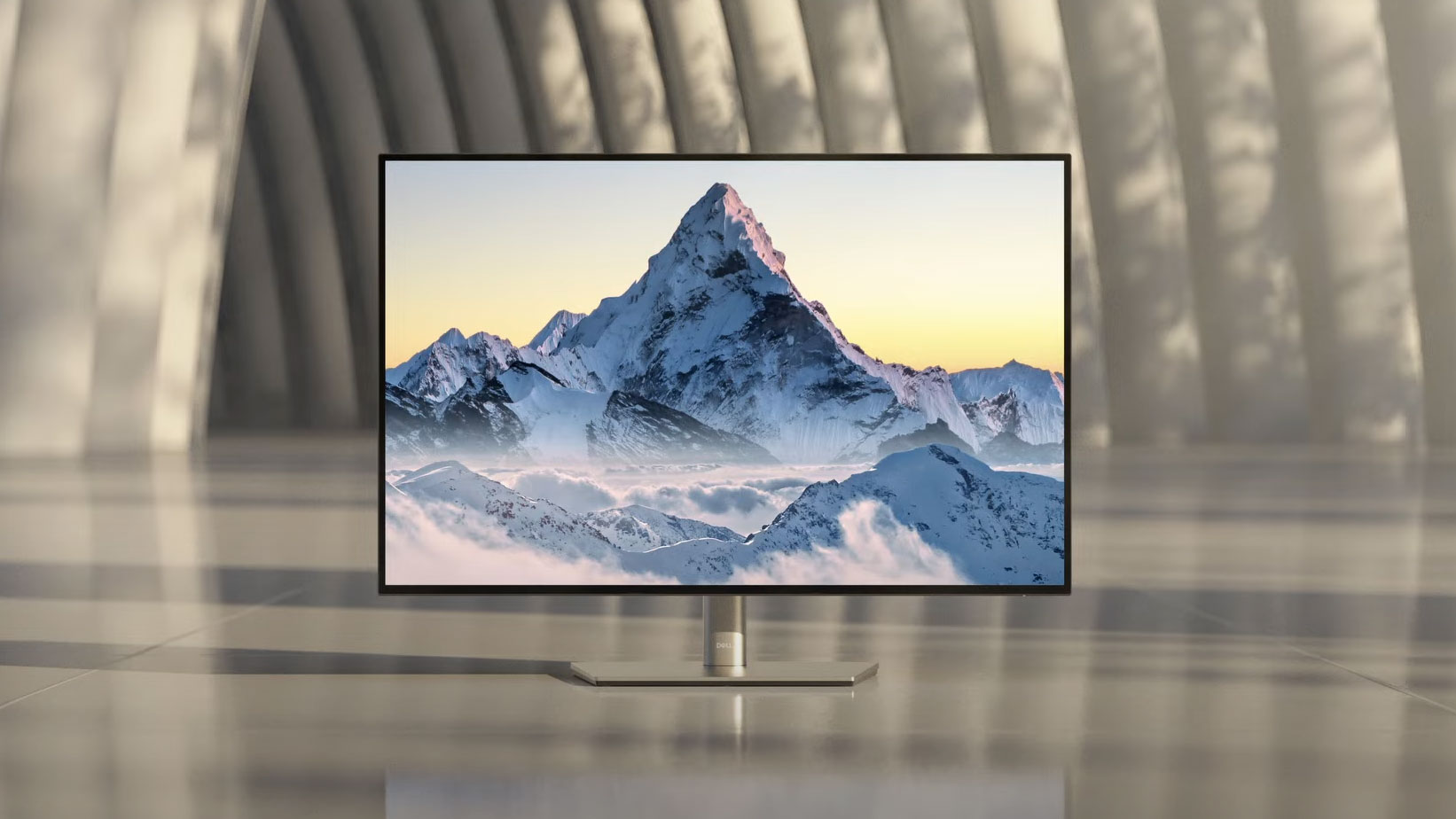
Dell U3223QE UltraSharp 31.5" 16:9 HDR 4K IPS Monitor
For those who rely on accurate color for photo and video editing, the Dell U3223QE is a 31.5" monitor with UHD 4K resolution and coverage for 100% of the sRGB and Rec 709 color gamuts and 98% of the DCI-P3 color gamut for premium color reproduction. DisplayPort, HDMI, and a USB make setup easy. Additionally, the USB-C port can deliver up to 90W of power to connected devices, so you have the option of charging your USB-C-compatible devices while working on the monitor.
BenQ PhotoVue SW272U
Designed to deliver exceptional color to photographers, the Calman-verified and Pantone-validated 27” BenQ PhotoVue SW272U is calibrated for Delta E ≤1.5 accuracy with 99% Adobe RGB and DCI-P3 coverage in addition to 100% sRGB. This display also supports a 16-bit LUT for consistent color grading across multiple images. The visuals are complemented by features such as Paper Color Sync, which simulates printed photos, and GamutDuo color space comparison can help you fine tune your projects during the edit, thereby reducing the need for multiple proofs.
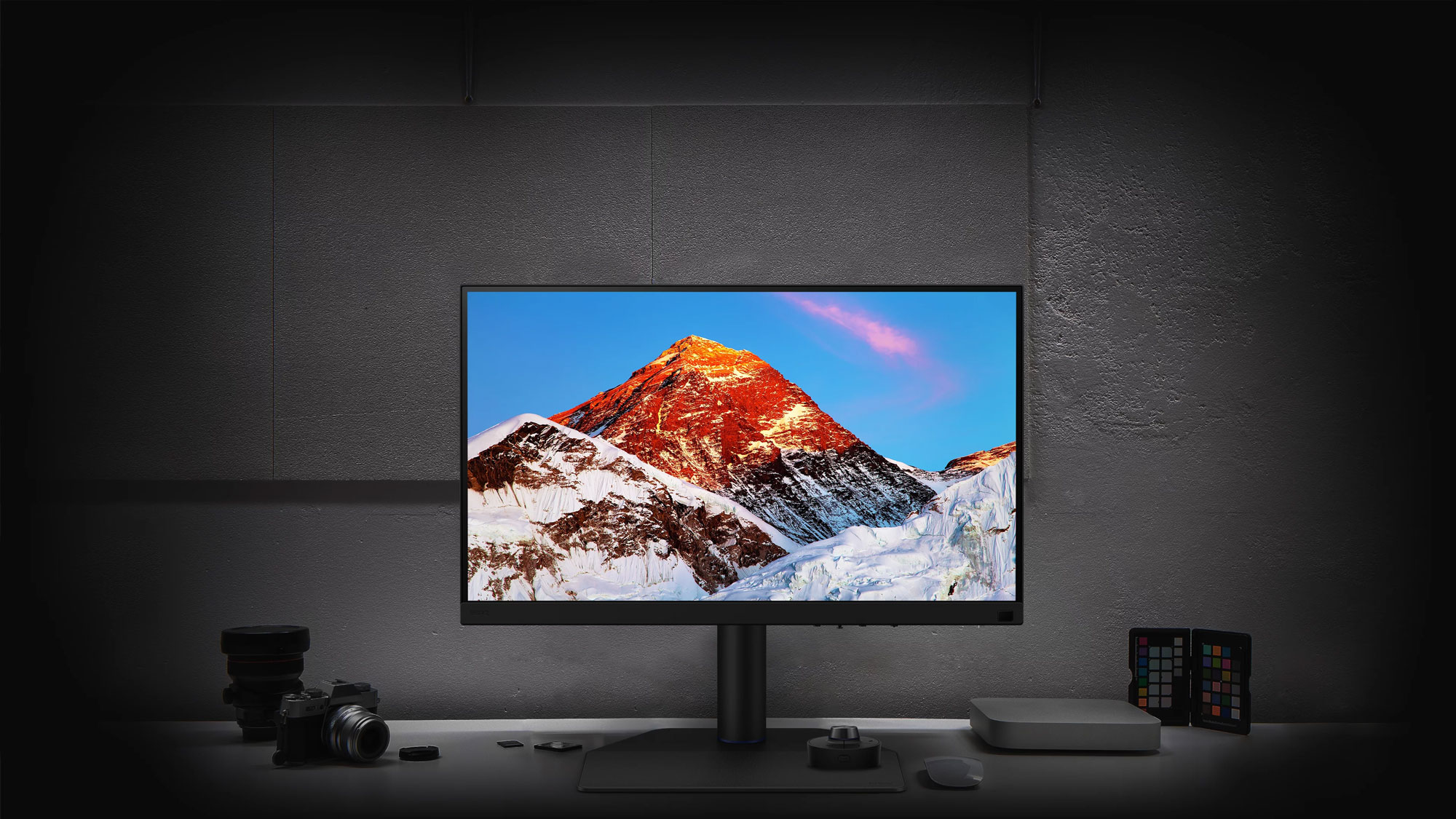
BenQ also takes workflow efficiency to a new level with included accessories such as the wireless Hotkey Puck G3 dial, which can be customized with application shortcuts and controls, and a monitor hood that works in portrait and landscape modes. Additionally, the PhotoVue SW272U’s integrated hub has two 5 Gb/s USB-A 3.1 Gen 1 ports alongside an SD card reader that allow you get files from your camera to your computer in short time. The USB-C port supports video, data, and 90W power delivery with compatible laptops. Otherwise, you can connect devices through the two HDMI ports and one DisplayPort input.
ASUS ProArt Display PA279CRV
With Delta E <2 color accuracy covering 99% Adobe RGB and DCI-P3, the space-saving 27” ASUS ProArt Display PA279CRV delivers a lot of bang for the buck. This Calman verified 10-bit color display also allows you to easily switch across multiple color presets, including sRGB, Rec.709, Adobe RGB, DCI-P3, and DICOM modes. Use the ProArt Palette from the onscreen menu to adjust the color hue, temperature, and gamma to fit your needs. VESA DisplayHDR 400 certified high-dynamic range support with a 3000:1 dynamic contrast ratio and 400 nit peak brightness provides rich, lifelike visuals. Additionally, a QuickFit Plus overlay helps you align content and measure printed projects.
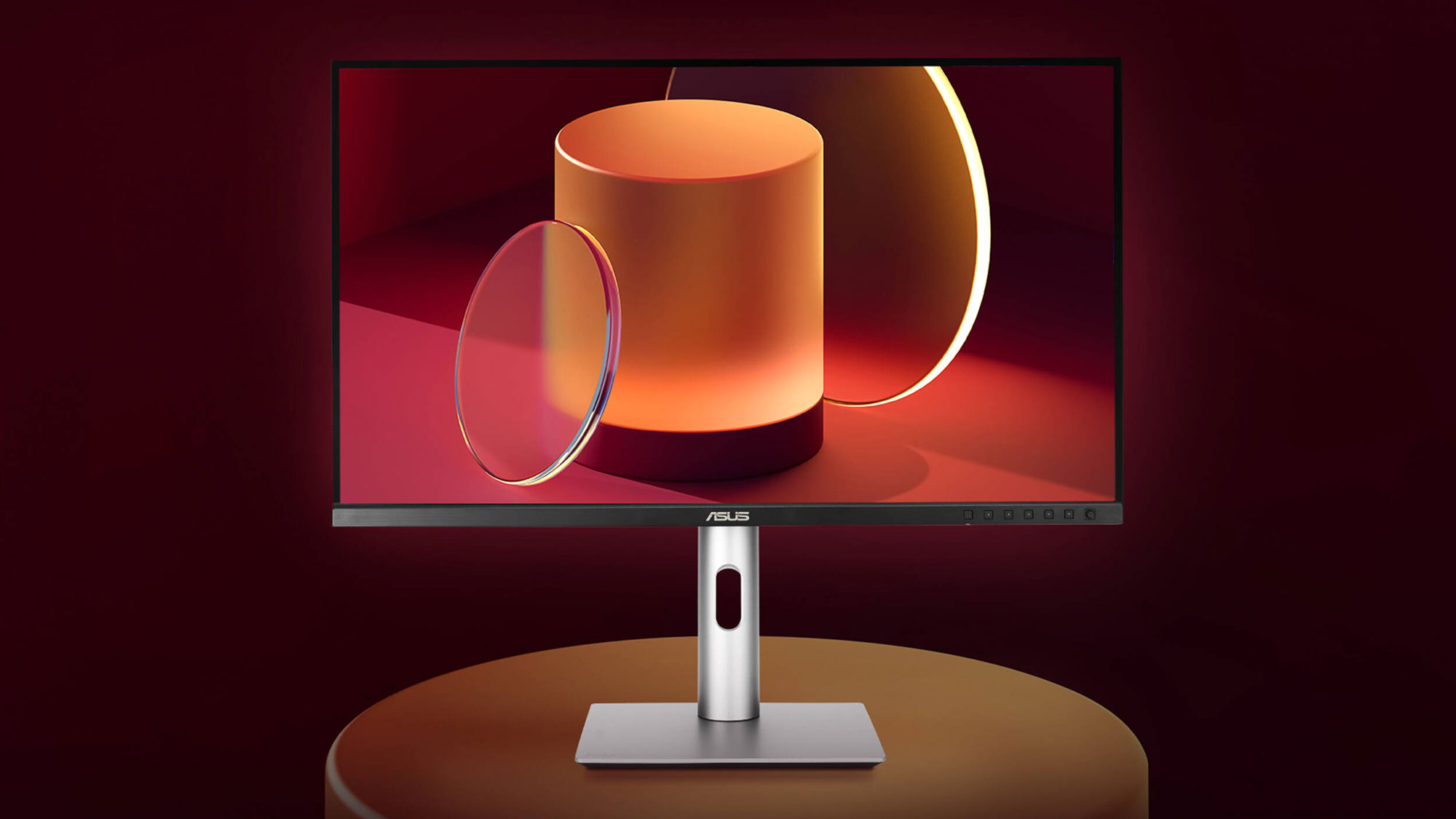
You can enjoy a single cable, 96W USB-C connection with your compatible laptop or use the dual HDMI 2.0 and DisplayPort 1.4 ports. The built-in hub has a 15W USB-C port that can keep tablets and phones charged while you use the three USB-A 3.2 Gen 1 ports with 5 Gb/s compatible flash drives and other peripherals. Built-in picture-in-picture and picture-by-picture support lets you view content from multiple sources simultaneously. You can also use the DisplayPort out connector to daisy chain two ProArt Display monitors together for improved multitasking.
What do you look for in a photo monitor? What are the essential features when looking for a screen for photo editing? Let us know about your dream setup in the Comments section, below.
