
On-camera monitors continue to grow in popularity with filmmakers and photographers wanting a bigger, better view of their image than a flip-out LCD can provide. The Desview R5II 5.5" touchscreen monitor is, on paper, a great offering: lightweight, affordable, versatile, and bright. It even comes with useful accessories like a swivel-and-tilt shoe mount, a sunshade, a USB drive for loading LUTs, and a couple variations of HDMI cables. All seems hunky dory until you boot up the R5II and start flipping through its menus, only then do some faultlines start to show.
The Screen
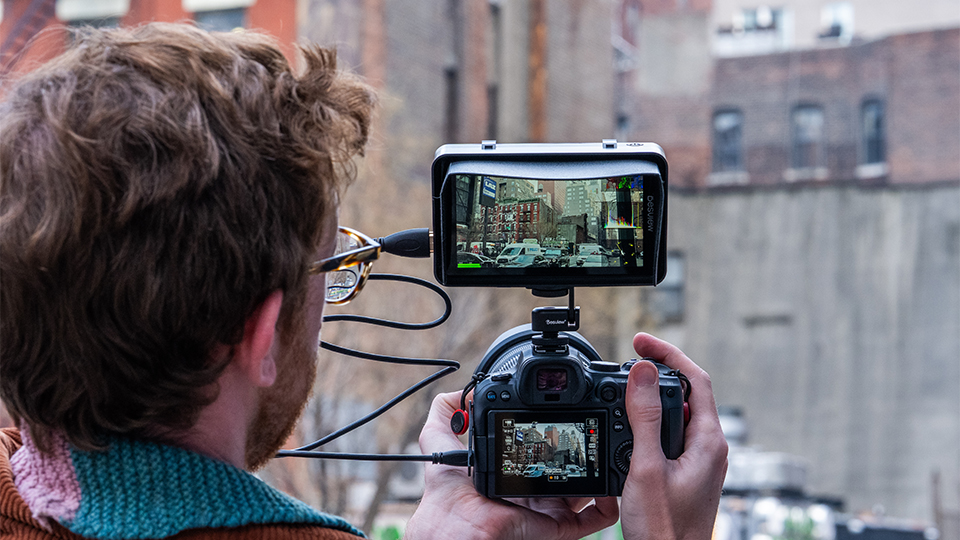
The screen itself is the highlight of the whole package. It’s sharp, with 1920 by 1080 resolution, it’s bright, at 800 cd/m², and the 8-bit colors are solid. Viewing angles are good, the HDMI input and loop output can handle up to DCI 4K at 24p, and the battery plate on the back takes NP-F or LP-E6 style batteries. Framing and adjusting shots with the R5II were noticeably easier than relying solely on my camera’s built-in screen, as I felt more immersed in my shot and able to notice a greater level of detail and possibility. The extra screen real estate was especially handy for manual focusing, as well as complex shots with busy corners.
The Mounting
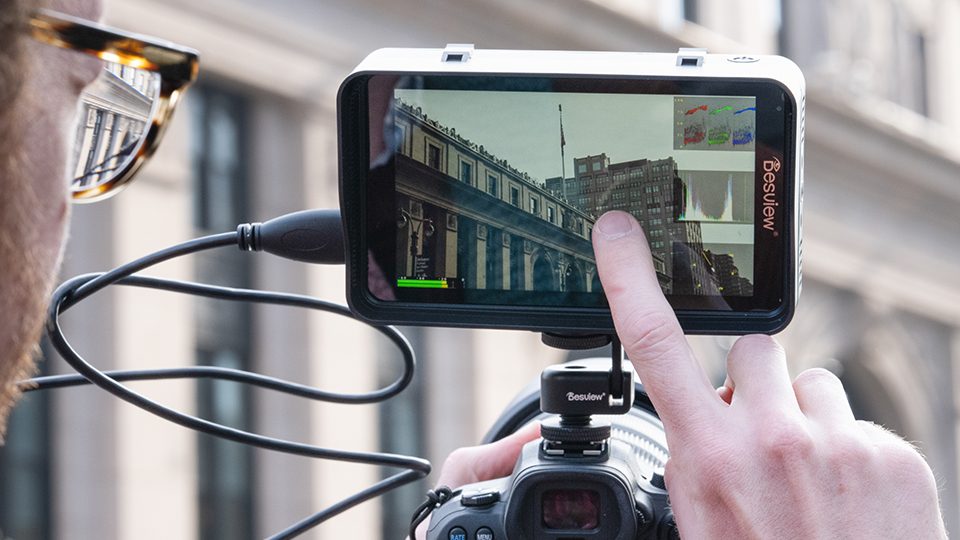
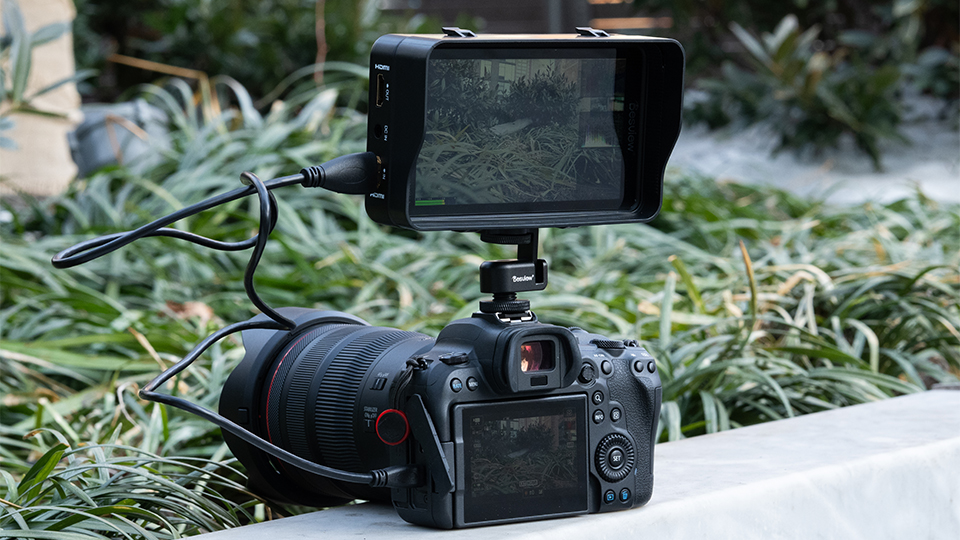
Having ¼-20” mounting points on the bottom and right side of the monitor is handy, though it’s a bit disappointing neither has locating pins. The included sunshade is a welcome addition. It’s a tad droopy in the middle but easy to take on and off. The “Snail Hot Shoe Mount” is intuitive and flexible, though tight out of the box. Loosen it with the included hex wrench and unlock its full range of movement. Overall, mounting is easy because of the remarkable low weight (only 7 oz without a battery) and small size (6 x 3.5 x 0.9") of the R5II, and any standard camera monitor configuration should work well with it.
The Menus
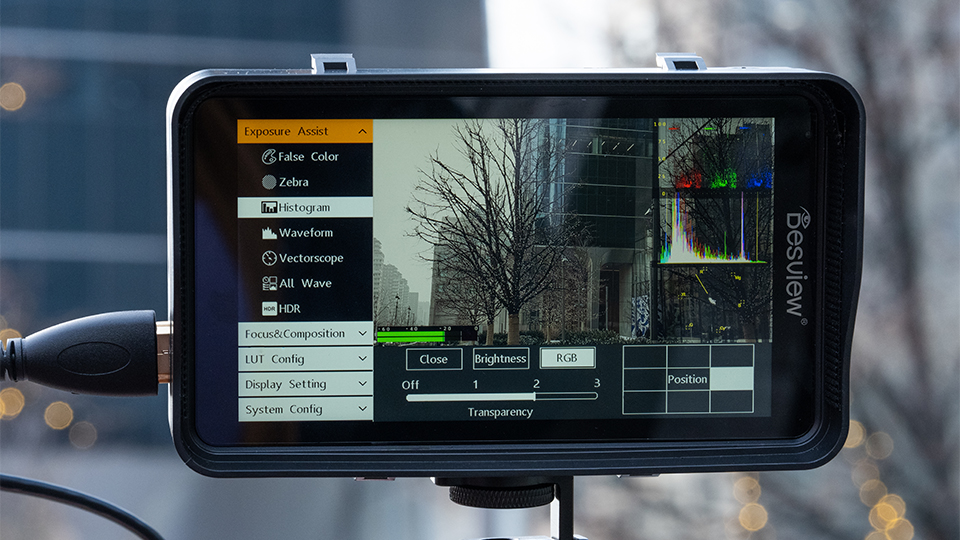
In theory, the software side of the R5II is strong: pinch-to-zoom, LUT support, HDR support, anamorphic desqueeze, and all the classic exposure tools. The Achilles heel becomes the “touch” part of the touchscreen. I found it slow, stutter-prone, and picky with which taps and swipes it registers. Long, hard presses are the way to go, but I often got frustrated and went back to the monitoring tools in my camera body. Having a touchscreen is nice in theory, but for shooters like me who value reliability above all, Desview’s hard button variation, the P5II, might be a smarter choice.
The R5II is a strong tool if all you care about is getting a larger, brighter look at your image. Those who want a super responsive touchscreen may need to widen their search but should expect to spend more money and likely end up with a larger, heavier alternative. As always, there’s no perfect solution, just different options with various pros and cons.
For more information about the Desview R5II monitor, including features, specs, and highlights, be sure to check out the detailed product page.
