
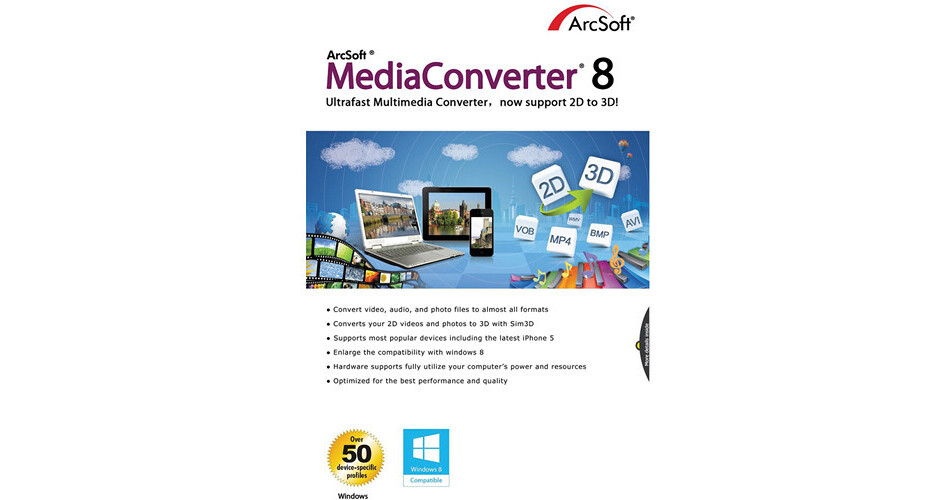
The ArcSoft MediaConverter 8 (Electronic Download) is a Windows-compatible conversion software that converts video, audio, and photo files to various formats, including formats optimized for portable devices. Files can be converted individually or in batches. Batch conversions can be performed even when the original files are all different. The main workflow is simple -- choose the media file(s), select the output format(s), and click Start to convert.
The program also converts 2D videos and photos to 3D formats using a built-in ArcSoft Sim3D technology; upscales videos to higher resolutions with built-in SimHD technology; and can extract audio from DVD and AVCHD movies.
A device output feature lets you transfer converted video and audio files directly out to devices, both tabletop and portable. A set of simple-to-use editing functions are available for trimming, adding effects, and making other small edits to videos.
- Improved hardware GPU support, including support for Intel Ivy Bridge, NVIDIA Kepler, and AMD VCE, allows for faster conversions and lower power consumption
- 2D to 3D conversions using ArcSoft's built-in Sim3D technology
- Built-in easy-to-use video editing tools
- Automatic Gain Control and Audio Normalization added to audio controls
- High-speed batch video conversions with quality assurance
- Enlarged video edit/rotate feature and auto rotate support for iPhone and iPad
- Converts video, audio, and photo files to various formats
- Files can be converted individually or in batches
- Batch conversions can be performed even with different files
- Converts 2D videos and photos to 3D formats
- Extracts audio from DVD and AVCHD movies
- Transfers converted video and audio files directly to devices
- Features easy-to-use editing functions for making small edits to videos
- ArcSoft Sim3D technology converts videos and photos from 2D to 3D
- SimHD technology upscales videos to higher resolutions
- Includes various effects, such as Black & White, Sepia, Old Movie, Sketch, and Sharpen
- Advanced tools include Auto Video Rotate for iPhone/iPad, image denoiser, and color adjustment settings
- Automatic Gain Control enables a 5x volume increase
- Audio Normalization balances out the volume between separate audio and video files
- You can select the soundtrack you want while playing or converting a video file
- Converted videos can be directly uploaded to YouTube, including 3D videos to YouTube3D
- You can preview and export your video files with subtitles
- You can preview enhanced multimedia effects before conversion