
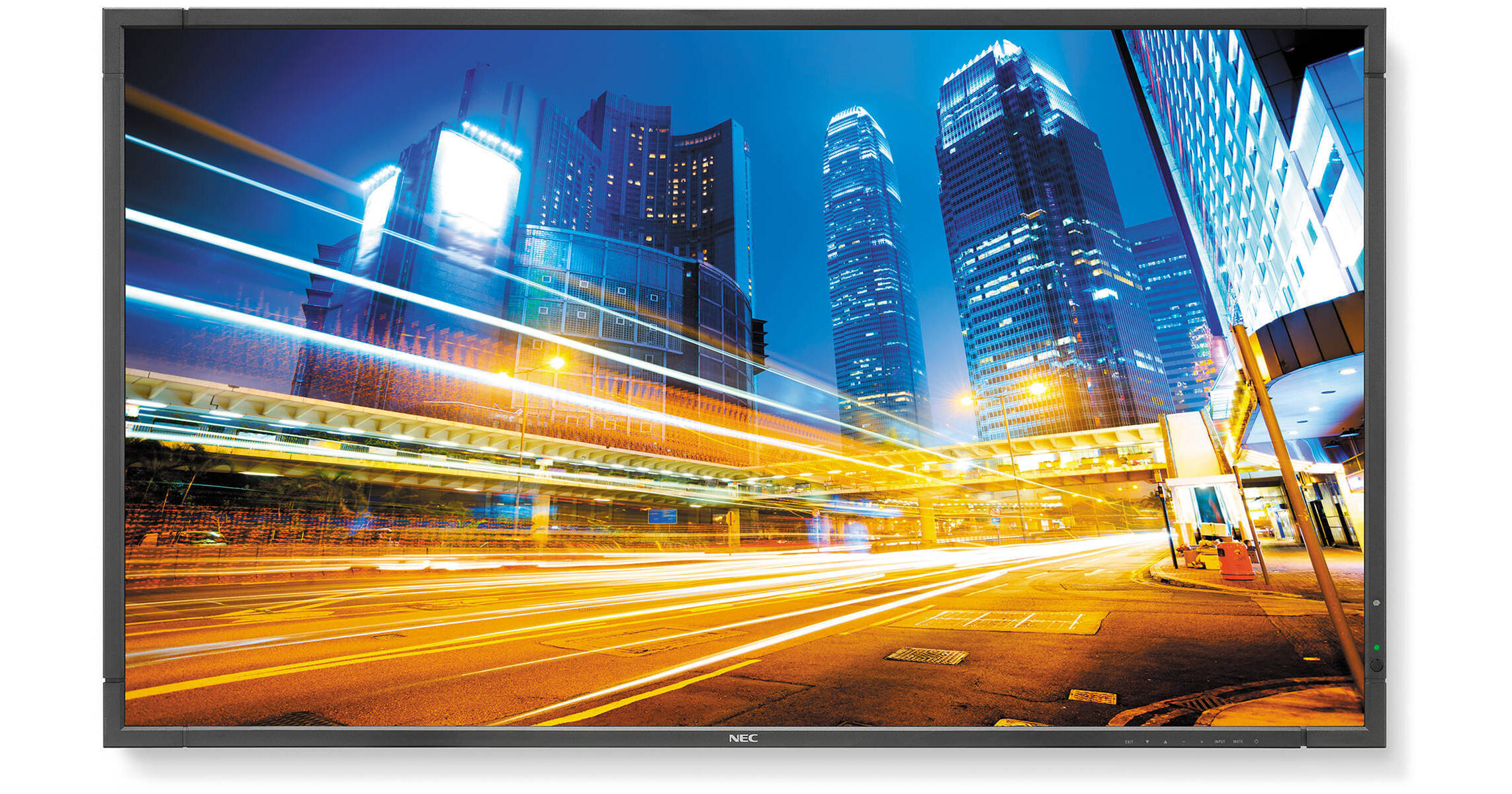
The P463-AVT 46" LED Backlit Professional-Grade Display with Integrated Tuner from NEC is a monitor with 1920 x 1080 HD resolution with 700 cd/m2 maximum brightness. Equipped with LED backlit technology this monitor delivers an environmental, economic, and aesthetic impact. The SB-03TM tuner is integrated into the display's Open Pluggable Specification (OPS) slot to allow high-definition broadcast capabilities. The monitor features a 4000:1 typical contrast ratio and an aspect ratio of 16:9. It addition, it has multiple input ports including a DisplayPort, an HDMI, a DVI-D, and a VGA port.
This display has received a full chassis upgrade with the addition of a second expansion slot, faster processing times, evolved daisy chain performance, and near field communication capabilities*. It features multiple advanced technologies including programmable gamma, input switching speed, human sensor accessory, near field communications, auto tile matrix, and more. Its second expansion slot is designed to add and customize analog and digital connectivity.Note:
*For setup and servicing only
Built-in ATSC Digital Tuner
Built-in ATSC digital tuner allows for high-definition broadcast capabilities
LED Backlighting Technology
LED backlighting Technology reduces power consumption and allows for a slimmer cabinet depth
Brightness
Maximum 700 cd/m2 brightness combined with full HD resolution
Industrial-Strength, Premium-Grade Panel
Industrial-strength, premium-grade panel with additional thermal protection, internal temperature sensors with self-diagnostics and fan-based technology, allows for 24/7 operation
Input Switching Speed
Input switching speed minimizes downtime between source transitions
Daisy Chain Options
Expanded daisy chain options with DisplayPort 1.2
Open Pluggable Specification
The industry-wide standardization in optional slots allows easy installation, use, and maintenance of digital signage.
Advanced Cooling System
Prevents the likeliness of image retention and improves color uniformity.
Interface Extension Slot
It is a second expansion slot designed to add and customize analog and digital connectivity. This second slot in combination with the OPS expansion slot offers multiple connectivity and player combinations.
Improved Daisy Chain
The P series supports video daisy chaining up to 100 pieces via a DisplayPort loop-through capabilities. LAN, IR, and RS232 can be looped simultaneously via LAN.
Programmable Gamma
Three Look-Up-Table (LUT) banks allow the P series to save multiple calibration settings. This improves display flexibility, as displays do not have to be recalibrated each time requirements change. It is also useful for rental and staging.
Input Switching Speed
It features multiple settings for input switching speed. Select among "normal, quick or super" settings. If multiple sources are used and visible waiting times with black screens impact viewing, the fast input switching can be convenient and can avoid distraction.
Human Sensor Accessory
The human sensor accessory helps to deliver creative digital signage to end users by allowing for dynamic control of brightness, audio, and source inputs while saving operating costs. It also ensures that the digital signage is on and directed at a target audience.
Near Field Communications
Reduce installation and servicing costs with the on-board Near Field Communication (NFC) sensor. Use a smartphone with NFC capabilities to pre-configure the display. Configure displays once in the app and then just copy the settings to all the displays in the install before they go up. For service, this app can be used to read relevant information such as serial numbers and log files which can be emailed and analyzed. This makes failure reporting more convenient and less expensive.
Proof of Play
The display monitors multiple parameters once a command to start proof of play has been issued. Twenty four hours of monitor data can be recorded to prove that the content paid for was shown.
Auto Tile Matrix
A set up feature that saves time and cost at set up. Auto tile matrix does an auto set-up of video wall via DP and LAN daisy chain. Just run auto ID on the first display, choose the number of horizontal and vertical displays, and press "SET".