
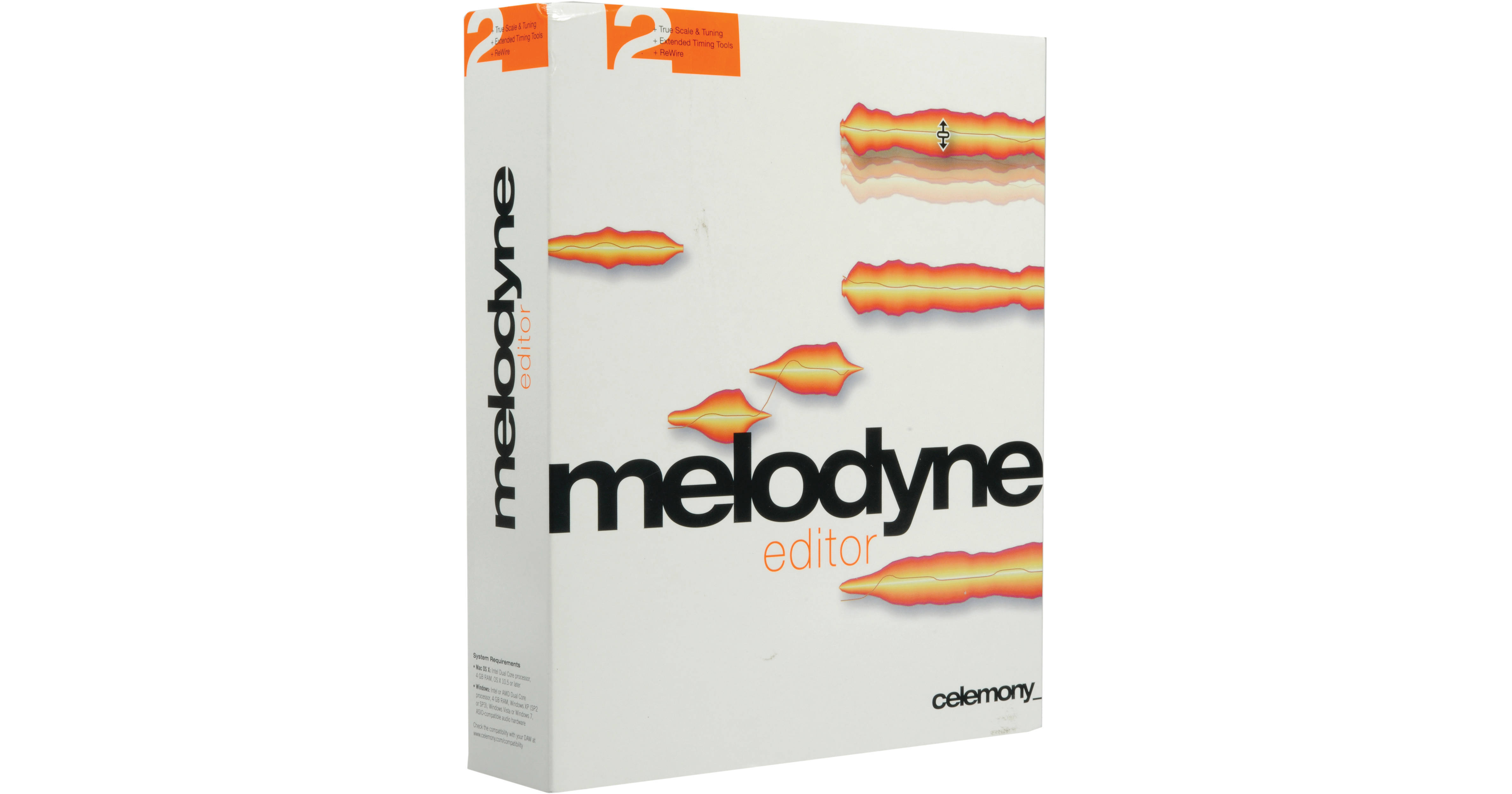
Melodyne editor 2 from Celemony is pitch/time shift software offering Direct Note Access (DNA) technology for accessing individual notes in polyphonic audio material. For instance this provides the ability to correct wrong notes in a piano recording, change the chords in a guitar accompaniment after the recording is over, or refashion a sample lick, for as long as the file is available.
Editing is intuitive and flexible. The audio is displayed in the form of "blobs" spaced out in time and representing the position and dynamics of individual notes. Simply move an audio note to a different pitch or a different position. Make notes longer or shorter, louder or softer. Delete notes from chords or add new ones to the source material, and create melodic, harmonic, and rhythmic variations.
- Single-track audio editing software with Melodyne technology
- Suitable for monophonic, polyphonic and rhythmic/complex audio material
- DNA technology allows direct access to individual notes within chords
- Perfect for extensive sound design
- Works as a plug-in or standalone mode
- Connect via Rewire to compatible DAWs
- Supports ARA Audio Random Access in compatible DAWs
- Manual or automatic correction of intonation and timing errors
- Refashioning of melodies, harmonies, timing and rhythm
- Transposition, including adjustment to scale
- Creation and editing of scales
- Extraction of scales from existing recordings
- Modifying various note parameters such as volume, vibrato and formant spectrum
- In-depth editing of the timing of notes
- Pitch shifting and time stretching
- Re-quantization
- MIDI file export
- Get spot-on timing
- Effortlessly and continuously adjust the extent to which a performance deviates from metronomic precision, and even give recordings a totally different rhythm
- When quantizing the software moves individual notes and also adjusts their length, even when the material is polyphonic
- Remove notes from chords to thin out over-dense accompaniments
- Copy and move notes to implement doubling, create second voices, or construct new chords
- Extract the scale of a recording using the Scale Detective to change the scale of another recording
- Modifying the pitch
- Modifying the pitch drift
- Modifying the pitch modulation
- Modifying the position
- Modifying the length
- Modifying the attack speed
- Modifying the time course within notes
- Modifying the volume
- Shifting the formant spectrum
- Modifying the pitch of any transition between notes
- Modifying the volume of any transition between notes
- Shifting the formant spectrum of any transition between notes
- Timing (re-)quantization, manually or via macro
- Pitch quantization, manually or via macro
- Cut, copy and paste
- Modifying the pitch (relative)
- Modifying the position
- Modifying the length
- Modifying the volume
- Modifying the attack speed
- Modifying the time course within notes
- Shifting the formant spectrum
- Modifying the volume transition between blobs
- Shifting the formant spectrum of transitions between blobs
- Timing quantization, manually or via macro
- Cut, copy and paste