
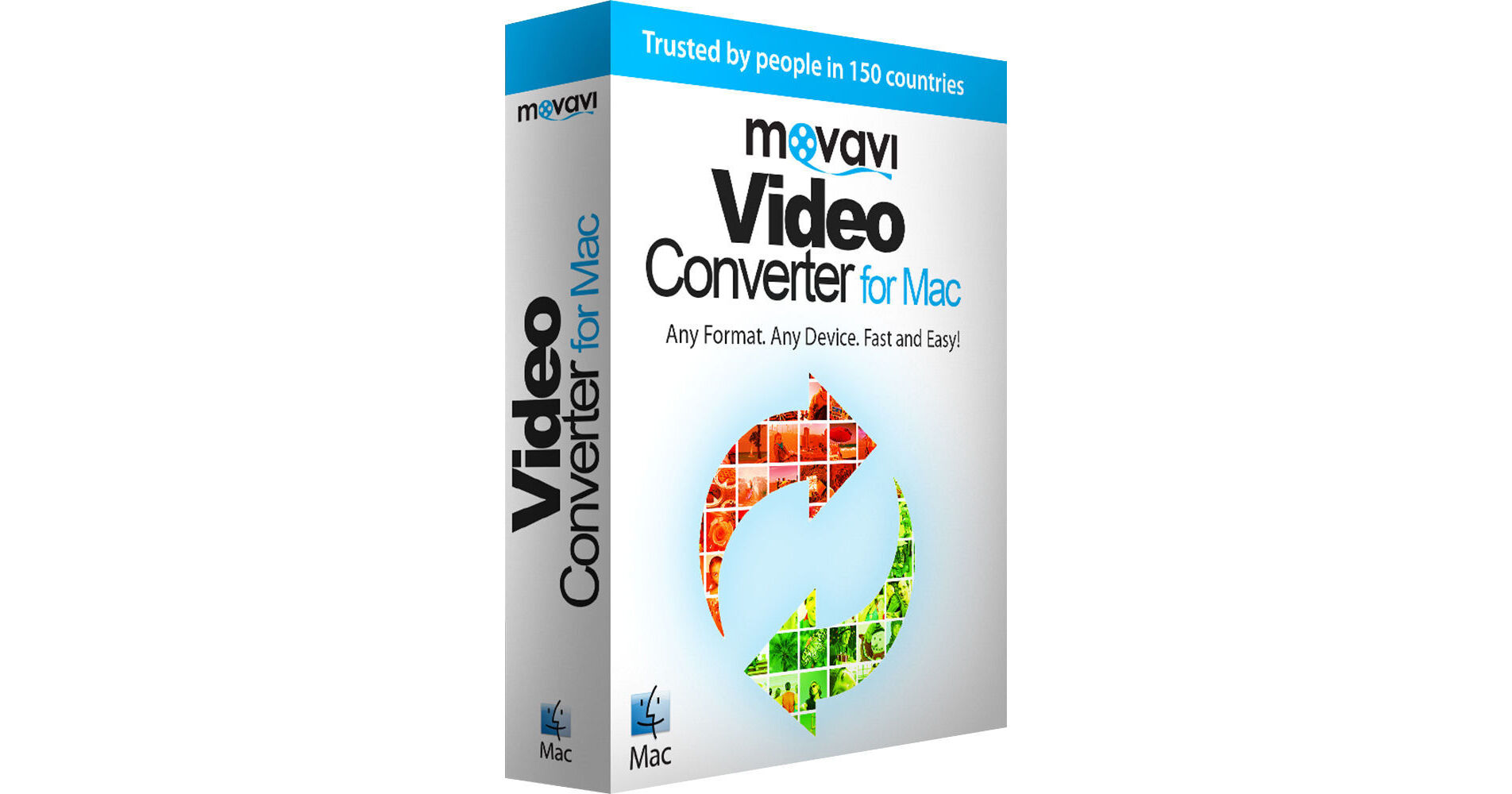
This download of Video Converter 7 for Mac from Movavi provides commercial users in business or professional environments with basic editing tools and audio/video conversion options. You'll be able to retain quality of your original file, convert to and from 180+ formats, select from 200+ presets for mobile devices, use SuperSpeed mode for even faster conversions, save files for specific devices or transfer them to iTunes, and more. Additionally, you can turn videos into GIFs, extract music from movies, rip DVDs, and add watermarks to your videos to protect them. Using the Watch Folder function, any new files in a specified folder will be automatically converted to any supported format.
General Features
Convert Large Media Files
Thanks to the smart conversion engine, changing file formats takes very little time. Plus, you can use SuperSpeed mode which helps with fast conversions without re-encoding and thus without quality loss.
Edit Files Before Converting
Trim and join clips, stabilize shaky footage, normalize sound, and remove visual and audio noise. You can also remove unnecessary footage, and the improved accuracy of trimming means you can cut video at exact frames, as well as add subtitles, adjust caption positions, and sync them with the video.
Save the Result
The converter works with more than 180 multimedia formats like MP4, MOV, MKV, FLV, AVI, and 3GP; MP3, AAC, FLAC, WAV, and OGG; JPEG, PNG, BMP, GIF, and more. The program also has ready-made presets for 200+ mobile devices - just select the appropriate one from the list. You can also connect your phone or tablet to your Mac and use the program's automatic device detection to identify the best preset for your device. The list includes Apple, Samsung, Nokia, LG, Huawei, Xiaomi, and many other devices.