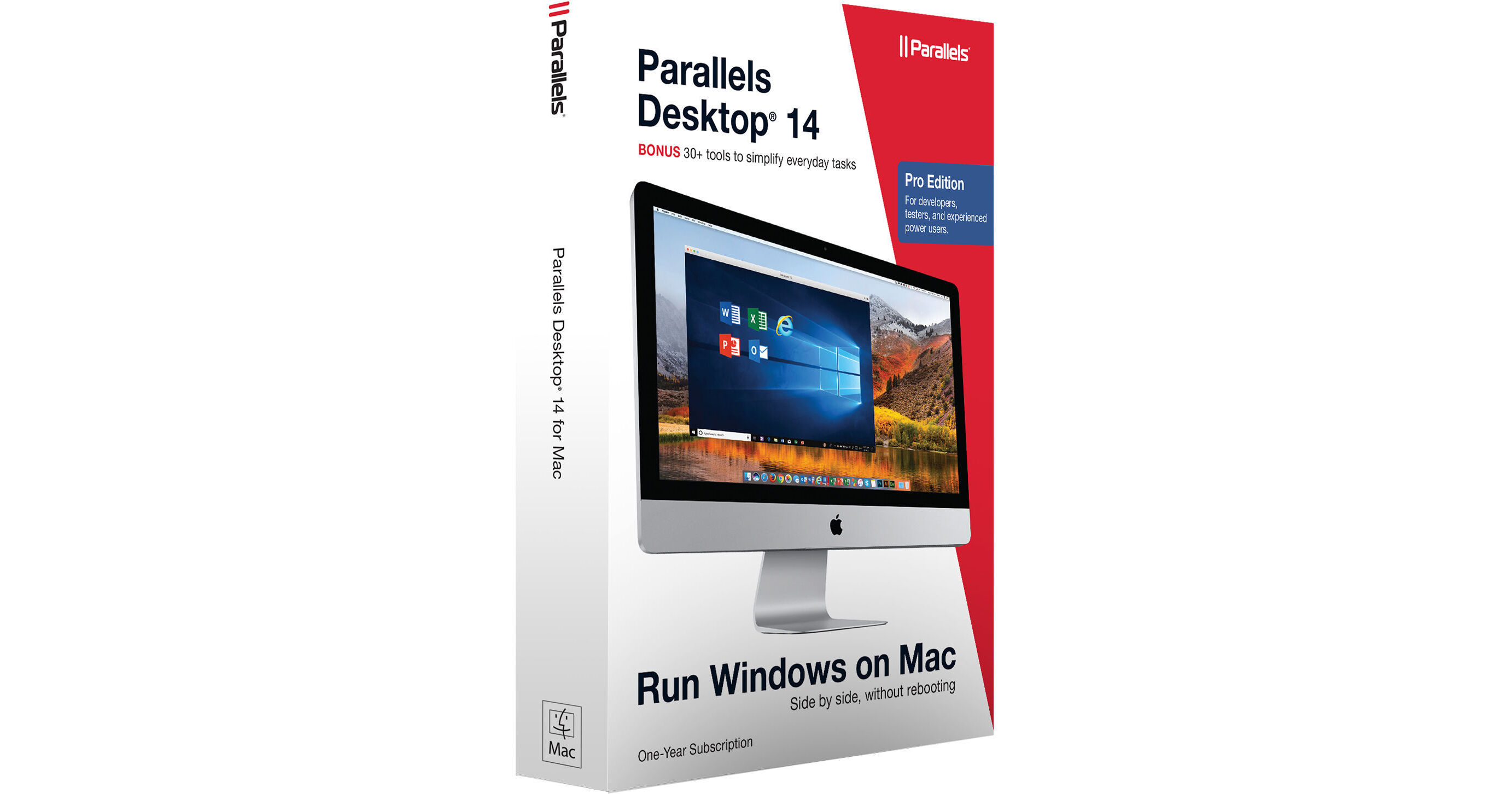
Designed for developers, testers, and experienced power users running Mac OS X El Capitan 10.11.6 or later, this software download of Parallels Desktop 14 Pro Edition includes a 1-year license and is tailored for those who need performance and functionality for running non-Mac applications on a Mac. Easily switch between Mac and Windows applications, launch Windows applications from the Mac dock, and use Mac gestures in Windows. Use the Touch Bar with Windows applications, as well as copy and paste or drag and drop between Windows and Mac. Run Windows applications inside a virtual machine, or develop and test your app or website across dozens of different operating systems, and troubleshoot using Microsoft's Visual Studio plug-in or network simulator. You can also enjoy nested virtualization and guest OS debugging, plus use Vagrant, Jenkins, or other development tools of your trade.
Parallels Desktop runs on macOS High Sierra (10.13.6 or later), Sierra (10.12.6 or later), El Capitan (10.11.6 or later), and also supports macOS Mojave 10.14, as well as a variety of operating systems, including Windows 10, Ubuntu and other Linux distributions, as well as older versions of Windows. The Installation Assistant helps optimizes your virtual machine settings and performance for your primary usage scenario, such as productivity, design, development, testing, or gaming. Allocate up to 32 virtual CPUs and 128GB of virtual memory per virtual machine. 24/7 premium support is included, as is Parallels Toolbox, with over 30 utilities to help simplify everyday tasks, such as cleaning your drive, securing private files, taking screenshots, or downloading videos, all with a single click.
Virtual Machines that were created in Parallels Desktop version 3 or 4 and never run in any other version are not going to work in Parallels Desktop 14.
Parallels Desktop may need to be updated once Mojave is officially released
* Only the one downloaded with help of Installation Assistant
** Parallels tools are not available for this operating system