Ask Our Experts800-606-6969
Hello, Log InAccount & Orders
Video Chat with a Pro Audio Expert - Live
Key Features
- Locking DC Input
- 10 to 20 VDC Input Range
- Compatible with MixPre Series
- Compatible with MixPre-M Series
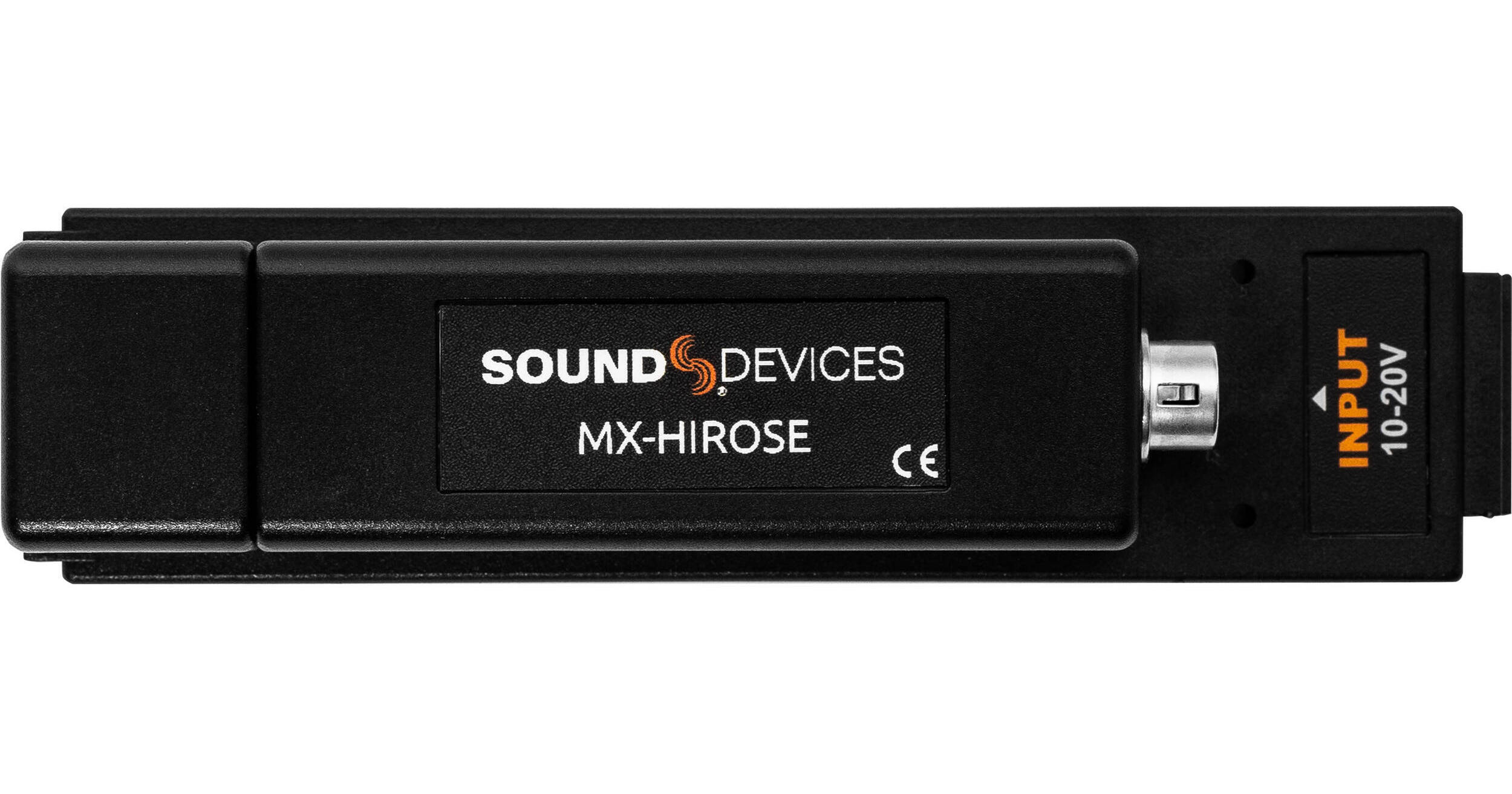
The Sound Devices MX-HIROSE is a Hirose DC input sled designed to help power compatible Sound Designer recorders. This can aid in powering units in the original MixPre series, the MixPre-M series, and the MixPre-II series.
More DetailsSee any errors on this page?
What is the weight of the MX-HIROSE?
What is the weight of the MX-HIROSE?
The Sound Devices MX-HIROSE Hirose DC Input Sled weighs 1.6 ounces (45.4 grams).
Date published: 2022-03-01
What power sources can this be connected to?
What power sources can this be connected to?
This device is compatible with NP-1 battery cups for NP-1 type batteries.
Date published: 2021-01-25
Does it come with the 4 pin cable and a 120v AC ...
Does it come with the 4 pin cable and a 120v AC adapter?
The Sound Devices MX-HIROSE Hirose DC Input Sled for MixPre, MixPre-M & MixPre-II Mixer-Recorders does not include an AC adapter.
Date published: 2025-08-22
Mixpre 6 ii -- MX-Hirose -- Tilta NP-F Base ...
Mixpre 6 ii -- MX-Hirose -- Tilta NP-F Base Battery Plate , For this setup, Which power option shall i choose? 7.2v or 12V ( from Tilta Base Plate
The Sound Devices MX-HIROSE Hirose DC Input Sled for MixPre, MixPre-M & MixPre-II Mixer-Recorders needs 10-20 volts, so 12v would be appropriate for this situation.
Date published: 2023-12-17
How do you remove the input sled?
How do you remove the input sled?
Hi Mikala. One simply needs to pull it away from the back of the unit at the right side of the mixer, near the letter "M" of "MixPre" printed on the top rear panel of the chassis.
Date published: 2021-08-19