Ask Our Experts800-606-6969
Hello, Log InAccount & Orders
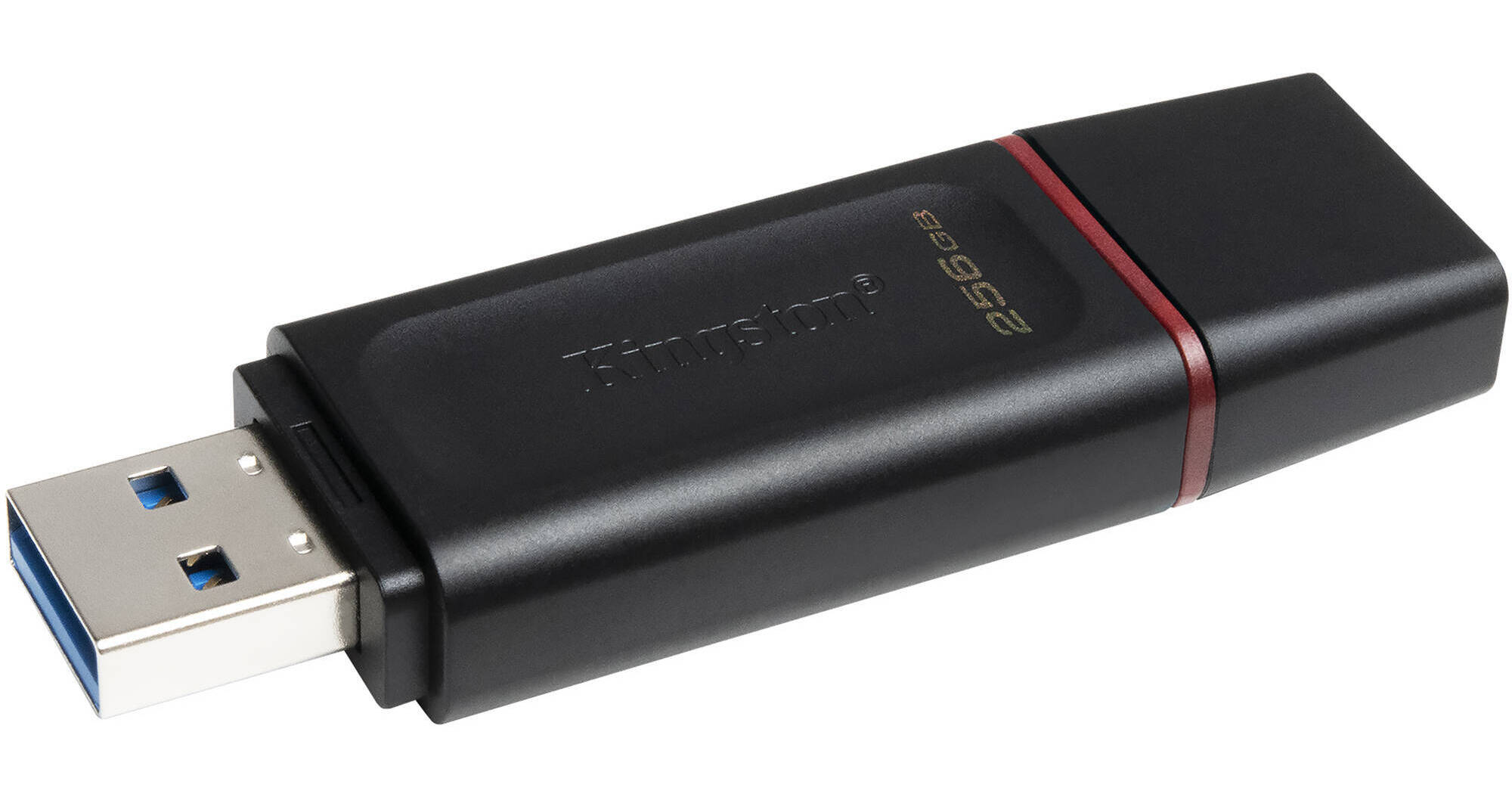
Key Features
- 256GB Storage Capacity
- USB 3.2 Gen 1 Type-A Connection
- Keyring Loop
- Protective Cap
Store data and take it on the go with the 256GB DataTraveler Exodia Flash Drive from Kingston. Designed for easy transport, this flash drive features a keyring loop and protective cap. Utilizing a USB 3.2 Gen 1 Type-A connection, it's compatible with Windows 8 and later, Mac OS 10.10 and later, Linux 2.6 and later, and Chrome OS.
More DetailsIn Stock
Protect Your Gear
Add a protection plan from $8.99
See Options
See any errors on this page?
Is this backward compatible to USB 2.0?
Is this backward compatible to USB 2.0?
Yes, the Kingston 128GB DataTraveler Exodia Flash Drive
BH #KIDTX128GB is compatible with USB 2.0.
Date published: 2021-11-30
Will it work with Windows 10?
Will it work with Windows 10?
Yes. The Kingston 128GB DataTraveler Exodia Flash Drive would work on Windows 10
Date published: 2021-12-29
ebay says this drive has password protection, but ...
ebay says this drive has password protection, but B&H doesn't say so. does it have password protection?
Password protection could be set up for this drive, but it is not included. You can set up password protection with BitLocker (Included with Windows Pro), or third-party applications like VeraCrypt.
Date published: 2025-11-19