Ask Our Experts800-606-6969
Hello, Log InAccount & Orders
Video Chat with a Photography Expert - Live
Key Features
- Makes 22 Megapixel Digital Images
- Automatic & Manual RGB Adjustment
- Automatic & Manual EV Adjustment
- Saves Images Directly to SD Card
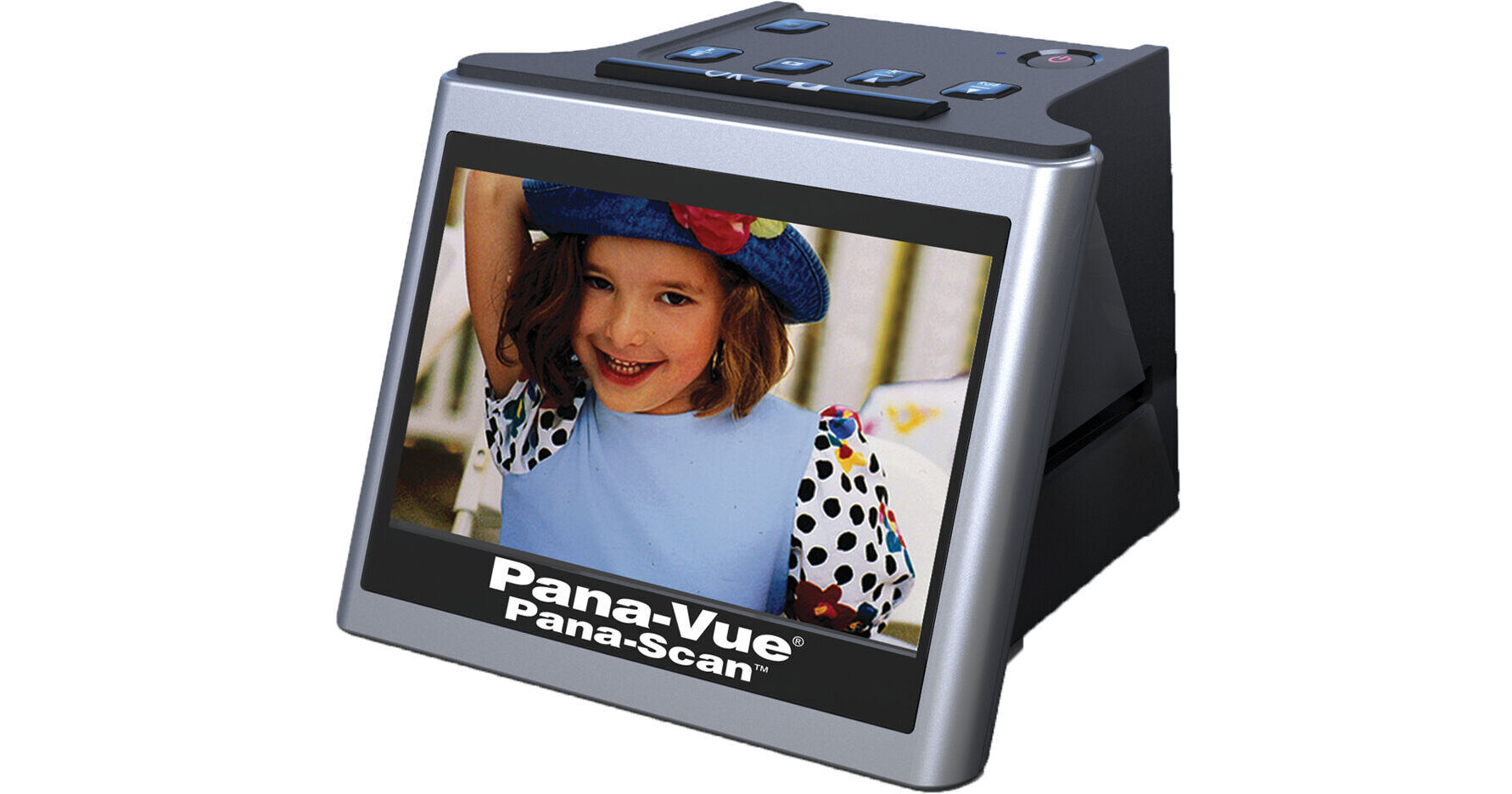
Quickly and easily convert your slides and negatives into high resolution digital images with the Pana-Scan Slide and Film Scanner from Pana-Vue. This portable standalone scanner turns your slides and negatives in 22MP digital images without the need to be connected to a computer. Just insert the film into the included universal holder, view the images on the scanner's 5" LCD screen, press the OK button, and the images will be stored to a separately purchased SD or SDHC card. You can then connect the Pana-Scan to your home computer to transfer and save the images. The Pana-Scan does not require any additional software or drivers and allows you to use your favorite photo imaging and editing software.
More DetailsIn Stock
Protect Your Gear
Add a protection plan from $13.99
See Options
See any errors on this page?
Are you happy with the quality of the scanned ...
Are you happy with the quality of the scanned negatives?
Yes, the Pana-Vue Pana-Scan Slide and Film Scanner has very good image quality. It can scan high quality images that have a resolution of 22 megapixels, scanning at 4200 DPI.
Date published: 2022-01-19
Is a power cord supplied, not just the adapter?
Is a power cord supplied, not just the adapter?
Pana-Vue Pana-Scan Slide and Film Scanner comes with a USB cord and a US /AC adapter. You can connect the Ac adapter on an outlet or use computers and even power banks to power your film scanner.
Date published: 2022-04-28
The scanned images are stored in what digital ...
The scanned images are stored in what digital format?
Images scanned with the Pana-Vue Pana-Scan Slide and Film Scanner are scanned as a .JPG file.
Date published: 2026-03-28
Do you need extra software to convert negative ...
Do you need extra software to convert negative images?
The Pana-Vue Pana-Scan Slide and Film Scanner does not need any other software to convert negatives to positives.
Date published: 2025-09-21
Couldn't find what digital format the images ...
Couldn't find what digital format the images where saved as TIFF, JPEG OR OTHER?
It should be JPG but we do not have these in our store currently to confirm.
Date published: 2021-08-13
Wondering about level of JPG compression. File ...
Wondering about level of JPG compression. File resolution is stated at 22MP (interpolated 4200 dpi) or 14MP (direct 3200 dpi), but what are the actual jpg file sizes (in Mb)?
Unfortunately the level of compression is not specified for this scanner. File sizes will vary based on what is scanned. 22MP scans will typically be around 7MB. 14MP scans will typically be around 4MB.
Date published: 2022-11-03