Ask Our Experts800-952-1815
Hello, Log InAccount & Orders
Key Features
- Supports Two Dual-Screen Systems
- DisplayPort 1.2 Video Interfaces
- 4096 x 2160 Resolution Support
- 60 Hz Refresh Rate Support
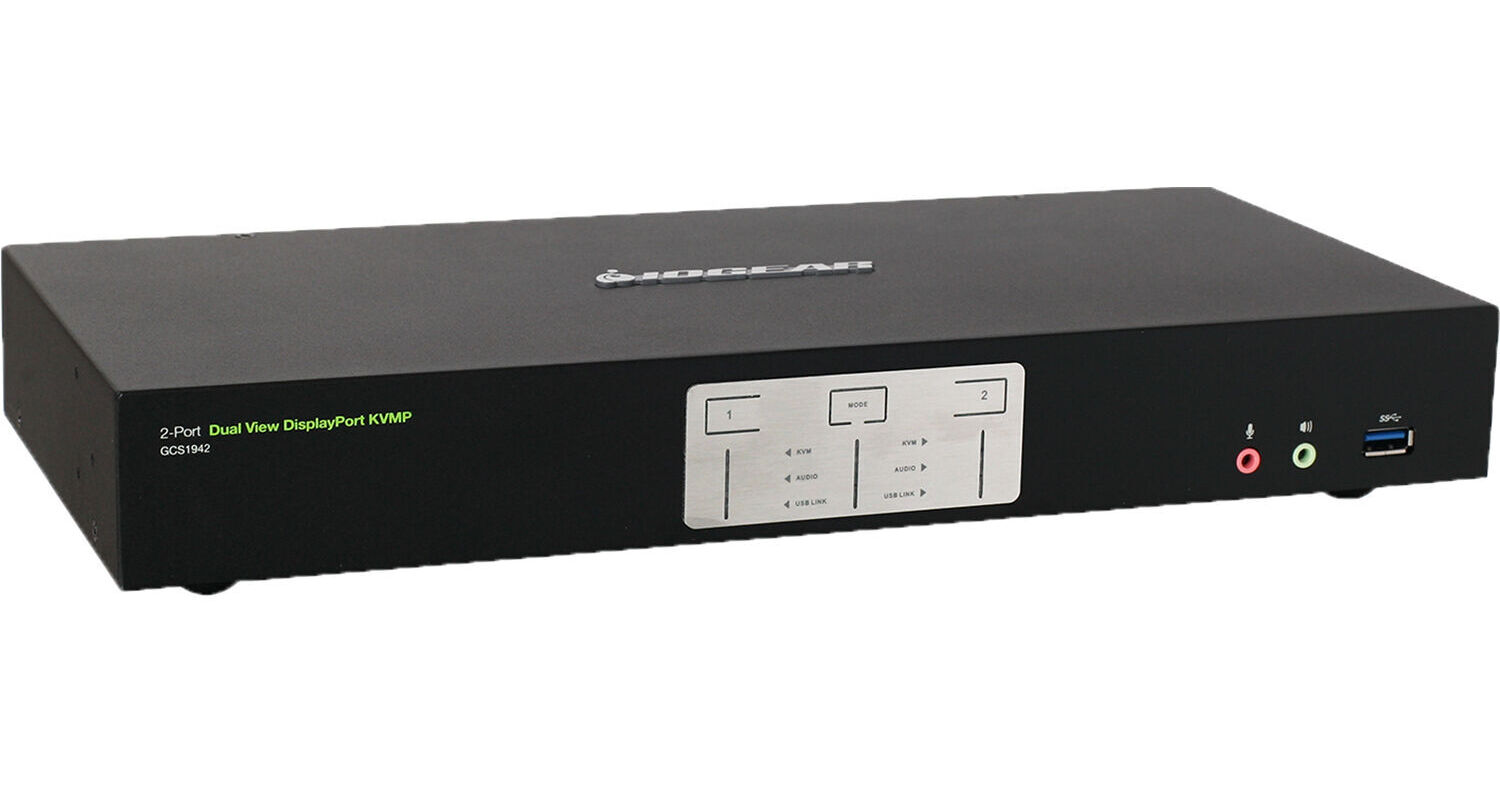
Control multiple systems and devices independently with the 2-Port Dual View TAA Compliant KVM Switch from IOGEAR. Whether you are looking to control server systems or workstations, this switch allows you to shift over to a separate connection seamlessly from a single desktop, ideal for IT professionals and creatives with multiple setups.
More DetailsIn Stock
Protect Your Gear
Add a protection plan from $26.00
See Options
See any errors on this page?
Hi, will this support a 2k monitor at 144hz?
Hi, will this support a 2k monitor at 144hz?
Sorry, no. The IOGEAR 2-Port Dual View TAA Compliant KVM Switch will only display 4096 x 2160 @ 60 Hz.
Date published: 2022-02-18
Would I be able to use this KVM switch to have ...
Would I be able to use this KVM switch to have audio playing out my studio monitors? I use the scarlett 2i2 interface to connect to a pc via USB. Would it be possible to connect both PC towers to the KVM switch and use the same Scarlett USB audio interface to switch playback for the studio (audio) monitors from each pc tower?
While the Focusrite Scarlett 2i2 2x2 USB Audio Interface could be connected to multiple PCs using the IOGEAR 2-Port 4K Dual View DisplayPort KVMP Switch with USB 3.0 Hub and Audio, it would not be able to serve as an audio source for two separate software programs running on two PCs at the same time. It could be used with software on one PC and then, if that software is closed or the Scarlett is disconnected from it, could be used again with another software on a separate PC.
Date published: 2023-12-23
Will this KVM switch work with a 5K monitor?
Will this KVM switch work with a 5K monitor?
While you are able to connect a 5K monitor to the IOGEAR 2-Port 4K Dual View DisplayPort KVMP Switch with USB 3.0 Hub and Audio, the resolution will only be able to hit up to 4K.
Date published: 2022-11-02
Is there rack mount hardware available for this ...
Is there rack mount hardware available for this unit? If so, could you please link to it?
Yes, please see the following link :
https://www.bhphotovideo.com/c/product/1480830-REG/iogear_gxs24kit_rackmount_kit_for_2.html?sts=pi&pim=Y
Date published: 2021-04-16
Are the auxiliary cables necessary for the input ...
Are the auxiliary cables necessary for the input devices sound? It should accept sound from inputs through HDMI, right?
Yes, the IOGEAR 2-Port 4K Dual View HDMI KVMP Switch with USB Hub and Audio can accept audio via HDMI.
Date published: 2023-09-26
I'd be using this KVM switch in a studio ...
I'd be using this KVM switch in a studio environment, does this BH #IOGCS1942 unit have fans/produce noise? If it does, is it comparable to noise produced by PC fans or louder?
I have not noticed any fan noise.
Date published: 2023-12-23
is this hdcp 2.2 compliant?
is this hdcp 2.2 compliant?
Yes, this model would be hdcp 2.2 compliant.
Date published: 2022-08-01
I have a HDMI 42 Inch monitor. With a DP ...
I have a HDMI 42 Inch monitor. With a DP converter on the HDMI cable into the KVM, will the KVM work with one monitor? I have no need for two monitors.
Yes, the IOGEAR 2-Port 4K Dual View DisplayPort KVMP Switch with USB 3.0 Hub and Audio (TAA Compliant) can be used with a single monitor.
Date published: 2022-06-02