Ask Our Experts800-482-8207
Hello, Log InAccount & Orders

Holiday Headstart
Video Chat with a Lighting Expert - Live
Key Features
- 2.4 GHz Wireless Remote Control
- Adjust Dimming, Color Temperature & Hue
- Access and Play LED Panel Light Effects
- 60' Range
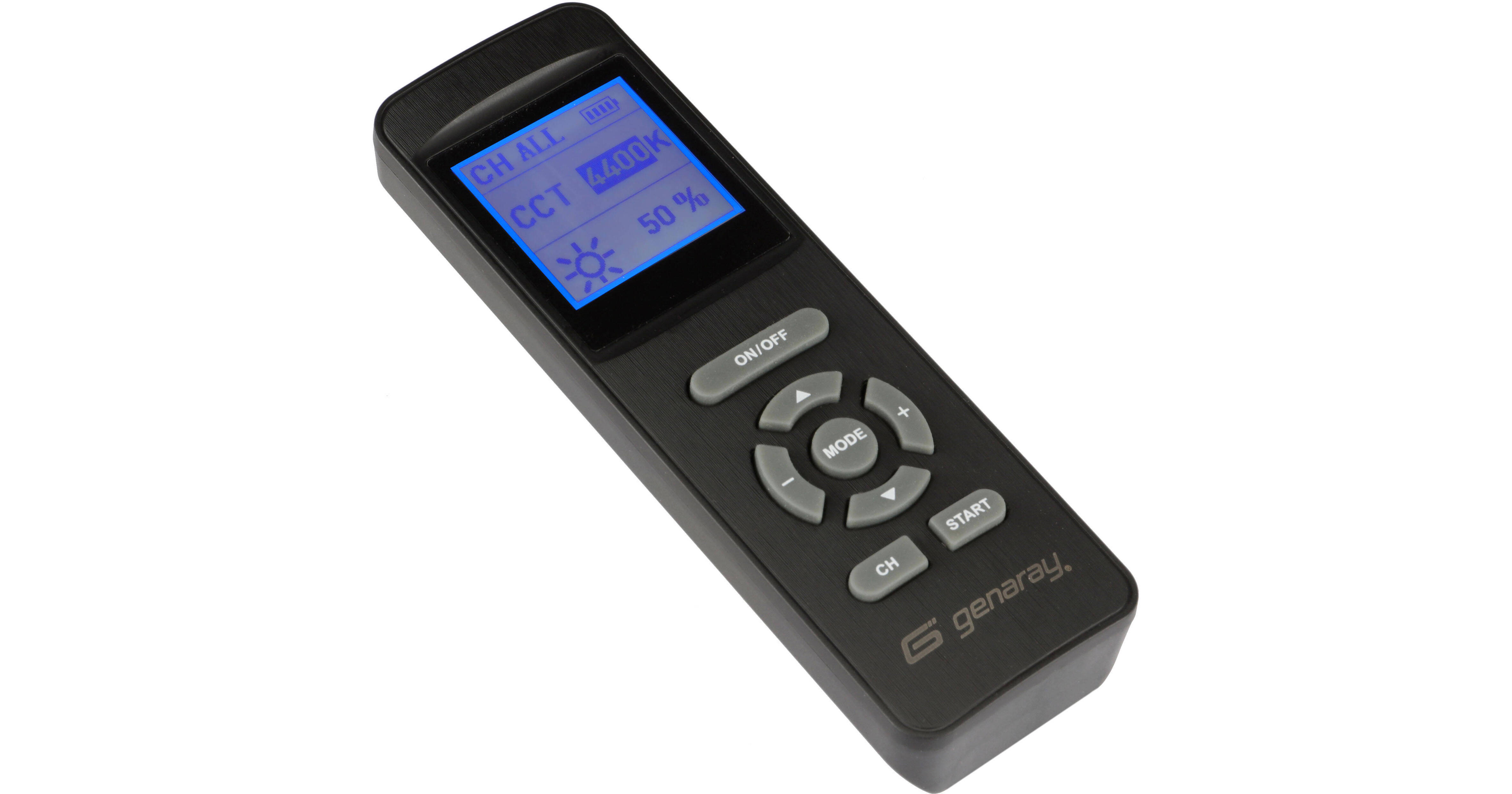
The RSF-11-R Wireless Remote for the Genaray Mini Moon RGB Light Panel controls the brightness, color temperature, and hue settings of the Mini Moon RGB light panel from up to 60' away. In addition, the remote allows access to the Mini Moon's Effects mode and permits editing lighting effects' parameters. With 99 channels to choose from, the Mini Moon can be remotely controlled in crowded locations, without interference from other shooters working nearby. Tweak light settings without pausing a shooting session to walk across a set or wedding banquet to manually adjust light settings.
More DetailsIn Stock
Protect Your Gear
Add a protection plan from $8.99
See Options
See any errors on this page?
If I purchase two of these lights will one remote ...
If I purchase two of these lights will one remote control them both?
Yes, using the Genaray RSF-11-R Wireless Remote for the Mini Moon RGB Light Panel, you can control more than one Mini Moon RGB Light Panel.
Date published: 2026-01-18
Is there a way to turn on or off the lights using ...
Is there a way to turn on or off the lights using the remote? The only way seems to be to go to 0%.
The Genaray RSF-11-R Wireless Remote for the Mini Moon RGB Light Panel can put the light into a sleep mode by long press on ON/OFF button.
Date published: 2024-04-03