Ask Our Experts800-606-6969
Hello, Log InAccount & Orders
Key Features
- Stereo MP3 & PCM Recording
- Two High-Quality Stereo Microphones
- 8GB Internal Memory Storage
- Automatically Converts Audio to Text
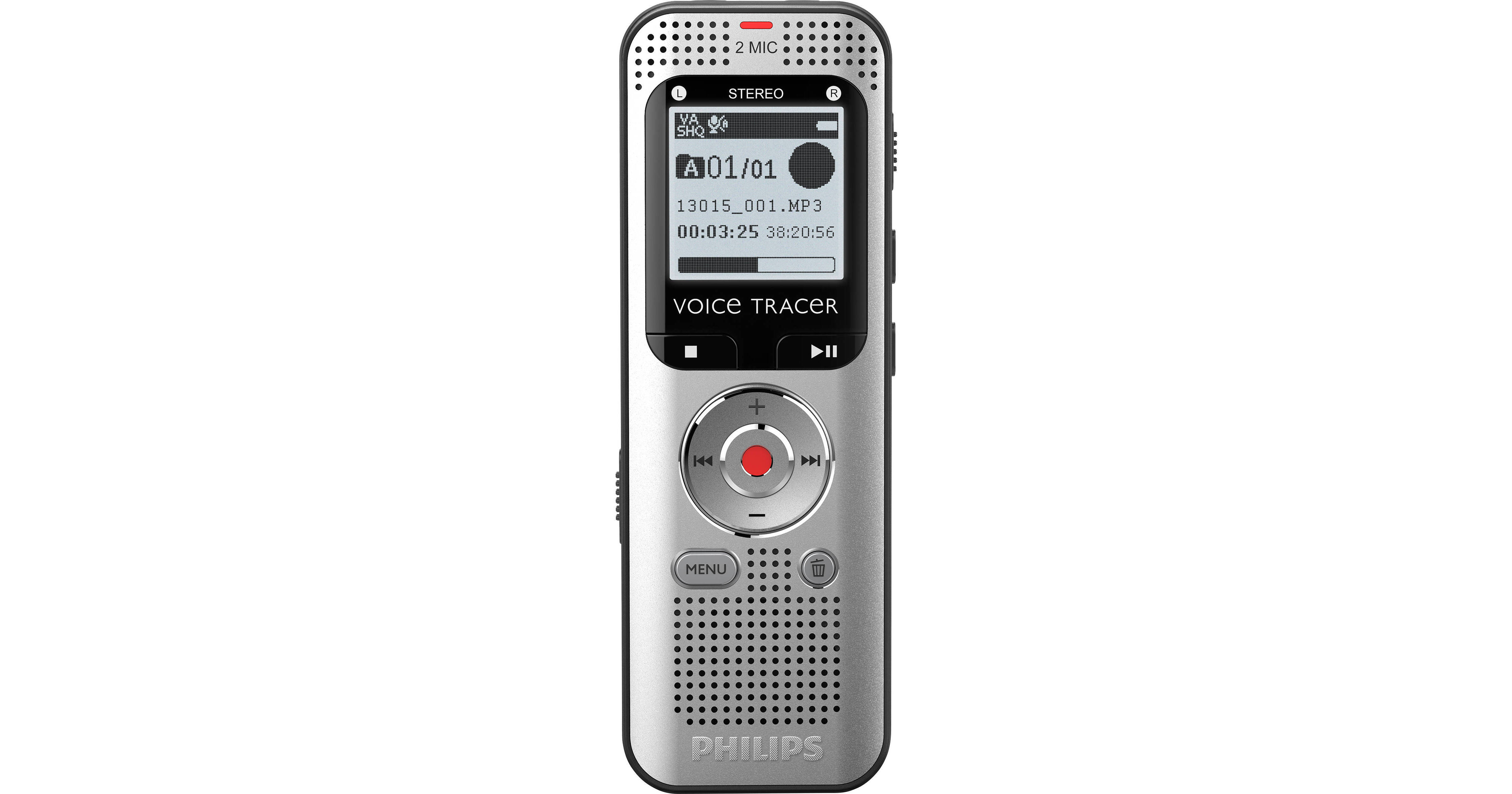
Capture voice recordings, full interviews, or take notes with the DVT2015 VoiceTracer Audio Recorder from Philips. This stereophonic MP3 and PCM recorder features two integrated high-quality microphones, and it can automatically convert audio to text. With 8GB of internal memory storage, the DVT2015 is ideal for capturing audio content on the go, but it also features an integrated microSD memory card slot for those times you need to perform extended recordings, such as concerts or unscripted interviews. Designed for ease of use, this plug-and-play device boasts a backlit display that provides quick file navigation even in low-light conditions. Full compatibility with Sembly AI speech-to-text software allows you to quickly share your content with colleagues, classmates, or family. A USB cable and set of small headphones are included in the package.
More DetailsIn Stock
Protect Your Gear
Add a protection plan from $16.00
See Options
See any errors on this page?
Does it require special software to create text ...
Does it require special software to create text from speech?
According to the manufacturer, the Philips DVT2015 VoiceTracer Audio Recorder (B&H # PHDVT2015) is designed to be compatible with the Sembly AI speech-to-text transcription software.
Date published: 2024-11-22
How do I change it to record audio as mp3?
How do I change it to record audio as mp3?
In order to record MP3 audio on the Philips DVT2015 VoiceTracer Audio Recorder, press Menu, and then navigate to the Record Settings menu using the fast-forward button. Next, use the +/- keys to navigate to Quality Settings, and select this function with the Record key. Finally, use the +/- keys again and select HQ, SP, or LP as the recording quality. The PCM setting will record WAV files, but all other recording quality settings will record MP3 files.
Date published: 2024-01-03