Ask Our Experts800-606-6969
Hello, Log InAccount & Orders
Video Chat with a Pro Audio Expert - Live
Key Features
- For Streaming, Gaming & Content Creation
- Combo XLR-1/4" Input, Revolution Preamp
- Up to 2K60 Streaming & 4K60 Pass-Through
- Six Customizable SMART Pads
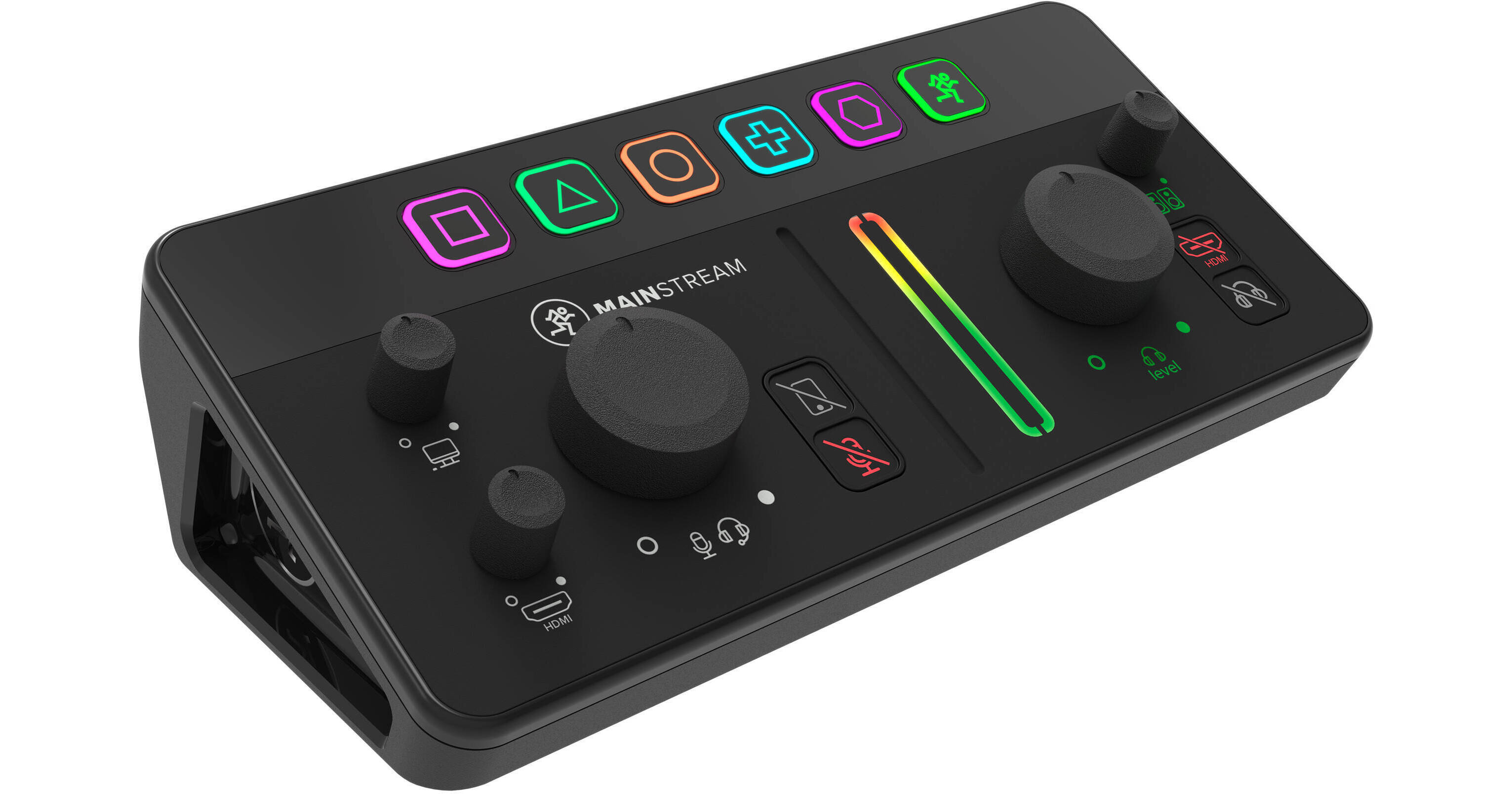
Integrate video, audio, and stream control into a single, powerful device with the Mackie MainStream. Simply connect your mic, game feed, and other sources straight into Mackie MainStream for a sleek all-in-one solution that puts essential controls right at your fingertips.
More DetailsIn Stock
Protect Your Gear
Add a protection plan from $26.00
See Options
See any errors on this page?
Is there a delay with a USB-C connected cam ...
Is there a delay with a USB-C connected cam camera vs an HDMI with an XLR connected mic?
The camera inputs for video capture on a streaming device for both video and audio, like the Mackie MainStream Live Streaming and Video Capture Interface are HDMI, not USB-C. As another option for a similar device with an XLR mic input, you may like the RODE X Streamer X Audio Interface and Video Streaming Console.
Date published: 2024-04-19
If I have 2 cameras (HDMI & USB-C Webcam) ...
If I have 2 cameras (HDMI & USB-C Webcam) connected, How to choose which one goes to the computer for streaming?
The Mackie MainStream Live Streaming and Video Capture Interface can be used to connect both HDMI and USB-C video sources to your computer at the same time. These can be managed as sources or scenes in your streaming software.
Date published: 2024-01-18
Can the interface record to an external hard ...
Can the interface record to an external hard drive via the usb-c connection in the back?
No, the Mackie MainStream Live Streaming and Video Capture Interface would need a computer between an external hard drive and the mixer.
Date published: 2024-01-21