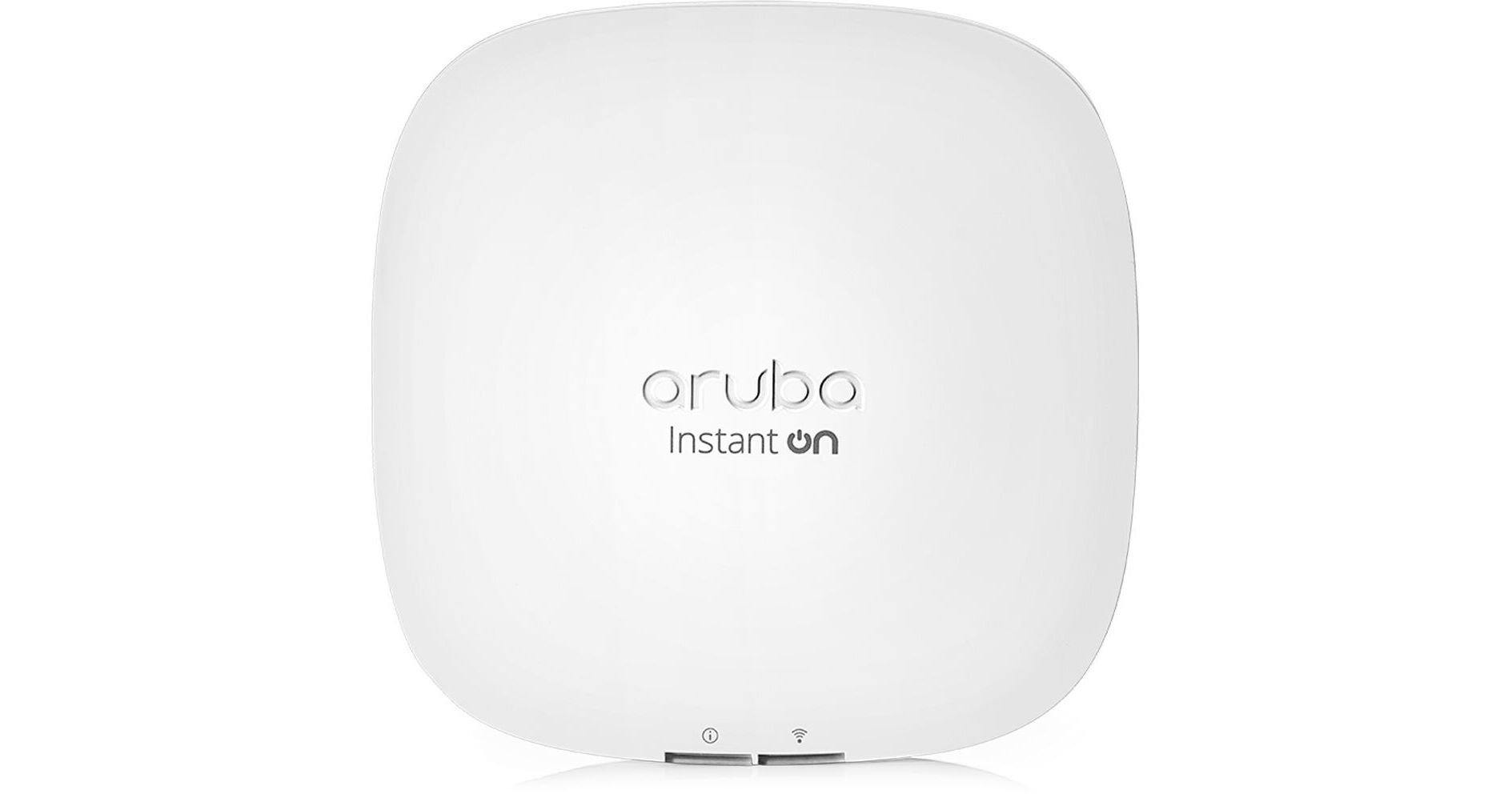
Use this convenient HPE Networking Instant On AP22 Dual-Band Access Point and 12V Power Adapter 5-pack from B&H with your compatible switch to quickly outfit your business with fast, reliable Wi-Fi 6 (802.11ax) coverage.
Fast Wi-Fi Coverage
The HPE Networking AP22 access point supports 802.11ax Wi-Fi with a total throughput of 1775 Mb/s over the 2 GHz and 5 GHz frequency bands. OFDMA, 2 x 2 MIMO, Beamforming, and other technologies allow the access point to overcome interference and connect with a multitude of simultaneous users with minimal interference.
Smart Mesh
Quickly set up a mesh network to extend Wi-Fi coverage to hard-to-reach areas where it is difficult to install Ethernet cabling.
Security
The wireless signal is secured with WPA2 or WPA3 authentication while a built-in firewall helps to prevent intruders from accessing your network. Instant On access points also have integrated Trusted Platform Modules (TPM) that securely store credentials, keys, and boot codes.
Powered Up
Power the Instant On AP22 using a PoE connection or a 12V DC adapter.
HPE Networking Instant On App
Use the mobile app to configure and manage your network from almost anywhere at any time.
UPC: 190017480183