Ask Our Experts800-606-6969
Hello, Log InAccount & Orders

Video Chat with a Photography Expert - Live
Key Features
- Rechargeable Unit Keeps Equipment Dry
- Prevents Mold, Mildew, and Corrosion
- 6-Hour Recharge Time via USB-C Port
- Silica Gel Works Silently and Power-Free
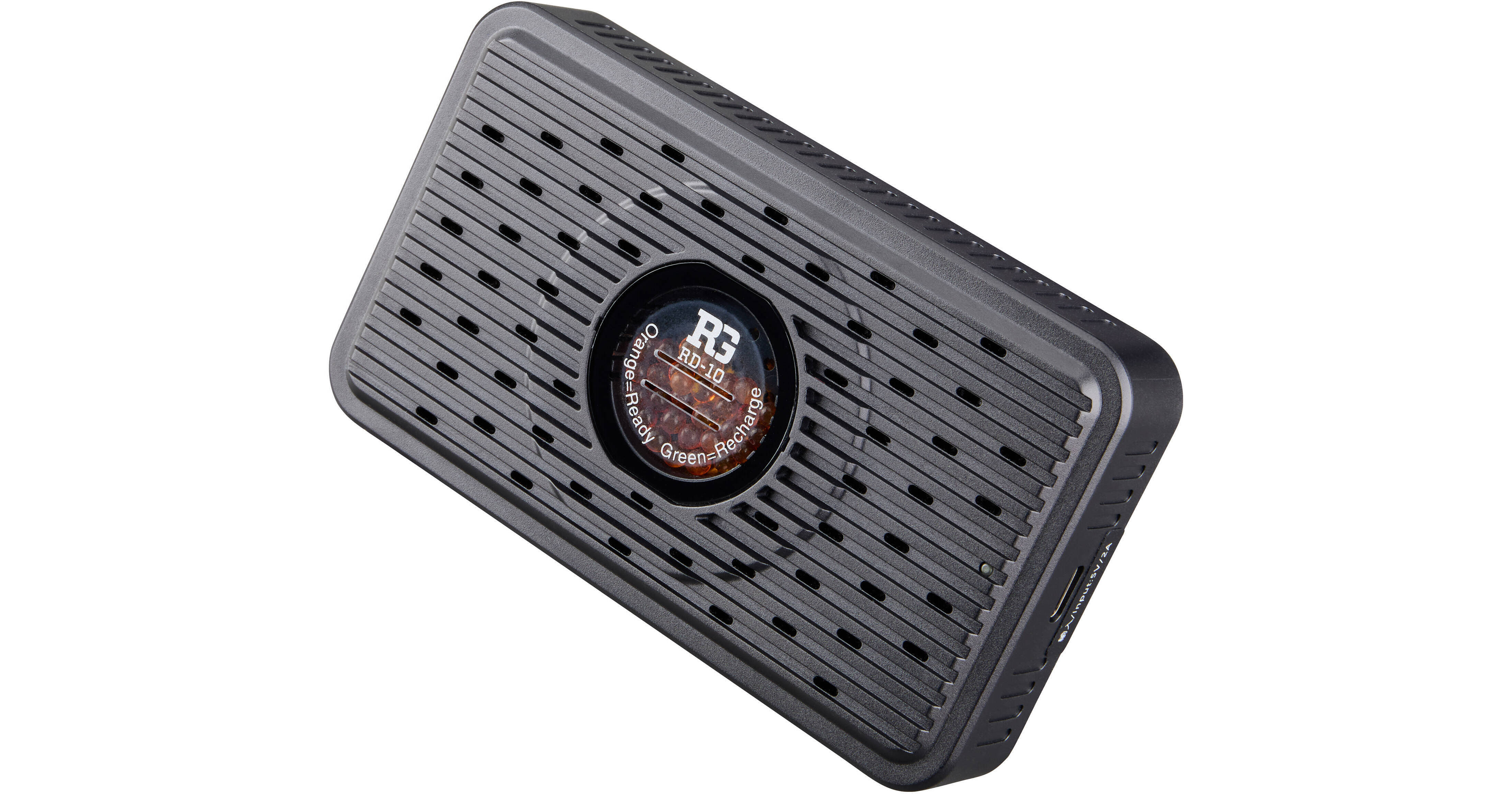
The RD-10 Rechargeable Dehumidifier/Desiccant from Ruggard protects lenses, photographic and optical equipment, mobile electronics, and other valuable accessories from excessive moisture. Place this dehumidifier in a tightly closed or sealed case to protect its contents from mold, mildew, and corrosion. The large silica gel display window makes it easy to monitor the condition of the gel, which changes color to indicate its status. When the gel is orange, it is dry and active; when it is green, it is saturated and needs to be recharged. Simply plug the RD-10 into any USB-powered 5V/1A adapter with the included USB-C to cable to fully recharge it in just six hours.
More DetailsSee any errors on this page?
What causes the power led to go from blue to red?
What causes the power led to go from blue to red? I plugged 4 of these in to dry after they arrived in Florida. Most of the time the power leds showed a blue color, but for short periods of time I noticed that one was displaying red, but when I looked again they were all showing blue. I did not see anything about led color in the information sheet. Thanks
The Ruggard Renewable Dehumidifier/Desiccant (USB-C) to further enhance user safety provides dual protection through intelligent temperature control and timed power-off, giving you greater peace of mind. During the drying process, the indicator light stays blue; if the temperature becomes too high, the light turns red and the device automatically stops, then resumes drying once the temperature returns to normal. Meanwhile, the device will automatically shut off after approximately 10 hours of continuous operation, effectively reducing safety risks from forgetting to turn it off and minimising unnecessary power consumption. To continue use, simply unplug and replug the power to restart."
Date published: 2026-06-30