Ask Our Experts800-606-6969
Hello, Log InAccount & Orders
Key Features
- Print, Scan, Copy
- Print Resolution: 600 x 600 dpi
- Print Speed: 45 ppm
- Optical Scan Resolution: 600 x 600 dpi
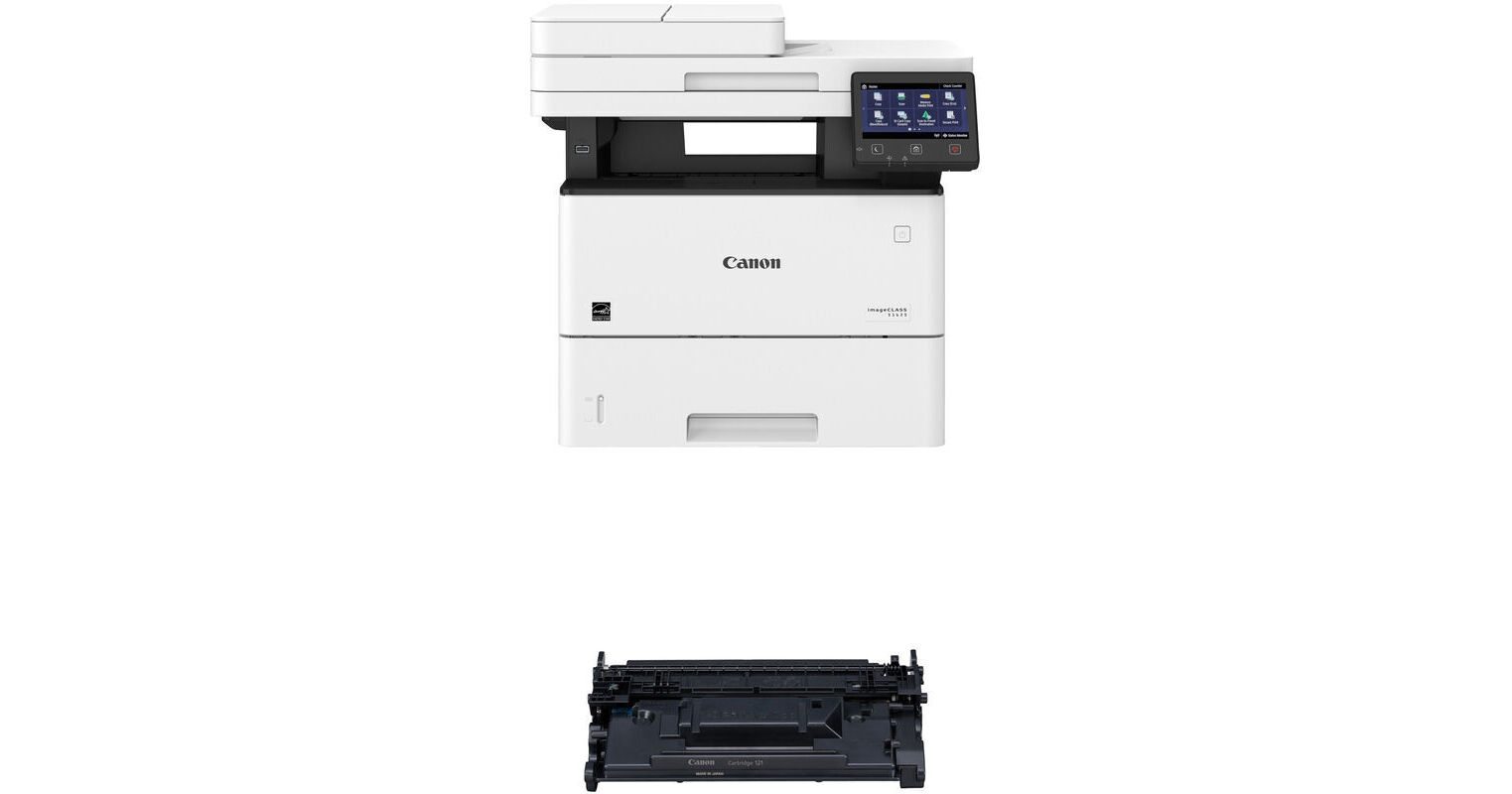
Print, scan, and copy with the Canon imageCLASS D1620 Monochrome Laser Printer with Toner 121 Black Kit from B&H. This printer has a print speed of 45 ppm. This kit includes a black 121 imageCLASS toner cartridge.
More DetailsTemporarily Out of Stock
See any errors on this page?
Fan runs even in sleep mode. When I press the ...
Fan runs even in sleep mode. When I press the sleep button, the screen goes off but the fan runs until auto sleep start after 1 minute. I changed the auto sleep period to 5 min, but it does the same thing. Is it normal?
The model cools itself as needed. Some lasers need to keep certain parts warm even in sleep mode. Consult with the manufacturer for further details.
Date published: 2020-11-20
can i add a second tray to this printer?
can i add a second tray to this printer?
Yes an additional paper tray can be added. See here: https://www.bhphotovideo.com/c/product/1605333-REG/canon_0865c001_550_sheet_feeder_tray_pf_c1.html
Date published: 2021-01-31
Does the Canon D1620 scanner utilize CCD ...
Does the Canon D1620 scanner utilize CCD (charge-coupled device) or CIS (contact image sensor) technology?
The Canon imageCLASS D1620 Monochrome Laser Printer uses CIS (contact image sensor) technology.
Date published: 2023-04-30
Can it print labels? And is it easy to do?
Can it print labels? And is it easy to do?
Yes, it is very capable of printing sheets of laser printer labels. I can't tell you if you put the sheets in the tray face up or face down. But what you can do is put a mark or "X" on the corner of the to page. Test print your labels onto the blank paper. If your labels print on the side with the "X" then you know to place your label sheets face up. If the "X" is on the oposite side the label goes face down.
Date published: 2021-11-08
Fan runs even in sleep mode! When I press the ...
Fan runs even in sleep mode! When I press the sleep button the display screen goes off, but fan runs until the auto sleep starts after 1 minute. I changed the auto sleep period to 5 min, but it does the same thing. Is it normal?
Yes, this appears to be normal.
Date published: 2020-12-17