Ask Our Experts800-606-6969
Hello, Log InAccount & Orders
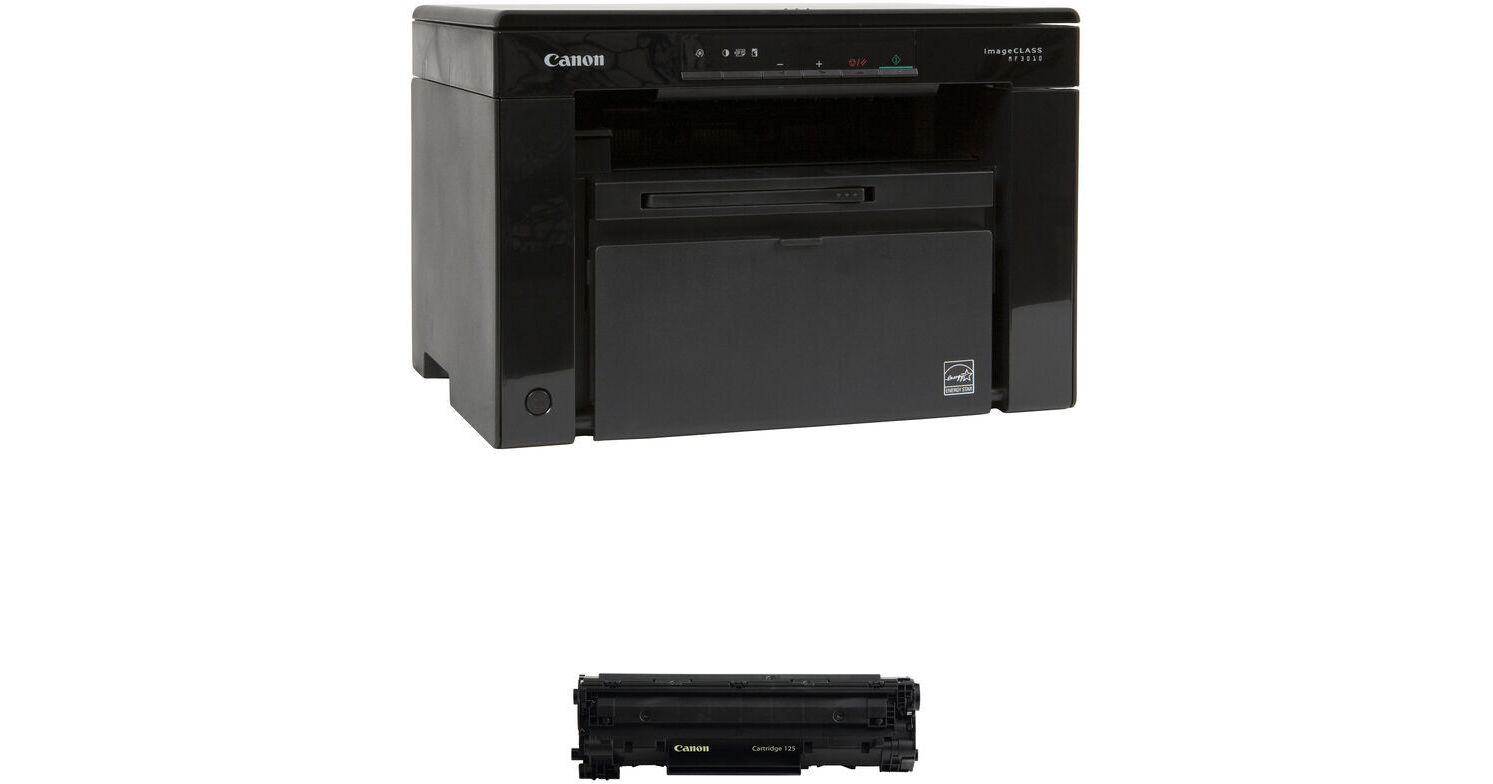
Canon imageCLASS MF3010 VP Multifunction Monochrome Laser Printer with 125 Black Toner Cartridge Kit
Key Features
- Print, Copy & Scan Functions
- Compact Design for Home or Small Office
- 150-Sheet Input capacity
- Print up to 8.5 x 14"
Print, scan, and copy with the Canon imageCLASS MF3010 VP Multifunction Monochrome Laser Printer with 125 Black Toner Cartridge Kit from B&H. This printer connects via USB and includes one 125 black toner cartridge.
More DetailsIn Stock
Protect Your Gear
Add a protection plan from $22.00
See Options
See any errors on this page?
Does this work with Mac OS Ventura?
Does this work with Mac OS Ventura?
Yes, the Canon imageCLASS MF3010 VP Multifunction Monochrome Laser Printer is compatible with macOS Ventura.
Date published: 2024-01-23
Is this printer Mac O' 2014 compatible?
Is this printer Mac O' 2014 compatible?
The Canon imageCLASS MF3010 is compatible with Mac drivers as old as "El Capitan v10.11 through the current "Ventura" v13.4.1.
Date published: 2023-08-01
compatible with Mac High Sierra 10.13.6?
compatible with Mac High Sierra 10.13.6?
Yes, drivers for Mac High Sierra 10.13.6 are available for the Canon imageCLASS MF3010 VP Multifunction Monochrome Laser Printer.
Date published: 2023-08-09
Do you need to connect this to a computer in ...
Do you need to connect this to a computer in order to make copies?
No, you do not need to connect the Canon imageCLASS MF3010 VP Multifunction Monochrome Laser Printer to a computer in order to make copies. The Canon imageCLASS MF3010 VP Multifunction Monochrome Laser Printer has a standalone copy function.
Date published: 2025-07-02
Can the print density be adjusted? Not the copy ...
Can the print density be adjusted? Not the copy density, but the actual printing from a file.
No, I am only seeing Density as a setting for copy on the Canon imageCLASS MF3010 VP Multifunction Monochrome Laser Printer.
Date published: 2023-03-28