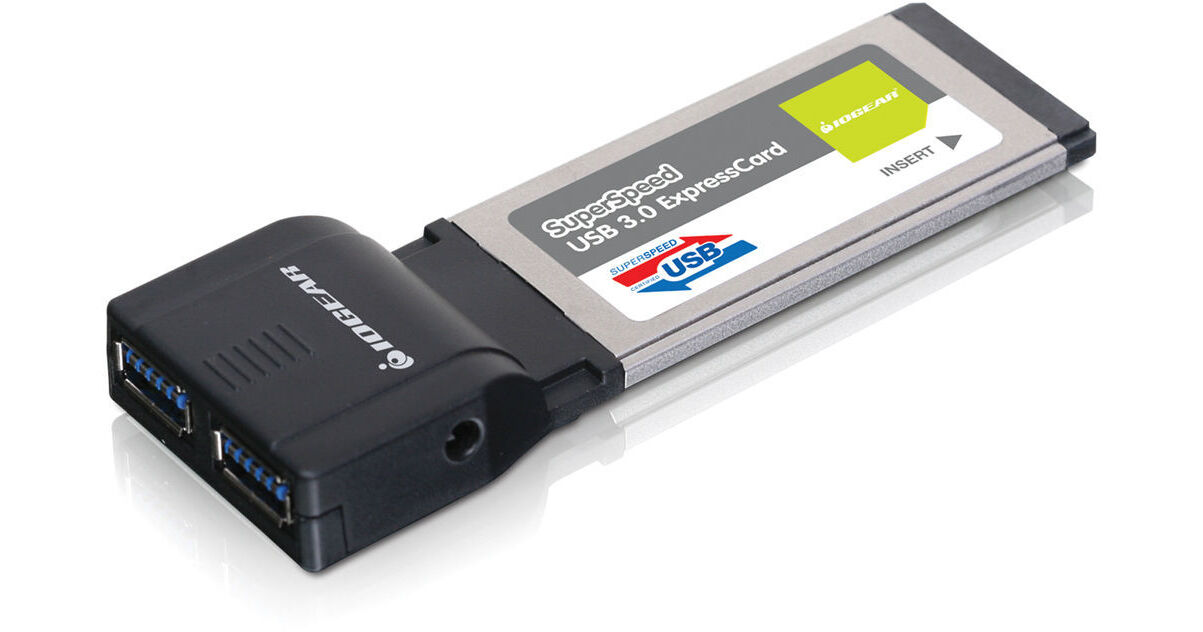
If you're hoping to upgrade your Windows laptop or notebook for use with USB 3.0 peripherals, Iogear has a fast, easy-to-install solution, their USB 3.0 ExpressCard. This adapter features two USB 3.0 ports and fits into an available ExpressCard/34 slot in your laptop or notebook. Upgrading to USB 3.0 means that you will have up to 5 Gbps of connection bandwith at your disposal when using the adapter with USB 3.0 devices. In turn, you will be able to transfer data between your computer and other devices at a rate that is up to 10x faster than with a USB 2.0 connection. Each of these ports is backwards compatible with devices that have USB 2.0 and 1.1 interfaces. Connect printers, external hard drives, camcorders, or any other USB 3.0, 2.0, or 1.1 devices. If you're looking to upgrade your laptop with two exceedingly fast USB 3.0 ports in a tidy, easy-to-install setup, you might have just ended your search.
Using USB 2.0 it would take 13.9 minutes to download, with USB 3.0 only 70 seconds
Transferring 16GB from a flash drive:
Using USB 2.0 it would take 8.9 minutes, with USB 3.0 only 53 seconds
Backing up 1TB of data:
Using USB 2.0 it would take 9.3 hours, using the new USB 3.0 only 47 minutes
1.5 Mbps found with Low-Speed USB 1.1 devices
12 Mbps found with Full-Speed USB 1.1 devices
480 Mbps found with High-Speed USB 2.0 devices
5 Gbps found with SuperSpeed USB 3.0 devices