
Sony Global

Video Chat with a Pro Video Expert - Live

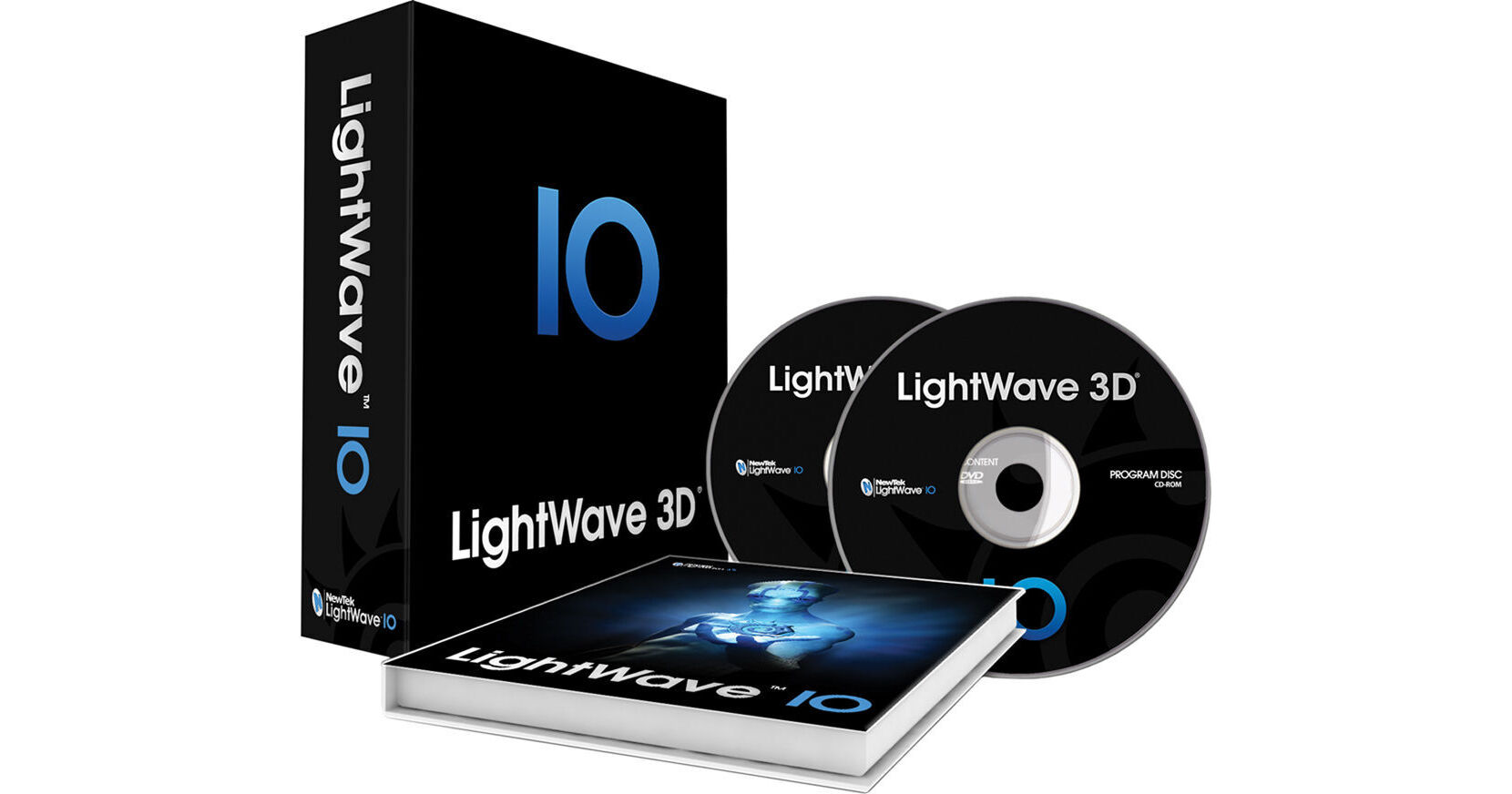
NewTek LightWave 3D 10 Full (Electronic Manual)

BH #VILW10FEM • MFR #LW040000-0100
Print
NewTek LightWave 3D 10 Full (Electronic Manual)
Key Features
  • 3D Graphics/Effects Rendering
  • CORE/Modeler/Layout Integration
  • VPR (Viewport Preview Renderer)
  • Real-time Viewport Shading Enhancements
The NewTek LightWave 3D 10 Full (Electronic Manual) is a 3D graphics and high-quality effects rendering system that offers a wide array of tools and capabilities to 3D artists. Enhanced user interactivity is offered via an efficient integration of the CORE technology, Modeler, and Layout.
More Details
No Longer Available
No Store Display
Ask an Expert
800-606-6969

NewTek LW040000-0100 Overview

The NewTek LightWave 3D 10 Full (Electronic Manual) is a 3D graphics and high-quality effects rendering system that offers a wide array of tools and capabilities to 3D artists. Enhanced user interactivity is offered via an efficient integration of the CORE technology, Modeler, and Layout.

Incorporating a VPR (Viewport Preview Renderer), the LightWave 3D 10 provides you with realistic display of scenes and objects with interactive light, nodal shading, and scene setup. You can also leverage the CG hardware-based real-time Viewport shading enhancements to view real-time OpenGL displays of Ambient Occlusion, Bloom, Anaglyph Stereoscopic, and HDRI background images.

You can also achieve realistic lighting and optimize compositing flexibility in a production pipeline with consistent gamma, color space, and custom LUTs (Look Up Tables) using a linear color space workflow. Wide support for multiple application-based processing is provided via MDD with Autodesk Geometry Cache support allowing you to move deformations and transforms between applications for animation, dynamics, effects, and rendering.

Loading and saving of camera data, lighting, objects with UV maps and image maps, and parenting hierarchies along with transfer of such data between applications is rendered possible via the FBX and Collada features. Enhancements to ZBrush allow you to easily transfer and manipulate UV maps, and import and export of these maps is possible with improved OBJ UV support.

You can also simulate an “on location” through augmented interactivity with 3D scenes in real time along with control over light and camera placement, right from the application. All this is made possible via the support for InterSense VCam virtual camera system commonly used in feature film VAD (Virtual Art Departments).

Sprite animation images for real time and game engines are automatically created via SpriteGen. Also integrated into LightWave 3D 10 is the Bullet Rigid Body Dynamics feature that allows you to create dynamics, calculations and simulations for effects such as collapsing buildings, breaking glass, and other such effects.

You can use the Transform, Scale Rotate, Move, Separate, UV Unwrap, Stitch, and Relax UV Mapping tools to reduce the time taken in creation, editing, and adjustment of UV maps to generate the best texture map layout for objects. You can use the LightWave 3D 10 on Mac as well as Windows platforms.

The LightWave 3D 10 Full includes a membership in the LightWave HardCORE community with immediate access to preview builds of LightWave CORE.

3D graphics and high-quality effects rendering system that offers a wide array of tools and capabilities to 3D artists
Offers enhanced user interactivity via an efficient integration of the CORE technology, Modeler, and Layout
Incorporates a VPR (Viewport Preview Renderer) to provide realistic display of scenes and objects with interactive light, nodal shading, and scene setup
Allows you to view real-time OpenGL displays of Ambient Occlusion, Bloom, Anaglyph Stereoscopic and HDRI background images owing to the CG hardware-based real-time viewport shading enhancements
Achieves realistic lighting and optimize compositing flexibility in a production pipeline with consistent gamma, color space, and custom LUTs (Look Up Tables) using a linear color space workflow
Offer wide support for application-based processing via MDD with Autodesk Geometry Cache support allowing you to move deformations and transforms between applications for animation, dynamics, effects, and rendering
Allows loading and saving of camera data, lighting, objects with UV maps and image maps, and parenting hierarchies along with transfer of such data between applications via the FBX and Collada features
Allows you to easily transfer and manipulate UV maps via Zbrush enhancements
Offers import and export of UV maps with improved OBJ UV support
Simulates an "on location" through augmented interactivity with 3D scenes in real time along with control over light and camera placement, right from the application
Supports InterSense VCam virtual camera system commonly used in feature film VAD (Virtual Art Departments)
Automatically creates sprite animation images for real time and game engines via SpriteGen
Integrates a Bullet Rigid Body Dynamics feature that allows you to create dynamics, calculations and simulations for effects such as collapsing buildings, breaking glass, and other such effects
Offers Transform, Scale Rotate, Move, Separate, UV Unwrap, Stitch, and Relax UV Mapping tools to reduce the time taken in creation, editing, and adjustment of UV maps to generate the best texture map layout for objects
Supports operation on Mac and Windows platforms
Includes a membership in the LightWave HardCORE community with immediate access to preview builds of LightWave CORE
Includes an electronic manual

NewTek LW040000-0100 Specs

Windows PC
Operating System
  • 64-bit Windows Vista or Windows 7 64-bit Edition
  • 32-bit Windows Vista or Windows 7 Edition
Graphics Card
Minimum: NVIDIA GeForce 8400 series or ATI X1600
Mac
Hardware
  • Intel processor
  • Available USB Port
Operating System
Snow Leopard 10.6 or better
Graphics Card
Minimum: NVIDIA GeForce 8400 series or ATI X1600

NewTek LW040000-0100 Reviews

See any errors on this page?
Whatever You Need, We've Got It