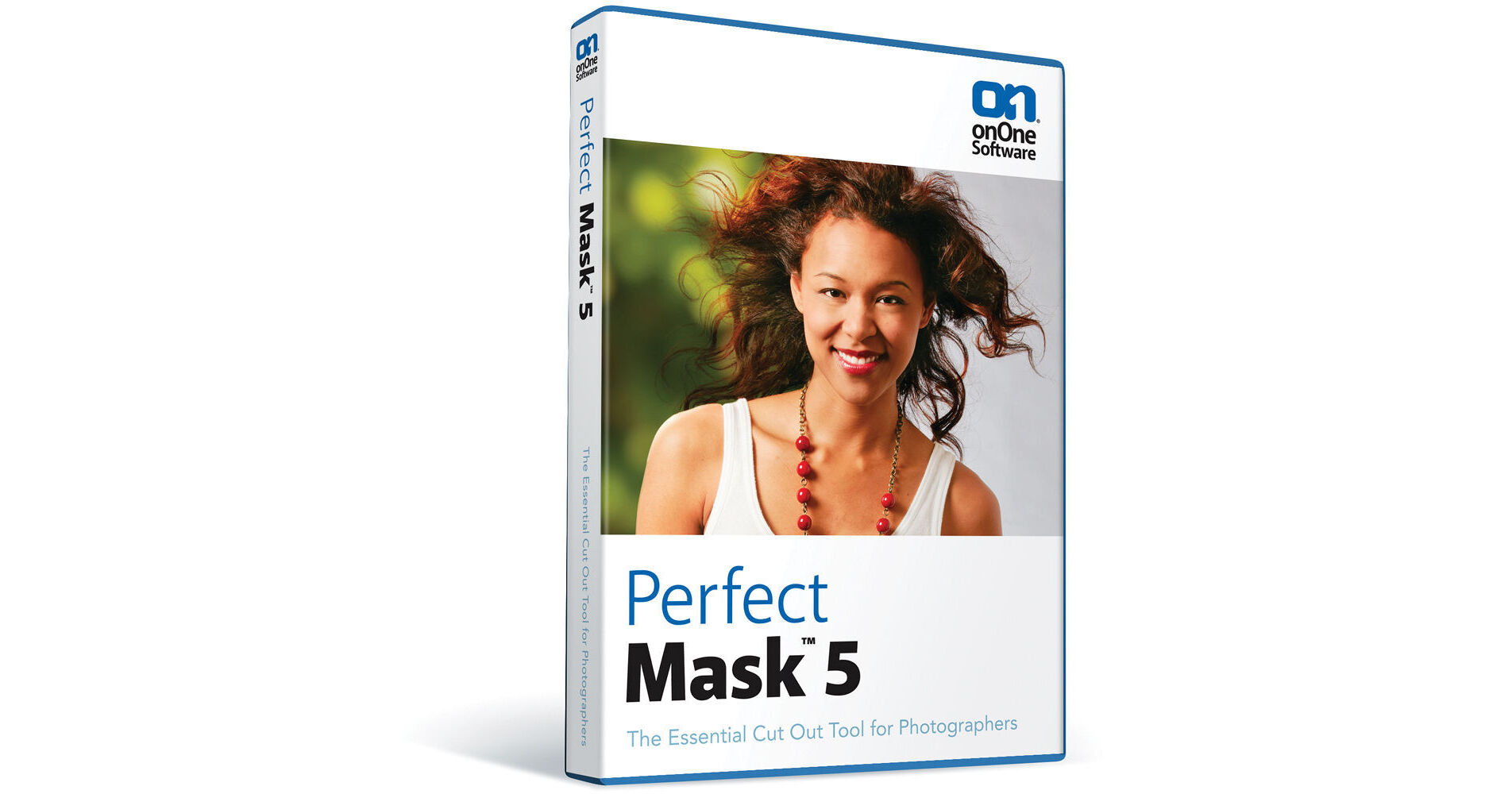
onOne Software Perfect Mask 5

BH #ONPM5 • MFR #PMSK-50211 O
Print
onOne Software Perfect Mask 5
Key Features
  • Automatic Subject Detection
  • Works on Hair and Glass
  • Keep and Erase
  • Library of Backgrounds
Perfect Mask 5 from onOne Software is the successor to their Mask Pro and is a stellar way to replace the background in your digital photo. This software can automatically detect the subject of your photo, so that you can easily isolate the background. Afterwards, you can remove the background, add another, and then utilize the Refine Tool to tweak the new background behind any difficult subject matter such as hair, tree branches, and wedding veils, for instance.
More Details
No Longer Available
No Store Display
Ask an Expert
800-606-6969

onOne Software PMSK-50211 O Overview

Perfect Mask 5 from onOne Software is the successor to their Mask Pro and is a stellar way to replace the background in your digital photo. This software can automatically detect the subject of your photo, so that you can easily isolate the background. Afterwards, you can remove the background, add another, and then utilize the Refine Tool to tweak the new background behind any difficult subject matter such as hair, tree branches, and wedding veils, for instance.

Along with these features, this software includes a library of backgrounds for you to use and also comes with some of the mainstay features of Mask Pro, such as the Magic Brush. For quickly ensuring the quality of your work, you can use the side-by-side preview, which lets you compare the initial photo with your new photo. You can use this program on its own or with Lightroom, Aperture, Photoshop Elements and Photoshop. It is compatible with Windows and Mac computers.

Keep and Erase
With the Keep and Erase Tools you can loosely brush areas you want to remove, like a distracting background, and Perfect Mask automatically expands your brush stroke to similarly colored and textured areas. This is a huge time saver! And, on consistent backgrounds this can be done in as little as a single brush stroke
Refine Tool
Mask through subjects that were time consuming to mask before with a simple swipe of the Refine Tool.

In tough areas like hair, tree branches, and wedding veils you can simply brush with the Refine Tool to automatically remove the background and any color fringes
Background Tool
The new library of high quality backgrounds provides you with an easy way to replace an unsightly background in an otherwise great image. Imagine putting your subject at the bottom of a waterfall or in an old warehouse. Choose from skies, sunsets, walls and muslin backgrounds, just to name a few
Automatic Solid Background Removal
If Perfect Mask detects a solid color background, it can remove it automatically. This means that if you shoot on a solid color, all the masking work is done for you! This is perfect for green-screen shooting
Flexible Previews
Now you can view your mask and the image side by side so that you can see the results in real time. This is a big time saver because you no longer have to toggle masks on and off to check your work as you go.

Select the preview configuration that works for you. There are six different ways to look at your mask to make adjustments and judge quality
Maintains Classic Workflows
Mask Pro customers can continue to use the tools they are comfortable with but will reap the benefits of incredible new features that make masking easier than ever. Perfect Mask includes all of the tried and tested tools from Mask Pro like the keep and drop droppers and the MagicBrush
Works Where You Do
Perfect Mask works directly with Lightroom and Aperture and even as a standalone application. It also works as a plug-in to Adobe Photoshop and Adobe Photoshop Elements

onOne Software PMSK-50211 O Specs

System Requirements
Mac

OS: Current maintenance release of Mac OS X 10.5, 10.6 or 10.7
Processor: Intel Core 2 Duo, Xeon or better processor(s)
Memory: 4GB RAM (8GB or higher recommended)
Free Disk Space: 4GB
Display: OpenGL 2.0 compatible video card with 256MB dedicated video RAM, 1280 x 800 resolution
Optional Application Integration: Photoshop CS4 or CS5, Photoshop Elements 9 or 10, Photoshop Lightroom 2 or 3, Apple Aperture 2.1 or 3
Other: Internet connection for activation, auto update checking, content downloads and tutorials
Supported Languages: English

PC

OS: Current maintenance release of Windows XP, Vista, or 7
Processor: Intel Core 2 Duo, Xeon or better processor(s)
Memory: 4GB RAM (8GB or higher recommended)
Free Disk Space: 4GB
Display: OpenGL 2.0 compatible video card with 256MB dedicated video RAM, 1280 x 800 resolution
Optional Application Integration: Photoshop CS4 or CS5, Photoshop Elements 9 or 10, Photoshop Lightroom 2 or 3
Other: Internet connection for activation, auto update checking, content downloads and tutorials. Adobe Flash Player 10, Microsoft .NET Framework 2 or higher
Supported Languages: English
Packaging Info
Box Dimensions (LxWxH)
7.5 x 5.4 x 0.6"

onOne Software PMSK-50211 O Reviews

See any errors on this page?
Whatever You Need, We've Got It