Ask Our Experts800-606-6969
Hello, Log InAccount & Orders
Video Chat with a Pro Audio Expert - Live
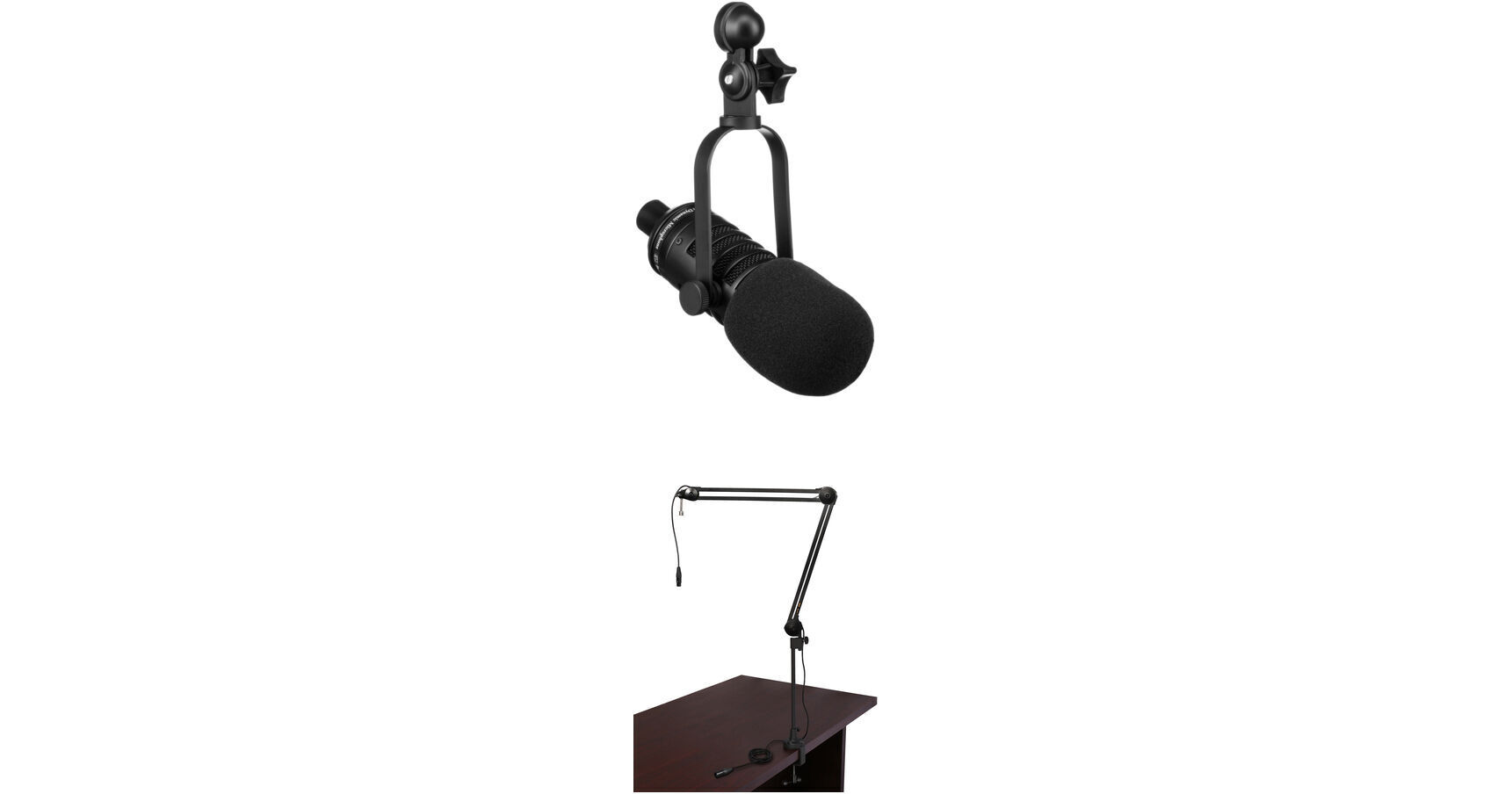
Key Features
- BCBD-1 Dynamic Microphone
- Included Articulating-Arm Mic Stand
- Integrated XLR Cable
- Included Pack of Touch-Fastener Straps
The BCD-1 Live Broadcast Dynamic Microphone Podcaster Package is a B&H Kit designed for the pod-caster, broadcaster or desktop audio user (voice-overs, etc.,) who requires a front addressed dynamic microphone, and who needs at times to reposition the microphone.
More DetailsIn Stock
Protect Your Gear
Add a protection plan from $29.99
See Options
See any errors on this page?
question
Can I plug this directly into a Mirrorless camera like the Canon EOS M5?
Dynamic mics are not supported for connection directly to the EOS M5. This would require additional hardware such as the Beachtek DXA-MICRO-PRO https://bhpho.to/2nPZghz
Date published: 2018-08-28
My mixer (Soundcraft Notepad-8FX) has always on ...
My mixer (Soundcraft Notepad-8FX) has always on Phantom Power. Will that damage this microphone?
Yes, phantom power can damage a dynamic microphone. To avoid phantom power, you can use an impedance matching transformer with a 1/4" connector such as the Shure A85F - Low to High Impedance Microphone Matching Transformer - In-Line XLR Female to 1/4" Male (B&H # SHA85F). The transformer will attach to your XLR mic cable so you will be connecting to the 1/4" input rather than the XLR. Phantom power is only supplied via XLR. As another option, you could add a Cloud Microphones Cloudlifter CL-1 Mic Activator (B&H # CLCL1) after the mic and connect to the XLR input. The Cloudlifter uses phantom power from the mixer to provide up to +25 dB of clean, gain which allows you to have more volume without changing the sound of the mic. The Cloudlifter is activated by phantom power but prevents it from being passed through to the mic.
Date published: 2020-10-28
question
Can I plug this directly into my computers USB port? Or does this need additional equipment?
no, you will need an additional equipment
Date published: 2018-08-28