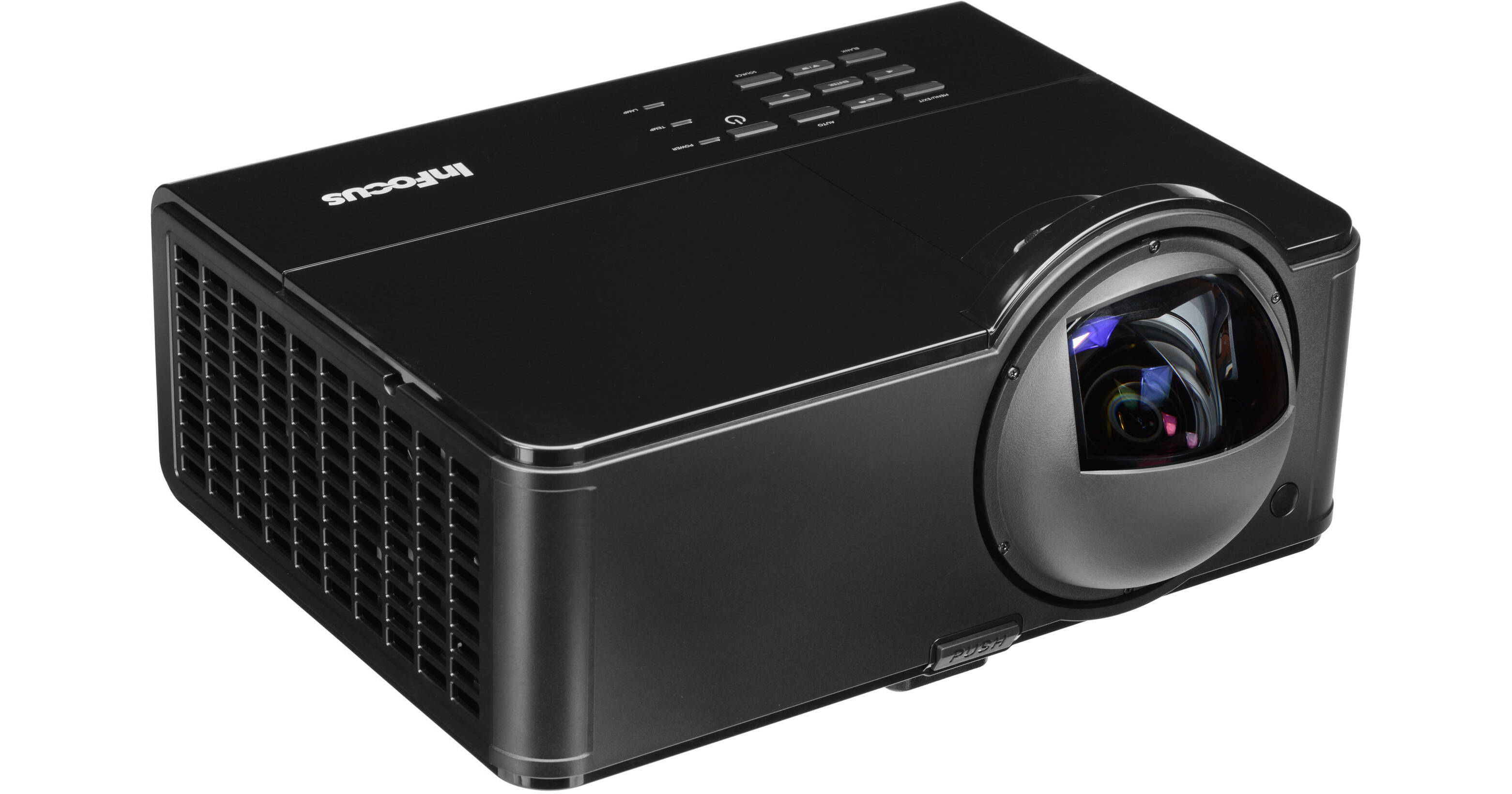
The InFocus IN3924 Interactive Ultra Short Throw Projector features everything an educator or presenter could want in a projector - 1024 x 768 resolution, 3000 lumens of brightness and integrated stereo speakers. But a couple of features put the IN3924 ahead of the game.
First off, the projector has a super short throw ratio. Short throw is a term that refers to how small an image a projector can project, which is especially useful in areas where space is at a minimum. You can interact with images up to 112" wide, diagonally.
Secondly, this unit ships with an interactive wand that you can use to draw, write or click on your projected screen. The LiteBoard Wand has left-click and right-click buttons, a scroll wheel, and more. The wand also lets you annotate visuals, perfect for boardroom meetings. You don't even need to download specialized software - the wand is powered by most everyday productivity apps - and you can even use two wands at once, ideal for multi-person presentations. .
HDMI and VGA connections allow you to easily connect the projector to external monitors or PCs (its Mac and PC compatible). There's even a USB port for flash drive connectivity. But more interesting is the ability to connect up to 32 computers to the projector (via network) and pick and choose which one you want to project. Network manageability of the projector allows even greater flexibility for multiple-personnel presentations. This projector can also display up to four different computer screens simultaneously.
Give your presentations more options with the IN3924 Interactive Ultra Short Throw Projector. Whether you're a teacher molding thoughts or a manager molding profits, this projector can help.
• The LiteBoard Wand has left-click and right-click buttons, a scroll wheel, and more • Draw and annotate on the visuals you are presenting
• Easily advance and reverse your presentation slides
• Two wands can be used at the same time
• No special software is needed: it works with the software you use today
• Interact with the images while out in the class with your students
• Ordinary business meetings turn into collaboration sessions
• People of any height, including wheelchair users, can interact with all parts of the image
• The visually-impaired benefit from ultra-large images
• No calibration is required
• Integrated 20-watt stereo speakers (2 x 10w)
• Voice lift with dedicated dynamic microphone input
• Narration feature lets your voice be heard over the audio of your presentation/video
Advanced audio processor shapes the sound for best performance
• Interact with an image that can be up to ~112 in. (2.8 m) wide (diagonal, WXGA)
• Install on the wall or ceiling or place on a tabletop or media cart
• Education version includes drawing, math, geography, literacy, and curriculum-building tools
• Business version includes annotation, productivity, and screen capture tools
• Works on top of your web browser and other favorite applications
• PC and Mac compatible
• HDMI 1.4 port for the latest digital devices
• Display over USB port sends audio and video in one cable
• Connect wirelessly with the optional 802.11 b/g wireless module
• Present without a PC with only a USB thumb drive
• IT administrators can control the projector remotely via the LAN port
• Connect up to 32 computers and select the one(s) you want to project
• Display up to 4 computer screens simultaneously